
Amazon KDP guide, KDP book publishing
3D Book Cover Generator: Professional Mockup Tools
Mar
Okay so I just tested like five different 3D book cover generators last week because honestly the flat covers weren’t cutting it anymore and here’s what actually works.
The Quick Setup Nobody Tells You About
First thing – you need your flat cover design already done. I see people trying to create covers FROM SCRATCH in these 3D tools and that’s not what they’re for. Export your cover from Canva or whatever you use as a PNG, minimum 1600px wide. Higher is better but don’t go crazy because some tools have upload limits.
The aspect ratio matters more than you think. KDP paperbacks are usually 6×9 so your cover needs to match that proportion or it’s gonna look stretched and weird on the mockup. I learned this the hard way with my first cookbook – made it 8×10 dimensions and wondered why every mockup looked off.
Dibbsz Is Where I Started
So Dibbsz is free which is why everyone recommends it first. You upload your cover, pick from like 30-40 mockup templates, and boom – you’ve got a 3D book. The interface is pretty straightforward but here’s the thing nobody mentions: the lighting is baked into each template. You can’t adjust it.
What this means is you gotta try multiple templates to find one where the lighting works with YOUR cover colors. Dark covers look terrible on the bright white background templates. I spent probably an hour cycling through options for a thriller cover before finding one that didn’t wash it out completely.
The download resolution is decent – good enough for Amazon listings and social media. Not print quality but you’re not printing these anyway right? One weird limitation: you can only do one cover at a time. If you’re batch creating for a series, you’ll be there a while.
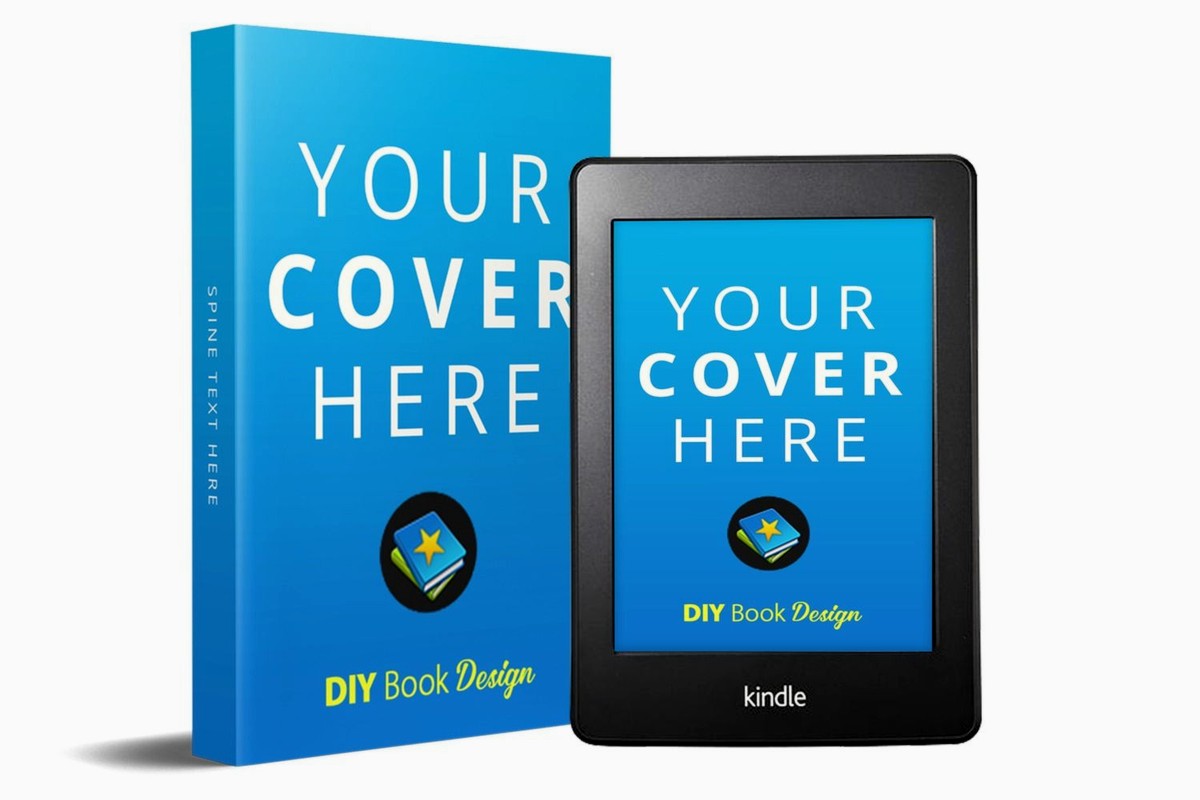
Oh and another thing – Dibbsz has paperback, hardcover, and ebook device mockups. The Kindle mockups are actually really good. Better than the book ones honestly.
BookBrush Changed My Workflow
Okay so BookBrush isn’t free but hear me out. It’s $9.99/month or something like that and I resisted it for months because “why pay when free tools exist” but then I actually tried it during a trial and… yeah.
The difference is customization. You can change backgrounds, add props (coffee cups, glasses, plants – the usual bookstagram stuff), adjust lighting, shadows, all of it. Plus they have 3D mockups AND flat lay mockups AND device mockups all in one place.
Here’s my actual workflow now: I create the base 3D mockup in BookBrush, then use their scene creator to put it in different settings. One cover design becomes like 10 different marketing images. For social media this is huge because you need variety or people scroll past.
The scene creator has templates but you can also build custom scenes. I made one with a desk setup that matches my actual office (my cat photobombed while I was taking reference photos which was… not helpful). Now all my promo images have consistent branding.
Wait I forgot to mention – BookBrush has iOS and Android apps. The mobile interface is actually better than desktop for quick edits. I’ve literally created promo graphics from my phone while waiting at the dentist.
Placeit For When You Need Volume
Placeit is owned by Envato and it’s subscription based – I think $14.95/month for unlimited downloads. The mockup library is MASSIVE. Like thousands of templates. Book mockups, yes, but also t-shirts, mugs, phone cases, all kinds of stuff.
For book covers specifically they’ve got probably 500+ different mockup scenes. Beach scenes, coffee shop scenes, library scenes, outdoor scenes. Some are super cheesy (woman laughing at book cover – you know the stock photo vibe) but others are genuinely useful.
The 3D rendering quality is top tier. Like these look REAL. The shadows and lighting are so good that I’ve had people ask where I got my books photographed professionally. Uh nowhere I made it on my laptop in 3 minutes.
Downside is it’s not as customizable as BookBrush. You pick a template, upload your cover, maybe adjust the cover angle slightly, and that’s it. But honestly for most Amazon sellers that’s enough? The templates are good enough you don’t need to fiddle with lighting.
The Free Alternative That’s Actually Good
Okay so this is gonna sound weird but Canva has 3D book mockup templates now. Not generated – they’re just templates where you replace the cover image. But they’re FREE if you have Canva Free, and if you’re already designing covers in Canva this keeps everything in one place.
Search “book mockup” in Canva templates and you’ll find maybe 50 options. The quality varies wildly. Some look great, some look like someone’s first Photoshop attempt. You gotta scroll and test.
The smart mockup feature in Canva Pro (which I have for other reasons) lets you upload your cover and it automatically warps it to fit 3D perspectives. Works surprisingly well for simple mockups. Not as good as dedicated tools but if you’re on a tight budget it’s totally usable.
Technical Stuff That Matters
Resolution is where people mess up constantly. Your source cover file should be at least 1600px on the shortest side. Most generators will accept up to 4000px but anything over that is overkill for digital use.
File format: PNG with transparent background if possible, or PNG/JPG with white background. Some tools get weird with PDFs even though technically they should work.
Spine width calculation – if you’re doing paperback mockups with visible spines, you need to know your spine width. KDP has a calculator but rough estimate: 100 pages = about 0.22″ spine width for white paper. The mockup tools usually have a spine width input field and if you get this wrong it looks fake.
The Workflow I Actually Use
Real talk – here’s what I do for every new book cover. Design flat cover in Canva or Affinity Designer. Export as PNG at 2400px wide. Upload to BookBrush first because that’s my main tool. Create the basic 3D mockup with neutral background.
Then I create variations: one with props for Instagram, one clean for Amazon listings, one with my branding elements for email newsletters. Export all of those.
Next I’ll grab 2-3 different templates from Placeit if I’m running ads because variety matters for testing. Different scenes perform differently with different audiences. My romance covers do better in cozy indoor scenes. Non-fiction does better with clean desk/workspace scenes.
Finally I’ll create a Kindle device mockup – either in BookBrush or sometimes Dibbsz if I want a specific device they have. The Kindle Paperwhite mockups convert really well on Amazon ads for some reason.
Total time: maybe 20 minutes for one cover to become 8-10 marketing images. Used to take me hours when I was trying to do this in Photoshop manually.
Mistakes I Made So You Don’t Have To
Don’t use the same mockup for everything. Amazon shoppers see the same 3D book angle on every single listing and it’s boring. Switch it up.
The super elaborate scenes with tons of props? They actually convert WORSE in my testing. People can’t see the cover details clearly. Simple works better for ads. Save the fancy stuff for social media where people aren’t in buying mode.
Watch your cover contrast against backgrounds. Light covers need darker backgrounds and vice versa. I had a pale blue cover that completely disappeared against BookBrush’s default white background. Switched to a gray background and suddenly you could actually see it.
Device mockups (Kindle, iPad, etc) work great for ebooks obviously but I also use them for paperback promotions sometimes. Shows the book is available in multiple formats without saying it explicitly.
Oh and this is important – check the licensing on whatever tool you use. Most allow commercial use but some free tools restrict it. Dibbsz is fine for commercial use. Canva free templates are fine. Some random mockup generators you find on Google? Read the terms because I’ve seen restrictions.
When To Actually Use These Things
Amazon product images – your main image should probably be flat cover but images 2-7 can include 3D mockups showing different angles. Helps the listing feel more premium.
Social media posts – 100%. A flat cover is boring. A 3D mockup in a scene gets more engagement. I’ve tested this extensively and mockups get like 30% more clicks.
Facebook/Amazon ads – split test flat vs 3D. For me 3D wins about 60% of the time but it depends on genre. Thriller readers seem to prefer dramatic 3D angles. Romance readers are split.
Email newsletters – mockups make your new release announcements look more professional. I use the same mockup across the announcement sequence for consistency.
Your author website – honestly most author websites could use better visuals. A grid of 3D book mockups looks way better than flat covers in a row.
The Tools I Don’t Recommend
There’s this one called Adazing that people mention and… it’s fine but clunky. The interface feels outdated and the mockups look kinda flat even though they’re supposed to be 3D.
Some Photoshop actions claim to create 3D mockups and technically they work but you need Photoshop skills to adjust them properly. If you’re comfortable with Photoshop just make your own mockups honestly.
Random websites offering “free 3D book mockup generator” are usually just trying to get your email for their list. The tools themselves are often buggy or super limited. Stick with known options.
Advanced Stuff If You’re Nerdy
Blender is free 3D software and you CAN create photorealistic book mockups from scratch if you’re willing to learn 3D modeling. I messed around with this for like two weeks and yeah the results are incredible but the time investment is insane unless you’re gonna use Blender for other stuff too.
There’s a middle ground – you can buy pre-made Blender book models on sites like Gumroad for like $10-20, then just swap in your cover texture. Still requires basic Blender knowledge but way faster than modeling from scratch.
I watched a YouTube tutorial on this at 2am one night (was binging some show and fell down a rabbit hole) and honestly it’s overkill for most Amazon publishers. The mockup generators are good enough.
But if you’re doing print marketing or need massive resolution for some reason, the Blender route gives you like 8K resolution exports. That’s the only real advantage.
Quick Comparison Chart In My Head
Dibbsz: free, limited customization, good enough quality. Best for: testing whether 3D mockups help your marketing before paying for anything.
BookBrush: paid but affordable, tons of customization, scene creator is killer. Best for: active publishers who need lots of marketing images.
Placeit: higher cost, massive template library, amazing quality. Best for: people who want variety without effort or those using mockups beyond just books.
Canva: free/cheap if you already have it, template based so hit or miss. Best for: beginners or people on super tight budgets.
The honest answer is I use BookBrush for 80% of stuff and Placeit when I need something specific they don’t have. Dibbsz I haven’t touched in months because the paid tools are worth it once you’re making money.
Your mileage will vary based on budget and needs but those are the actual tools working publishers use. Everything else is either too complicated or not good enough quality to bother with.
One last thing – don’t overthink this. A decent 3D mockup is way better than a perfect flat cover for most marketing purposes. Just pick a tool, make the mockup, test it, and move on. I wasted so much time in the beginning trying to make the PERFECT mockup when good enough would’ve gotten me sales faster.
DISCOVER OUR FREE BEST SELLING PRODUCTS
Editable Canva Lined Journal: Express Your Thoughts – KDP Template
Lined Pages Journal 120 pages Ready to Upload PDF Commercial Use KDP Template 6×9 8.5×11 5×8 for Notebooks, Diaries, Low Content
Lined Pages Journal 120 pages Ready to Upload PDF Commercial Use KDP Template 6×9 8.5×11 5×8 for Notebooks, Diaries, Low Content
Cute Dogs Coloring Book for Kids | Activity Book | KDP Ready-To-Upload
Daily Planner Diary : Diary Planners for Everyday Productivity, 120 pages, 6×9 Size | Amazon KDP Interior
Wolf Coloring KDP interior For Adults, Used as Low Content Book, PDF Template Ready To Upload COMMERCIAL Use 8.5×11"
Coloring Animals Head Book for Kids, Perfect for ages 2-4, 4-8 | 8.5×11 PDF
Printable Blank Comic Book Pages PDF : Create Your Own Comics – 3 Available Sizes
Notes KDP interior Ready To Upload, Sizes 8.5×11 6×9 5×8 inch PDF FILE Used as Amazon KDP Paperback Low Content Book, journal, Notebook, Planner, COMMERCIAL Use
Black Lined Journal: 120 Pages of Black Lined Paper Perfect for Journaling, KDP Notebook Template – 6×9
Student Planner Journal 120 pages Ready to Upload PDF Commercial Use KDP Template 6×9" 8.5×11" for Low Content book
Recipe Journal Template – Editable Recipe Book Template, 120 Pages – Amazon KDP Interior