
-
×
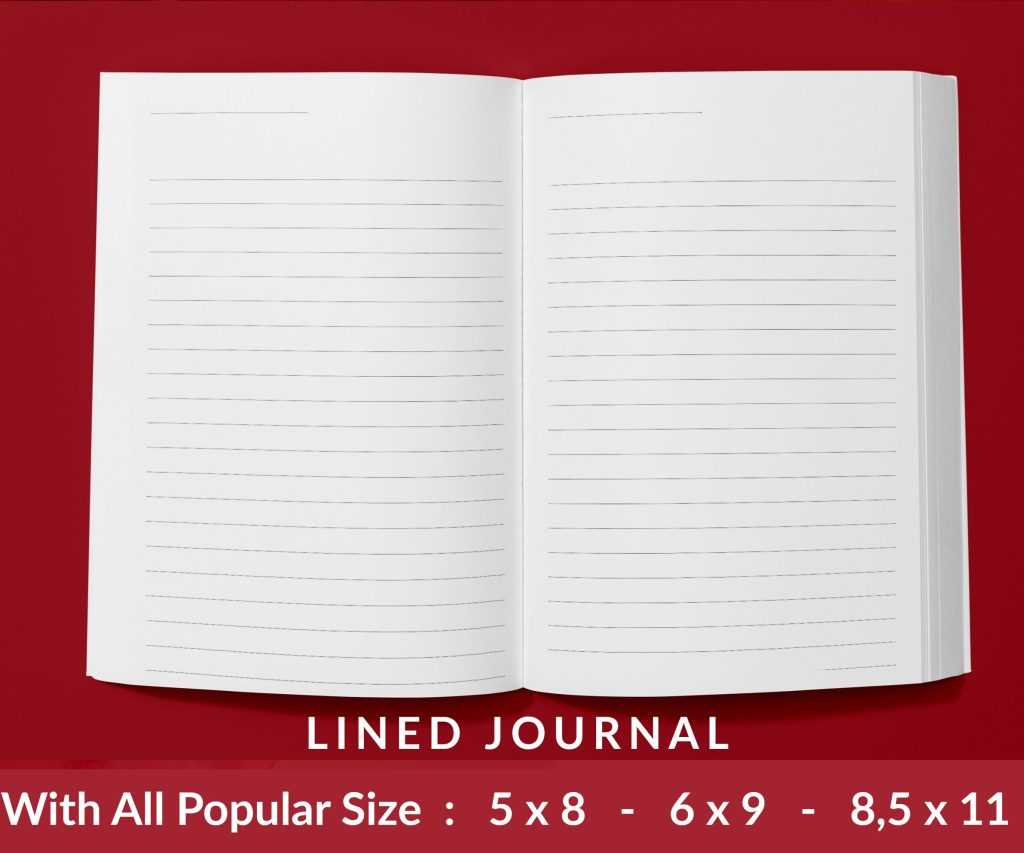 Lined Pages Journal 120 pages Ready to Upload PDF Commercial Use KDP Template 6x9 8.5x11 5x8 for Notebooks, Diaries, Low Content
1 × $0.00
Lined Pages Journal 120 pages Ready to Upload PDF Commercial Use KDP Template 6x9 8.5x11 5x8 for Notebooks, Diaries, Low Content
1 × $0.00
Subtotal: $0.00
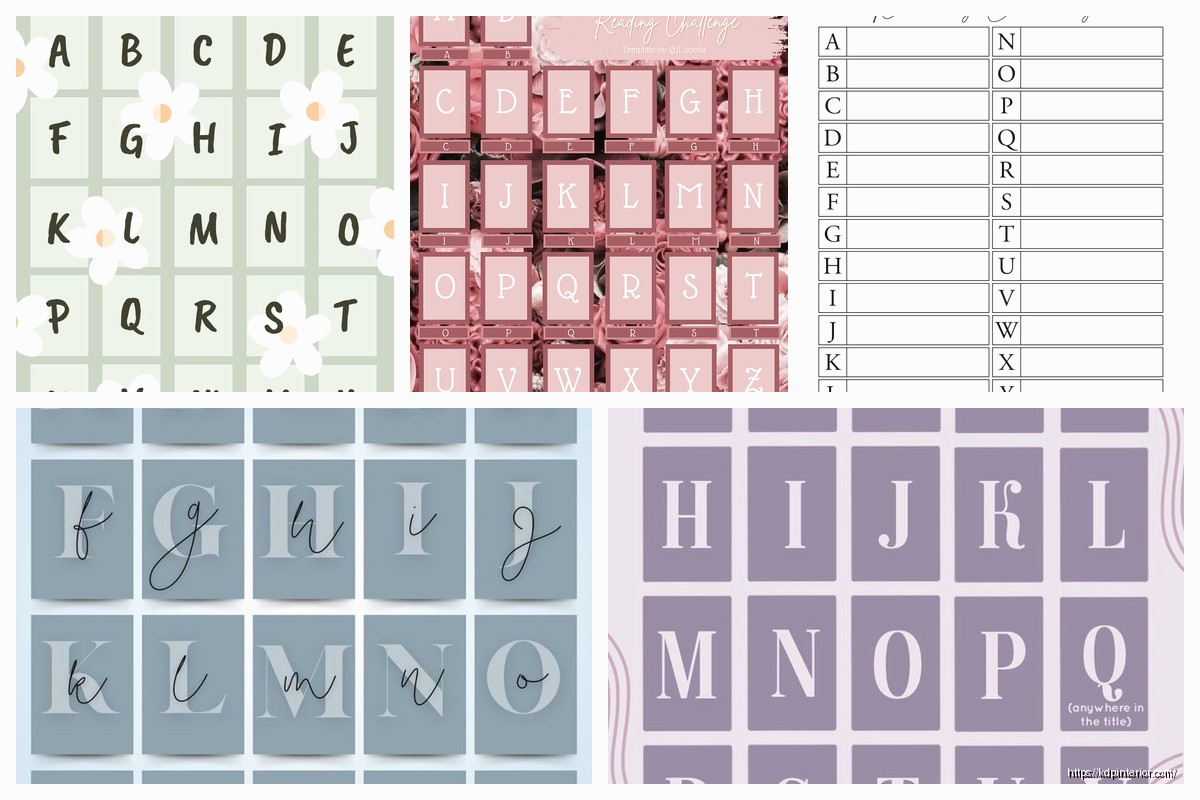
Okay so I just put together like three different alphabet challenge templates last month for my niece and honestly this whole thing is way simpler than people make it sound but there’s definitely a method that works better than just… winging it.
So here’s the deal with A to Z reading challenges – you need a tracking system that doesn’t feel like homework. I’ve tested this with probably 40+ different readers in my Facebook group and the ones who actually finish are using templates that have three core things: the alphabet list obviously, some kind of progress tracker, and flexible rules because life happens.
Start with a simple spreadsheet or you can just use a printable PDF if that’s your thing. I usually make mine in Google Sheets because then I can access it on my phone when I’m at the bookstore and can’t remember if I already read something for letter K. Column one is the letter, column two is the book title, column three is author, and then I add a date finished column because it feels satisfying to fill that in.
The letters that trip everyone up are Q X and Z obviously. Here’s what I tell people – you can use “The” or “A” if they’re the first word, or you can go by author last name instead of title. Like for X I read “The Xavier Chronicles” but my friend Sarah just read anything by Xóchitl González and called it done. There’s no alphabet police gonna come after you.
This is where people overthink it and then quit by March. Your rules need to be loose enough that you don’t feel trapped but structured enough that you’re actually challenging yourself.
I recommend setting a timeframe first – most people do a full year but I’ve seen 6-month challenges work great too especially if you’re a fast reader. Then decide if you’re doing fiction only, any genre, or including nonfiction. My template from last year was fiction-only because I read enough business books for work and needed this to feel fun.
Oh and another thing – decide upfront if rereads count. I say yes because sometimes you just need a comfort read and if “Anne of Green Gables” is your A book for the third time, whatever, it still counts. The point is reading more not making yourself miserable.
Wait I forgot to mention – you gotta decide on the title vs author thing before you start. I do title-based because it’s easier for me to remember books that way, but my sister does author last names and she says it’s opened her up to way more diverse authors she wouldn’t have found otherwise. Both work fine just pick one and stick with it.
So my current template has these sections and I’m just gonna break down what goes in each because this is what made the difference between finishing and giving up halfway through:
Letter Column: A through Z obviously but I also add a notes section next to tricky letters. Like next to Q I wrote “Quinn, Quest, Question, Quiet” just to give myself title word ideas when I’m stuck.
Book Title Column: Leave this blank to fill in as you go. Some people pre-plan their whole list but that’s never worked for me because then I feel locked in and resentful if something better comes along.
Author Column: This one’s important even if you’re doing title-based because it helps you track if you’re reading the same five authors over and over. I caught myself doing this around letter M last year.
Genre/Category: Optional but useful. I just put like “mystery” or “romance” or whatever so I can see if I’m getting variety. My cat knocked over my coffee on my original template and I had to remake it which is when I added this column actually.
Date Started and Date Finished: Two separate columns. The started date helps if you’re reading multiple books at once and need to remember which one you’re supposed to be prioritizing.
Rating: I do a simple 1-5 stars. Some people skip this but I like having it for end-of-year roundups.
Notes: Just a place for random thoughts. “Recommended by Jake” or “Too slow, DNF at 30%” or whatever.
This is separate from your main list and honestly it’s the most motivating part. I make a simple visual tracker – either checkboxes or a bar that fills in as you complete letters. Something about checking off that box hits different than just having a list.
I also track my monthly progress because if I get to April and only have 3 letters done I know I need to pick up the pace. The math is easy – 26 books in 12 months is about 2 books per month but some months you’ll read more and some less.
Okay so this is where it gets real. Q X and Z are obvious problems but also don’t sleep on U being weirdly hard. Here’s my cheat sheet that I wish someone had given me:
For Q – “The Queen’s Gambit” obviously, anything with Quest or Question in the title, or author last names like Quinn. There’s also “Quiet” by Susan Cain if you want nonfiction.
For U – “The Unhoneymooners” is popular, “Under the Dome” by Stephen King, “Unbroken” for nonfiction. Or go with authors like Uris or Updike.
For X – This is gonna sound weird but I just used “The Xavier Cold Case” and didn’t stress about it. You could also do “X-Men” comics if those count in your rules or anything by the author I mentioned earlier.
For Z – “The Zookeeper’s Wife” saved me. There’s also “Zone One” or if you’re into fantasy there’s several books with Zephyr in the title.
The trick with hard letters is to search them on Goodreads early so you have options ready when you get there. Don’t wait until you finish Y to figure out what you’re reading for Z.
I’ve tried both extensively because people always ask which is better. Honestly it depends on how you read most.
Digital templates work great if you’re using a Kindle or reading ebooks because everything’s already on your device. I use Google Sheets like I said and have it bookmarked on my phone. The advantage is you can add Goodreads links in there, sort your list different ways, and you can’t lose it. My friend lost her paper tracker at a coffee shop and had to recreate it from memory which was a whole thing.
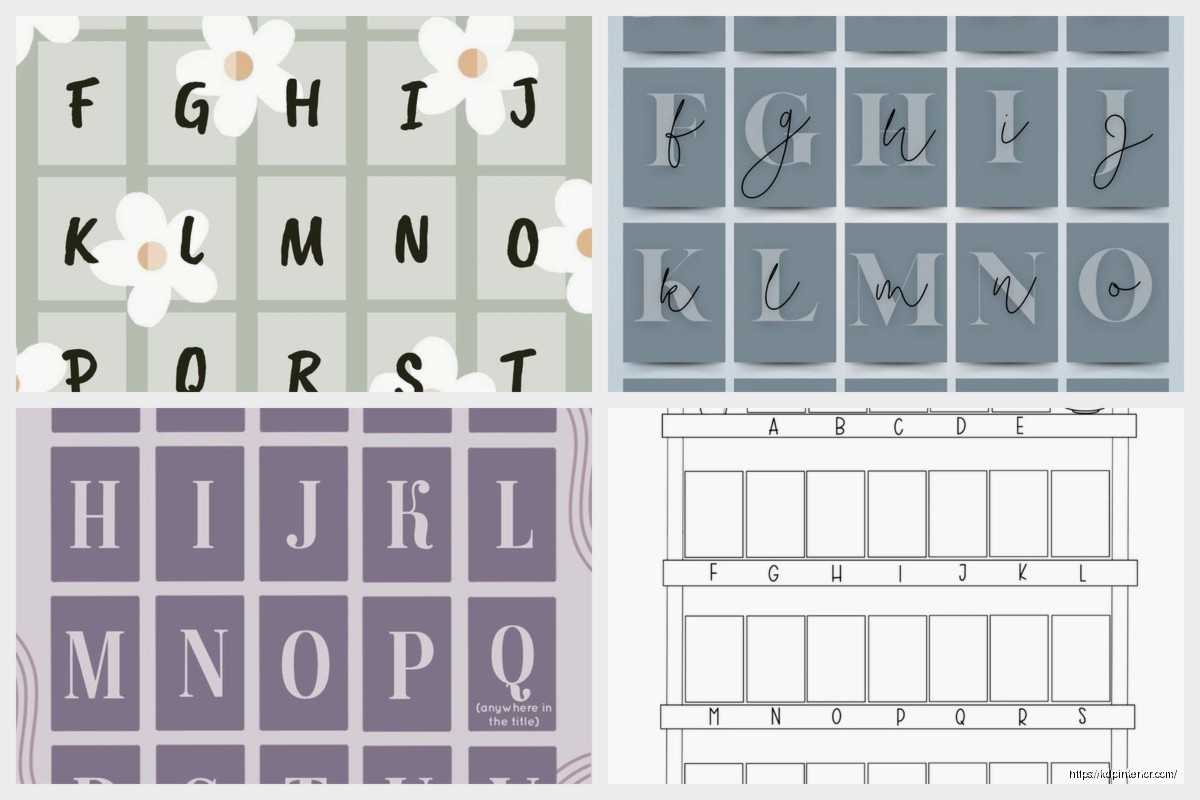
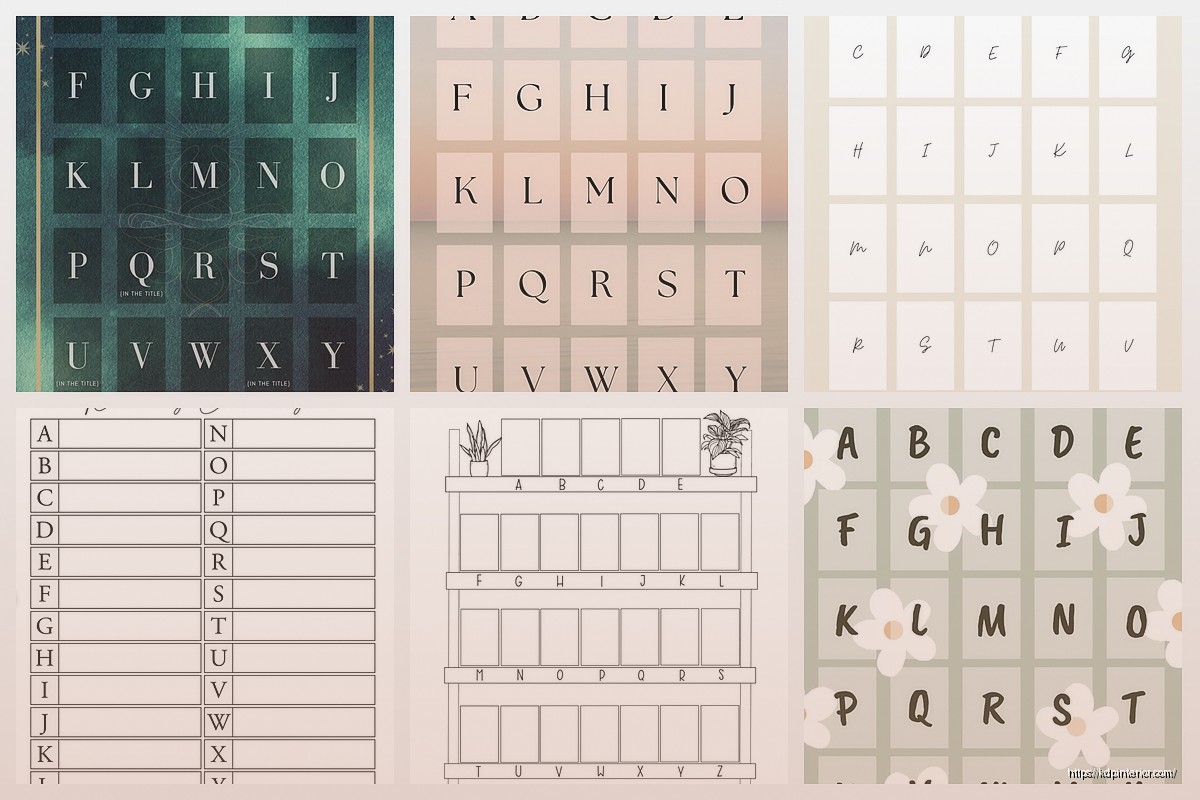
Physical printables though – there’s something satisfying about physically crossing off letters with a pen. I made a one-page version that’s just the alphabet in big letters with a line next to each for the book title. Super simple but effective if you’re a paper person. You can stick it in your planner or put it on your fridge or whatever.
Some people do both which seems excessive but hey if it works for you.
The basic template is fine but here’s modifications I’ve seen work really well:
Color coding by genre – Highlight mysteries in yellow, romance in pink, fantasy in blue, whatever. Makes it visual and helps you spot if you’re neglecting certain genres.
Add a “recommended by” column – This turned my challenge into more of a social thing because I was asking friends and family for suggestions. Made it less solitary.
Include a diversity tracker – Maybe that’s author gender, race, country of origin, whatever matters to you. I added this halfway through last year and it opened my eyes to how narrow my default reading was.
Mini challenges within the challenge – Like “read at least 5 books by debut authors” or “include 3 books published this year.” Gives you extra goals if you’re competitive with yourself.
Buddy system column – If you’re doing this with a friend, add a column showing what they read for each letter. Creates accountability and you can compare notes.
Don’t pre-fill your entire list on January 1st. I see people do this every year and they always end up frustrated because their reading mood changes or they hear about a better book and feel stuck.
Don’t make your rules too strict. If you decide only books published after 2020 count, you’re gonna have a bad time finding options for weird letters. Keep it flexible.
Don’t skip letters just because they’re hard. That’s literally the point of the challenge. If you skip Q X and Z you’re just doing a 23 book challenge which is fine but not the same thing.
Don’t forget to actually track your progress. I went like two months once just reading without updating my template and then couldn’t remember which book was supposed to be my E book versus my F book. Learn from my mistakes.
If you’re a mood reader like me, keep a running list of possibilities for each letter so you have options when you’re ready. I have like 5 potential Q books on my TBR and I’ll just pick whichever one sounds good when I get there.
If you read multiple books at once, you can be working on several letters simultaneously. Just track them separately so you don’t lose track.
If you mostly listen to audiobooks, this works exactly the same way. Title or author last name, doesn’t matter if it’s audio or print or ebook.
Wait I should mention – some people do themed alphabet challenges like “A to Z Mystery Authors” or “A to Z Fantasy Worlds” which is cool if you’re really into one genre. Makes finding books easier honestly.
The template I use most now is literally just a Google Sheet with those columns I mentioned earlier and a separate tab with my visual tracker. Nothing fancy. I spent like 10 minutes setting it up and it’s been working for three years now with minor tweaks.
Just start simple and add complexity only if you need it. Most people quit because they make it too complicated not because the challenge itself is too hard.
DISCOVER OUR FREE BEST SELLING PRODUCTS
Editable Canva Lined Journal: Express Your Thoughts – KDP Template
Lined Pages Journal 120 pages Ready to Upload PDF Commercial Use KDP Template 6×9 8.5×11 5×8 for Notebooks, Diaries, Low Content
Lined Pages Journal 120 pages Ready to Upload PDF Commercial Use KDP Template 6×9 8.5×11 5×8 for Notebooks, Diaries, Low Content
Cute Dogs Coloring Book for Kids | Activity Book | KDP Ready-To-Upload
Daily Planner Diary : Diary Planners for Everyday Productivity, 120 pages, 6×9 Size | Amazon KDP Interior
Wolf Coloring KDP interior For Adults, Used as Low Content Book, PDF Template Ready To Upload COMMERCIAL Use 8.5×11"
Coloring Animals Head Book for Kids, Perfect for ages 2-4, 4-8 | 8.5×11 PDF
Printable Blank Comic Book Pages PDF : Create Your Own Comics – 3 Available Sizes
Notes KDP interior Ready To Upload, Sizes 8.5×11 6×9 5×8 inch PDF FILE Used as Amazon KDP Paperback Low Content Book, journal, Notebook, Planner, COMMERCIAL Use
Black Lined Journal: 120 Pages of Black Lined Paper Perfect for Journaling, KDP Notebook Template – 6×9
Student Planner Journal 120 pages Ready to Upload PDF Commercial Use KDP Template 6×9" 8.5×11" for Low Content book
Recipe Journal Template – Editable Recipe Book Template, 120 Pages – Amazon KDP Interior