
Amazon KDP guide, KDP book publishing
Amazon Digital Book Publishing: Ebook & Print Bundle Strategy
Mar
Okay so the ebook plus print bundle thing is honestly one of my favorite strategies right now and I just set up three of these last month while binge-watching The Bear season 2, so this is super fresh in my head.
The basic concept is you’re not just uploading an ebook OR a paperback. You’re strategically linking them so Amazon shows both versions on the same product page, which is huge for conversions. When someone lands on your book page and sees they can grab the Kindle version for $2.99 or the paperback for $8.99, you’re capturing different buyer psychology. Some people just want digital, some people need that physical book for their shelf or whatever.
Here’s what most people screw up right away – they upload the ebook first, wait like three days, then upload the print version and expect Amazon to automatically link them. Sometimes it works, sometimes it doesn’t. I’ve had books sit unlinked for weeks and it kills your sales because you’re basically splitting your audience across two separate listings.
The Upload Sequence That Actually Works
Start with your print version first through KDP Print. I know this sounds backwards but trust me on this. Get your paperback fully published and live on Amazon. Wait until you can actually see it for sale with a real ASIN. Usually takes 24-48 hours after approval.
Your print file needs to be formatted differently than your ebook obviously. Margins matter here – I use 0.75 inches on the inside margin and 0.5 on the outside for a 6×9 trim size. Amazon’s gonna reject your file if you don’t have enough gutter space and I’ve wasted so many hours re-uploading because I rushed this part.
Once your paperback is live and you’ve got that ASIN, THEN upload your ebook version. When you’re filling out the ebook details, make sure your title, subtitle, and author name match EXACTLY what you used for the print version. Like character-for-character exact. If your paperback says “Guide to Container Gardening: Simple Methods for Small Spaces” and your ebook says “Guide to Container Gardening – Simple Methods for Small Spaces” with a dash instead of a colon, Amazon’s algorithm might not link them automatically.
The Metadata Matching Game
Amazon’s linking system is basically looking for identical metadata. Same ISBN? No wait, ebooks don’t use ISBNs, scratch that. But the title, author, publisher info – all that needs to match perfectly.
I usually keep a Google Doc open with my exact metadata copied so I can paste it identically for both versions. Sounds paranoid but I’ve seen books not link because of a random extra space somewhere.
Categories and keywords can be different between versions though. Actually I recommend making them slightly different to capture more search terms. Your ebook might target “kindle gardening books” while your paperback goes after “gardening books for beginners paperback” or something. You’re still getting both versions on the same page but you’re covering more ground in Amazon’s search.
Pricing Strategy for the Bundle
This is where it gets interesting and where I’ve tested a bunch of different approaches. The pricing gap between your ebook and print version matters more than you’d think.
If your ebook is $2.99 and your paperback is $25, that massive gap makes the ebook look like a bargain but it also makes the paperback seem overpriced. I’ve found the sweet spot is usually a $5-7 difference for most non-fiction books under 200 pages.
So like ebook at $4.99, paperback at $9.99 or $10.99. The paperback needs to cover your printing costs plus leave you some profit. Amazon charges you for printing based on page count and trim size – a 150-page book in 6×9 costs about $3.65 to print. Then Amazon takes their cut of the list price. Do the math backwards from what profit you want.
Oh and another thing – some people get obsessed with making the ebook $2.99 to hit that 70% royalty rate. That’s fine but honestly I’ve made more total revenue pricing at $4.99 or $5.99 with the 35% royalty rate because the higher price offsets the lower percentage. Test both for your niche though.
The Kindle Unlimited Factor
If you enroll your ebook in KDP Select for Kindle Unlimited, you’re gonna get page reads on top of sales. This is actually where the bundle strategy really pays off. Your KU readers might read your ebook, love it, then buy the paperback as a gift or reference copy. I’ve seen this happen more with planners, workbooks, recipe books – anything people want to physically interact with.
But remember KDP Select makes your ebook exclusive to Amazon for 90 days. Your print version can be distributed everywhere through like IngramSpark or wherever. So you could have your paperback on Barnes & Noble, your ebook exclusive on Amazon. It’s weird but totally allowed.
Making Sure They Actually Link
Okay so you’ve uploaded both versions with matching metadata. Now you wait. Check back in 24-48 hours and look at your book’s Amazon page. Scroll down to where it says “Available formats” or whatever – you should see both Kindle and Paperback listed there with their respective prices.
If they don’t link automatically within 72 hours, you gotta contact KDP support. I’ve done this probably a dozen times. Just open a support case, give them both ASINs, and ask them to link the editions. They usually do it within a day or two.
Wait I forgot to mention – sometimes they link but the pricing looks weird or one version doesn’t show up prominently. That’s usually a cache thing on Amazon’s end. Clear your browser cache or check in an incognito window to see what customers actually see.
The Actual File Format Differences
Your print interior needs to be a PDF obviously. I export mine from Microsoft Word or use Vellum if I’m feeling fancy. Vellum costs like $250 but it makes both versions super easy – you design once and export for ebook and print separately.
For ebooks you want EPUB or MOBI or just upload a Word doc and let Amazon convert it. The formatting is way simpler. No page numbers, no headers, no footers. Just chapter titles and body text basically. Images need to be lower resolution for ebook files – I use 72 DPI for ebooks versus 300 DPI for print.
One thing that messed me up early on was trying to make my ebook look exactly like my print book. Don’t do that. Ebook readers resize text, change fonts, read on different devices. Your ebook needs to be flexible. Your print book is fixed.
Cover Design for Both Versions
Your ebook only needs a front cover. Just that flat 2D image – I do mine at 2560 x 1600 pixels which is Amazon’s recommended ratio. Make sure your title is readable at thumbnail size because that’s how most people will see it in search results.
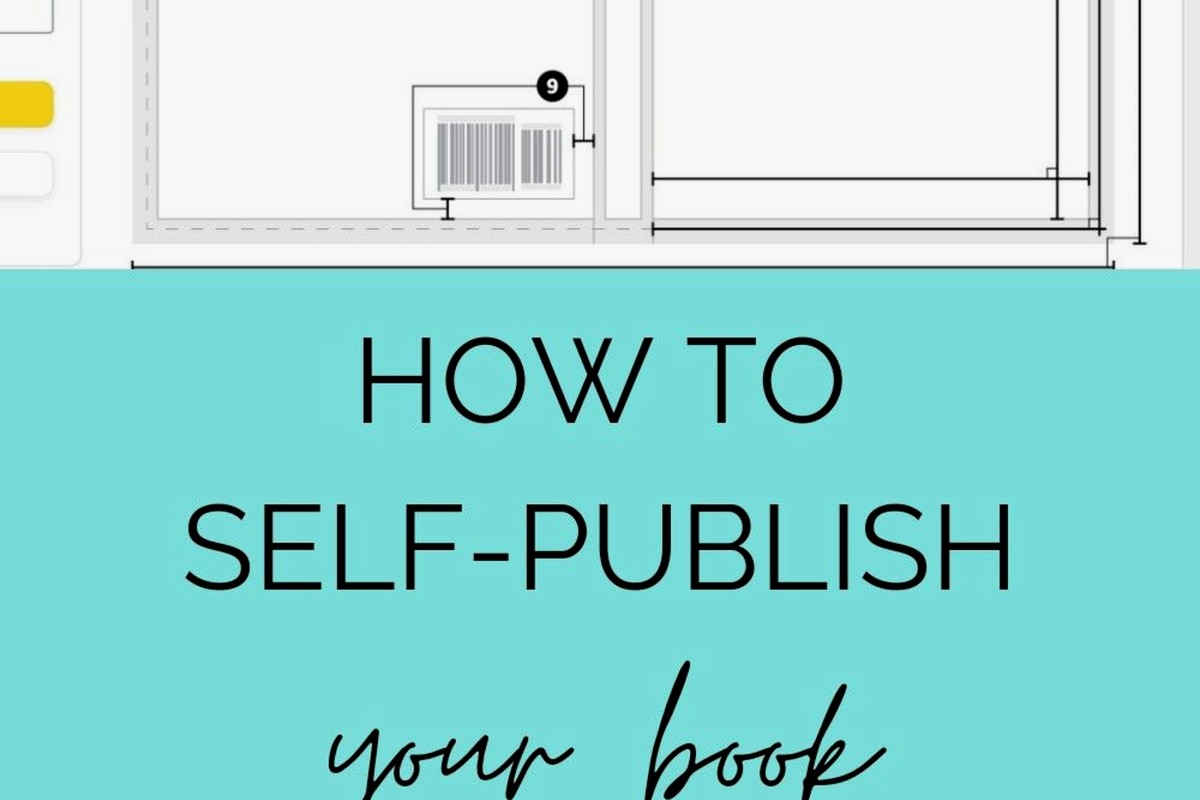
Print covers are a whole different beast. You need a full wrap – front cover, spine, back cover. Amazon’s Cover Creator tool can do this automatically if you give it your front cover image, but honestly those templates look kinda generic. I use Creative Fabrica or pay someone on Fiverr like $25 to design a proper print wrap.
The spine width changes based on your page count. Amazon’s cover calculator tells you the exact dimensions. A 150-page book in 6×9 with cream paper has a different spine width than the same book with white paper. It’s annoying but you gotta get it exact or Amazon rejects it.
My dog just knocked over my coffee cup but anyway – make sure your back cover has your book description, maybe an author bio, and a barcode area in the lower right. Amazon auto-generates the barcode but you need to leave space for it.
Marketing the Bundle
Once both versions are live and linked, your marketing gets easier because you’re driving traffic to one page that offers both options. When I run Amazon ads, I’m advertising the ebook but people who prefer print can still buy from that same page.
Facebook ads work great for this too. You can say something like “Available in Kindle and Paperback” in your ad copy. Captures both audiences.
Some people do launch strategies where they price the ebook at 99 cents for the first week to get reviews and sales velocity, then raise it to normal price. The paperback stays at regular price the whole time. That initial momentum from the cheap ebook can boost your ranking which helps the paperback too since they share a page.
Content Considerations
I gotta mention this because I see people mess it up – your ebook and print book should have identical content. Same chapters, same information. If you add extra chapters to one version, Amazon might unlink them or customers will leave bad reviews saying the versions don’t match.
Only difference I ever do is maybe the print version has a clickable table of contents at the front and the ebook has a linked TOC in the menu. But the actual content chapters are identical.
For workbooks or journals though, this changes. Sometimes your ebook is a PDF with fillable fields and your print version is a physical workbook. Those are different enough that you might market them differently even though they’re technically the same product.
International Marketplaces
Oh and another thing – when you publish on Amazon.com, you can also distribute to UK, Germany, France, all the other Amazon marketplaces. Both your ebook and print versions. The linking should carry over to those marketplaces but sometimes it doesn’t and you gotta contact support for each marketplace separately. It’s tedious but worth it because you’re getting sales from customers you wouldn’t have reached otherwise.
Pricing gets weird internationally. Amazon converts your USD price to pounds or euros but it’s not always a direct conversion. Sometimes your $4.99 ebook shows up as £4.99 in the UK which is actually more expensive. You can set custom prices for each marketplace if you want more control.
The Long-Term Bundle Strategy
After your books been live for a few months, you’ll start seeing patterns in which version sells better. For most of my non-fiction books, ebook sales are like 70-80% of total sales. But that 20-30% from paperback adds up, plus the paperback has a higher royalty per unit even though it sells fewer copies.
Some niches are way more print-heavy though. Cookbooks, coloring books, anything visual or interactive. People want the physical version. So maybe in those niches your split is 50/50 or even heavier toward print.
Use this data to adjust your marketing. If your paperback is selling way better than expected, maybe invest in better print cover design or run ads specifically mentioning the paperback. If ebook is dominating, focus on Kindle Unlimited and ebook promos.
One random thing I discovered – when your book gets reviews, they apply to both versions. So a customer who bought the paperback leaves a review, and that review shows up on the ebook version too and vice versa. This is huge for building social proof faster than if you had separate listings.
The bundle strategy basically compounds your success. More visibility, more reviews, more sales across both formats. It’s not complicated once you get the upload sequence right and make sure everything links properly. Just takes a bit of upfront planning and attention to detail with your metadata.
DISCOVER OUR FREE BEST SELLING PRODUCTS
Editable Canva Lined Journal: Express Your Thoughts – KDP Template
Lined Pages Journal 120 pages Ready to Upload PDF Commercial Use KDP Template 6×9 8.5×11 5×8 for Notebooks, Diaries, Low Content
Lined Pages Journal 120 pages Ready to Upload PDF Commercial Use KDP Template 6×9 8.5×11 5×8 for Notebooks, Diaries, Low Content
Cute Dogs Coloring Book for Kids | Activity Book | KDP Ready-To-Upload
Daily Planner Diary : Diary Planners for Everyday Productivity, 120 pages, 6×9 Size | Amazon KDP Interior
Wolf Coloring KDP interior For Adults, Used as Low Content Book, PDF Template Ready To Upload COMMERCIAL Use 8.5×11"
Coloring Animals Head Book for Kids, Perfect for ages 2-4, 4-8 | 8.5×11 PDF
Printable Blank Comic Book Pages PDF : Create Your Own Comics – 3 Available Sizes
Notes KDP interior Ready To Upload, Sizes 8.5×11 6×9 5×8 inch PDF FILE Used as Amazon KDP Paperback Low Content Book, journal, Notebook, Planner, COMMERCIAL Use
Black Lined Journal: 120 Pages of Black Lined Paper Perfect for Journaling, KDP Notebook Template – 6×9
Student Planner Journal 120 pages Ready to Upload PDF Commercial Use KDP Template 6×9" 8.5×11" for Low Content book
Recipe Journal Template – Editable Recipe Book Template, 120 Pages – Amazon KDP Interior