
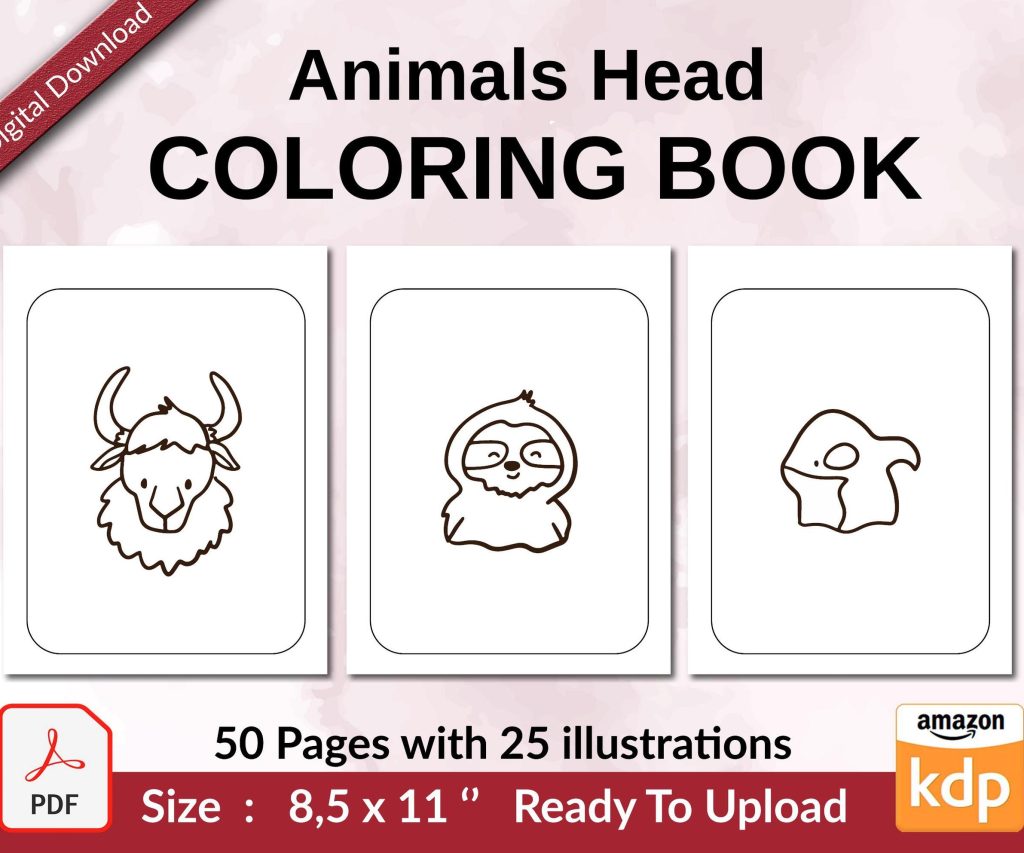
 Coloring Animals Head Book for Kids, Perfect for ages 2-4, 4-8 | 8.5x11 PDF
 Subtotal: $0.00
Amazon KDP guide, KDP book publishing
Amazon Independent Publishing: Retain Full Rights Guide
24
May
May
Okay so here’s the thing about publishing on Amazon and keeping your rights – it’s actually way simpler than people make it sound but there’s some stuff you gotta watch out for.
KDP Doesn’t Own Your Work
When you publish through KDP (Kindle Direct Publishing), Amazon doesn’t own your book. Like at all. You keep full copyright, which is honestly one of the best parts of self-publishing. I remember when I first started back in 2016, I was paranoid about this and spent like three hours reading the terms of service while my cat kept walking across my keyboard. But yeah, the TOS is pretty clear – you grant Amazon the right to sell your book, but you own it.
The confusion usually comes from KDP Select, which is a completely different beast and we’ll get to that in a sec.
Non-Exclusive vs Exclusive Publishing
So when you upload a book to KDP, you’ve got two main paths. The standard route is non-exclusive – you can sell your book anywhere you want. Draft2Digital, Apple Books, your own website, wherever. Amazon just gets to sell it too. You keep all your rights, publish on 47 platforms if you want, nobody cares.
But then there’s KDP Select, and this is where people get tripped up. If you enroll in Select, you’re giving Amazon exclusivity for ebooks. Just ebooks though – your paperback and hardcover can still go anywhere. The exclusivity period is 90 days and auto-renews unless you opt out.
What KDP Select Actually Means
I’ve got probably 60 books in Select right now and another 140 that aren’t. Here’s what you’re trading when you go exclusive:
- You can’t sell the ebook version anywhere else – not even on your own site
- You can’t give it away for free elsewhere
- You get access to Kindle Unlimited and the KDP Select Global Fund
- You can run better promotions (free days, countdown deals)
- You get paid when people read your book through KU
The exclusivity only applies to digital versions in the same language. So like, if you publish an English ebook in Select, you can still publish a Spanish translation anywhere you want. And your print books? Totally free to distribute however.
Why Most of My Books Stay Out of Select
Okay so this is gonna sound weird but I actually prefer keeping most stuff out of Select these days. Early on, KU was amazing for visibility. Like, I had this low-content book about meal planning that made $8k in one month mostly from page reads. But the per-page rate keeps dropping, and for certain niches, going wide just makes more sense.
Wide publishing means you’re on multiple platforms. My coloring books do way better on Apple Books than Amazon sometimes. Recipe journals sell great on my Shopify store. If I’d locked everything into Select, I would’ve missed out on probably $40k over the last two years.
Wait I forgot to mention – you can test both strategies. Some authors put new releases in Select for the first 90 days to get that KU boost, then go wide after. I do this sometimes with ebooks that have actual content. Low-content books I usually keep wide from day one because the KU payout for a 100-page journal is pretty terrible.
Getting Out of KDP Select
If you’re in Select and want out, you gotta turn off auto-renewal before your 90-day period ends. Amazon makes you do this at least 5 days before the renewal date, which I’ve definitely forgotten and locked myself in for another 90 days like four times. Set a calendar reminder.
Once you’re out, you can immediately publish elsewhere. Your book doesn’t disappear from Amazon or anything – it just becomes non-exclusive.
Print Books and Rights
Print is automatically non-exclusive on KDP. Always has been. You can print with IngramSpark, use your own printer, sell copies at events, whatever. Amazon doesn’t care because they’re only printing on-demand for orders through their platform.
I use both KDP Print and IngramSpark for different books. KDP is easier and faster, but IngramSpark gets you into bookstores and libraries easier. Sometimes I upload the same book to both, which is totally allowed since there’s no exclusivity.
Expanded Distribution Is Kinda Useless Though
KDP has this thing called Expanded Distribution for paperbacks where they’ll supposedly get your book into bookstores and libraries. I’ve had it enabled on like 30 books and have never seen a single sale from it. The royalty rate drops to basically nothing, and bookstores don’t actually order from it. Just… don’t bother unless you really want to check that box.
What You’re Actually Agreeing To
When you publish on KDP, here’s what you’re giving Amazon:
- The right to sell your book
- The right to format it for different Kindle devices
- The right to use your book’s metadata and cover in their marketing
- The right to set prices during promotions (if you agree to their promotional programs)
What you’re NOT giving them:
- Copyright ownership
- Movie rights (lol but yeah, those stay with you)
- Audio rights
- Translation rights
- The right to edit your content
Oh and another thing – Amazon can terminate your account if you violate TOS, but you still own your books. You just can’t sell them on Amazon anymore. I know someone who got banned for review manipulation and she just moved everything to other platforms. Still owns all her content.
ACX and Audible Rights
Okay so if you do audiobooks through ACX (Amazon’s audiobook platform), there’s a similar exclusive vs non-exclusive choice. ACX exclusive gives you higher royalties but locks your audiobook to Audible/Amazon/iTunes for 7 years. Seven years! That’s way longer than the 90-day ebook thing.
I’ve done both. My planner books obviously don’t go audio, but I’ve got a few actual books that I tested on ACX. The exclusive royalty rate is 40%, non-exclusive is 25%. Sounds like a big difference until you realize Findaway Voices (now Spotify-owned) can get you on like 40 retailers and you keep way more control.
Honestly unless you’re gonna sell thousands of audiobook copies through Audible specifically, go non-exclusive. You can always change your mind with the next book.
Protecting Your Rights Outside Amazon
Real talk – register your copyright with the US Copyright Office if your book is making real money. It costs like $65 and takes forever to process, but it matters if you ever need to sue someone for infringement. I didn’t do this for my first 50 books and nothing bad happened, but now I register anything that makes over $500.
Put a copyright page in your book. Mine says:
Copyright © 2024 by Daniel Harper. All rights reserved. No part of this publication may be reproduced, distributed, or transmitted in any form without prior written permission.
Does this actually stop people from stealing your content? Not really. But it’s there. I’ve had people rip off my low-content book interiors and there’s honestly not much you can do unless you wanna spend thousands on lawyers. Amazon’s Content Dispute process is slow and annoying.
ISBNs and Ownership
This confuses people constantly. If you use Amazon’s free ISBN, they’re listed as the publisher of record. If you buy your own ISBN from Bowker ($125 for one, $295 for ten), you’re listed as publisher. Either way, you still own the copyright to your content.
The free ISBN only matters if you care about being listed as the publisher in industry databases. For most self-publishers, it doesn’t matter. I use free ISBNs for KDP-only print books and my own ISBNs for books I’m distributing wide. Saves money.
Wait I should mention – ebooks don’t need ISBNs on Amazon. Amazon assigns an ASIN instead. You only need ISBNs if you’re going to other ebook retailers, and even then, some platforms like Draft2Digital will give you free ones.
One ISBN Per Format
Each format needs its own ISBN if you’re buying them. Ebook, paperback, hardcover, large print – all separate. This is why people buy the 10-pack from Bowker. I went through my first 10 ISBNs in like 8 months when I was testing different trim sizes of the same planner.
Making Changes After Publishing
You can update your books anytime on KDP without losing your reviews or sales rank. I update interiors constantly – fixing typos, improving layouts, whatever. Just upload the new file. If you’re in Select, you’re still in Select. If you’re wide, you’re still wide.
Amazon reviews the changes, which usually takes 12-72 hours. During that time, your book might show as unavailable. This used to stress me out but honestly, I’ve never noticed a sales impact from those couple days.
Oh and if you wanna pull your book completely, you can unpublish anytime. Your rights come back to you immediately (or after the Select period ends if you’re in that).
Selling Direct While on Amazon
If you’re NOT in KDP Select, you can sell your ebook directly to readers. I use Payhip for this sometimes. You get to keep like 95% of the sale instead of 35-70%. The trick is marketing it – most people just buy on Amazon because it’s easier.
Print books you can always sell direct since there’s no exclusivity. I’ve done book signings where I bought author copies from KDP at cost and sold them for full price. Made way more per book than the royalty would’ve been.
Traditional Publishing vs Self-Publishing Rights
Just for comparison – if you go with a traditional publisher, you’re signing away rights. Usually they want print, ebook, and audio for the full copyright term (your life plus 70 years). Some contracts are better than others, but you’re definitely giving up control.
That’s why even though I’ve had a few publishers reach out about some of my better-performing books, I’ve never taken the deals. I make more keeping everything myself, and I don’t have to ask permission to run a sale or update my cover.
The Actual Risks to Watch For
- Don’t use content you don’t have rights to – stock photos need proper licenses, PLR content needs to allow Amazon publishing, ghostwritten content needs a clear contract
- Public domain stuff is fine but make sure it’s actually public domain – I almost published a “public domain” book that turned out to still be under copyright in the US
- If you’re using a pen name, you still own the rights but keep records of which name published what
- Watch out for scammers offering “publishing deals” that are actually rights grabs
I’m watching this show Severance while writing this and just got distracted for like 10 minutes, but anyway – the main thing is KDP’s agreement is actually pretty fair compared to most platforms. You’re renting shelf space, not selling your book to them.
Most authors never have rights issues with Amazon. The problems usually come from not understanding Select exclusivity or from using content they didn’t have rights to in the first place. Read the terms when you enroll in any program, set reminders for renewal dates, and keep your own records of what’s published where.
If you’re ever unsure about something, the KDP forums are actually helpful, and their support team responds within a day usually. I’ve emailed them probably 200 times over the years with weird questions and they’ve always clarified stuff.
DISCOVER OUR FREE BEST SELLING PRODUCTS
Editable Canva Lined Journal: Express Your Thoughts – KDP Template
Lined Pages Journal 120 pages Ready to Upload PDF Commercial Use KDP Template 6×9 8.5×11 5×8 for Notebooks, Diaries, Low Content
Lined Pages Journal 120 pages Ready to Upload PDF Commercial Use KDP Template 6×9 8.5×11 5×8 for Notebooks, Diaries, Low Content
Cute Dogs Coloring Book for Kids | Activity Book | KDP Ready-To-Upload
Daily Planner Diary : Diary Planners for Everyday Productivity, 120 pages, 6×9 Size | Amazon KDP Interior
Wolf Coloring KDP interior For Adults, Used as Low Content Book, PDF Template Ready To Upload COMMERCIAL Use 8.5×11"
Coloring Animals Head Book for Kids, Perfect for ages 2-4, 4-8 | 8.5×11 PDF
Printable Blank Comic Book Pages PDF : Create Your Own Comics – 3 Available Sizes
Notes KDP interior Ready To Upload, Sizes 8.5×11 6×9 5×8 inch PDF FILE Used as Amazon KDP Paperback Low Content Book, journal, Notebook, Planner, COMMERCIAL Use
Black Lined Journal: 120 Pages of Black Lined Paper Perfect for Journaling, KDP Notebook Template – 6×9
Student Planner Journal 120 pages Ready to Upload PDF Commercial Use KDP Template 6×9" 8.5×11" for Low Content book
Recipe Journal Template – Editable Recipe Book Template, 120 Pages – Amazon KDP Interior