-
×
 Daily Planner Diary : Diary Planners for Everyday Productivity, 120 pages, 6×9 Size | Amazon KDP Interior
1 × $0.00
Daily Planner Diary : Diary Planners for Everyday Productivity, 120 pages, 6×9 Size | Amazon KDP Interior
1 × $0.00
Subtotal: $0.00
 Daily Planner Diary : Diary Planners for Everyday Productivity, 120 pages, 6×9 Size | Amazon KDP Interior
1 × $0.00
Daily Planner Diary : Diary Planners for Everyday Productivity, 120 pages, 6×9 Size | Amazon KDP Interior
1 × $0.00 Subtotal: $0.00
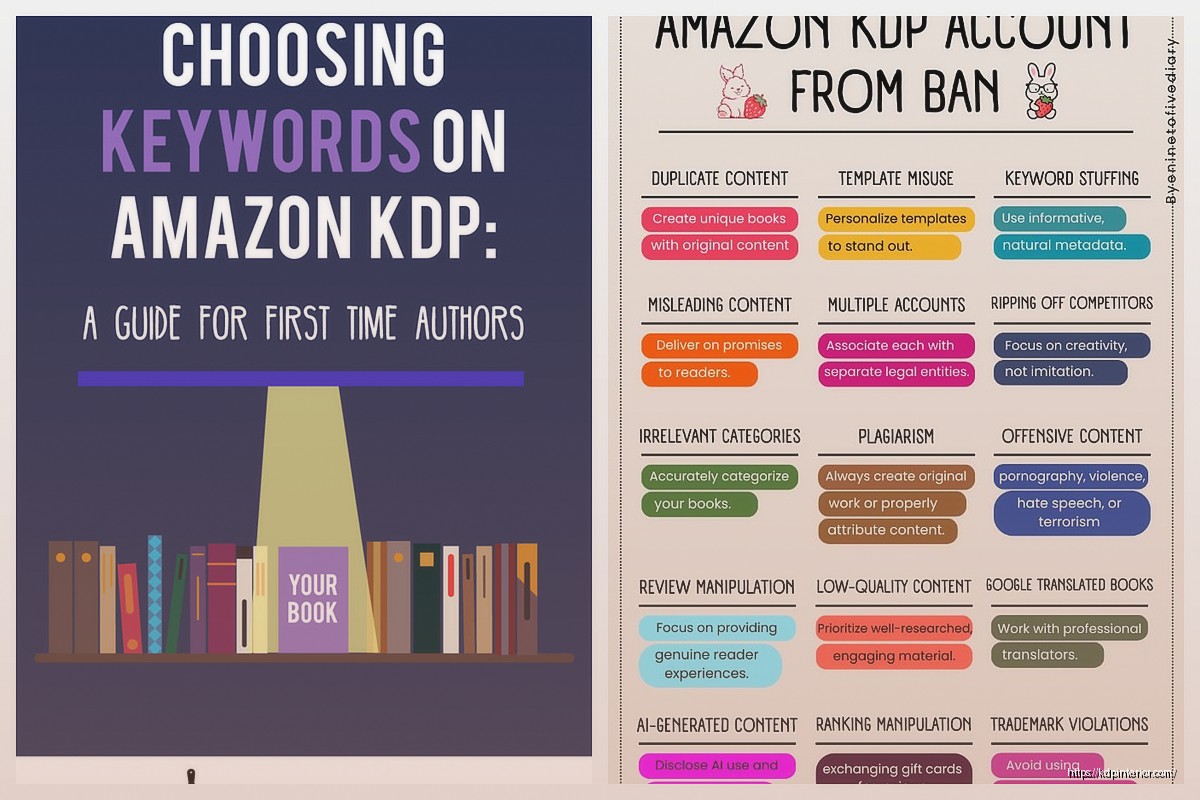
Okay so I just helped someone launch their third KDP book last week and realized I should probably write down everything that actually works in 2026 because the landscape has changed a lot even from like 18 months ago.
First thing – don’t overthink the account setup but also don’t rush it. You need your tax info ready, which means either your SSN if you’re in the US or you’ll fill out a W-8BEN form if you’re international. The tax interview seems scary but just answer honestly. I messed mine up the first time because I was watching Succession and not paying attention, had to redo the whole thing.
Your bank account info needs to be exact. Like character-for-character exact. I’ve seen people wait months for payments because they transposed two numbers. Amazon pays via direct deposit now which is way better than the check system they used to have.
Here’s where most people waste weeks. They either pick something too broad like “journals” or too narrow like “left-handed gardening journals for people born in March.” You want that middle ground.
I use a combination of Amazon’s own search bar and looking at what’s actually selling in the top 100 of categories. The autocomplete suggestions Amazon gives you? Those are real searches from real people. Type “log book for” and see what comes up. That’s free market research right there.
Best Seller Rank is your friend but not in the way you think. You don’t need to rank #1 in Books – that’s impossible and also not profitable because those are like Harry Potter and stuff. You want to find subcategories where the #10 book has a BSR of around 50,000 to 200,000. That means there’s actual sales happening but not insane competition.
Oh and another thing – check the review counts. If every book in the top 20 has 500+ reviews, you’re probably too late to that party. Look for niches where the top books have maybe 20-100 reviews. That’s your sweet spot.
So this is gonna sound weird but the best-selling books aren’t always the prettiest ones. They’re the most useful ones. I spent like two weeks making this gorgeous watercolor planner interior and it sold maybe 30 copies. Then I made a super simple habit tracker with just black lines and boxes – did 300 copies the first month.
For low-content books, you can use Canva, Adobe InDesign, or even Google Slides if you’re just starting. I started with PowerPoint honestly. The key is your margins and bleed. Amazon needs:
Your interior file needs to be a PDF. Not a Word doc, not a JPEG – a PDF. And it needs to be the exact page count you’re uploading. Amazon will reject it if your file says 120 pages but you selected 100 in the setup.
For covers, you gotta use their cover calculator template. Download it for your specific trim size and page count. I cannot stress this enough – don’t eyeball it. I wasted like $50 on proof copies before I learned this lesson. Your spine width changes based on page count and paper type so that calculator is essential.
Amazon’s gotten stricter about quality. They’ll reject books that are too simple or look like you just changed a few words from someone else’s book. Your content needs to have actual value. For journals and planners this means thoughtful layouts, not just 100 pages of the same template repeated.
For ebooks with actual text content, use Vellum if you can afford it or Reedsy’s free book editor. Format matters more than people think. Nobody wants to read a 300-page ebook with no chapter breaks or weird spacing.
You get seven keyword phrases. Not seven words – seven phrases of multiple words. This is huge. Most beginners waste them on single words like “planner” or “journal” when they should be using “daily planner for productivity” or “guided journal for anxiety relief.”
Use all the characters Amazon gives you. If they allow 50 characters per keyword phrase, use close to 50. “Budget planner workbook for debt payoff and financial goals” is way better than just “budget book.”
Wait I forgot to mention – research your competitors’ keywords using the Amazon search bar trick. Look at what shows up in the “customers who bought this also bought” section. Those books are in your competitive set so check their titles and subtitles for keyword ideas.
Categories are tricky now because Amazon changed how you select them. You pick two during upload but you can contact KDP support to add up to eight more. Do this. Email them with your ASIN and the exact category paths you want. They usually respond within 24 hours.
The category paths aren’t obvious from the website. You need to browse around and write down the exact hierarchy like “Books > Self-Help > Journaling > Gratitude” – give them that full path.
Paperbacks need different pricing than ebooks. Your royalty options are:
For a 120-page paperback with cream paper, your printing cost is roughly $2.50-$3.00 depending on trim size. If you price it at $9.99, you’ll make about $3-4 per sale. Price it at $6.99 and you’re making maybe $1.50. The math matters.
I usually price my low-content paperbacks between $7.99 and $12.99. My ebooks are almost always $2.99 or $4.99 to get that 70% royalty. Some people do the $0.99 strategy to rank faster but then you’re making pennies per sale.
Amazon offers expanded distribution which puts your book in other retailers and libraries. Sounds great except your royalty drops to like 40% and you lose control over pricing. I only use it for books that are already selling well on Amazon. Not worth it for new releases.
You don’t need a massive ad budget on day one. Actually you shouldn’t run ads on day one because you have no data yet. Here’s what I do:
Tell everyone you know. Like actually tell them. Post on your socials if you have any following at all. Join Facebook groups related to your niche and participate genuinely – don’t just spam your link but mention it when relevant.
Price your book slightly lower for the first week to get those initial sales and reviews. Not dirt cheap, but competitive. If similar books are $9.99, maybe launch at $8.99.
Your book description needs to sell the book. Use HTML formatting – yes you can use basic HTML in the description box. Bold your key benefits, use bullet points, create visual breaks. Most people just dump a paragraph and wonder why nobody buys.
The first three lines of your description are what shows before “read more” on mobile. Make them count.
Amazon’s strict about reviews now. You can’t offer free copies in exchange for reviews anymore. You can’t review your own books (they track this by address and payment methods). So what works?
Include a page at the end of your book asking for an honest review. Simple, straightforward, no manipulation. Maybe 3-5% of readers will actually do it but that’s normal.
Amazon Vine is available once you register your brand through Brand Registry. It costs $200 per ASIN but you get up to 30 reviews from verified Vine reviewers. I only do this for books I’m confident in because $200 is a risk.
Early Reviewer Program doesn’t exist anymore but sometimes Amazon automatically selects books for their request a review button. You can’t control this.
Okay so Amazon PPC has gotten more expensive but also more sophisticated. You’ve got Sponsored Products which is the main one for books. You bid on keywords and your book shows up in search results and on product pages.
Start with automatic campaigns. Let Amazon figure out what works for like two weeks. Set your daily budget to something you can afford to lose – maybe $5-10 per day. Your ACoS (advertising cost of sale) should be under 50% ideally but for new books you might run higher initially.
After you have data, create manual campaigns with the keywords that actually converted. Bid higher on those. Pause the ones that got clicks but no sales after spending like $5-10 on them.
Product targeting is underrated. You can target specific ASINs – meaning your ad shows on your competitors’ book pages. Find books similar to yours that are selling well and target them. Sometimes this works better than keyword targeting.
I usually let my ads run at a small budget indefinitely once I find what works. Like I’ve got books from 2022 still running $3/day in ads making $15-20/day in sales.
If you spend $50 on ads and get zero sales, your listing has problems. Either your cover isn’t appealing, your price is wrong, your description doesn’t sell it, or your reviews are bad. Fix those before throwing more money at ads. My cat walked across my keyboard while I was analyzing ad data once and somehow paused all my campaigns – took me three days to figure out why sales dropped.
Amazon holds your first payment for like 60 days. Plan for this. You won’t see money immediately.
Your book can be suppressed or blocked if someone reports it for content issues, even if you didn’t do anything wrong. This happened to my coloring book because someone claimed it was “duplicate content” even though I drew every image myself. Had to email back and forth with KDP for a week.
ISBNs are free through KDP but then Amazon owns them. If you want to publish elsewhere you’ll need your own. I buy mine in bulk from Bowker during their sales – way cheaper than individual purchases.
Hardcover options now exist on KDP which is cool for certain niches like premium planners or coffee table books. The printing costs are higher but you can charge more too.
International marketplaces matter. Your book can sell on Amazon UK, DE, FR, ES, IT, JP, CA, AU automatically. I make probably 20% of my income from non-US markets. Just enable all the marketplaces in your account settings.
One book won’t make you rich unless you get super lucky. I’ve published 200+ and my income comes from the cumulative sales of many books. Some do $5/month, others do $500/month. It’s a numbers game combined with quality.
Create series when possible. If you make a meal planner, also make a grocery list notepad and a recipe organizer. Link them in your descriptions. People who buy one often buy the others.
Update your books annually or when needed. I refresh my planners every year with new covers and slightly tweaked interiors. Keeps them relevant and gives me an excuse to contact previous buyers.
Outsource what you’re bad at. I can’t design covers worth a damn so I pay designers on Fiverr or 99designs. Costs $25-100 per cover but they look professional and convert better than my attempts.
The long-term play is building a catalog that generates passive income. My first 20 books took forever and made almost nothing. Books 50-100 went faster and earned better. Now I can launch a book in a week and have a decent idea if it’ll work.
Track everything in a spreadsheet – sales, ad spend, royalties per book. You can’t improve what you don’t measure. I review my numbers monthly and cut books that aren’t performing, double down on ones that are.
DISCOVER OUR FREE BEST SELLING PRODUCTS
Editable Canva Lined Journal: Express Your Thoughts – KDP Template
Lined Pages Journal 120 pages Ready to Upload PDF Commercial Use KDP Template 6×9 8.5×11 5×8 for Notebooks, Diaries, Low Content
Lined Pages Journal 120 pages Ready to Upload PDF Commercial Use KDP Template 6×9 8.5×11 5×8 for Notebooks, Diaries, Low Content
Cute Dogs Coloring Book for Kids | Activity Book | KDP Ready-To-Upload
Daily Planner Diary : Diary Planners for Everyday Productivity, 120 pages, 6×9 Size | Amazon KDP Interior
Wolf Coloring KDP interior For Adults, Used as Low Content Book, PDF Template Ready To Upload COMMERCIAL Use 8.5×11"
Coloring Animals Head Book for Kids, Perfect for ages 2-4, 4-8 | 8.5×11 PDF
Printable Blank Comic Book Pages PDF : Create Your Own Comics – 3 Available Sizes
Notes KDP interior Ready To Upload, Sizes 8.5×11 6×9 5×8 inch PDF FILE Used as Amazon KDP Paperback Low Content Book, journal, Notebook, Planner, COMMERCIAL Use
Black Lined Journal: 120 Pages of Black Lined Paper Perfect for Journaling, KDP Notebook Template – 6×9
Student Planner Journal 120 pages Ready to Upload PDF Commercial Use KDP Template 6×9" 8.5×11" for Low Content book
Recipe Journal Template – Editable Recipe Book Template, 120 Pages – Amazon KDP Interior