-
×
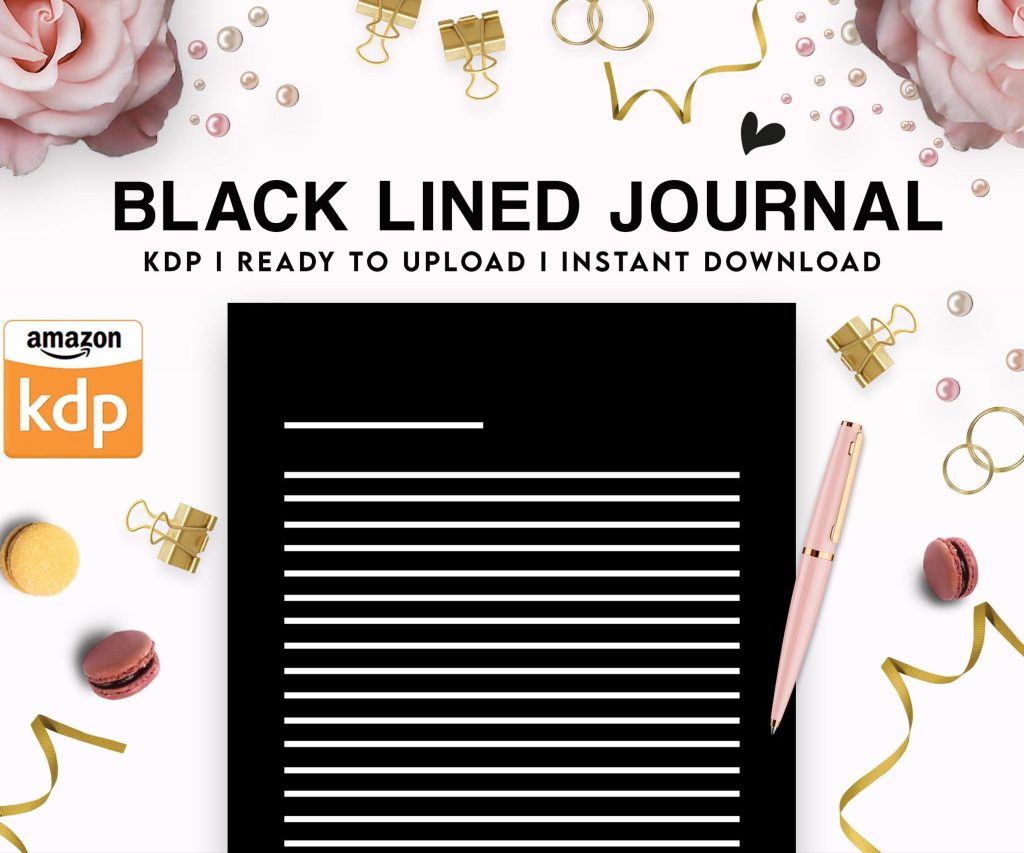 Black Lined Journal: 120 Pages of Black Lined Paper Perfect for Journaling, KDP Notebook Template - 6×9
1 × $0.00
Black Lined Journal: 120 Pages of Black Lined Paper Perfect for Journaling, KDP Notebook Template - 6×9
1 × $0.00
Subtotal: $0.00
 Black Lined Journal: 120 Pages of Black Lined Paper Perfect for Journaling, KDP Notebook Template - 6×9
1 × $0.00
Black Lined Journal: 120 Pages of Black Lined Paper Perfect for Journaling, KDP Notebook Template - 6×9
1 × $0.00 Subtotal: $0.00
I was updating a client’s profile last Tuesday and realized they had literally nothing filled out… like they’ve been selling books for two years and their author page looked like a default MySpace profile from 2005. So here’s what you actually need to do to make Author Central work for your brand.
First thing – and I cannot stress this enough – get your author photo sorted. Not a selfie, not a blurry pic from 2012. Just a clean headshot where you look like someone who writes books. I use a simple photo my wife took against a white wall with decent lighting. Took 5 minutes. Upload it at the highest resolution they allow because Amazon will scale it down anyway.
You don’t need some elaborate story about how you discovered your passion while hiking in Nepal or whatever. Write 3-4 paragraphs max:
I see authors write these massive manifestos and honestly nobody reads past the first paragraph. Keep it scannable. My bio mentions I’ve published 200+ books, work with KDP daily, and that I have a basset hound named Walter who sleeps under my desk. That’s it. People remember the dog more than my credentials which is… fine I guess.
Go to the “Books” tab and make sure ALL your titles are linked to your profile. If you published under slightly different name variations or updated your pen name, Amazon might not automatically connect them. You gotta manually search and claim each one.
I had about 40 books that weren’t showing up on my author page because I’d changed from “D. Harper” to “Daniel Harper” halfway through. Took me like an hour to go through and claim everything but now my catalog actually looks complete.
Okay so funny story – I ignored this feature for like three years because I thought it was just for traditionally published authors with fancy magazine reviews. Wrong. You can add ANY editorial review here… blog reviews, podcast mentions, BookBub features, even positive comments from your newsletter subscribers if you position them right.
Here’s what I do: whenever someone with any kind of platform mentions my books, I screenshot it, save the quote, and add it to this section. Format it like:
“Quote from the review that sounds impressive”
– Source Name, Publication/Platform
Amazon displays these on your author page AND sometimes pulls them into your book pages which is free social proof you’d be stupid not to use.
If you have a blog or website (you should but that’s a different rant), you can auto-feed posts to your Author Central page. It’s under “Add Content” or something… the interface changes every few months because Amazon loves making things harder to find.
But here’s the catch – don’t just pump your latest blog posts in there without thinking. Amazon pulls the RSS feed, so make sure you’re actually posting content that makes you look like an authority. I learned this the hard way when it auto-posted my rambling review of The Bear season 2 to my author page. Professional look = ruined.
I now have a separate category on my blog called “For Authors” and only feed that category to Author Central. Posts about publishing strategies, KDP updates, that kind of stuff. Keeps it relevant.
You can upload videos to your author page. Most authors don’t because it feels like extra work or they hate being on camera. I get it. But even a simple 30-second “hey I’m Daniel and I write about digital publishing” video adds legitimacy.
I filmed mine on my iPhone propped against a stack of books. One take. Didn’t even edit it. It’s been up for two years and I occasionally get messages from readers saying they watched it and felt like they “knew” me before buying. Whatever works.
Wait I forgot to mention – you can also add book trailers here if you’re fancy enough to make those. I’m not. Tried once, looked like a PowerPoint presentation from 1997, deleted it immediately.
They added this events section relatively recently where you can promote virtual or in-person events. Book launches, webinars, workshops, whatever. I use it for my KDP strategy webinars and it shows up on my author page with a date and link.
It’s not gonna drive massive traffic but it’s another touchpoint. Someone lands on your author page, sees you have an upcoming event, might click through. Free marketing real estate.
Since Amazon owns Goodreads, there’s integration between Author Central and your Goodreads author profile. Make sure you claim your Goodreads profile if you haven’t (whole separate process, kinda annoying), then link them together in Author Central settings.
This syncs some data between platforms and makes your author brand more cohesive. Also Goodreads reviews sometimes show up in more places when the accounts are connected. The algorithm stuff is blackbox voodoo but it seems to help.
Every author page has a “Follow” button now. When readers follow you, they get notified about new releases. This is gold for series authors or if you’re publishing regularly.
But nobody’s gonna follow you if your page looks empty or abandoned. That’s why all this other stuff matters. A complete profile with recent blog posts, a decent photo, actual books listed… it signals you’re active and worth following.
I mention the follow option in my book backmatter now. Like “if you wanna know when the next book drops, follow me on Amazon” with the short link to my author page. Grew my followers from like 80 to over 1000 in about 8 months just from that.

Most people browse Amazon on their phones. Your beautiful author page might look great on desktop but be a disaster on mobile. I always check mine on my phone after updating anything because the layout shifts and sometimes images don’t display right.
My client canceled last week so I spent like two hours just comparing different author pages on mobile vs desktop and the differences are wild. Some authors have videos that don’t play on mobile, or text that gets cut off. Just… check it.
Author Central isn’t a set-it-and-forget-it thing, even though that’s how most people treat it. I try to update something at least once a month. New blog post, updated bio when I hit a milestone, fresh review quotes, whatever.
Amazon’s algorithm seems to favor active author pages. Not 100% confirmed but I’ve noticed my books get better visibility when I’m regularly updating my author central stuff. Could be correlation not causation but either way it takes 10 minutes a month so why not.
Also adding new books as you publish them sounds obvious but I’ve seen authors forget to claim their latest release and then wonder why it’s not showing up in their catalog. The system usually auto-connects them but sometimes it doesn’t and you gotta do it manually.
There’s sales data in Author Central that shows you rankings, reviews, and some basic metrics. It’s not as detailed as your KDP dashboard but it’s a different view of the same data. Sometimes useful for seeing patterns across your whole catalog.
I mostly ignore it because I’m already drowning in KDP data but if you’re not a spreadsheet person, the Author Central version is more visual and easier to digest. Just know it exists.
The key thing is treating your author page like an actual brand asset instead of just a default profile Amazon makes for you. Most of your competition isn’t doing this stuff so even basic optimization puts you ahead. Took me way too long to figure that out but now it’s just part of my publishing workflow.
DISCOVER OUR FREE BEST SELLING PRODUCTS
Editable Canva Lined Journal: Express Your Thoughts – KDP Template
Lined Pages Journal 120 pages Ready to Upload PDF Commercial Use KDP Template 6×9 8.5×11 5×8 for Notebooks, Diaries, Low Content
Lined Pages Journal 120 pages Ready to Upload PDF Commercial Use KDP Template 6×9 8.5×11 5×8 for Notebooks, Diaries, Low Content
Cute Dogs Coloring Book for Kids | Activity Book | KDP Ready-To-Upload
Daily Planner Diary : Diary Planners for Everyday Productivity, 120 pages, 6×9 Size | Amazon KDP Interior
Wolf Coloring KDP interior For Adults, Used as Low Content Book, PDF Template Ready To Upload COMMERCIAL Use 8.5×11"
Coloring Animals Head Book for Kids, Perfect for ages 2-4, 4-8 | 8.5×11 PDF
Printable Blank Comic Book Pages PDF : Create Your Own Comics – 3 Available Sizes
Notes KDP interior Ready To Upload, Sizes 8.5×11 6×9 5×8 inch PDF FILE Used as Amazon KDP Paperback Low Content Book, journal, Notebook, Planner, COMMERCIAL Use
Black Lined Journal: 120 Pages of Black Lined Paper Perfect for Journaling, KDP Notebook Template – 6×9
Student Planner Journal 120 pages Ready to Upload PDF Commercial Use KDP Template 6×9" 8.5×11" for Low Content book
Recipe Journal Template – Editable Recipe Book Template, 120 Pages – Amazon KDP Interior