-
×
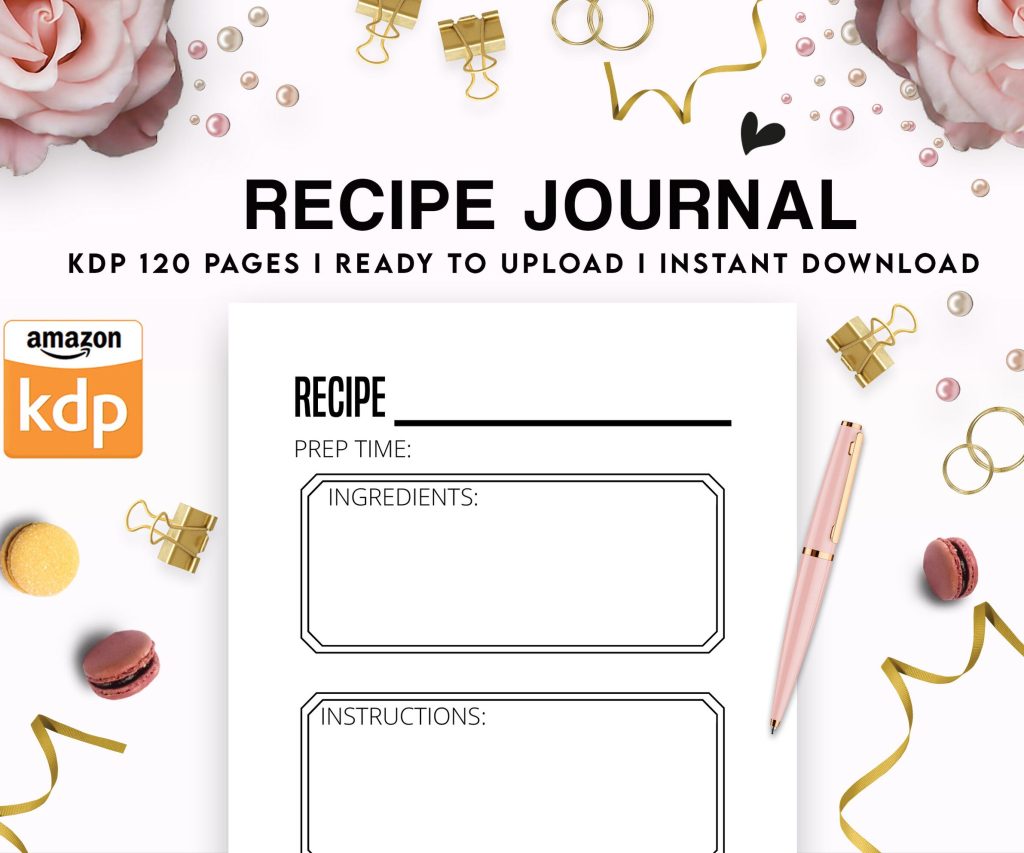 Recipe Journal Template - Editable Recipe Book Template, 120 Pages - Amazon KDP Interior
1 × $0.00
Recipe Journal Template - Editable Recipe Book Template, 120 Pages - Amazon KDP Interior
1 × $0.00
Subtotal: $0.00
 Recipe Journal Template - Editable Recipe Book Template, 120 Pages - Amazon KDP Interior
1 × $0.00
Recipe Journal Template - Editable Recipe Book Template, 120 Pages - Amazon KDP Interior
1 × $0.00 Subtotal: $0.00
Right so you’re probably overthinking this. I did too when I started and wasted like three weeks on formatting my first book when it should’ve taken maybe two hours tops.
First thing – stop using Word if you are. I know everyone says use it but honestly it creates so many headaches with KDP uploads. What I do now is write everything in Google Docs or Scrivener, then export to a clean format. Vellum is the gold standard if you’re on Mac and have $250 to drop, but here’s the thing nobody tells you – you don’t actually need it for most books.
Download a free tool called Calibre. Yes it looks like it was designed in 2003 but it works. Or use Draft2Digital’s free formatter even if you’re only publishing to KDP – their tool spits out a really clean epub that Amazon accepts no problem.
Here’s my current workflow and I’ve formatted like 60+ books this year:
Oh and another thing – your table of contents needs to be linked properly or you’ll fail one of Amazon‘s quality checks. This bit me SO hard on my third book because I just… forgot? Draft2Digital auto-generates this which is why I’m obsessed with their tool even though I don’t distribute through them.
Amazon cares about: clickable TOC, proper chapter breaks, no weird fonts that don’t render on Kindle devices. That’s basically it.
What readers care about: can they read it without their eyes bleeding. Is the paragraph spacing consistent. Do images (if you have them) actually show up.
I spent my whole Saturday last month testing different formatting approaches because my cat knocked over my coffee and I had to wait for my laptop to dry out anyway… used my old backup laptop and the difference in how files rendered was wild. Test on multiple devices if you can. The Kindle app on iPhone shows things differently than actual Kindle hardware.
Okay so funny story – I made maybe $200 my entire first year because I thought “build it and they will come” was a real strategy. It’s not. Amazon has literally millions of ebooks and yours will die in obscurity if you don’t do this stuff.
You get 7 keyword phrases. Don’t waste them on single words like “romance” – that’s what categories are for. Use long-tail phrases that people actually search. “Small town sheriff romance with dog” is way better than just “romance books”.
Tools I actually use: Publisher Rocket (paid but worth it), KDP Spy (Chrome extension), and honestly just Amazon’s own search bar. Start typing your topic and see what autocompletes. That’s real search data.
For categories, you only get to pick 2 when uploading but you can email KDP support and ask for up to 10 total. I do this for every single book now. More categories = more chances to hit a bestseller list = more visibility. Some categories have like 50 books in them, others have thousands. Go for the easier ones when you’re starting.
This took me forever to figure out. I was writing these literary summaries and wondering why nobody bought. Your description needs to:
Wait I forgot to mention – use bold tags and italic tags in your description. Break it into short paragraphs. Nobody reads walls of text on Amazon.
Everyone tells you to price at 2.99 minimum to get the 70% royalty. Cool. But if you’re brand new with zero reviews, nobody’s buying a $2.99 book from an unknown author unless your cover and description are absolutely killer.
What I do: launch at 0.99 for the first week to get some velocity and hopefully some reviews. Then bump to 2.99. Or enroll in KDP Select and use your free promo days strategically – this is gonna sound weird but running a free promo on BookBub (if you can get accepted) or even just bargain promo sites can sometimes kickstart enough downloads that you rank better when you go back to paid.
My client canceled last week so I spent like four hours analyzing price points across my catalog and here’s what I found – my books at 3.99-4.99 actually make MORE total money than at 2.99 even with fewer sales because the royalty per book is higher. But that only works once you have reviews and some authority.
KDP Select means exclusive to Amazon for 90 days. You get: Kindle Unlimited page reads (this is how I make most of my income honestly), free promo days, countdown deals, better visibility in Amazon’s algorithm supposedly.
Going wide means Draft2Digital, PublishDrive, uploading to Apple Books, Kobo, all that. More potential readers but way more hassle.
My take after doing both for years: start with KDP Select. Get your sea legs. Learn how Amazon works. KU readers are voracious and if you’re writing in a popular genre they’ll find you. Once you have like 5-10 books and steady income, then test going wide with one series and see what happens.
Getting reviews is crucial and also really hard. You can’t offer incentives anymore (Amazon cracked down). What works: having a reader magnet that builds your email list, then emailing people after they download asking for honest reviews. Join ARC reader groups on Facebook for your genre. Give away advance copies to people who actually leave reviews.
Amazon ads – okay this deserves its own section but quick version: start with automatic campaigns, budget like $5/day, let it run for a week, then look at what search terms converted and build manual campaigns around those. Most of my ad spend is wasted but the 20% that works pays for everything else plus profit.
This is important – Amazon’s algorithm loves consistent sales. Releasing multiple books in a series, rapid release publishing (one book per month for 3-4 months), that stuff signals to Amazon you’re a serious publisher and they’ll show your books more. I know because my income literally doubled when I went from publishing every 6 months to every 6 weeks.
DIY covers almost never work unless you’re actually a designer. Fiverr has decent options for $50-100. 99designs if you have more budget. The cover needs to look good as a tiny thumbnail because that’s how 90% of people see it first.
Study bestsellers in your category. I mean really study them. What colors dominate? What fonts? What imagery? Then make yours similar enough to signal genre but different enough to stand out. This isn’t being derivative it’s understanding market expectations.
I was watching some documentary about design last week and they talked about how humans process images in like 1/10th of a second and your cover needs to communicate genre and quality in that timeframe. Made me redo three of my covers and sales went up 30%.
Your author bio – keep it short, mention relevant credentials, link to your website or reader magnet. No one cares about your personal life unless you’re writing memoir.
A+ Content if you’re in KDP Select – it’s extra images and formatted sections on your book’s page. Not sure it helps sales much but it looks professional.
Series are way more profitable than standalone books. If someone likes book 1 they’ll probably buy 2 and 3. My series books have way better read-through and make 3-4x what standalones make.
Look at your KDP reports obsessively. Which keywords drove sales? Which categories are you ranking in? What promotions worked? I check mine every few days and adjust ads and keywords based on actual data not gut feeling.
Email list trumps everything long-term. Amazon owns your customers, you don’t. Build a list so you can launch new books to people who already like your work. MailerLite and MailChimp have free tiers that work fine when starting.
Also just publish more books. I know that sounds obvious but your first book probably won’t be a bestseller. Neither will your fifth. But by book 10 or 15 you’ll have figured out covers, descriptions, ads, and you’ll have a backlist that generates passive income. That’s when this actually becomes a real income stream instead of beer money.
DISCOVER OUR FREE BEST SELLING PRODUCTS
Editable Canva Lined Journal: Express Your Thoughts – KDP Template
Lined Pages Journal 120 pages Ready to Upload PDF Commercial Use KDP Template 6×9 8.5×11 5×8 for Notebooks, Diaries, Low Content
Lined Pages Journal 120 pages Ready to Upload PDF Commercial Use KDP Template 6×9 8.5×11 5×8 for Notebooks, Diaries, Low Content
Cute Dogs Coloring Book for Kids | Activity Book | KDP Ready-To-Upload
Daily Planner Diary : Diary Planners for Everyday Productivity, 120 pages, 6×9 Size | Amazon KDP Interior
Wolf Coloring KDP interior For Adults, Used as Low Content Book, PDF Template Ready To Upload COMMERCIAL Use 8.5×11"
Coloring Animals Head Book for Kids, Perfect for ages 2-4, 4-8 | 8.5×11 PDF
Printable Blank Comic Book Pages PDF : Create Your Own Comics – 3 Available Sizes
Notes KDP interior Ready To Upload, Sizes 8.5×11 6×9 5×8 inch PDF FILE Used as Amazon KDP Paperback Low Content Book, journal, Notebook, Planner, COMMERCIAL Use
Black Lined Journal: 120 Pages of Black Lined Paper Perfect for Journaling, KDP Notebook Template – 6×9
Student Planner Journal 120 pages Ready to Upload PDF Commercial Use KDP Template 6×9" 8.5×11" for Low Content book
Recipe Journal Template – Editable Recipe Book Template, 120 Pages – Amazon KDP Interior