-
×
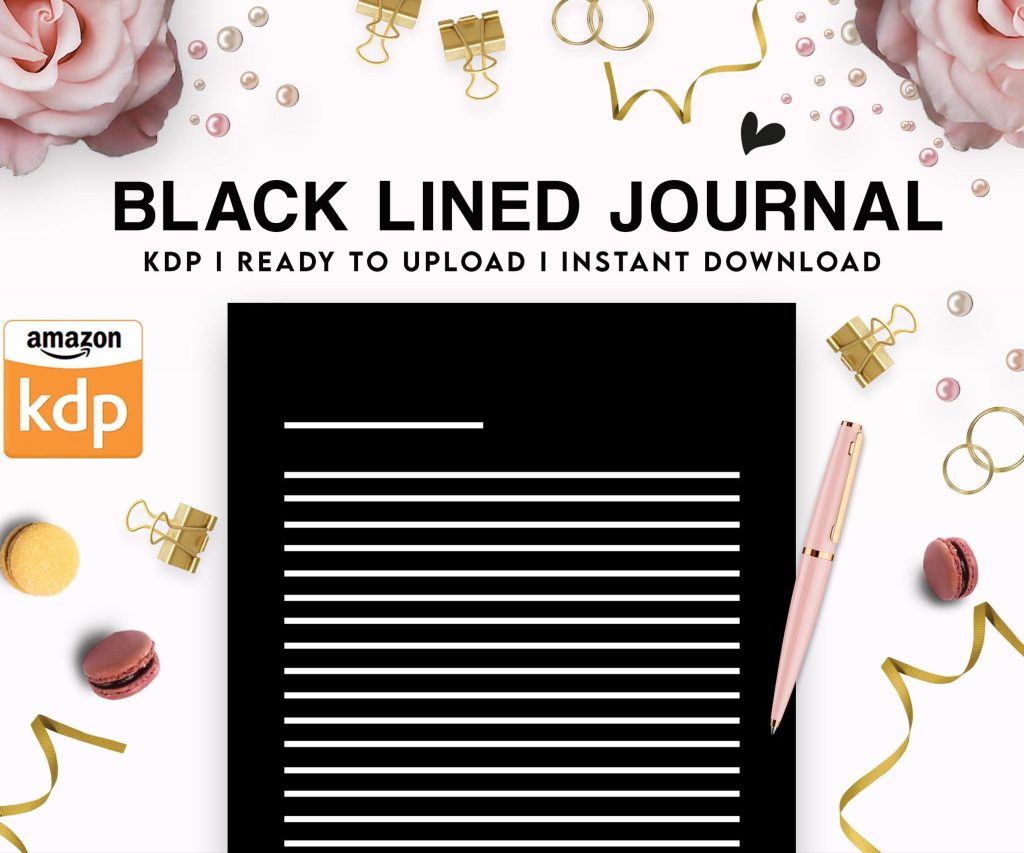 Black Lined Journal: 120 Pages of Black Lined Paper Perfect for Journaling, KDP Notebook Template - 6×9
1 × $0.00
Black Lined Journal: 120 Pages of Black Lined Paper Perfect for Journaling, KDP Notebook Template - 6×9
1 × $0.00
Subtotal: $0.00
 Black Lined Journal: 120 Pages of Black Lined Paper Perfect for Journaling, KDP Notebook Template - 6×9
1 × $0.00
Black Lined Journal: 120 Pages of Black Lined Paper Perfect for Journaling, KDP Notebook Template - 6×9
1 × $0.00 Subtotal: $0.00
Okay so I just spent like three hours yesterday going through template options because someone in my mastermind asked about this and honestly the landscape has changed SO much since 2024. Let me just dump everything I know here.
Canva is still your best bet for free stuff but you gotta be careful. Their free templates for KDP are everywhere but like 80% of them are trash for actual publishing. What I mean is they look pretty on screen but the dimensions are wrong or the bleed settings aren’t configured right. I learned this the hard way in 2019 when I uploaded 30 journals and Amazon rejected half of them because the trim size didn’t match what Canva said it would be.
The templates you actually want from Canva are the ones specifically labeled for KDP with the exact trim sizes. Search for “KDP 6×9 interior” or whatever size you need. The free ones work fine for basic stuff like lined journals, dot grid notebooks, simple planners. Don’t expect anything fancy but they’ll pass Amazon’s requirements which is literally all that matters for your first few books.
BookBolt has free templates too but here’s the thing—they gate their best stuff behind the paid plans. The free templates are super basic. We’re talking lined pages, blank pages, maybe some simple borders. Which honestly might be all you need if you’re just testing a niche. I made like $800 last month on a basic gratitude journal that used their free lined template with custom cover. Sometimes simple sells better anyway.
Creative Fabrica membership is $9/month or something and oh man this changed my workflow completely. They’ve got thousands of KDP-ready interiors. The quality varies wildly though. Some creators on there are amazing and some are clearly just pumping out whatever.
What I do is filter by “best selling” in the KDP interior category and look at preview images closely. You want to see actual page spreads not just one page. Red flag if they only show you one page—usually means the rest is repetitive or poorly designed.
The good creators on Creative Fabrica will give you like 100-120 pages of varied content. I bought this kid’s activity book template bundle for $12 that had mazes, coloring pages, word searches, dot-to-dots all designed to work together. Used it for five different books just by changing themes and covers. That’s the kind of template that pays for itself immediately.
Wait I forgot to mention Etsy. So Etsy has become this huge marketplace for KDP templates and it’s kinda hit or miss. You’ll pay anywhere from $3 to $50 for a template pack. The expensive ones aren’t always better which is annoying.
What I learned is to check the seller’s reviews specifically for KDP mentions. Sometimes people sell templates that work great for personal printing but fail Amazon’s quality checks. Look for reviews that say “uploaded to KDP with no issues” or whatever. Also check how many sales they have—if a template pack has 500+ sales it’s probably solid.
My cat just knocked over my coffee cup but it was empty thank god.
The best Etsy finds are usually niche-specific. Like I found this incredible recipe book template with meal planning pages and grocery lists and conversion charts for $15. Used it to create a whole series of themed cookbooks. The generic “planner interior” templates aren’t usually worth buying because you can get similar stuff free from Canva.
Okay so BookBolt premium is like $10/month and includes their template library plus research tools. If you’re serious about KDP this is probably worth it just for the research features but the templates are a nice bonus. They add new ones monthly and they’re all verified to work with Amazon’s specs.
The interior wizard thing they have is actually pretty useful. You can customize colors, add your own elements, change fonts. It’s not as flexible as designing from scratch in Canva or InDesign but it’s way faster. I can knock out a journal interior in like 15 minutes using their wizard.
Publisher Rocket is another tool people ask me about. It’s $97 one-time payment and honestly I use it more for keyword research than templates. They do have some template resources but it’s not their main thing. Only mention it because if you’re gonna invest in one paid tool make it this one for the research capabilities.
Oh and another thing—if you’re doing ebooks not just low-content Vellum is incredible but it’s Mac only which sucks if you’re on Windows. It’s $250 for unlimited ebooks or $350 for ebooks and paperbacks. Sounds expensive but the formatting is flawless and it saves so much time.
For Windows users Atticus is the alternative. It’s $147 one-time and does similar stuff. I haven’t used it as much because I’m on Mac but people in my network say it’s solid. Both of these are more for actual book formatting with chapters and text not for journals or planners though.
This is gonna sound weird but sometimes the best template is the one you make yourself. Hear me out. If you’re planning to publish more than like 10 books learning basic design is worth it.
I use Affinity Publisher which is $70 one-time no subscription. It’s basically InDesign but cheaper. The learning curve is real though—took me a solid week of YouTube tutorials to feel comfortable. But now I can create any interior I want with exact specifications.
Canva Pro is $13/month and honestly for most people this is the sweet spot. You get access to premium elements, the brand kit feature, background remover, and way more templates. The KDP-specific templates in Canva Pro are actually professionally designed unlike the free ones.
What I do now is buy template inspiration from Etsy or Creative Fabrica then recreate them in Canva Pro with my own twist. This way I’m not just using the same template everyone else has. Amazon’s algorithm seems to favor unique content and I swear my sales improved when I stopped using templates straight out of the box.
Let me break down what’s actually worth paying for versus what you should just use free options.
Journals and notebooks—honestly free is fine. Lined pages are lined pages. Maybe invest in premium if you want decorative headers or themed pages but basic lined templates from Canva work perfectly. I’ve made thousands on simple journals using free templates.
Planners are where premium makes sense. A good planner template with monthly spreads, weekly layouts, goal pages, habit trackers—that’s hard to design well. I bought a planner template bundle from Creative Fabrica for $25 that I’ve used for probably 30 different planners. Just changed colors and themes each time. That investment paid off in the first week.
Activity books definitely go premium especially for kids content. The free coloring page templates are usually low quality. Spend $15-30 on a good activity book template pack with varied activities. Parents notice quality in kids books more than any other niche.
Logbooks and trackers can go either way. Simple tracking pages you can make free in Canva. But specialized logs like fitness trackers with graphs and charts or travel journals with maps—those are worth buying a template for.
Composition notebooks are having this weird moment right now where they’re selling really well but they’re literally just blank or college-ruled pages with a cover. You don’t need templates for these just use Canva’s basic layouts. The profit margin is insane because there’s basically no design work.
Comic book templates though—if you’re doing that niche invest in proper panel layouts. I bought a comic book interior pack from Etsy for $30 with like 50 different panel configurations. Way better than trying to create panels yourself unless you’re actually a designer.
Okay so things that mean a template is probably garbage. If the preview images are blurry that’s a no. If they don’t specify exact trim sizes and Amazon compatibility run away. If the price seems too good like “$5 for 1000 templates”—yeah those are usually stolen or terrible quality.
Also watch out for templates with licensed characters or trademarked stuff. I see this on Etsy sometimes where someone’s selling Disney-themed planner pages or whatever. That’s gonna get you in legal trouble with Amazon. Not worth it.
Another thing is check the file format. You want PDF or editable formats like Canva templates or PowerPoint. If they’re only offering JPG files that’s annoying because you can’t easily modify them. I made this mistake buying a template pack that was just image files and had to jump through hoops to make it work.
Since we’re just talking practically here’s what I actually do now in 2026. I have Creative Fabrica membership for browsing inspiration and grabbing template packs. I use Canva Pro for all my actual creation and modification. And I keep a folder of purchased Etsy templates that I reference for layout ideas.
For new niches I’ll spend maybe $20-40 buying a couple premium templates to see what’s working in that category. Then I create my own versions in Canva Pro that are similar but different enough. This keeps my books unique while still following proven layouts.
The free route totally works though especially when you’re starting. I didn’t buy any templates for my first six months and still made decent money. Once you’re making consistent sales then investing in premium templates makes sense because you can reinvest profits.
Just gonna list this out—Canva Pro for basically everything, Creative Fabrica for template hunting, BookBolt for research and occasional interior creation, Affinity Publisher when I need precise control which is rare now, and random Etsy purchases maybe once a month when I find something specific I need.
The thing nobody tells you is you’ll probably waste some money on templates you never use. I’ve definitely bought template packs that seemed perfect then never touched them. It’s part of the learning process I guess. Now I’m way more selective and only buy templates when I have a specific book idea ready to execute.
Oh and make sure whatever templates you use you’re allowed to use commercially. Most premium templates include commercial rights but check the license. Some are personal use only which is useless for KDP publishing. This should be stated clearly in the product description.
One more thing about organization—create a folder system for your templates because this gets messy fast. I have folders by niche then subfolders by template type. Makes finding stuff way easier when you’re working on multiple projects.
The template landscape keeps changing with new marketplaces and tools popping up but these core resources have been consistent for me. Start with free options test your niche then invest in premium templates for the categories that actually make you money. That’s the practical approach that’s worked for seven years now.
DISCOVER OUR FREE BEST SELLING PRODUCTS
Editable Canva Lined Journal: Express Your Thoughts – KDP Template
Lined Pages Journal 120 pages Ready to Upload PDF Commercial Use KDP Template 6×9 8.5×11 5×8 for Notebooks, Diaries, Low Content
Lined Pages Journal 120 pages Ready to Upload PDF Commercial Use KDP Template 6×9 8.5×11 5×8 for Notebooks, Diaries, Low Content
Cute Dogs Coloring Book for Kids | Activity Book | KDP Ready-To-Upload
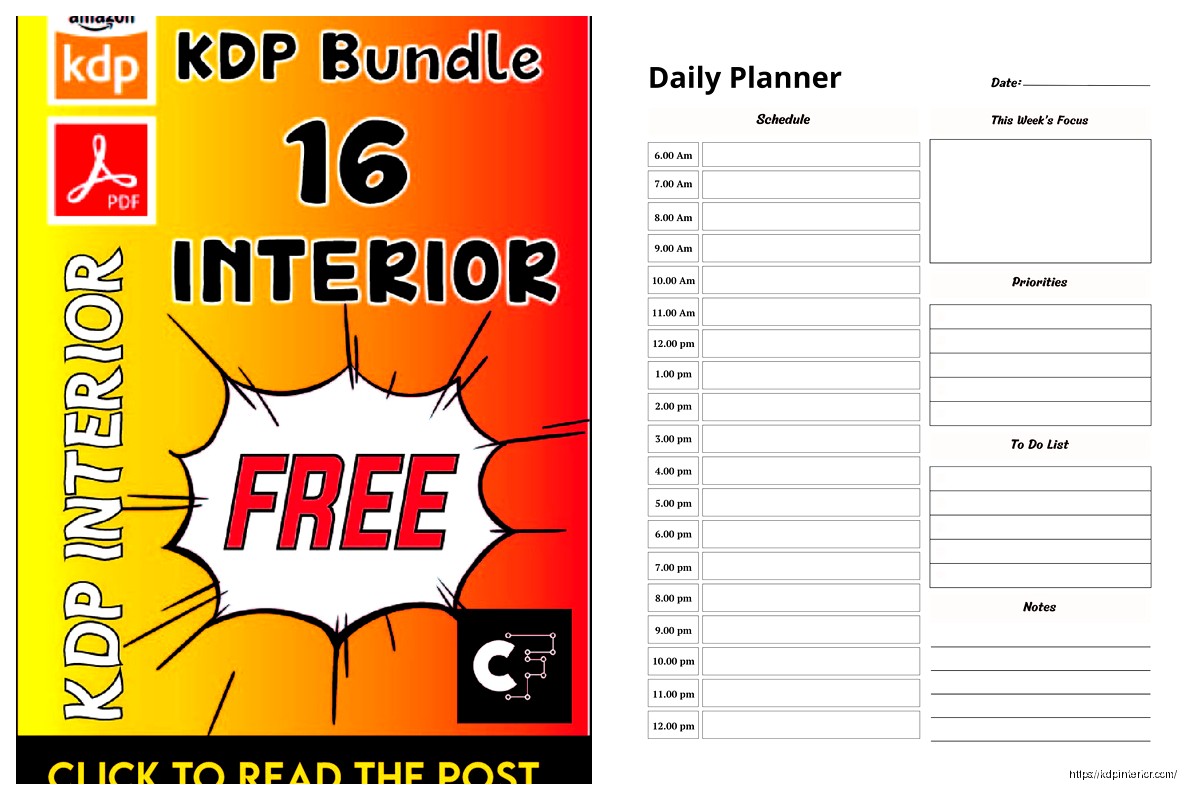
Daily Planner Diary : Diary Planners for Everyday Productivity, 120 pages, 6×9 Size | Amazon KDP Interior
Wolf Coloring KDP interior For Adults, Used as Low Content Book, PDF Template Ready To Upload COMMERCIAL Use 8.5×11"
Coloring Animals Head Book for Kids, Perfect for ages 2-4, 4-8 | 8.5×11 PDF
Printable Blank Comic Book Pages PDF : Create Your Own Comics – 3 Available Sizes
Notes KDP interior Ready To Upload, Sizes 8.5×11 6×9 5×8 inch PDF FILE Used as Amazon KDP Paperback Low Content Book, journal, Notebook, Planner, COMMERCIAL Use
Black Lined Journal: 120 Pages of Black Lined Paper Perfect for Journaling, KDP Notebook Template – 6×9
Student Planner Journal 120 pages Ready to Upload PDF Commercial Use KDP Template 6×9" 8.5×11" for Low Content book
Recipe Journal Template – Editable Recipe Book Template, 120 Pages – Amazon KDP Interior