
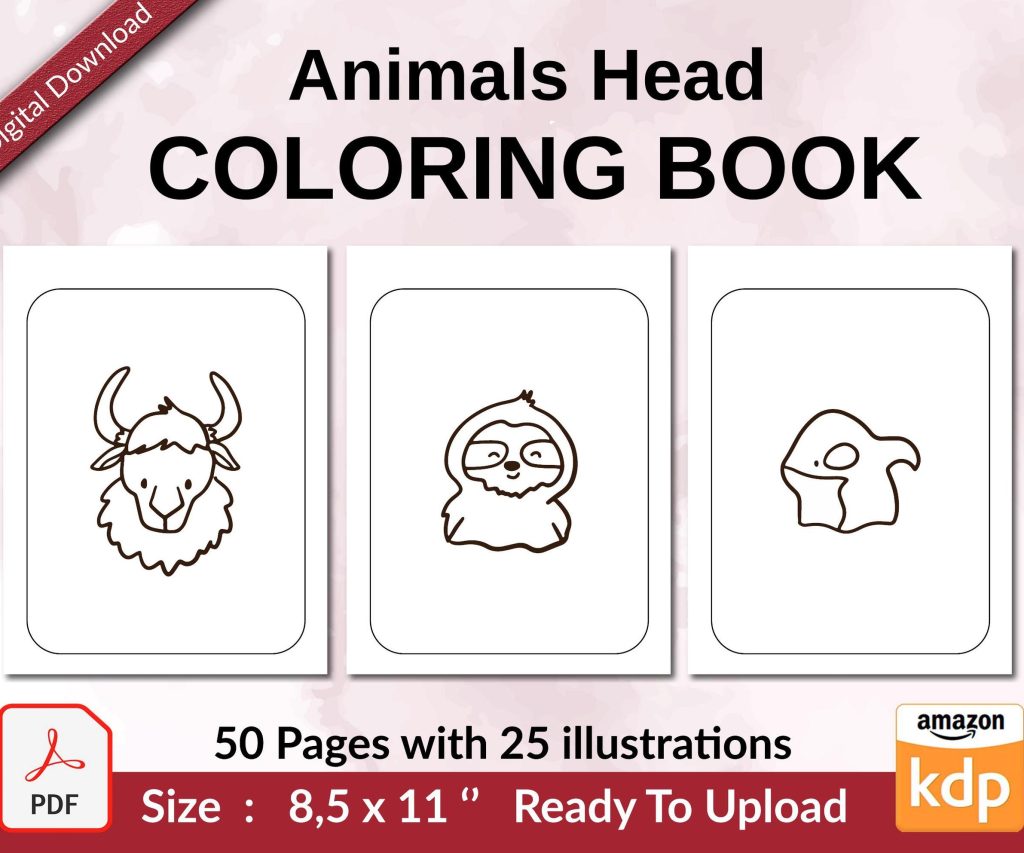
 Coloring Animals Head Book for Kids, Perfect for ages 2-4, 4-8 | 8.5x11 PDF
 Subtotal: $0.00
Amazon KDP guide, KDP book publishing
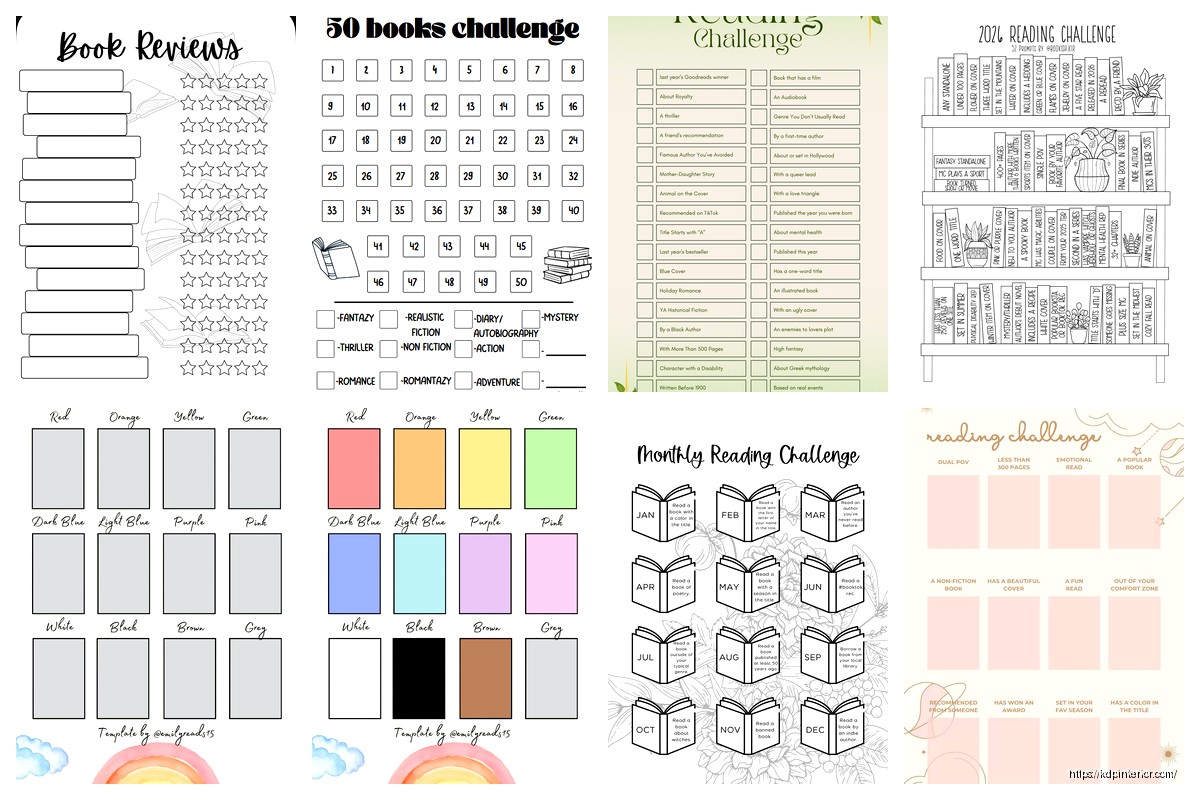
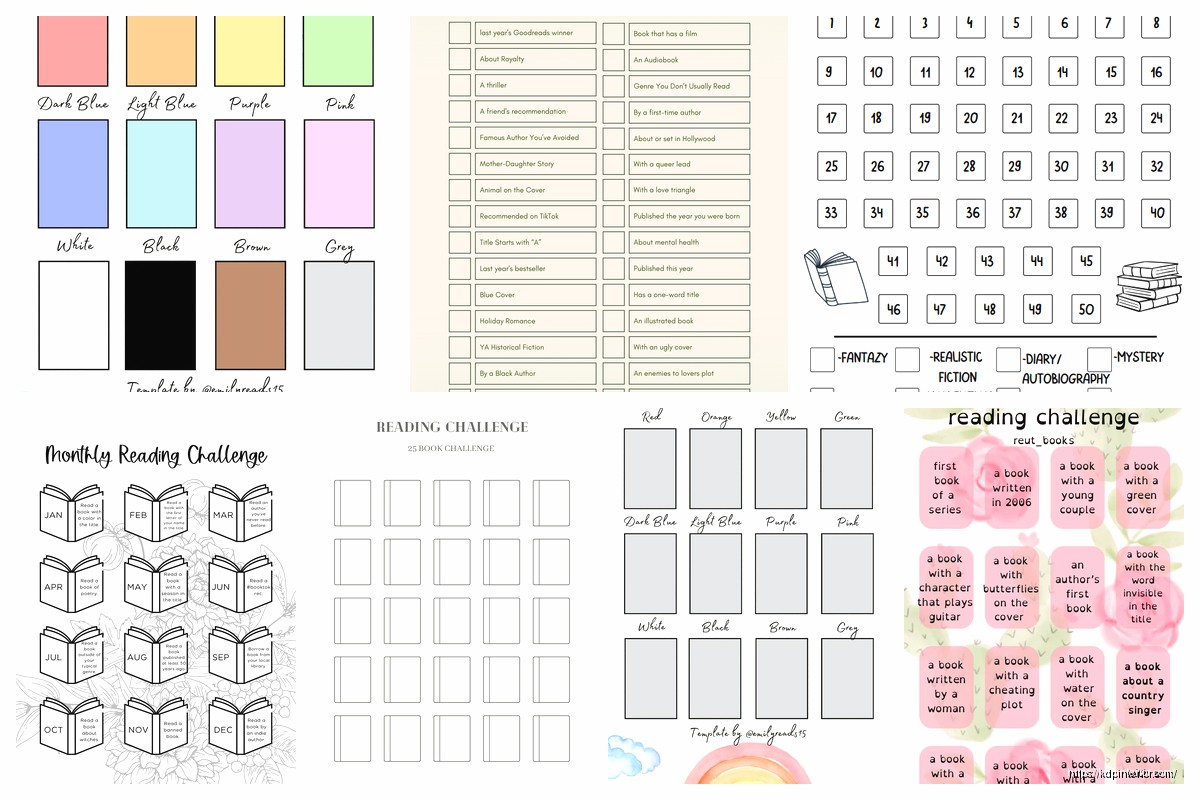
Book Challenge Template: Reading Goal Planner
21
Apr
Apr
Okay so I’ve been designing book challenge templates for like three years now and they honestly print money if you set them up right. The reading goal planner niche is super saturated but people keep buying them because… well, everyone thinks THIS year they’ll finally read 52 books.
The core template you need is actually way simpler than most people make it. You want a monthly tracker page, a book log section, and some kind of challenge tracker. That’s it. Don’t overcomplicate with like fancy reading stats or genre breakdowns unless you’re targeting the hardcore Goodreads crowd.
Start with your monthly spreads. I do a simple grid layout – book title down the left side, then columns for date started, date finished, rating (usually 5 stars), and maybe a notes column. Keep it clean because people are gonna be writing in these by hand mostly. The interior margins matter here… I learned this the hard way when my first batch came back and people complained they couldn’t write in the binding area. Set your inside margins to at least 0.5 inches, probably 0.6 to be safe.
Oh and another thing – the actual challenge tracker page should go right up front. People need that visual motivation thing where they can see their progress. I use circles or book spine illustrations that they can color in. Like 52 little book spines for a 52-book challenge. Sounds cheesy but it works. My cat knocked over my coffee on one of these designs last month and I had to redo the whole thing but anyway.
The page count is where people mess up. You’d think more pages = better value but nah. I keep mine around 120-150 pages. That’s enough for a full year of tracking without making the book too thick. Amazon’s printing costs jump at certain page thresholds so you gotta watch that. A 120-page book vs a 150-page book might only be like 30 cents difference in printing but that adds up.
For the actual goal-setting pages at the beginning, include space for monthly goals and yearly goals. But here’s the thing – don’t just do numbers. Add sections for “genres to explore” and “authors I want to try” because that’s how readers actually think about their goals. They’re not just chasing numbers they wanna diversify or whatever.
Wait I forgot to mention – the book log pages need to be repeated. Don’t just put 12 monthly spreads and call it done. Add like 50-60 individual book log pages after the monthly stuff. Each page should have fields for title, author, date started, date finished, rating, and a bigger notes section. Some people read way more than one book at a time so they need the extra logging space.
The design aesthetic matters more than you’d think in this niche. I tested minimalist vs decorative and minimalist wins every time for reading planners. People want clean lines, lots of white space, maybe some subtle flourishes but nothing that distracts from the actual tracking. I use simple serif fonts for headers and sans-serif for the body text. Keeps it readable.
Your cover is gonna make or break sales though. I spent like two weeks designing interiors before I realized my covers were trash. Use Cannes or whatever but make sure you’re showing what’s inside somehow. Either mockup pages spread out or show someone actually using the planner. Stock photos of coffee and books don’t convert as well as you’d think – too generic.
This is gonna sound weird but add a “books to read” section with like 30-40 blank lines. It’s basically a wishlist page and people love having that in the same place as their tracker. They’ll screenshot book recommendations from Instagram and then write them down there. It’s a small thing but I get comments about it in reviews.
The reading challenge variations you can do are endless. There’s the basic number challenge (read X books), genre challenges (one book from each genre), diversity challenges, backlist challenges… I usually include a page with different challenge ideas people can choose from. Let them customize their own challenge rather than forcing one specific type.
Oh and make sure you include a ribbon bookmark in your Amazon listing description even if you can’t actually add one. Just kidding you can’t do that. But what you CAN do is design the book so pages lay flat – that’s a paperback thing you gotta optimize in your file setup. Use cream paper instead of white, it’s easier on the eyes for something people will reference a lot.
Month-at-a-glance calendars are optional but I include them. Just a simple calendar grid for each month so people can mark reading time or library due dates or whatever. Takes up 12 extra pages but it adds value. Plus it makes the page count look better in your listing.
For the back section I usually add some reading-related extras. Like a page for book club selections, a page for books borrowed/lent (people lose track of this), and maybe a favorite quotes page. Nothing too fancy but it rounds out the planner. My original version didn’t have these and sales were okay but after I added them the conversion rate went up like 15%.
The pricing sweet spot for these is $6.99-$8.99 depending on your page count and whether you’re running ads. I price mine at $7.99 for the 120-page version and it sells consistently. Don’t go over $9.99 unless you’ve got color interior or something special because there’s too much competition in that range.
Formatting in Word or whatever you use – set your page size to 6×9 inches, that’s the standard for this type of planner. Some people do 8.5×11 but it’s too big for most readers who want something portable. Headers and footers should be minimal, maybe just page numbers. I put mine centered at the bottom in a small font.
Testing different challenge types in your title helps with visibility. “52 Book Challenge Tracker” performs different than “Reading Goal Planner” even though they’re basically the same thing. I’ve got like five variations of essentially the same interior with different covers and titles targeting different keywords. It’s not duplicate content if you change enough elements and the covers are totally different.
One thing that surprised me – adding a monthly reading statistics page where people can track pages read, average rating, fastest book completed, etc. People either love this or completely ignore it but the ones who love it REALLY love it and leave better reviews. So I keep it in there even though it’s optional for users.
The habit tracker integration is smart too. Like a simple 30-day grid for each month where people can check off days they read. Ties into the whole productivity planner crowd and expands your market a bit. Takes one extra page per month so 12 pages total but worth it.
Make sure your book description on Amazon mentions “undated” if you don’t include specific dates. People search for that specifically because they don’t wanna buy in March and waste the first three months. All my planners are undated for this reason – they can start whenever.
For the reading level tracking some people want – like tracking middle grade vs YA vs adult – I just add an extra column in the book log. Doesn’t take extra space and the people who want it use it, everyone else ignores it. Same with format tracking (ebook, paperback, audiobook).
Your interior file needs to be PDF not Word doc when you upload to KDP. Sounds obvious but I’ve seen people mess this up. And check your proof copy before approving for sale because sometimes the margins shift in printing. I always order at least two proof copies to make sure.
Seasonal variations sell well too. Like a “Summer Reading Challenge” or “Holiday Reading Goals” version. Same basic interior but themed cover and maybe some seasonal prompts. I release these about 6-8 weeks before the season starts.
Anyway that’s the basic setup. The key is keeping it functional and not overthinking the design elements. People want something that works not something that looks like an art project. Test your layouts by actually using them yourself for a week or so before publishing – you’ll catch annoying spacing issues that way.
DISCOVER OUR FREE BEST SELLING PRODUCTS
Editable Canva Lined Journal: Express Your Thoughts – KDP Template
Lined Pages Journal 120 pages Ready to Upload PDF Commercial Use KDP Template 6×9 8.5×11 5×8 for Notebooks, Diaries, Low Content
Lined Pages Journal 120 pages Ready to Upload PDF Commercial Use KDP Template 6×9 8.5×11 5×8 for Notebooks, Diaries, Low Content
Cute Dogs Coloring Book for Kids | Activity Book | KDP Ready-To-Upload
Daily Planner Diary : Diary Planners for Everyday Productivity, 120 pages, 6×9 Size | Amazon KDP Interior
Wolf Coloring KDP interior For Adults, Used as Low Content Book, PDF Template Ready To Upload COMMERCIAL Use 8.5×11"
Coloring Animals Head Book for Kids, Perfect for ages 2-4, 4-8 | 8.5×11 PDF
Printable Blank Comic Book Pages PDF : Create Your Own Comics – 3 Available Sizes
Notes KDP interior Ready To Upload, Sizes 8.5×11 6×9 5×8 inch PDF FILE Used as Amazon KDP Paperback Low Content Book, journal, Notebook, Planner, COMMERCIAL Use
Black Lined Journal: 120 Pages of Black Lined Paper Perfect for Journaling, KDP Notebook Template – 6×9
Student Planner Journal 120 pages Ready to Upload PDF Commercial Use KDP Template 6×9" 8.5×11" for Low Content book
Recipe Journal Template – Editable Recipe Book Template, 120 Pages – Amazon KDP Interior