-
×
 Daily Planner Diary : Diary Planners for Everyday Productivity, 120 pages, 6×9 Size | Amazon KDP Interior
1 × $0.00
Daily Planner Diary : Diary Planners for Everyday Productivity, 120 pages, 6×9 Size | Amazon KDP Interior
1 × $0.00
Subtotal: $0.00
 Daily Planner Diary : Diary Planners for Everyday Productivity, 120 pages, 6×9 Size | Amazon KDP Interior
1 × $0.00
Daily Planner Diary : Diary Planners for Everyday Productivity, 120 pages, 6×9 Size | Amazon KDP Interior
1 × $0.00 Subtotal: $0.00
Okay so I just spent like three weeks testing every book cover generator that’s actually worth using in 2026 and here’s what you need to know before you waste money on the wrong one.
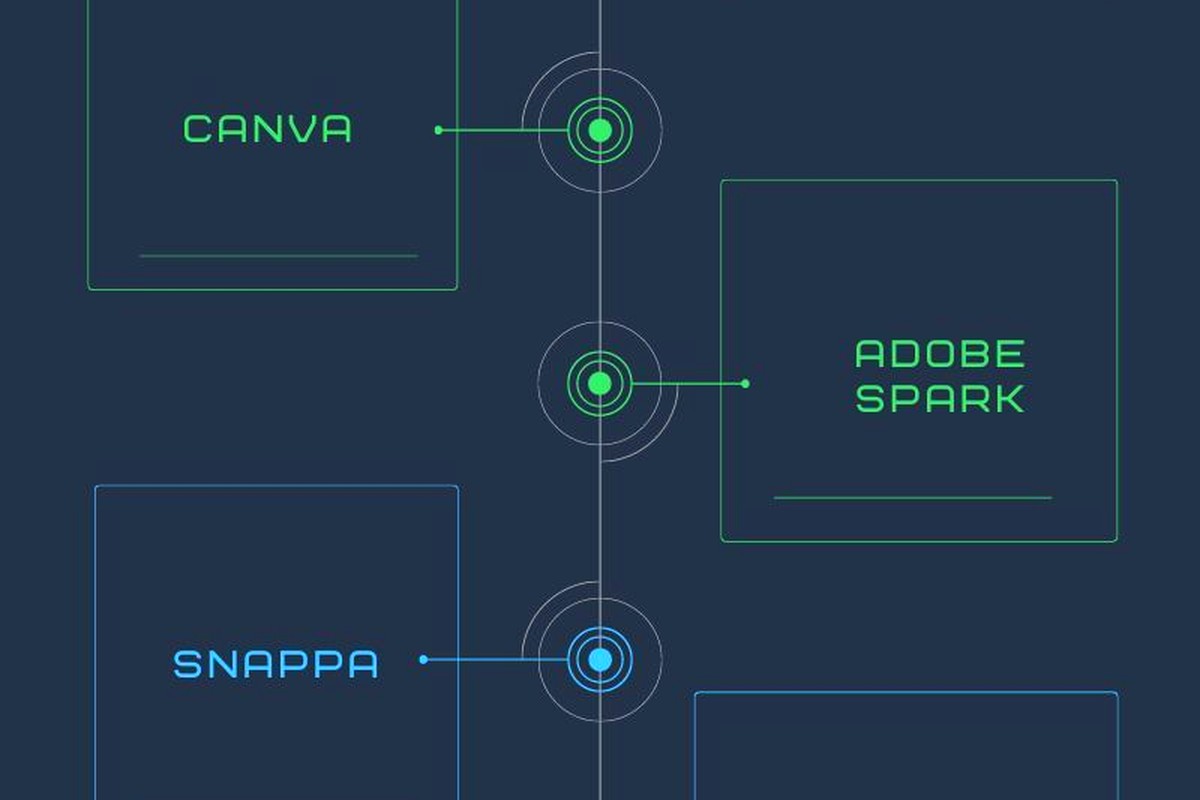
Canva still dominates but honestly their AI features have gotten ridiculously good. Like I was making a romance cover last Tuesday and the Magic Design thing just… understood the vibe? It pulled stock images that actually looked professional, not that weird 2019 AI art that screamed “I’m generated.” You gotta use their Pro version though, the free one is too limited for actual publishing.
BookBrush is what I use most days now. It’s specifically built for book covers so you’re not fighting with templates meant for Instagram posts or whatever. They added this AI background remover that works better than Photoshop’s for like 90% of images. Costs about $9.99 monthly but you can cancel anytime which I do between big publishing pushes.
Oh and another thing – Visme added book cover templates this year and nobody’s talking about it. Their AI writing assistant helps with subtitle text which sounds dumb until you’re staring at your 47th iteration of “A Guide to Whatever” at 2am.
Start with your genre research and I mean actually do this part. Go to Amazon, find the top 20 books in your niche, screenshot their covers. I keep a folder on my desktop that’s just organized by genre because I reference it constantly.
Here’s what you’re looking for:
Most AI generators now let you input reference images. In Canva you can literally upload those screenshots and tell it “make something like this but different enough” and it gets pretty close. The legal gray area there is… well it’s transformative use so you’re probably fine but I’m not a lawyer obviously.
You can’t just type “romance book cover” and expect magic. The AI tools in 2026 are smart but they need details. My typical prompt looks like:
“Book cover for contemporary romance, beach setting at sunset, couple silhouette in distance, warm orange and pink tones, space at top for title text, photorealistic style, professional publishing quality”
Be specific about where you need text space. This is gonna sound weird but I always mention “leave the top third empty for title” or whatever because otherwise you get these gorgeous images with important stuff right where your text needs to go.
I usually start in three tools simultaneously which sounds chaotic but hear me out. I’ll generate options in Canva, BookBrush, and Adobe Express all at once. Takes maybe 20 minutes total. Then I compare them and usually one just… works better than the others.
For the background image I’m using either:
Wait I forgot to mention – Depositphotos integrated an AI generator into their platform and if you already pay for stock images there it’s included. I found this out accidentally last month when my subscription renewed and suddenly there was this whole new section.
Once you have your base image, the text is where people mess up constantly. Your title needs to be readable in thumbnail size. Like actually shrink your cover down to 120 pixels wide and see if you can read it. If not, your font is too thin or too decorative.
Use maximum two fonts per cover. Three if you absolutely must but it’s pushing it. I usually go with:
The AI tools now suggest font pairings which is honestly a lifesaver because I have zero design training. BookBrush’s font pairing AI is weirdly good at understanding genre conventions. It knows that thriller fonts need to feel different than cozy mystery fonts.
Contrast is everything. Dark text on light backgrounds or vice versa. Those gradient backgrounds that go from dark to light? Make sure your text stays on the dark part or the light part, not spanning both. I learned this the hard way with a cookbook cover that looked great on my monitor but was unreadable on mobile.
Amazon KDP requires 2560 x 1600 pixels minimum for best quality. I always design at 3000 x 1875 because it gives me room to crop if needed. The aspect ratio is 1.6:1 which most templates handle automatically but double-check.
File format should be PNG or JPEG. I prefer PNG because the quality stays higher but the files are bigger. For print books you need 300 DPI, for ebooks you can get away with 72 DPI but I just use 300 for everything because why not.
Oh and RGB color mode, not CMYK. Amazon converts everything anyway but starting in RGB prevents weird color shifts.
Okay so there’s probably fifty new AI cover generators that launched in the past year. Most are garbage. Here’s what didn’t work:
CoverDesignAI – the name is promising but it only does generic templates with slight variations. No real AI generation, just pattern matching. Waste of $15.
NightCafe and Midjourney technically work but they’re not designed for book covers specifically. You’ll spend hours trying to get the dimensions right and the text space positioned correctly. Not worth it unless you’re already subscribed for other reasons.
Designs.ai has a book cover section but it’s clearly an afterthought. The templates are outdated and the AI suggestions are… random? Like it suggested a sci-fi style for my gardening book.
If you’re totally broke right now, Canva’s free version can work but you’re limited to their free images and fonts. The trick is using their background remover alternative – just manually crop and layer things. Takes longer but it’s doable.
Photopea is basically free Photoshop in your browser. Not AI-powered but if you find AI-generated images elsewhere you can composite them there. I used this for my first 30 books before I started making enough to justify subscriptions.
Remove.bg for background removal is free for low-res images. Generate your AI image somewhere, remove the background there, then bring it into a free design tool. It’s a workflow but it works.
Romance covers in 2026 are all about those AI-generated couples that look photorealistic but aren’t actual stock photos. Canva and BookBrush both have massive libraries now. The key is making sure the models look consistent if you’re doing a series – this is where AI sometimes fails because it generates different faces each time.
Thriller and mystery covers work great with AI-generated atmospheric scenes. Foggy streets, dark alleys, dramatic lighting. The AI handles mood really well here. I made a thriller cover last week while watching that new detective show on Netflix and honestly the AI captured the vibe better than stock photos could.
For non-fiction you want clean, professional, trustworthy. Less AI art, more geometric shapes and solid colors. The AI text-to-image stuff can feel too artificial for business books or self-help. I usually stick to templates with photo backgrounds for these.
Children’s books are tricky because Amazon has strict rules about AI-generated content and you gotta disclose it. The illustrations need to be consistent across pages if it’s illustrated. I actually use AI less here and more traditional stock illustrations.
Too much happening on the cover. The AI will generate these elaborate scenes with tons of detail and you think it looks amazing on your 27-inch monitor. Then someone views it on their phone and it’s visual chaos. Simplify. Always simplify.
Wrong genre signals. Your cozy mystery shouldn’t look like a horror novel. The AI doesn’t understand genre conventions unless you’re very specific in prompts. Reference those bestseller screenshots I mentioned earlier.
Ignoring the title text until the end. Design with text in mind from the start. I see people create perfect images then realize there’s nowhere to put the title that doesn’t cover something important.
Not testing in thumbnail size. Like I cannot stress this enough. Your cover will be viewed as a tiny thumbnail 90% of the time. If it doesn’t work small, it doesn’t work.
When you’re using AI generators for a book series, keeping visual consistency is hard. The AI might generate similar but not identical elements. My solution is creating a style guide document with specific prompts that work, color hex codes, and font choices. Then I reference it for each book.
Some tools like BookBrush let you save brand kits which helps. You can lock in your colors, fonts, and even save template positions so book 2, 3, 4 all match book 1.
The biggest change is AI understanding context better. You can tell most tools now “make this look like a bestseller in X genre” and they actually analyze current bestsellers and mimic those styles. It’s kinda scary good.
Real-time collaboration features are everywhere now. I was working with a designer friend last month and we could both edit the same Canva cover simultaneously. Useful if you’re outsourcing parts of your workflow.
Vector AI generation is new – tools can create scalable graphics that work for print and ebook without quality loss. Adobe Express does this really well.
Automated A/B testing – some platforms now let you generate multiple versions and they’ll show you predicted click-through rates based on genre data. I don’t fully trust these predictions but they’re interesting to compare.
Get Canva Pro for one month. It’s like $13 and you can make unlimited covers during that time. Batch your work. I usually design 10-15 covers when I have a subscription active then cancel until I need it again.
Spend your first week just experimenting. Make bad covers. Make weird covers. Figure out what the AI does well and what it struggles with. For me the learning curve was maybe 5-6 hours of actual hands-on time before I felt comfortable.
Don’t pay for individual AI image generations unless you have to. The subscription tools include generation in the monthly fee so use those first.
And look, some people are gonna tell you to hire a professional designer and if you’re making serious money from publishing, maybe do that for your main series. But for testing niches, rapid publishing, or when you’re just starting out? These AI tools are totally viable. I’ve had AI-generated covers on books that made thousands of dollars. The market doesn’t care if a human or AI made it as long as it looks professional and matches genre expectations.
My cat just knocked over my coffee which is probably a sign I should wrap this up. The main thing is just start making covers. You’ll figure out your workflow as you go and what tools click with how you think. I probably tested twenty different approaches before settling on my current process and it still evolves every few months as new features drop.
DISCOVER OUR FREE BEST SELLING PRODUCTS
Editable Canva Lined Journal: Express Your Thoughts – KDP Template
Lined Pages Journal 120 pages Ready to Upload PDF Commercial Use KDP Template 6×9 8.5×11 5×8 for Notebooks, Diaries, Low Content
Lined Pages Journal 120 pages Ready to Upload PDF Commercial Use KDP Template 6×9 8.5×11 5×8 for Notebooks, Diaries, Low Content
Cute Dogs Coloring Book for Kids | Activity Book | KDP Ready-To-Upload
Daily Planner Diary : Diary Planners for Everyday Productivity, 120 pages, 6×9 Size | Amazon KDP Interior
Wolf Coloring KDP interior For Adults, Used as Low Content Book, PDF Template Ready To Upload COMMERCIAL Use 8.5×11"
Coloring Animals Head Book for Kids, Perfect for ages 2-4, 4-8 | 8.5×11 PDF
Printable Blank Comic Book Pages PDF : Create Your Own Comics – 3 Available Sizes
Notes KDP interior Ready To Upload, Sizes 8.5×11 6×9 5×8 inch PDF FILE Used as Amazon KDP Paperback Low Content Book, journal, Notebook, Planner, COMMERCIAL Use
Black Lined Journal: 120 Pages of Black Lined Paper Perfect for Journaling, KDP Notebook Template – 6×9
Student Planner Journal 120 pages Ready to Upload PDF Commercial Use KDP Template 6×9" 8.5×11" for Low Content book
Recipe Journal Template – Editable Recipe Book Template, 120 Pages – Amazon KDP Interior