
 Cute Dogs Coloring Book for Kids | Activity Book | KDP Ready-To-Upload
 Subtotal: $0.00
Amazon KDP guide, KDP book publishing
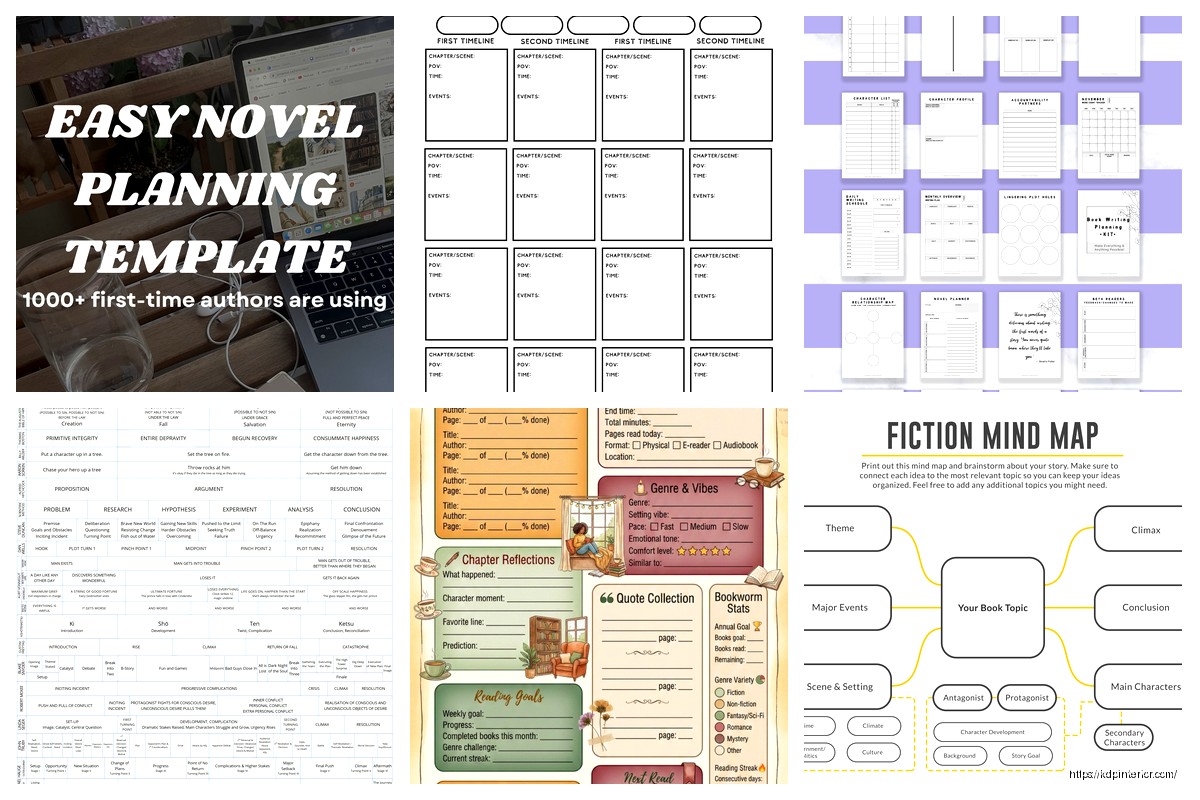
Book Planning Template: Author Organization Tools
07
Apr
Apr
Okay so I just reorganized my entire book planning system last month and honestly it’s made such a difference, let me show you what actually works because most templates out there are either way too complicated or missing the stuff you actually need.
The Core Template Structure That Actually Makes Sense
Right so the main thing is you need three separate documents minimum. I used to cram everything into one massive spreadsheet and it was a disaster, couldn’t find anything. Now I keep:
- Master project tracker (all books in one view)
- Individual book bible for each project
- Content calendar/production timeline
The master tracker is literally just a Google Sheet with columns for title, genre, status, target word count, actual word count, launch date, and notes. Super basic but you can see everything at a glance. I color-code mine by status – yellow for planning, green for active writing, blue for editing, purple for formatting/uploading. Sounds dorky but when you’ve got 15 projects going it helps.
Book Bible Setup
For each individual book I create what I call a book bible and this is where the real organization happens. I use Notion for this now but honestly a Google Doc works fine, Notion just lets me embed stuff and link pages which is nice.
Here’s what goes in each book bible:
Project Overview section – This is your one-pager. Working title, genre/subgenre, target audience, comp titles (at least 5), unique selling angle, estimated word count, target launch date. I also put my “elevator pitch” here which is literally one sentence describing the book. Makes it easier when people ask what you’re working on.
Character profiles – Even for non-fiction this matters if you’re using case studies or examples. For fiction obviously you need full character sheets. I keep basics like age, occupation, motivation, but also weird specific details that make them real. Like my last thriller protagonist had this thing about collecting vintage lunch boxes and I never even used it in the book but it made her feel more real to me while writing.
Oh and another thing, I started adding a “character relationships” section because halfway through my second romance novel I forgot who was mad at who and why… super embarrassing.
Plot/Content outline – This varies wildly depending on what you’re writing. For fiction I do a three-act structure breakdown with major plot points. For non-fiction I map out chapters with 3-5 main points per chapter. The key is making it detailed enough that you know where you’re going but not so detailed that it feels restrictive.
Wait I forgot to mention – I also keep a “parking lot” section in every book bible. This is where random ideas go that don’t fit anywhere yet. Like you’re writing chapter 3 and suddenly have this amazing idea for chapter 9… throw it in the parking lot. Keeps you from getting distracted but you don’t lose the thought.
Production Timeline Tools
So the content calendar thing is where most people mess up because they either don’t plan at all or they make these insane schedules they’ll never hit. What actually works is backwards planning from your launch date.
I use a combo of Google Calendar and Trello for this. My cat just knocked over my coffee while I’m writing this but anyway… in Google Calendar I block out:
- Writing sprints (specific hours, not just “write today”)
- Editing phases with buffer time
- Beta reader period (usually 2-3 weeks)
- Formatting/design time
- Pre-launch marketing tasks
The Trello board mirrors this but breaks it down into actual tasks. I have columns for To Do, In Progress, Waiting On (like waiting for editor feedback), and Done. Each card is a specific task like “write chapter 4” or “order cover design” or “set up Amazon listing.”
This is gonna sound weird but I also put personal deadlines in there. Like if I know I’m going on vacation in July, I won’t schedule heavy writing then. Sounds obvious but you’d be surprised how many times I used to do this and then stress myself out.
Word Count Tracking That Doesn’t Make You Crazy
Real talk – daily word count tracking can either motivate you or destroy you depending on personality type. I’m the type where seeing zeros on bad days makes me spiral, so I track weekly instead.
My template has a simple table: Week number, goal words, actual words, running total, notes. The notes column is clutch because sometimes you wrote 500 words but they were really hard research-heavy words, or sometimes you wrote 3000 but they’re probably garbage. Context matters.
For KDP specifically I also track my low-content books separately because the metrics are totally different. Those I measure in completed interiors not word count. Completely different tracking system.
Research and Reference Organization
Okay so this part used to be a nightmare for me until I figured out a system. When you’re researching for a book you accumulate so much random information and if you don’t organize it immediately you’ll never find it again.
I create a Resources folder in Google Drive for each book with subfolders:
- Articles/PDFs
- Images/visual inspiration
- Expert interviews or notes
- Comp book analysis
Then in the book bible I keep a running “research notes” page with bullet points and links to the actual files. This way I can quickly reference something like “what was that article about Victorian mourning jewelry” without digging through 47 PDFs.
For fiction I also keep a “world bible” if there’s any kind of world-building involved. Consistency is everything. What’s the magic system, what are the rules, what’s the geography, what’s the political structure. I learned this the hard way when a beta reader pointed out that my character’s hometown was described as both coastal and landlocked in the same book. Oops.
Marketing and Launch Planning Integration
Here’s what nobody tells you – your book planning template needs to include marketing from day one, not as an afterthought. I add a Marketing Strategy section to every book bible now.
This includes:
Keywords research – I use a combo of Publisher Rocket and manual Amazon browsing. I keep a spreadsheet of potential keywords with search volume and competition level. Update this as I go because trends change.
Category research – Which categories am I targeting, what’s the competition like, what rank do I need to hit to chart. I literally screenshot the top 20 books in each category and analyze their covers, titles, descriptions.
Cover concept notes – Before I even contact a designer I document what I’m seeing in the market. Common visual elements, color schemes, typography styles. I made the mistake early on of just telling a designer “make it look good” and got something that didn’t fit the genre at all.
Launch team planning – Who’s on my ARC team, when do they get copies, what am I asking them to do. I keep a separate spreadsheet for this with names, emails, preferred format, and whether they actually reviewed last time (some people flake).
Promo calendar – Where am I running ads, which promo sites am I submitting to, what’s my social media plan. I plan this out 30 days pre-launch through 60 days post-launch.
Oh and I also keep a Budget Tracker in each book bible. How much am I spending on editing, cover design, formatting, ads, promo sites. You gotta know your numbers if you want to actually make money at this.
Collaboration Tools When You’re Not Solo
If you’re working with an editor, cover designer, formatter, whatever – you need a system for managing those relationships and files. I use a combination of Dropbox for file sharing and Asana for task management with collaborators.
In Asana I create a project for each book and add team members. Everyone can see what stage we’re at, what’s needed next, who’s responsible. Way better than endless email threads where stuff gets lost.
I also keep a Communication Log in my book bible. Sounds excessive but when your editor emails you a question about character motivation in chapter 7 and you respond, having that logged somewhere means you can reference it later. I’ve had multiple situations where I’m like “wait didn’t we decide something about this” and couldn’t find the conversation.
Template Maintenance and Evolution
Your template isn’t gonna be perfect from day one and that’s fine. I literally revise mine every few months based on what’s working and what’s not.
Like I used to have this elaborate scene-by-scene breakdown for fiction but honestly it was taking too long and making me feel restricted. Now I just do chapter-level outlines with key plot points and it’s much better. More flexibility, less time spent planning instead of writing.
The trick is actually using the template consistently for at least 3 books before you judge whether it works. First book you’re learning the system, second book you’re refining it, third book you actually know if it’s helpful or just busywork.
Digital vs Physical Planning
Some people swear by physical planners and bullet journals for book planning. I’ve tried it and honestly for me it doesn’t work because I can’t search handwritten notes and I lose paper. But if you’re that type of person you can adapt everything I’m talking about to a physical system.
The key elements don’t change – you still need project tracking, detailed book documentation, timeline planning, research organization. Just different tools.
That said I do keep one physical thing which is index cards for scene planning when I’m stuck. Sometimes moving physical cards around on my desk helps me see structure differently than staring at a screen. Weird but it works.
Automation and Time-Savers
If you’re doing this regularly you want some automation. I use Zapier to automatically save certain emails to specific Dropbox folders. Like when my editor sends files they automatically go to the right project folder.
I also have template emails saved for common situations – requesting reviews, following up with ARC readers, pitching to promo sites. Don’t reinvent the wheel every time.
For the actual template files I keep master copies in a “Templates” folder and duplicate them for each new project. Saves time not rebuilding from scratch.
One more thing – version control matters especially for manuscripts. I date every file like “BookTitle_Draft_2024-01-15.docx” so I can always go back to earlier versions if needed. Saved my butt multiple times when I deleted a scene and then wanted it back three weeks later.
Anyway that’s basically my whole system. It looks like a lot written out but once you set it up initially it’s pretty quick to maintain and honestly it keeps you from forgetting important stuff or duplicating work. The organization just makes the actual writing part easier because you’re not constantly trying to remember what you decided about something or where you saved that one research article.
DISCOVER OUR FREE BEST SELLING PRODUCTS
Editable Canva Lined Journal: Express Your Thoughts – KDP Template
Lined Pages Journal 120 pages Ready to Upload PDF Commercial Use KDP Template 6×9 8.5×11 5×8 for Notebooks, Diaries, Low Content
Lined Pages Journal 120 pages Ready to Upload PDF Commercial Use KDP Template 6×9 8.5×11 5×8 for Notebooks, Diaries, Low Content
Cute Dogs Coloring Book for Kids | Activity Book | KDP Ready-To-Upload
Daily Planner Diary : Diary Planners for Everyday Productivity, 120 pages, 6×9 Size | Amazon KDP Interior
Wolf Coloring KDP interior For Adults, Used as Low Content Book, PDF Template Ready To Upload COMMERCIAL Use 8.5×11"
Coloring Animals Head Book for Kids, Perfect for ages 2-4, 4-8 | 8.5×11 PDF
Printable Blank Comic Book Pages PDF : Create Your Own Comics – 3 Available Sizes
Notes KDP interior Ready To Upload, Sizes 8.5×11 6×9 5×8 inch PDF FILE Used as Amazon KDP Paperback Low Content Book, journal, Notebook, Planner, COMMERCIAL Use
Black Lined Journal: 120 Pages of Black Lined Paper Perfect for Journaling, KDP Notebook Template – 6×9
Student Planner Journal 120 pages Ready to Upload PDF Commercial Use KDP Template 6×9" 8.5×11" for Low Content book
Recipe Journal Template – Editable Recipe Book Template, 120 Pages – Amazon KDP Interior