
-
×
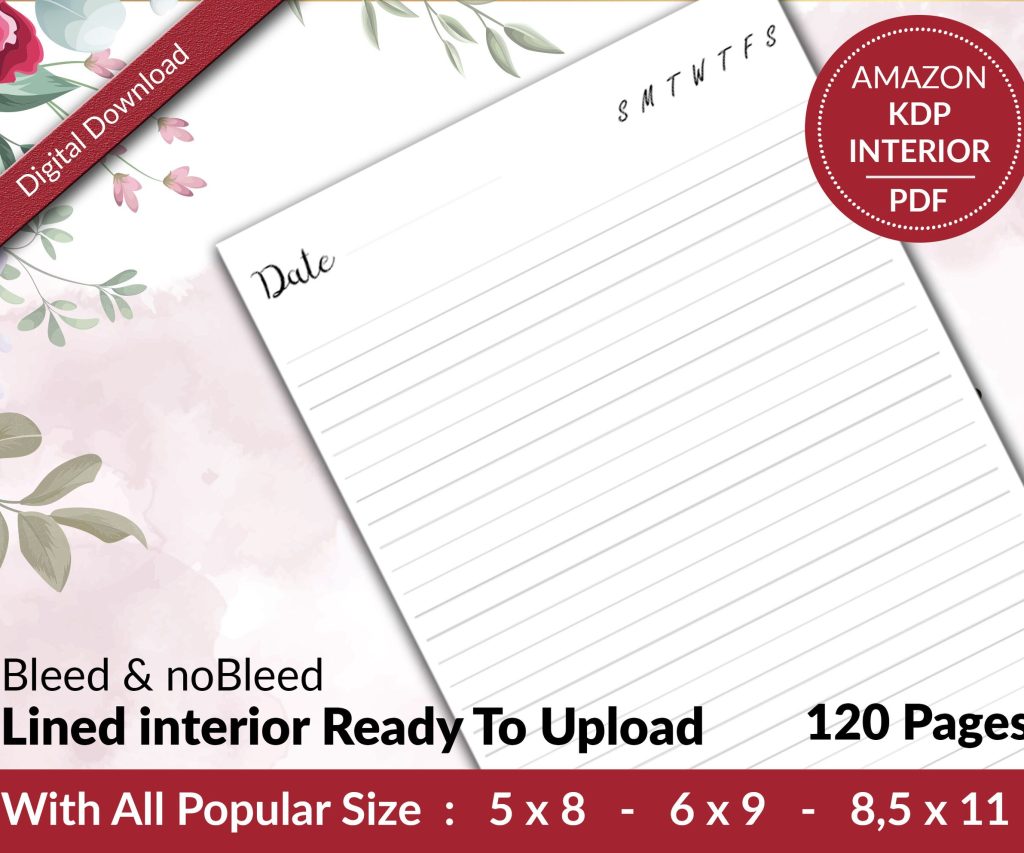 Lined Pages Journal 120 pages Ready to Upload PDF Commercial Use KDP Template 6x9 8.5x11 5x8 for Notebooks, Diaries, Low Content
1 × $0.00
Lined Pages Journal 120 pages Ready to Upload PDF Commercial Use KDP Template 6x9 8.5x11 5x8 for Notebooks, Diaries, Low Content
1 × $0.00
Subtotal: $0.00
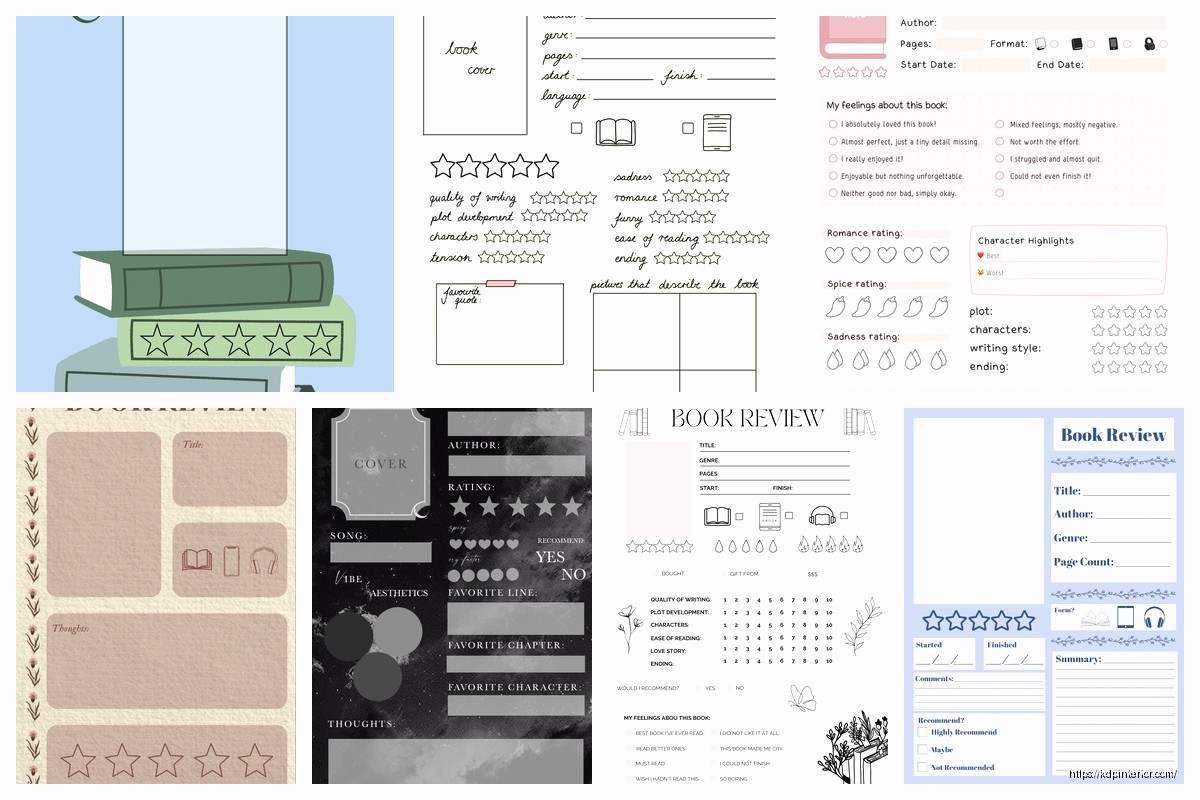
Okay so I’ve been using rating templates for my book reviews for like three years now and honestly it’s one of those things that seems complicated but once you set it up once you’re basically golden forever.
The main thing people screw up is they try to rate everything on a 5-star scale without breaking down WHY they gave those stars. Like what does 3 stars even mean to you versus someone else right? So what I do is create categories that actually matter for the type of book I’m reviewing.
For fiction books I usually break it down into like 5-6 core areas. Plot/story gets its own score, character development gets one, writing style, pacing, and then overall engagement or emotional impact. Sometimes I’ll add world-building if it’s fantasy or sci-fi but that’s optional.
The trick is to keep each category rated on the same scale. I use 1-5 stars for everything because it’s what people already understand from Amazon and Goodreads. But here’s where it gets useful – I define what each star level means for EACH category.
I literally have this saved in a Google Doc that I copy-paste from. Changed my workflow completely when I stopped trying to remember my own criteria every single time.
Oh and another thing – for non-fiction books the categories are totally different. I rate things like practical value, clarity of explanations, organization/structure, credibility of sources, and actionability. Because like nobody cares about “character development” in a business book right?
So here’s where it gets a bit more sophisticated but trust me it’s worth it. Not all categories matter equally for every book. Sometimes the writing style is absolutely crucial (literary fiction) and sometimes you can forgive mediocre prose if the plot is killer (thriller genres).
What I do is assign weights to each category based on genre expectations. My cat just knocked over my water bottle hold on…
Okay back. So for a thriller I might weight it like this:
But for literary fiction it flips:
The math is simple – multiply each category score by its weight, add them up, and you get your overall rating. So if a thriller gets 5 stars for plot (5 × 0.35 = 1.75), 4 stars for pacing (4 × 0.30 = 1.2), 3 stars for characters (3 × 0.15 = 0.45), etc… you add it all up.
I use a spreadsheet for this because I’m lazy and spreadsheets do math for me. Takes like 2 minutes to plug in numbers.
This is gonna sound weird but the template you use internally doesn’t have to match what readers see. I have my detailed scoring system that helps ME be consistent, but when I publish reviews I simplify it.
What readers actually see in my reviews looks more like:
Story & Plot: ⭐⭐⭐⭐ (4/5)
Engaging premise with a few predictable moments but overall well-executed.Characters: ⭐⭐⭐⭐⭐ (5/5)
Incredibly well-developed protagonists that stayed with me after finishing.Writing Quality: ⭐⭐⭐ (3/5)
Serviceable prose that gets the job done without being particularly memorable.Overall Rating: ⭐⭐⭐⭐ (4.2/5)
See how I include a brief explanation for each score? That’s crucial. Numbers without context are pretty useless for readers trying to decide if they’ll like a book.
Wait I forgot to mention – you gotta have different templates for different genres. What works for romance doesn’t work for business books at all.
For romance I add categories like:
For business/self-help:
I probably have like 8-10 different templates saved now for different genres. Sounds like a lot but you build them as you need them.
Okay so funny story – I started adding this after reviewing my 50th thriller and realizing I couldn’t remember which ones I’d actually recommend over others. Now I include a quick comparison section in my internal notes.
It’s literally just bullet points like:
This helps SO much when readers ask “if I liked X should I read this?” and you can actually give them a useful answer.
I also track specific issues that might be dealbreakers for certain readers. This doesn’t affect my star rating necessarily but it’s important information.
Things like:
I have a checkbox system for these in my template. Just quick yes/no markers that help me remember to mention important stuff in the actual review.
Here’s my actual workflow and this is probably the most valuable part honestly. While reading I keep my template open on my phone or tablet. I jot down quick notes as I go.
Like I’ll write “ch 7 – pacing drags” or “LOVED the plot twist pg 234” or “this dialogue feels forced”. Then when I’m done reading I go back through my notes and they basically write the review for me.
Without the template structure I used to forget half my thoughts by the time I sat down to write. Now everything’s captured in categories that make sense.
Your rating criteria will change and that’s fine. I review my templates every few months and tweak them. Like I realized I was being too harsh on writing style for genre fiction – readers in those genres care more about story than beautiful prose usually.
So I adjusted my weights and my definitions of what each star level means. The key is being consistent within each review period but allowing yourself to evolve.
I keep old versions of my templates saved with dates. That way if someone questions why I rated Book A higher than Book B two years ago I can see what criteria I was using then.
I’ve tried probably a dozen different systems for this. Here’s what actually works:
Google Sheets for the scoring calculations – free, accessible everywhere, does the math automatically. I have one master sheet with tabs for each genre template.
Notion also works great if you’re into that. You can create database templates with all your categories and it looks prettier than spreadsheets.
For the actual review writing I use Google Docs with my templates saved. Just copy the template, fill it in, done.
Some people use Airtable which is overkill for me personally but if you’re reviewing like hundreds of books it might be worth it. Has more database features.
Don’t make too many categories. I tried having like 12 categories once and it was exhausting. Five to seven is the sweet spot.
Don’t use half-stars in your individual categories. Just makes the math annoying and doesn’t add that much precision honestly. Save half-stars for your final overall rating if you want.
Don’t try to be “objective” – your template should reflect YOUR preferences and what YOU value in books. That’s what makes your reviews useful. People follow reviewers whose taste aligns with theirs.
And don’t feel locked into your scores. If something feels off about the final rating compared to your gut feeling, adjust the weights or individual scores. The template is a tool not a prison.
Amazon reviews have character limits so I use a shortened version there. Just the category scores and one-line explanations.
Goodreads I can be more detailed. Full template with longer thoughts.
Blog or newsletter reviews get the complete treatment with comparisons and detailed analysis.
Social media (if you do that) gets like the overall score and one standout category. “Plot: 5/5 – couldn’t put this down” type stuff.
Same underlying template, just adapted for each platform’s format and audience expectations.
This might seem excessive but I keep a master spreadsheet of every book I’ve rated with all the category scores. It’s fascinating to look back and see patterns in what you enjoy.
Like I noticed I almost never give 5 stars for pacing in books over 500 pages. That’s just a personal preference thing but it’s good to know about yourself.
Also helps you avoid rating drift where you slowly get more generous or harsh over time without realizing it.
The template system has honestly made me a better reviewer because it forces me to think critically about WHY I liked or didn’t like something instead of just going with gut feeling. And readers seem to find the structured breakdowns more helpful than just “great book 5 stars!”
Anyway that’s basically the whole system I’ve been using. Start simple with like 5 categories, define what each star level means to you, and build from there as you need it.
DISCOVER OUR FREE BEST SELLING PRODUCTS
Editable Canva Lined Journal: Express Your Thoughts – KDP Template
Lined Pages Journal 120 pages Ready to Upload PDF Commercial Use KDP Template 6×9 8.5×11 5×8 for Notebooks, Diaries, Low Content
Lined Pages Journal 120 pages Ready to Upload PDF Commercial Use KDP Template 6×9 8.5×11 5×8 for Notebooks, Diaries, Low Content
Cute Dogs Coloring Book for Kids | Activity Book | KDP Ready-To-Upload
Daily Planner Diary : Diary Planners for Everyday Productivity, 120 pages, 6×9 Size | Amazon KDP Interior
Wolf Coloring KDP interior For Adults, Used as Low Content Book, PDF Template Ready To Upload COMMERCIAL Use 8.5×11"
Coloring Animals Head Book for Kids, Perfect for ages 2-4, 4-8 | 8.5×11 PDF
Printable Blank Comic Book Pages PDF : Create Your Own Comics – 3 Available Sizes
Notes KDP interior Ready To Upload, Sizes 8.5×11 6×9 5×8 inch PDF FILE Used as Amazon KDP Paperback Low Content Book, journal, Notebook, Planner, COMMERCIAL Use
Black Lined Journal: 120 Pages of Black Lined Paper Perfect for Journaling, KDP Notebook Template – 6×9
Student Planner Journal 120 pages Ready to Upload PDF Commercial Use KDP Template 6×9" 8.5×11" for Low Content book
Recipe Journal Template – Editable Recipe Book Template, 120 Pages – Amazon KDP Interior