-
×
 Wolf Coloring KDP interior For Adults, Used as Low Content Book, PDF Template Ready To Upload COMMERCIAL Use 8.5x11"
1 × $0.00
Wolf Coloring KDP interior For Adults, Used as Low Content Book, PDF Template Ready To Upload COMMERCIAL Use 8.5x11"
1 × $0.00
Subtotal: $0.00

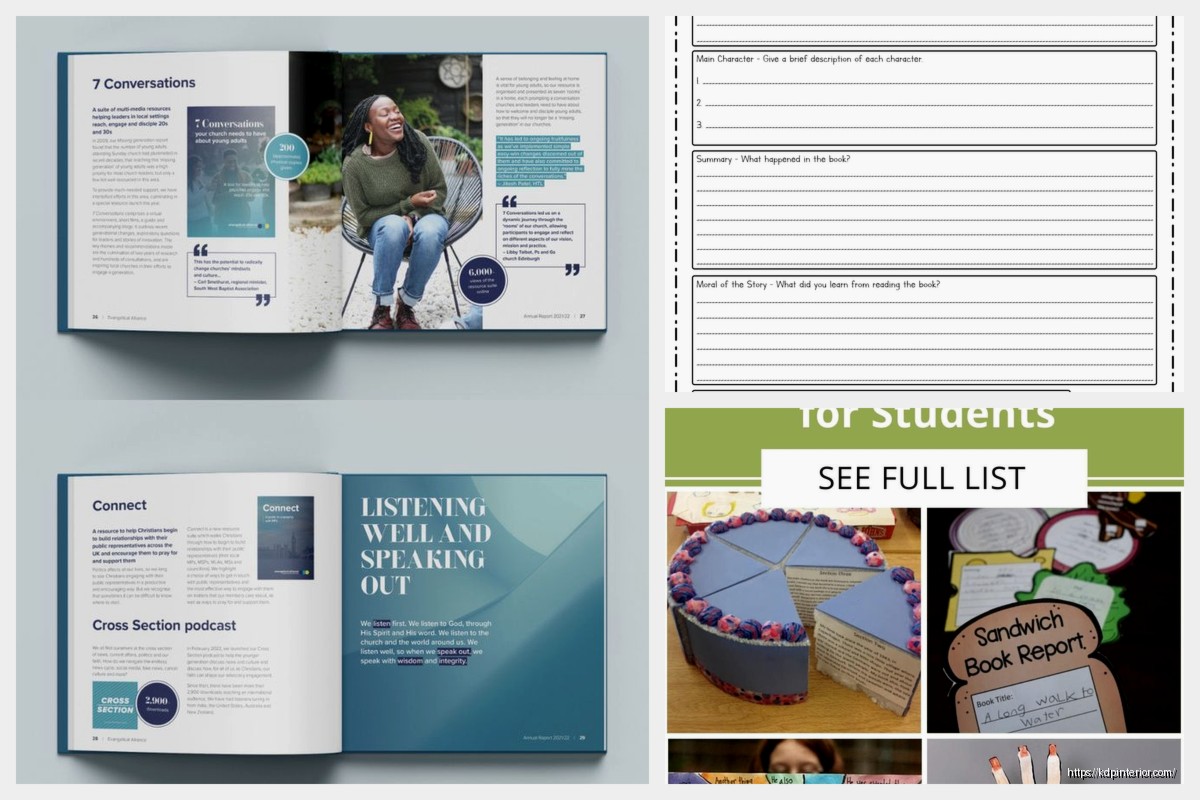
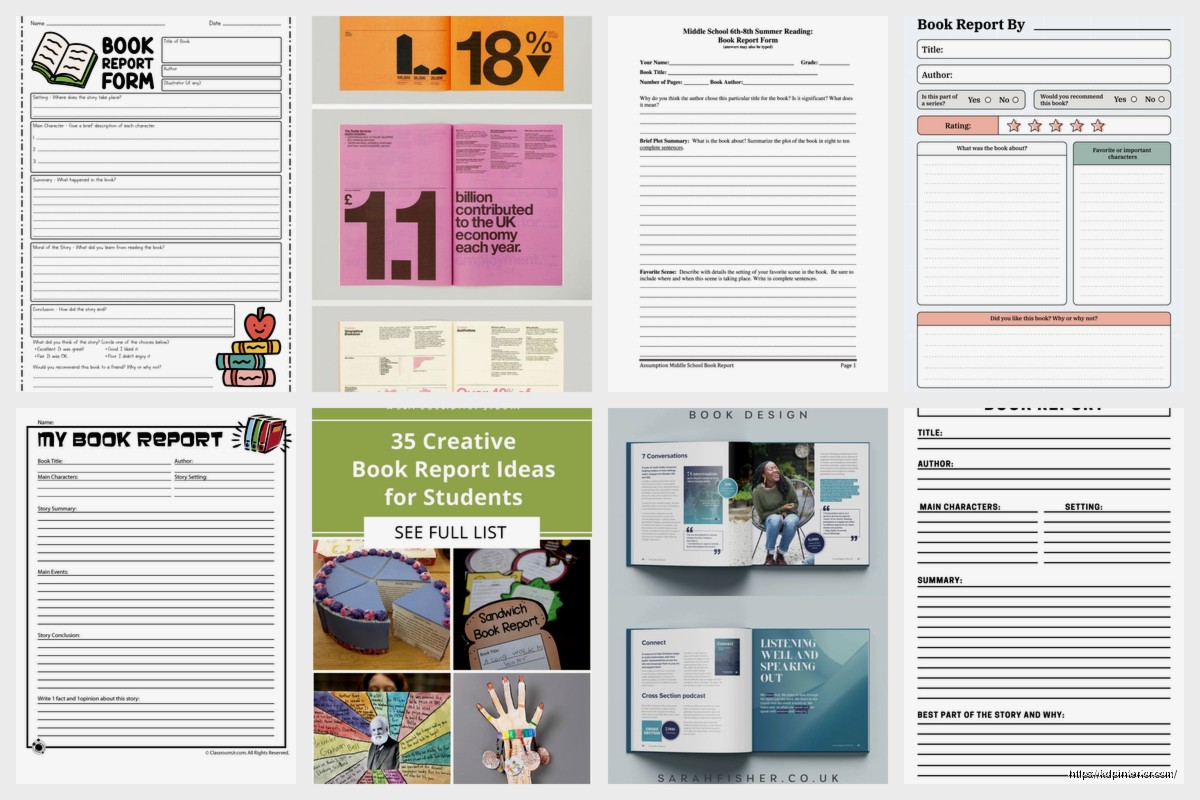
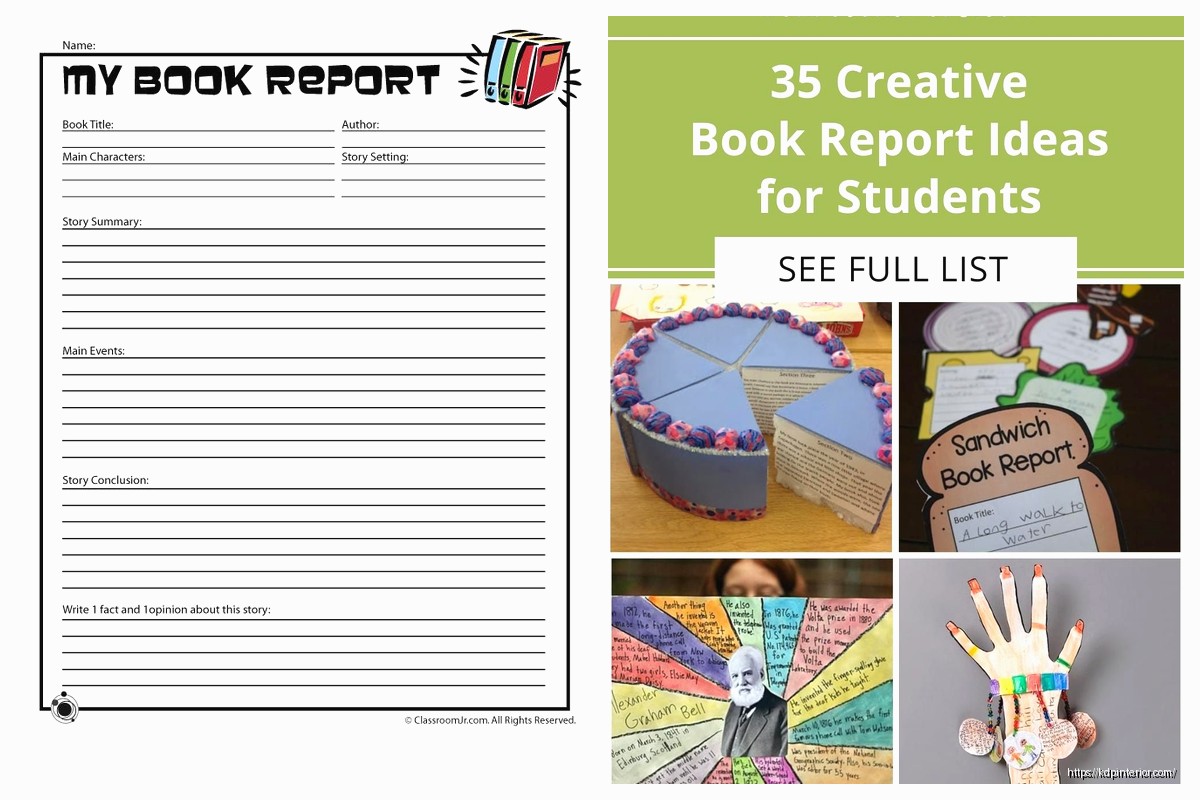
Okay so last week I was helping this college student format her book report and honestly the whole academic paper design thing is way simpler than people make it out to be, but there are some specific things you gotta nail or professors will dock points like crazy.
Right so first thing – margins. Everyone wants to do something fancy but academic papers need 1-inch margins on all sides. That’s it. Go into your Word settings or Google Docs and just set it to 1 inch top, bottom, left, right. I see people doing weird asymmetric margins thinking it looks more “bookish” but that’s gonna get flagged immediately.
Font choice is where it gets interesting because… okay so technically Times New Roman 12pt is the standard everyone knows about. But here’s the thing I discovered after formatting like 50+ academic documents for clients – most professors also accept Arial 11pt, Calibri 11pt, and Georgia 11pt. The key is readability and that professional look. Don’t get creative with fonts. I had someone try to use Papyrus once and I’m still recovering from that trauma.
Line spacing needs to be double-spaced throughout the entire document. Not 1.5, not 2.5, exactly double. And this includes your references page which people forget about constantly.
Oh and another thing – the header setup depends on which style guide you’re using but for most book reports you’re looking at MLA format. In MLA your header goes in the upper right corner with your last name and page number. So it’d be like “Harper 1” then “Harper 2” on the next page.
Wait I forgot to mention – that header should be 0.5 inches from the top of the page. You set this up once in your document settings and it automatically continues through all pages. If you’re manually typing page numbers on each page you’re doing it wrong and wasting so much time.
For the first page there’s no title page in MLA (that’s APA style). Instead you put your info in the top left corner:
Then hit enter once and center your title. The title should be in the same font as everything else, NOT bold, NOT underlined, NOT in all caps. Just regular text that’s centered. This is gonna sound weird but I’ve seen people lose points for making their title too fancy when the whole point is academic simplicity.
So the body of your report starts right after the title. Hit enter once after the title then go back to left alignment and start your first paragraph. Here’s where people get confused – do NOT add extra spaces between paragraphs. Academic papers use the double-spacing to create that separation already.
Instead you indent the first line of each paragraph by 0.5 inches. You can set up an automatic indent in Word by going to Paragraph settings, or just hit Tab once at the start of each paragraph. But like… make sure your Tab is actually set to 0.5 inches because sometimes it defaults to something weird.
Your introduction paragraph should include:
My cat just knocked over my coffee but anyway – the thesis statement is basically your main argument or analysis point. For a book report it’s usually something like “Through the use of symbolism and character development, Author Name explores themes of identity and belonging.”
Each body paragraph needs a clear topic sentence that connects back to your thesis. Then you provide evidence from the book – and here’s the critical part – you need to cite page numbers.
In-text citations for MLA look like this: “Quote from the book” (Author’s Last Name page#). So it’d be: “The character realized his mistake too late” (Harper 47). Notice there’s no comma between the name and page number, and the period goes AFTER the parentheses.
If you mention the author’s name in your sentence already, you just put the page number: Harper describes the scene as “haunting and memorable” (89).
Block quotes are for passages longer than 4 lines. You indent the entire quote 1 inch from the left margin, remove the quotation marks, and keep it double-spaced. The citation goes after the final punctuation in block quotes which is backwards from regular quotes. I always forget this and have to look it up honestly.
Okay so funny story – I was watching this documentary about publishing while formatting a client’s paper and realized most people don’t understand what “analysis” actually means in academic writing. It’s not just summary. You gotta explain WHY something matters or HOW it functions in the text.
Bad analysis: “The author uses symbolism in this scene.”
Good analysis: “The recurring image of broken mirrors throughout the novel reinforces the protagonist’s fractured sense of identity, particularly in chapter seven where she literally cannot recognize her own reflection.”
See the difference? You’re connecting the literary device to its purpose and effect. Every body paragraph should have:
This is where the flow comes in. You can’t just jump from one idea to another. Use transition phrases like:
Academic writing should feel like you’re building an argument brick by brick, not just listing random observations about the book.
Your conclusion paragraph needs to synthesize everything without just repeating your intro word-for-word. I see this constantly – people basically copy-paste their introduction and call it a conclusion. Instead, show how your analysis proved your thesis and maybe gesture toward broader implications.
Like if your book report was about themes of isolation in a novel, your conclusion might connect that to broader human experiences or contemporary issues. Don’t introduce NEW evidence in the conclusion though. That’s a rookie mistake.
This is its own page at the end. Hit page break after your conclusion so it starts fresh. Center the words “Works Cited” at the top (not bold, not italicized). Then go back to left alignment for your entries.
MLA format for a book citation looks like:
Author’s Last Name, First Name. Book Title in Italics. Publisher, Year.
So: Harper, Daniel. Digital Publishing Strategies. Amazon Press, 2023.
The entries should be in alphabetical order by author’s last name. Use a hanging indent – meaning the first line is flush left but subsequent lines of each entry are indented 0.5 inches. You can set this up in paragraph formatting.
If you cited multiple books or articles you list them all here. If you ONLY read the one book for your report, you still need this page with just that one entry.
Wait I forgot to mention earlier – don’t add extra spacing after your title or between sections. The double-spacing handles all of that. People think they need to hit enter multiple times but it just makes the formatting look inconsistent.
Also, justified alignment is NOT standard for academic papers. Keep everything left-aligned (except the title which is centered). Justified text creates weird spacing issues and looks like you’re trying too hard.
Another thing – if you mention the book title in your text it should ALWAYS be italicized. Not in quotation marks. Quotation marks are for short stories, poems, or articles. Full-length books get italics.
Professors usually assign page requirements but here’s what they actually mean – they mean pages formatted according to these specifications. A 5-page paper means 5 full pages of double-spaced, 12pt Times New Roman text with 1-inch margins. You can’t cheat this by increasing margins or font size because it’s super obvious.
The Works Cited page counts as one of your pages in the total count, but your heading information at the top doesn’t count as filling a page. So if your professor wants 4-5 pages, they mean 4-5 pages of actual body text plus the Works Cited.
Before you submit, run through this checklist I use for all my academic formatting projects:
Oh and another thing about citations – make sure you’re consistent. If you write out “page” in one citation, don’t abbreviate it as “p.” in another. Pick one style and stick with it throughout.
Most classes now want digital submissions through Blackboard or Canvas or whatever. Save your file as a .docx or PDF depending on what they specify. Name it something clear like “LastName_BookReport_CourseNumber.docx” not just “essay.docx” because professors are dealing with hundreds of files.
PDF preserves your formatting better across different computers and systems, but some plagiarism checkers need Word files. Check your syllabus for what format they want.
This is gonna sound weird but I always keep a backup copy before submitting because I’ve had files corrupt during upload more times than I can count. Just duplicate it and save it somewhere safe.
The whole academic paper design thing really comes down to consistency and following the established rules. It’s not about creativity in layout – save that for your actual analysis and arguments. The formatting should be invisible, just presenting your ideas in the standard professional way that academia expects.
DISCOVER OUR FREE BEST SELLING PRODUCTS
Editable Canva Lined Journal: Express Your Thoughts – KDP Template
Lined Pages Journal 120 pages Ready to Upload PDF Commercial Use KDP Template 6×9 8.5×11 5×8 for Notebooks, Diaries, Low Content
Lined Pages Journal 120 pages Ready to Upload PDF Commercial Use KDP Template 6×9 8.5×11 5×8 for Notebooks, Diaries, Low Content
Cute Dogs Coloring Book for Kids | Activity Book | KDP Ready-To-Upload
Daily Planner Diary : Diary Planners for Everyday Productivity, 120 pages, 6×9 Size | Amazon KDP Interior
Wolf Coloring KDP interior For Adults, Used as Low Content Book, PDF Template Ready To Upload COMMERCIAL Use 8.5×11"
Coloring Animals Head Book for Kids, Perfect for ages 2-4, 4-8 | 8.5×11 PDF
Printable Blank Comic Book Pages PDF : Create Your Own Comics – 3 Available Sizes
Notes KDP interior Ready To Upload, Sizes 8.5×11 6×9 5×8 inch PDF FILE Used as Amazon KDP Paperback Low Content Book, journal, Notebook, Planner, COMMERCIAL Use
Black Lined Journal: 120 Pages of Black Lined Paper Perfect for Journaling, KDP Notebook Template – 6×9
Student Planner Journal 120 pages Ready to Upload PDF Commercial Use KDP Template 6×9" 8.5×11" for Low Content book
Recipe Journal Template – Editable Recipe Book Template, 120 Pages – Amazon KDP Interior