
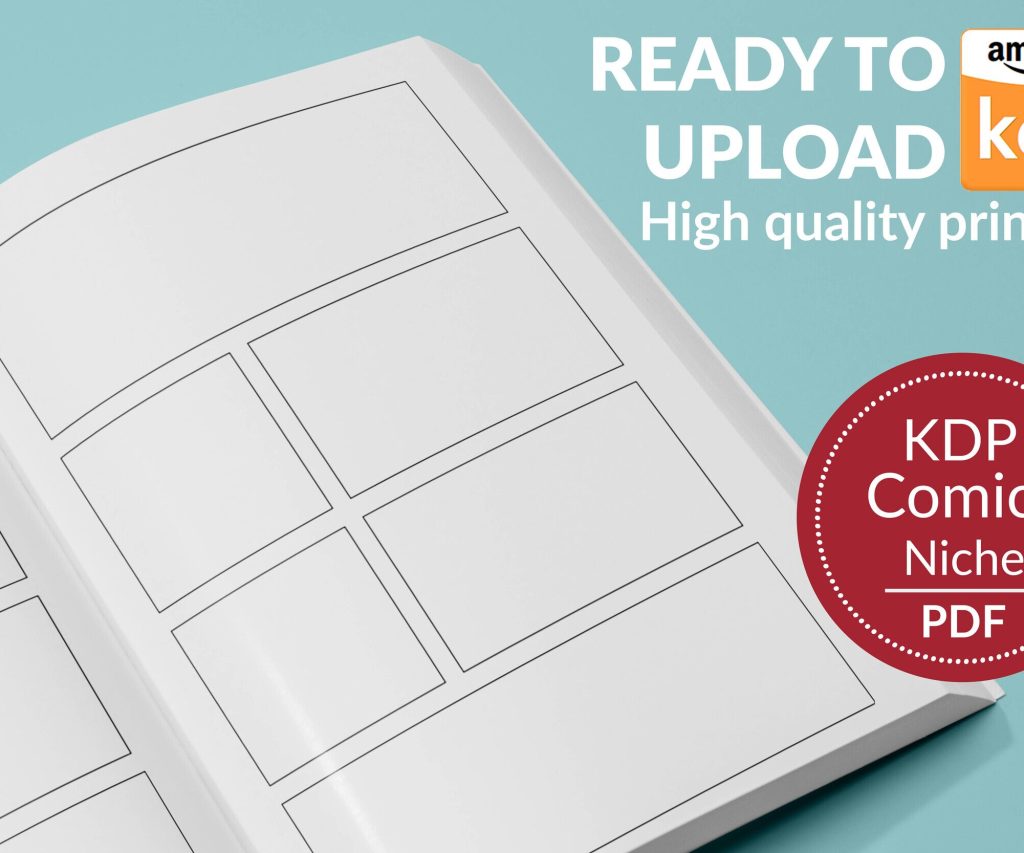
 Printable Blank Comic Book Pages PDF : Create Your Own Comics - 3 Available Sizes
 Subtotal: $0.00
Amazon KDP guide, KDP book publishing
Book Template Free Download: Complete Resource Pack
09
Apr
Apr
Okay so I just spent like three hours last night sorting through book templates because someone in my mastermind group asked where to actually find decent free ones and honestly most of the “free download” sites are garbage but there are some legit resources if you know where to look.
The Templates That Actually Work for KDP
First thing – don’t download templates from random Pinterest links. Like half of them are either outdated or they’re formatted for print sizes that Amazon doesn’t even accept anymore. I learned this the hard way in 2019 when I wasted an entire weekend trying to make a 6.5×9.5 template work and KDP kept rejecting it because the bleed settings were wrong.
The best free template pack I’ve found is actually from KDP itself. They have this whole library at kdp.amazon.com/en_US/help/topic/G201834230 and nobody talks about it? They’ve got templates for like 40+ trim sizes in both Word and InDesign formats. I use their 6×9 template for pretty much all my notebooks now because it’s already got the margins and bleed set correctly.
Word Templates vs InDesign Templates
If you’re just starting out, grab the Word templates. InDesign is powerful but it’s also like $20/month and has this massive learning curve. I didn’t touch InDesign until year three of publishing and honestly you don’t need it for low-content books.
The Word templates are basically just… Word docs with the right page size and margins already configured. You open it, add your content, export to PDF. Done. The margins are set to 0.5 inches on the outside edges and 0.75 on the inside (gutter) which is what KDP wants for perfect binding.
Wait I forgot to mention – when you download these templates, make a master copy and never touch it. Like save it in a folder called “TEMPLATES MASTER DO NOT EDIT” or something because I’ve accidentally overwritten my master template probably five times and had to re-download and re-configure everything.
Free Interior Templates by Category
Okay so beyond KDP’s official stuff, here’s what I actually use:
Notebook and Journal Interiors
BookBolt has free interior downloads if you create an account. You don’t need their paid subscription to access the free stuff. They’ve got lined pages, dotted pages, graph paper, blank pages – all formatted correctly for KDP. The catch is you gotta give them your email and they’ll send you marketing stuff but honestly their emails actually have useful tips sometimes.
I downloaded their lined notebook template last month and used it for like 15 different notebooks. Just change the cover and boom, new product. The lines are spaced at 0.25 inches which is pretty standard for college-ruled paper.
Planners and Organizers
This is where it gets tricky because planner templates are everywhere but most of them suck. The free ones usually have weird fonts that aren’t embedded properly or the date fields are in some European format.
Creative Fabrica has free templates if you sign up for their free trial – but cancel it immediately or they’ll charge you. I think it’s like $7/month after the trial. Their planner templates are actually really well designed though. I grabbed their 2024 daily planner template and it had monthly spreads, weekly spreads, habit trackers, all that stuff already laid out.
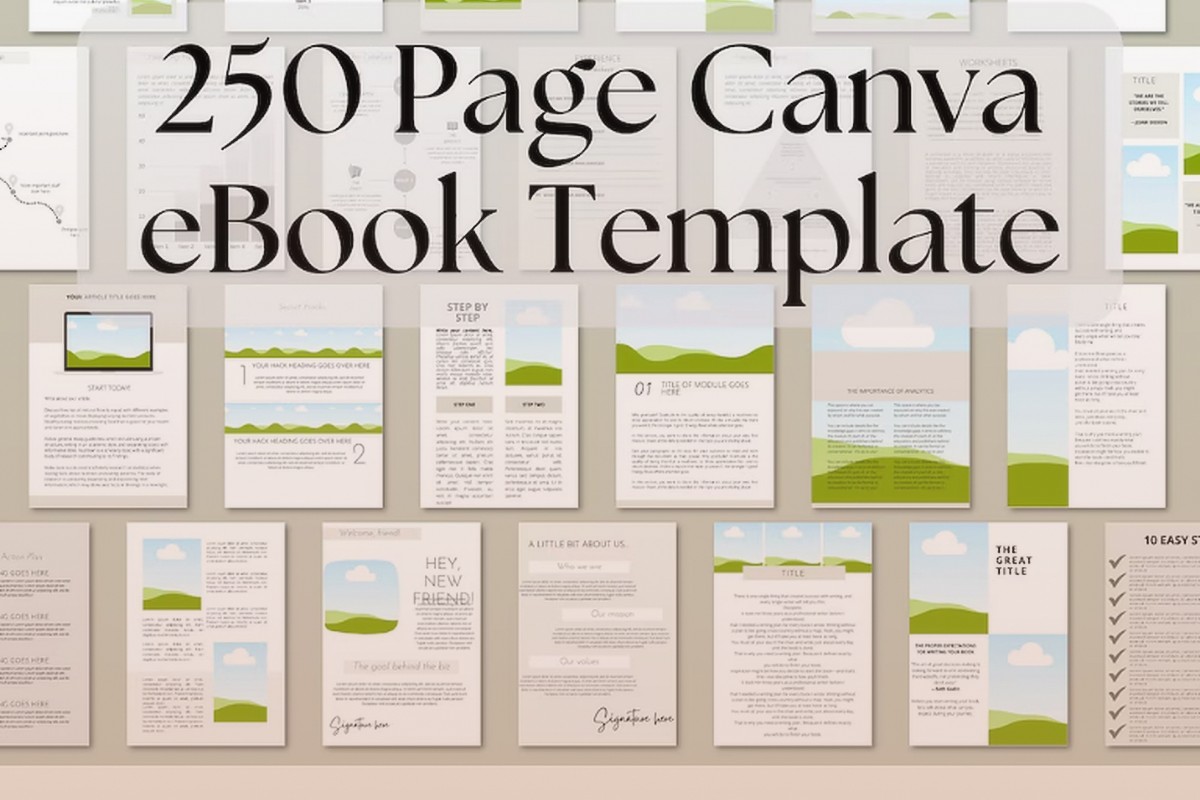
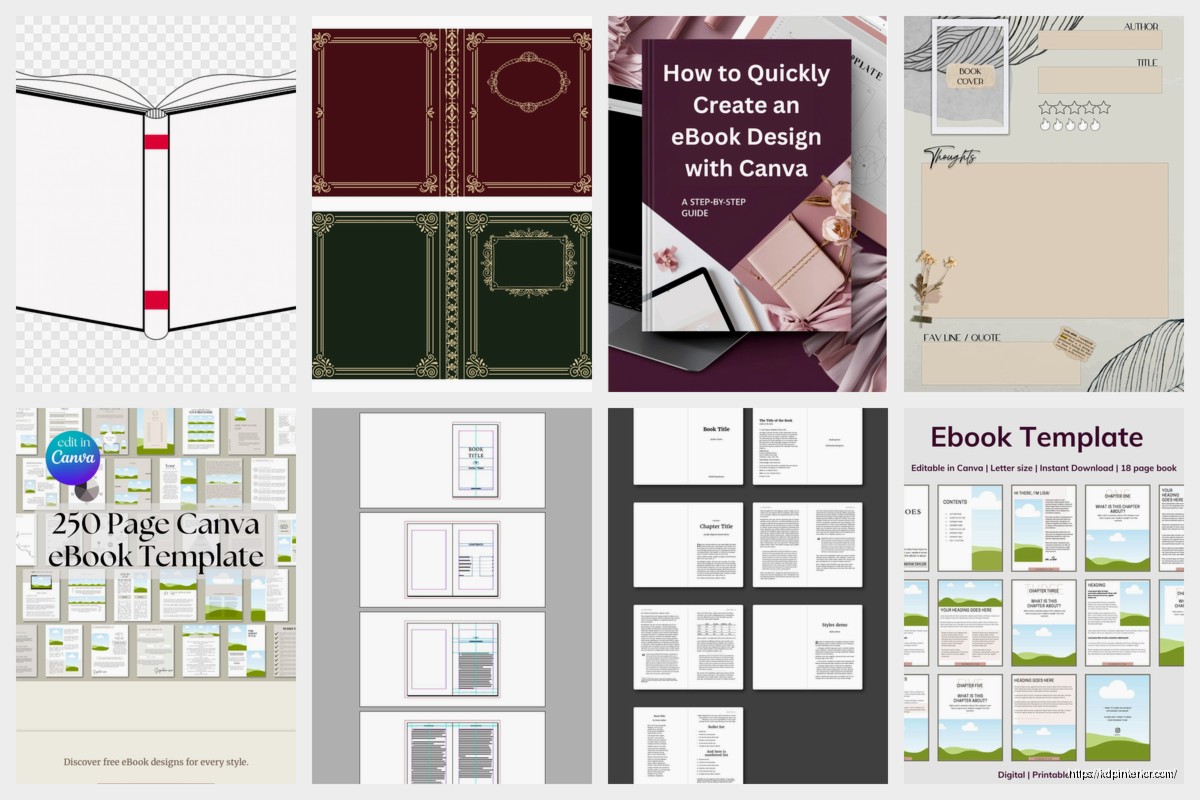
Oh and another thing – Canva has book templates now. They added them like six months ago maybe? You can create an 8.5×11 document and they have templates for workbooks, journals, activity books. The problem is Canva’s PDF export sometimes does weird things with bleed so you gotta check it carefully before uploading to KDP.
Formatting Resources You Actually Need
Nobody tells you this but the template is only half the battle. You also need to understand how to format the thing properly.
Bleed Settings Explained
KDP wants 0.125 inches of bleed on all sides if your book has content that goes to the edge of the page. If you’re doing a notebook with no designs on the page edges, you don’t need bleed. But if you’re doing like a kids coloring book or something with background colors, you need that bleed.
I spent probably $200 in rejected proof copies before I figured this out. The template needs to be set up with the final trim size PLUS 0.25 inches (0.125 on each side). So a 6×9 book with bleed is actually 6.25×9.25 in your document setup.
Margin Requirements
KDP has minimum margins and they vary by page count. This is so annoying but basically:
– 24-150 pages: 0.375 inches minimum on binding edge
– 151-300 pages: 0.5 inches
– 301-500 pages: 0.625 inches
– 501-700 pages: 0.75 inches
– 701-828 pages: 0.875 inches
The templates from KDP have this built in but if you’re making your own or modifying someone else’s, you gotta check this. I had a 400-page workbook get rejected three times because the gutter margin was too small.
Where I Actually Download Templates From
Okay so here’s my actual workflow. I’m gonna sound like a shill but these are genuinely what I use:
KDP’s Official Templates – For basic interiors. Free, reliable, boring but functional.
BookBolt Free Section – For standard notebook interiors. They have like 50+ different styles.
Tangent Templates – They have a free starter pack. It’s only got like 5 templates but they’re really well done. I used their gratitude journal template for a book that made me like $800 last year.
Atticus – This is actually software for formatting ebooks but they have a free version that works for simple paperback interiors too. I was watching this random Netflix show about book publishing and saw someone mention it in a Facebook group the next day which was weird timing.
The Templates I Avoid
Etsy sellers who charge $5 for “100 book templates” – it’s always clipart garbage that’ll get you in copyright trouble. I bought one of these bundles in 2020 and like 30 of the templates had images that were obviously just stolen from Google Images.
Fiverr gigs that offer “custom templates” for $10 – they’re just reselling free templates with minor modifications. Not worth it.
Any site that makes you complete surveys or download suspicious software to access the templates. Just no.
Setting Up Your Template Library
This is gonna sound boring but organize your templates or you’ll waste so much time. I have a folder structure that looks like:
- Templates Master (never edited)
- Templates Working (copies I actually use)
- Templates Custom (ones I’ve modified)
- Templates Archive (old versions I might need)
Inside each folder I organize by size then by type. So like “6×9 Lined” or “8.5×11 Planner” or whatever.
I didn’t do this for the first two years and I had like 200 random files named “notebook_final_v2_ACTUAL_FINAL.docx” which was a nightmare.
Actually Using the Templates
Okay so you’ve downloaded a template, now what?
Open it in whatever software it’s designed for – Word, InDesign, Affinity Publisher, whatever. Don’t try to open an InDesign file in Word because it won’t work and vice versa.
For Word Templates
Make sure you’re viewing with formatting marks turned on (that ¶ button). This shows you where all the page breaks and spacing is. KDP is super picky about spacing and if you have extra blank pages it’ll reject your file or make your page count wrong.
When you’re adding content, don’t mess with the margins or page size. Just add your content within the existing layout. If you need to adjust something, make small changes and then export a PDF and check it carefully.
Export to PDF using “Save As” not “Export” – I don’t know why but the Save As PDFs always work better with KDP. Use the “Standard” PDF setting, not “Minimum size.”
For InDesign Templates
If you’re using InDesign templates, you need to understand layers and master pages. The master page is like the template for all your other pages. If you edit the master page, it changes every page in your document.
InDesign templates usually come with guides (those blue lines) showing you the margins and bleed area. Don’t delete those guides, they’re helpful. They won’t show up in your final PDF anyway.
When exporting from InDesign, use the “Adobe PDF (Print)” preset and make sure “Include Bleed” is checked if your book needs bleed.
Free Software for Template Editing
You don’t need expensive software. Here’s what actually works:
Microsoft Word – If you have it, use it. The online version (Word Online) works for basic stuff but it’s limited.
Google Docs – Can work but the page size options are limited and PDF export isn’t as clean as Word.
LibreOffice – Completely free, works almost exactly like Word. I used this for my first year of publishing before I got Microsoft Office. The only issue is some fonts don’t render exactly the same.
Affinity Publisher – One-time payment of like $70, works similar to InDesign. Way cheaper than Adobe’s subscription. I switched to this last year and it’s been solid.
Canva – Free version works fine for simple layouts. Pro version is $13/month I think? Worth it if you’re doing lots of books with graphics.
My cat just knocked over my coffee while I’m writing this but anyway—
Common Template Problems and Fixes
The PDF Looks Different Than the Preview
This happens when fonts aren’t embedded. When you export to PDF, make sure there’s an option to embed fonts and turn it on. In Word it’s usually automatic but sometimes custom fonts don’t embed properly.
KDP Rejects My File for Wrong Dimensions
Your PDF dimensions need to match exactly what KDP expects including bleed. If you’re doing a 6×9 book with bleed, the PDF should be 6.25×9.25. If no bleed, exactly 6×9. Even being off by 0.01 inches will cause rejection.
Blank Pages Keep Appearing
Usually caused by extra paragraph marks or page breaks. Turn on formatting marks in Word and delete any extras. In InDesign, check your page count and delete blank pages manually.
The Margins Look Wrong in the Proof
Remember the gutter margin (binding edge) will eat up some space when the book is bound. What looks centered on screen might look off-center in the physical book. This is why KDP requires larger margins on the binding edge.
My Current Template Setup
I have maybe 20 templates I use regularly. Here’s my core collection:
- 6×9 lined notebook (college ruled)
- 6×9 lined notebook (wide ruled)
- 6×9 dotted journal
- 6×9 blank sketchbook
- 8.5×11 planner pages (daily, weekly, monthly)
- 8.5×11 composition notebook
- 8.5×11 graph paper
- 8.5×11 coloring book layout
- 5×8 pocket journal
- 7×10 workbook format
These cover like 90% of what I publish. I’ll create custom templates for specific niches but I always start with one of these base templates and modify it.
The key is having templates that are proven to work with KDP so you’re not troubleshooting formatting issues every time you upload a new book. I’d rather have 10 reliable templates than 100 templates I’ve never tested.
Look, the template is just the foundation. You still gotta create good content, design a good cover, write good keywords, all that stuff. But having solid templates that work makes the whole process way faster. I can create a new notebook interior in like 30 minutes now because I’m just plugging content into a template I know works.
Download a few templates, test them with KDP, find what works for your workflow, then stick with those. Don’t keep downloading every template you find because you’ll just end up overwhelmed with files you never use.
DISCOVER OUR FREE BEST SELLING PRODUCTS
Editable Canva Lined Journal: Express Your Thoughts – KDP Template
Lined Pages Journal 120 pages Ready to Upload PDF Commercial Use KDP Template 6×9 8.5×11 5×8 for Notebooks, Diaries, Low Content
Lined Pages Journal 120 pages Ready to Upload PDF Commercial Use KDP Template 6×9 8.5×11 5×8 for Notebooks, Diaries, Low Content
Cute Dogs Coloring Book for Kids | Activity Book | KDP Ready-To-Upload
Daily Planner Diary : Diary Planners for Everyday Productivity, 120 pages, 6×9 Size | Amazon KDP Interior
Wolf Coloring KDP interior For Adults, Used as Low Content Book, PDF Template Ready To Upload COMMERCIAL Use 8.5×11"
Coloring Animals Head Book for Kids, Perfect for ages 2-4, 4-8 | 8.5×11 PDF
Printable Blank Comic Book Pages PDF : Create Your Own Comics – 3 Available Sizes
Notes KDP interior Ready To Upload, Sizes 8.5×11 6×9 5×8 inch PDF FILE Used as Amazon KDP Paperback Low Content Book, journal, Notebook, Planner, COMMERCIAL Use
Black Lined Journal: 120 Pages of Black Lined Paper Perfect for Journaling, KDP Notebook Template – 6×9
Student Planner Journal 120 pages Ready to Upload PDF Commercial Use KDP Template 6×9" 8.5×11" for Low Content book
Recipe Journal Template – Editable Recipe Book Template, 120 Pages – Amazon KDP Interior