Okay so chapbook templates are one of those things that seem super simple until you’re actually sitting there trying to format one at 11pm and realize nobody agrees on what size these things should even be.
Here’s what I’ve learned after doing like maybe 30 of these for various poetry clients and a few of my own side projects. The standard chapbook size is usually 5.5 x 8.5 inches, which is literally just a regular 8.5 x 11 sheet folded in half. Makes sense for the traditional printing methods, and honestly it still works great for KDP print.
The Size Thing Everyone Gets Wrong
Most people default to 6 x 9 because that’s what they see everywhere for regular books. But chapbooks have this whole aesthetic that’s different, you know? They’re supposed to feel more intimate, more DIY even when they’re professionally printed. I tested both sizes last month actually and the 5.5 x 8.5 just feels right in your hands for poetry. That said, 5 x 8 works too if you want something even more compact.
For KDP specifically you can do:
- 5 x 8 inches (super portable)
- 5.25 x 8 inches (slightly wider)
- 5.5 x 8.5 inches (traditional chapbook)
- 6 x 9 inches (if you’re going more standard book vibes)
The margins are gonna be your first headache. KDP requires minimum 0.25 inches on outside edges and 0.375 inches on the inside gutter for perfect bound books under 150 pages. But here’s the thing – for a chapbook you probably want MORE space than that because poetry needs room to breathe.
Margin Setup That Actually Works
I usually go with:
- Inside margin: 0.75 inches
- Outside margin: 0.5 inches
- Top margin: 0.75 inches
- Bottom margin: 0.75 inches
This gives you enough white space that the poems don’t feel cramped. Poetry readers expect generous margins – it’s part of the whole experience. I made the mistake once of going too tight on margins to fit more poems per page and the reviews literally mentioned it looked “cheap” even though the content was solid.
Font Choices That Don’t Suck
Okay so fonts for poetry chapbooks… you want readable but also something with a bit of personality. Times New Roman is gonna make it look like a college assignment. My go-to options:
Garamond – classic, elegant, doesn’t distract from the words. Size 11 or 12 usually works.
Baskerville – similar vibe to Garamond but slightly more modern feeling.
Minion Pro – if you have access to it, this one’s beautiful for poetry.
Caslon – old school but in a good way.
For titles and author name on the cover, you can get more creative. I’ve used Playfair Display, Cinzel, and even some hand-drawn style fonts depending on the vibe. Just make sure it’s readable in the thumbnail because that’s where most people decide whether to click.
Oh and another thing – keep the body text between 10 and 12 point. Smaller than that and older readers will struggle. Bigger than that and it starts looking like a large print edition.
Page Layout Structure
A typical chapbook template I use has this flow:
Front Matter:
- Half title page (just the collection title, centered)
- Blank page
- Full title page (title, author name, publisher if you have one)
- Copyright page
- Dedication or acknowledgments if needed
- Table of contents (optional but nice)
- Blank page to start poems on odd page
Body:
- Each poem starts on a new page
- Poem title centered or left-aligned about 2 inches from top
- 3-4 line breaks before poem starts
- Generous line spacing (1.5 or even 2.0 depending on poem density)
Back Matter:
- Acknowledgments if not in front
- About the author
- Blank page if needed to hit page count requirements
Wait I forgot to mention – KDP requires minimum 24 pages for paperback. So if you’ve only got 15 poems that take up 20 pages, you gotta add some front or back matter to hit that minimum. I usually bulk up the acknowledgments section or add a notes page explaining inspiration behind certain poems.
The One Poem Per Page Debate
This is gonna sound weird but I’ve tested both approaches – one poem per page versus flowing poems continuously. For chapbooks specifically, one poem per page almost always performs better in reviews. People mention it feels more “thoughtful” and “intentional.” Yeah it means your page count goes up and printing costs increase slightly, but the perceived value is higher.
Exception: if you have a bunch of very short poems (like haikus or two-line pieces), you can group 2-3 per page. Just use extra spacing between them so they’re clearly separate works.
Microsoft Word Template Setup
Since most people are using Word, here’s the quick setup:
Open Word, go to Layout tab, click Size, select Custom. Enter your dimensions (let’s say 5.5 x 8.5). Set margins like I mentioned earlier. Now here’s the part nobody tells you – go to Layout again and click Breaks, then select Next Page under Section Breaks. This lets you have different formatting for different sections.
For your front matter, you might want centered text and different spacing. For the poems themselves, you need that consistent format. Section breaks let you switch between these without everything getting messed up.
In the Header & Footer area, set up page numbers to start after your front matter. I usually put them centered at the bottom, small font, no page number on the first page of each poem. Some people like them in the outside corner but that’s more of a textbook vibe.
InDesign If You Wanna Get Fancy
I switched to InDesign for chapbooks about two years ago and honestly it’s worth learning if you’re gonna do multiple collections. The control you get over typography and spacing is just… yeah. Way better.
Create a new document, set your trim size, add margins and bleed (0.125 inches for KDP). Set up master pages for your standard poem layout – this saves SO much time. You can have one master for poem pages, one for section dividers if you’re using them, one for front matter.
The paragraph styles feature is where InDesign really shines. You can set up a style for poem titles, one for poem body text, one for stanza breaks, etc. Then just apply them consistently throughout. Makes the whole thing look professionally typeset even if you’re not a designer.
My cat just knocked over my coffee sorry – okay back to this.
Cover Design Specifics
KDP has a cover calculator that gives you exact dimensions based on your page count and paper type. For a 40-page chapbook on white paper at 5.5 x 8.5, you’re looking at roughly 11.25 x 8.5 inches total cover size (that includes spine and bleed).
Cover design for poetry chapbooks can be minimalist or artistic depending on your genre. Contemporary poetry often goes minimalist – solid color background, clean sans-serif title, maybe a simple graphic element. Traditional or nature poetry might use imagery.
I use Canva Pro for most of my chapbook covers now because it’s fast and the templates are decent starting points. Just make sure you’re working at 300 DPI and export as PDF for best quality. Oh and don’t forget the bleed – extend your background colors and images past the trim line.
Spine Text Considerations
Here’s something that bit me early on – if your chapbook is under 80 pages or so, the spine is gonna be really thin. Like maybe 0.2 inches. That’s not enough space for readable spine text in most cases. You can technically add it but it’ll be tiny and hard to read on a shelf.
For thinner chapbooks, I just leave the spine blank or use a solid color that matches the front cover. Saves you the headache of trying to make 8-point text readable vertically.
Interior Formatting Tricks
Okay so some specific things that make poetry chapbooks look polished:
Widow and orphan control: Turn this on in Word or InDesign. Prevents single lines from appearing alone at top or bottom of pages. For poetry this is crucial because you don’t want a single line of a stanza separated from the rest.
Consistent stanza spacing: Pick a spacing (I use 1.5 line breaks between stanzas) and stick with it throughout the entire collection. Inconsistency looks amateur.
Alignment choices: Most poetry is left-aligned but if you have concrete poetry or experimental forms, you might need centered or even right-aligned sections. Just make sure it’s intentional and serves the poem.
Running headers: Some chapbooks use them (usually author name on left page, collection title on right page), some don’t. I personally skip them for chapbooks because it feels too formal. Regular poetry collections over 100 pages yeah, but chapbooks are meant to feel more intimate.
Table of Contents Formatting
If you’re including a TOC, keep it simple. Just poem titles and page numbers. You can do the dots between title and number or just space them out. I’ve seen both work fine.
Word has automatic TOC generation but honestly for a chapbook with maybe 20-30 poems, I just type it manually. Less hassle than dealing with Word’s quirks.
File Prep for Upload
Export your interior as PDF with these settings:
- High quality print
- Embed all fonts
- Include bleed if you have images or colored backgrounds
- No crop marks (KDP doesn’t want them)
Same for cover – PDF, high quality, embedded fonts, with bleed.
Before you upload, open both PDFs and check every single page. Zoom in on text to make sure it’s crisp. Check that page numbers are correct and start where you intended. Look for any weird spacing or formatting glitches that snuck in during export.
This is gonna sound paranoid but I once uploaded a chapbook where the export somehow made every third page slightly offset and I didn’t catch it until I got the proof copy. Had to redo everything. Now I’m neurotic about checking.
Proof Copy Is Non-Negotiable
Always order a physical proof before making your book available. The PDF might look perfect on screen but print is different. You’ll notice things like – text too close to gutter, colors not quite right, page curl affecting readability near the spine.
For my first few chapbooks I skipped the proof to save time and money and literally every single one had some issue I wished I’d caught earlier. Just order the proof, wait the few days, fix whatever needs fixing.
Paper Type Decisions
KDP offers white and cream paper. For poetry chapbooks I almost always go cream because it feels more literary and high-end. White paper can work if your cover design is very modern and bright, but cream just has that classic poetry collection vibe.
The cream also reduces eye strain which matters for poetry where people might be reading slowly, rereading lines, sitting with the text longer than they would with a novel.
Okay I think that covers the main template stuff you need to know. The rest is just doing it a few times until you develop your own workflow and preferences. First one takes forever, by the third or fourth chapbook you can knock out the formatting in an afternoon.

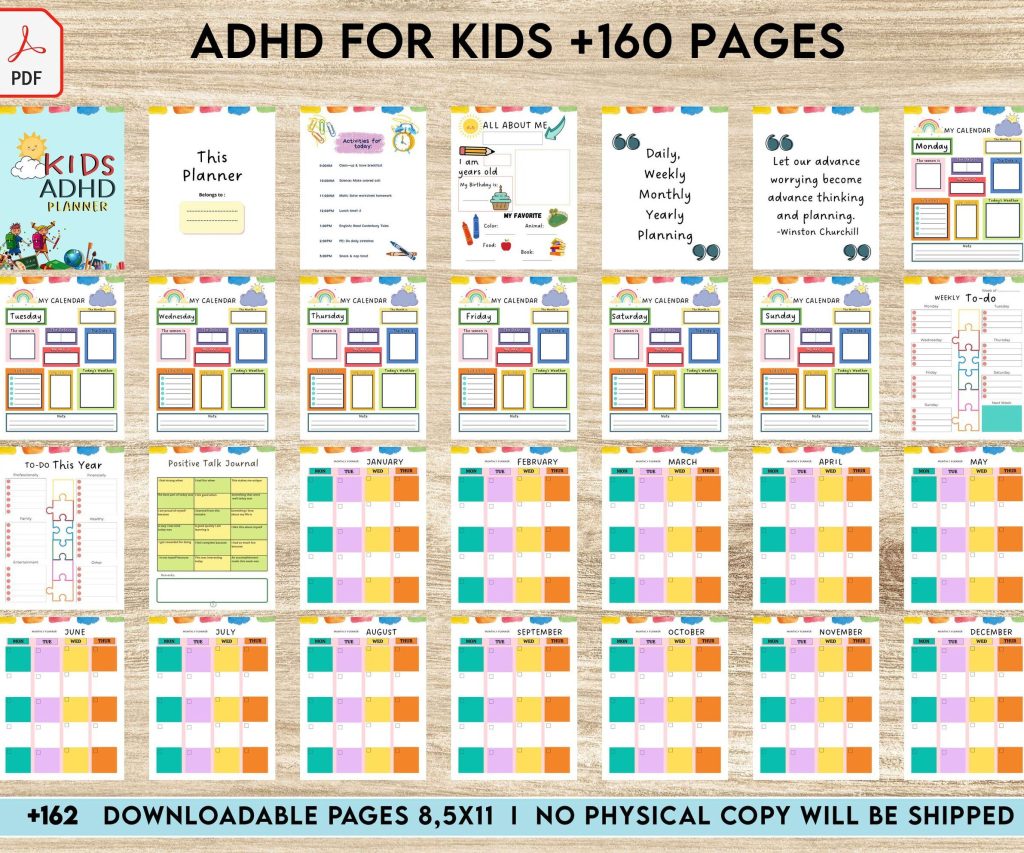 Colorful ADHD Planner for kids :160 PDF Pages for School, Tasks, and Daily Planning - 8.5×11
1 × $7.99
Colorful ADHD Planner for kids :160 PDF Pages for School, Tasks, and Daily Planning - 8.5×11
1 × $7.99  Student Planner Journal 120 pages Ready to Upload PDF Commercial Use KDP Template 6x9" 8.5x11" for Low Content book
1 × $0.00
Student Planner Journal 120 pages Ready to Upload PDF Commercial Use KDP Template 6x9" 8.5x11" for Low Content book
1 × $0.00  Wolf Coloring KDP interior For Adults, Used as Low Content Book, PDF Template Ready To Upload COMMERCIAL Use 8.5x11"
1 × $0.00
Wolf Coloring KDP interior For Adults, Used as Low Content Book, PDF Template Ready To Upload COMMERCIAL Use 8.5x11"
1 × $0.00 
DISCOVER OUR FREE BEST SELLING PRODUCTS
Editable Canva Lined Journal: Express Your Thoughts – KDP Template
Lined Pages Journal 120 pages Ready to Upload PDF Commercial Use KDP Template 6×9 8.5×11 5×8 for Notebooks, Diaries, Low Content
Lined Pages Journal 120 pages Ready to Upload PDF Commercial Use KDP Template 6×9 8.5×11 5×8 for Notebooks, Diaries, Low Content
Cute Dogs Coloring Book for Kids | Activity Book | KDP Ready-To-Upload
Daily Planner Diary : Diary Planners for Everyday Productivity, 120 pages, 6×9 Size | Amazon KDP Interior
Wolf Coloring KDP interior For Adults, Used as Low Content Book, PDF Template Ready To Upload COMMERCIAL Use 8.5×11"
Coloring Animals Head Book for Kids, Perfect for ages 2-4, 4-8 | 8.5×11 PDF
Printable Blank Comic Book Pages PDF : Create Your Own Comics – 3 Available Sizes
Notes KDP interior Ready To Upload, Sizes 8.5×11 6×9 5×8 inch PDF FILE Used as Amazon KDP Paperback Low Content Book, journal, Notebook, Planner, COMMERCIAL Use
Black Lined Journal: 120 Pages of Black Lined Paper Perfect for Journaling, KDP Notebook Template – 6×9
Student Planner Journal 120 pages Ready to Upload PDF Commercial Use KDP Template 6×9" 8.5×11" for Low Content book
Recipe Journal Template – Editable Recipe Book Template, 120 Pages – Amazon KDP Interior