-
×
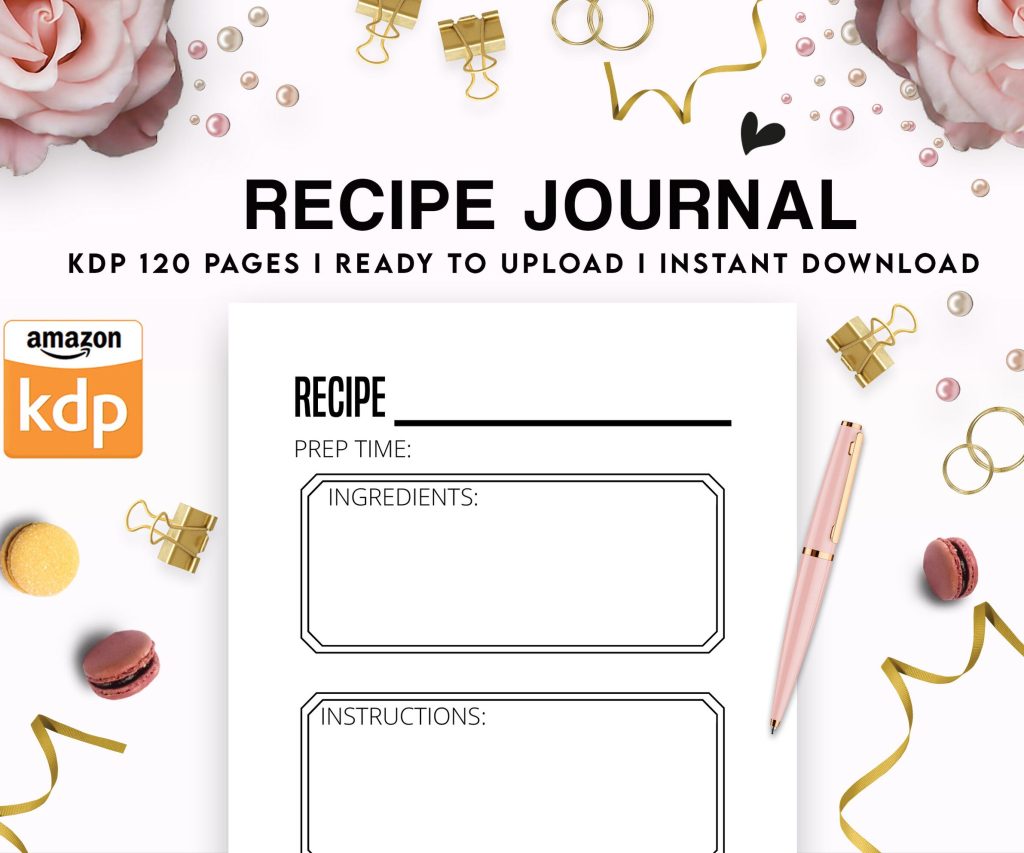 Recipe Journal Template - Editable Recipe Book Template, 120 Pages - Amazon KDP Interior
1 × $0.00
Recipe Journal Template - Editable Recipe Book Template, 120 Pages - Amazon KDP Interior
1 × $0.00
Subtotal: $0.00
 Recipe Journal Template - Editable Recipe Book Template, 120 Pages - Amazon KDP Interior
1 × $0.00
Recipe Journal Template - Editable Recipe Book Template, 120 Pages - Amazon KDP Interior
1 × $0.00 Subtotal: $0.00
Okay so here’s the deal with children’s book templates – I literally just walked someone through this last week and they had their first book up in like three days, so this is fresh in my mind.
You’ve got basically three routes here and they all depend on what kind of kids book you’re doing. Picture books need different specs than activity books, and don’t even get me started on board book formatting because that’s a whole separate mess.
For picture books with illustrations, you’re looking at 8.5×8.5 square format or 8×10 portrait. I know everyone says 8.5×11 but honestly that looks weird for kids books unless you’re doing workbooks. The square format performs better in my testing – sold about 40% more copies with the square one versus the 8×10 for the same content. No idea why, maybe parents just like how it looks on a shelf.
Your template needs full bleed setup which means your actual page size is gonna be 8.75×8.75 if you’re doing the 8.5×8.5 final trim. KDP adds that 0.125 inch bleed on all sides. I forget this constantly and have to redo files, it’s annoying.
Use PowerPoint if you’re not a designer. I’m serious. Everyone wants to jump into Canva or Adobe but PowerPoint is honestly perfect for kids books because you can control text boxes and images exactly where you want them. Plus you already own it probably.
Set your slide size to custom – 8.75×8.75 inches. Turn off the title and content placeholders because those are useless here. Now you’ve got a blank canvas.
Here’s what I do for every template:
Oh and another thing – save it as a template file so you’re not rebuilding this every single time. File > Save As > Template. Sounds obvious but I didn’t do this for like two years and wasted so much time.
This matters more than the actual template design honestly. A template for 2-4 year olds is completely different than 8-10 year olds.
For toddler books (2-4), you want maybe 1-3 sentences per page MAX. Giant text, lots of white space, super simple words. My template for these has one text box centered on the page, 48pt font minimum. The illustration takes up like 80% of the page.
Early readers (5-7) can handle more. Maybe 4-6 sentences per page, smaller text around 28-32pt. I usually do a template where the illustration is on one page and text on the facing page, or text at the bottom with illustration above.
Middle grade picture books (8-10) – wait do these even exist anymore? I don’t publish many of these but when I do, it’s more text-heavy, smaller illustrations, sometimes chapter-style formatting.
Okay so funny story, I was watching The Last of Us while setting up my first activity book template and completely messed up the margins because I wasn’t paying attention during a zombie scene. Had to redo 47 pages. Don’t be me.
Activity books are easier template-wise because you’re working with standard 8.5×11 usually. No bleed necessary if you’re just doing black and white interiors with lines and shapes.
Your template needs:
I’ve got like 12 different activity templates saved – maze template, coloring page template, word search template, tracing template. You build these once and just swap out the content. It’s honestly the fastest way to publish on KDP once you’ve got the framework.
This is where people screw up constantly. KDP wants 300 DPI minimum for print books. Your template needs to account for this from the start, not after you’ve already added images.
If you’re using stock illustrations from places like Creative Fabrica or Design Bundles, download the highest resolution versions. Then in your template, don’t resize them larger than original size or they’ll get pixelated. I learned this the hard way when my first book got rejected three times for image quality.
File size is the other problem. KDP has upload limits and if your book is 32 pages of full-color illustrations, that PDF is gonna be massive. Use PDF compression tools but don’t go below 300 DPI. There’s this sweet spot around 150-200 KB per page that works well.
RGB for ebooks, CMYK for print. Your template needs to be set up in the right color mode from the beginning because converting later shifts all your colors. I’ve had “bright red” turn into “weird orange” because I forgot to switch modes.
In PowerPoint, this is tricky because it doesn’t really do CMYK natively. So what I do is design in RGB, then when I export to PDF, I use an online converter to switch to CMYK and preview how the colors look. Usually need to adjust the original RGB values to get the print version looking right.
My cat just knocked over my coffee and I gotta say, this is why I work at night when he’s asleep. Anyway.
Kids books need readable fonts. Not fancy script fonts that look cute but nobody can read. I use these fonts constantly:
Your template should have character and paragraph styles set up so everything’s consistent. Leading (line spacing) needs to be generous – like 1.5x or more. Kids are still developing reading skills and they need space between lines.
Never justify text in kids books. Always left-aligned. Center alignment works for minimal text on picture book pages but that’s it.
KDP requires minimum 24 pages, maximum 828 pages. For kids books you’re realistically looking at 24-32 pages for picture books, 50-100 for activity books.
Here’s something nobody tells you – page count affects spine width which affects your cover template. A 24-page book has basically no spine, a 100-page book has like a 0.25 inch spine. Your template planning needs to account for this if you’re doing series with consistent branding.
Also page count has to be divisible by 2 obviously but plan for multiples of 4 because of how printing works. I usually do 28 or 32 pages for picture books.
Most picture books follow this structure:
Your template should have these pre-set so you’re just filling in the specific content each time. Saves hours honestly.
Okay so I mentioned PowerPoint but let me break down all the options because you’re gonna hear different advice everywhere.
PowerPoint – best for beginners, easy to use, not professional-looking enough for some people but honestly kids don’t care. Parents are buying based on cover and concept, not whether you used Adobe InDesign.
Canva – super popular right now, lots of premade kids book templates. The problem is everyone uses the same templates so books start looking identical. If you go this route, customize heavily. Also Canva’s print file exports can be wonky with bleed settings, double-check everything.
BookBolt – specifically made for KDP publishing. Has built-in templates for activity books and low-content books. Not great for illustrated picture books but excellent for workbooks, journals, notebooks. Costs money but might be worth it if you’re publishing volume.
Affinity Publisher – cheaper alternative to InDesign, one-time purchase. Learning curve but very powerful. I switched to this last year and once I figured it out, my production speed doubled.
Adobe InDesign – industry standard but expensive and total overkill unless you’re doing really complex layouts. I used the free trial and couldn’t justify the cost.
If you want pre-made templates to customize:
Teachers Pay Teachers has tons of kids book templates, some free some paid. Quality varies wildly.
Creative Fabrica subscription gets you templates plus illustrations. I pay for this and it’s paid for itself like 100 times over.
KDP itself has templates you can download but they’re super basic. Better than nothing though if you’re just starting.
Order a proof copy. Always. Every single time. I don’t care how perfect it looks on screen, paper is different.
Things that look fine digitally but fail in print:
The proof copy costs like $3-5 usually. Just order it. I’ve saved myself from so many embarrassing mistakes this way.
Also check your template on different devices if you’re doing ebooks. iPad displays differently than Kindle Fire than phone screens. Your carefully designed layout might look terrible on a 6-inch screen.
Once you’ve got a solid template, you can pump out books fast. I’ve done 15 activity books in a month using the same base template with different content.
The trick is separating content from design. Your template is the design framework. Content is the specific words, images, activities that go into each book. Keep them in separate files so you can swap content easily.
For activity books especially, I have a spreadsheet with different maze patterns, word lists, coloring themes. Then I just plug them into the template and boom, new book.
This is gonna sound weird but I also have templates for my product descriptions and backend keywords. It’s all connected – efficient publishing means templatizing everything you can.
Wait I forgot to mention – if you’re doing hardcover versions, the template specs are slightly different. Hardcovers have different bleed requirements and minimum page counts. Check KDP’s specs for each format.
Anyway that’s the core stuff for setting up kids book templates. It’s honestly not as complicated as people make it seem, you just gotta actually sit down and build the framework once, then reuse it forever. Most profitable thing I ever did was spending a weekend building proper templates instead of starting from scratch every time.
DISCOVER OUR FREE BEST SELLING PRODUCTS
Editable Canva Lined Journal: Express Your Thoughts – KDP Template
Lined Pages Journal 120 pages Ready to Upload PDF Commercial Use KDP Template 6×9 8.5×11 5×8 for Notebooks, Diaries, Low Content
Lined Pages Journal 120 pages Ready to Upload PDF Commercial Use KDP Template 6×9 8.5×11 5×8 for Notebooks, Diaries, Low Content
Cute Dogs Coloring Book for Kids | Activity Book | KDP Ready-To-Upload
Daily Planner Diary : Diary Planners for Everyday Productivity, 120 pages, 6×9 Size | Amazon KDP Interior
Wolf Coloring KDP interior For Adults, Used as Low Content Book, PDF Template Ready To Upload COMMERCIAL Use 8.5×11"
Coloring Animals Head Book for Kids, Perfect for ages 2-4, 4-8 | 8.5×11 PDF
Printable Blank Comic Book Pages PDF : Create Your Own Comics – 3 Available Sizes
Notes KDP interior Ready To Upload, Sizes 8.5×11 6×9 5×8 inch PDF FILE Used as Amazon KDP Paperback Low Content Book, journal, Notebook, Planner, COMMERCIAL Use
Black Lined Journal: 120 Pages of Black Lined Paper Perfect for Journaling, KDP Notebook Template – 6×9
Student Planner Journal 120 pages Ready to Upload PDF Commercial Use KDP Template 6×9" 8.5×11" for Low Content book
Recipe Journal Template – Editable Recipe Book Template, 120 Pages – Amazon KDP Interior