Okay so I just spent like three hours last night testing free mockup generators because my cat knocked over my coffee onto my paid Placeit subscription receipt and I was like… maybe I don’t need to renew this yet. Here’s what actually works.
The Ones I Actually Use When I’m Being Cheap
Smartmockups has this free tier that nobody talks about enough. You get like 10 mockups per month which sounds limiting but here’s the thing – if you’re just doing KDP covers, you probably only need 2-3 good shots per book anyway. The quality is honestly pretty solid. I used it for my journal series last month and the 3D book renders looked way better than some paid options I’ve tried.
You gotta create an account which is annoying but whatever. Upload your cover, pick from their book mockup templates – they’ve got hardcover, paperback, standing, lying flat, all that. The free version watermarks your downloads but the watermark is small enough that if you’re just using these for like… Amazon A+ content or testing ad creatives, it’s fine.
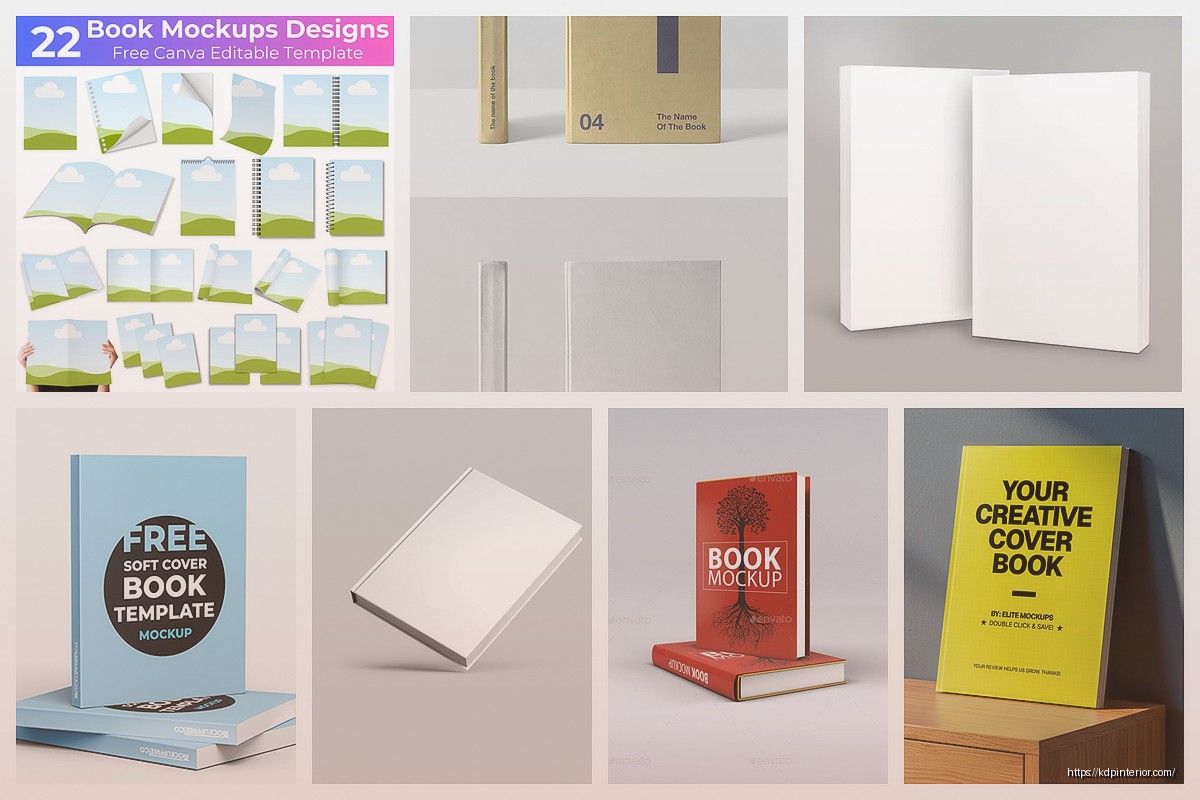
Canva is the obvious one everyone mentions but wait I forgot to mention – their book mockup elements are actually buried in the weirdest places. Go to “Elements” then search “book mockup” and you’ll find a bunch. Some are pro-only but there’s maybe 15-20 free ones. They’re more graphic/flat style though, not super realistic 3D renders. I use these more for Instagram posts or Pinterest pins where you want that clean aesthetic look.
The trick with Canva mockups is layering. You can take a free book mockup element, then add shadows and effects to make it look more dimensional. Takes maybe 5 extra minutes but the difference is noticeable.
Photoshop Free Mockup Files Are Everywhere
This is gonna sound weird but if you have Photopea (free browser-based Photoshop alternative), you can use actual Photoshop mockup files. Go to GraphicBurger or MockupWorld or even just Google “free book mockup PSD” and you’ll find hundreds.
Download the PSD file, open it in Photopea, find the smart object layer – usually labeled something like “PLACE YOUR DESIGN HERE” – double click it, paste your cover, save, close that window. Boom. The mockup updates with your cover.
I did this for my whole coloring book line and honestly the results rival $30/month subscriptions. The learning curve is like 10 minutes if you’ve never used smart objects before. There’s tons of YouTube tutorials but basically you’re just replacing one image with another.
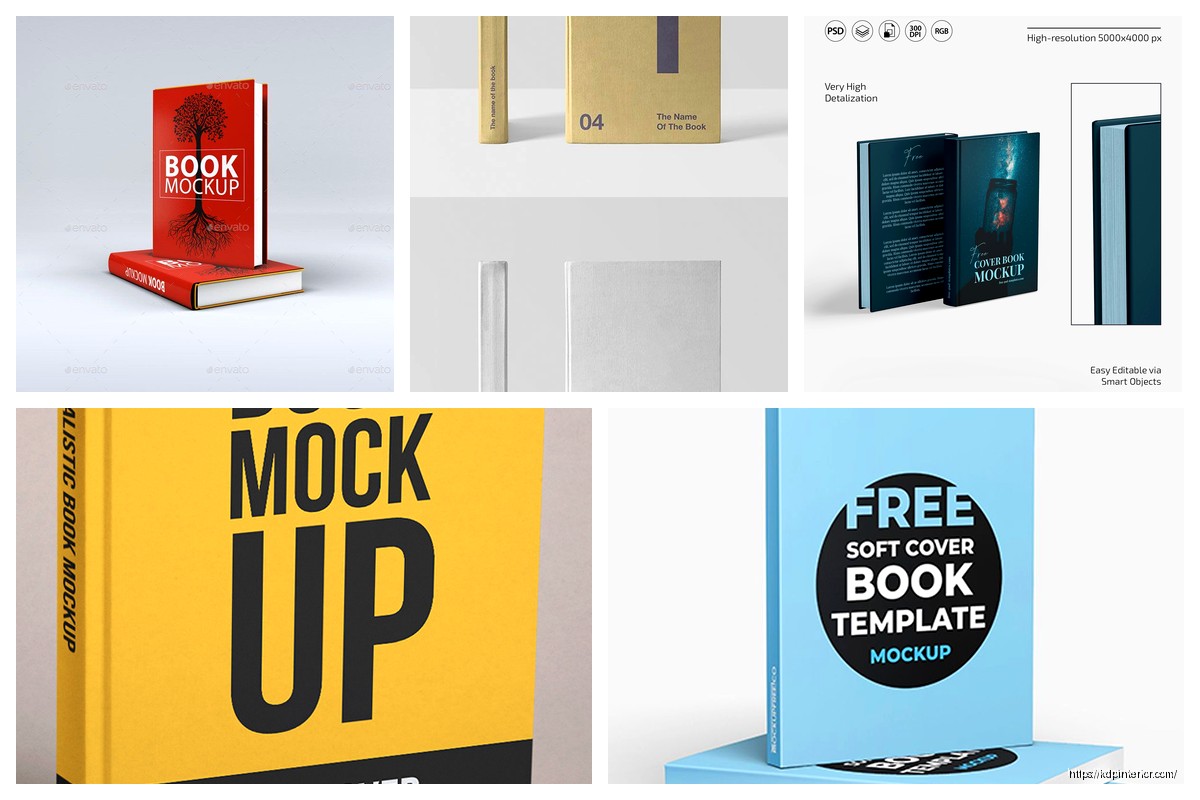
Oh and another thing – some of these free PSDs come in packs. I found this one pack last year that had like 40 different book mockup angles. Hardcover on wood table, paperback with coffee cup, book stack, all that lifestyle stuff. Still use it constantly.
The Weird Browser Tools That Actually Work
Mediamodifier has a free book mockup generator that I stumbled on at like 2am when I was rushing to finish a product listing. You don’t even need an account for the basic stuff. Just upload, adjust the angle slightly, download. The free version gives you lower resolution but for web use it’s totally fine.
I tested it against my Placeit mockups once and for Amazon listing images (which get compressed anyway) I literally couldn’t tell the difference.
Mockup.photos is another one – they have this “book in hand” mockup that’s free. It’s just one template but sometimes that’s all you need. The hand holding the book looks natural enough that I’ve used it for Facebook ads. Nobody’s ever called me out on it looking fake.
The DIY Route When You Have 30 Minutes
Okay so funny story – I once needed a mockup at midnight and every free tool was being glitchy. Ended up just… taking a photo of a different book and Photoshopping my cover onto it. Took maybe 20 minutes and honestly looked fine.
Here’s how you do this if you’re desperate:
- Find a book similar size to yours
- Take a photo in good lighting at the angle you want
- Open in Photopea or GIMP (free Photoshop alternative)
- Use the perspective transform tool to warp your cover design onto the book
- Adjust shadows and highlights to match
Is it perfect? No. Does it work for testing ad creatives or showing beta readers? Absolutely. I’ve done this probably 15 times now and it gets faster each time.
The Amazon Screenshot Hack
This one feels almost too simple but – go find a book on Amazon similar to yours in format. Use browser inspector (right click > Inspect) to replace their cover image with yours. Screenshot it. Boom, you’ve got a “mockup” of what your book looks like on Amazon.
I use this constantly for checking how my cover thumbnails look in search results. You can even do this with the Look Inside feature if you’re technical enough. Just swap the images in the inspector before screenshotting.
It’s not technically a 3D mockup but for practical visualization of how your book appears to customers, it’s probably the most useful free method.
BookBrush Free Trial Trick
Wait I forgot to mention – BookBrush has a 3-day free trial. If you need like 20 mockups for a launch and you plan ahead, you can sign up, create all your mockups in one session, download everything, then cancel before the trial ends.
Is this the intended use? Probably not. Do I do it? …Maybe every few months when I have multiple books launching close together.
Their mockups are really good quality though. The 3D book renders, the lifestyle scenes with props, the social media templates. If you’re gonna use the trial method, make a list of exactly what mockups you need before you start so you don’t waste time browsing.
Free Stock Photos Plus Manual Composition
Sometimes I just grab free stock photos from Unsplash or Pexels – like a desk scene or someone reading – and then I manually place my book cover into the scene using layers in Canva or Photopea.
You gotta match the perspective and lighting which takes practice but there’s something satisfying about creating a completely custom mockup scene. I made this one mockup with my devotional journal on a park bench with fall leaves and it performed way better than the generic mockups for some reason.
The key is finding stock photos that already have good composition and lighting. Then you’re just adding your book element rather than trying to fix a bad base image.
Placeit Free Mockups Exist But Hidden
Okay this is gonna sound counterintuitive since Placeit is paid but they actually have some free mockups if you dig. Go to their site, search for book mockups, and some will say “FREE” in the corner. It’s like maybe 5-10 options total but they’re decent quality.
You still get watermarked but the watermark isn’t huge. I’ve used these for quick social media posts where the image is small anyway and nobody notices.
The free Placeit mockups rotate too – sometimes they’ll make certain templates free for a limited time. I check maybe once a month to see what’s available.
Snappa Has Book Templates
Snappa is primarily a graphic design tool but they have book mockup templates in their free plan. Similar vibe to Canva but different template selection. The free version limits you to 3 downloads per month which is tight but workable if you’re strategic.
I use Snappa more for creating promotional graphics that include book mockups rather than standalone mockup shots. Like making a “New Release” graphic with my book cover on a mockup plus text overlay.
Their templates are pretty current with design trends which is nice. Some of the Canva free templates feel dated from like 2018.
The Google Slides Method Nobody Talks About
This is kinda janky but functional – Google Slides has 3D book shapes you can add. Insert > Shape > there’s basic 3D objects. You can texture map your cover onto these shapes.
It’s not gonna look as polished as a proper mockup but for internal use or quick visualization, it works. I’ve used this method for planning out book series displays or seeing how multiple covers look together.
The advantage is it’s completely free, no downloads needed, works on any device. The disadvantage is it looks a bit… educational presentation-y? But sometimes that’s fine.
Actual Photo With Placeholder Book
I mentioned this earlier but it deserves its own section – just photograph an actual book and replace the cover. You can do this physically too if you’re crafty.
Print your cover on regular paper, wrap it around an existing book, photograph it. Sounds ridiculous but I’ve done this for lifestyle shots where I needed my book in a specific setting. Like I wanted my cookbook mockup on my actual kitchen counter with my actual cooking utensils.
The authenticity sometimes shows through in a way that digital mockups don’t capture. Plus you can get creative with props and lighting.
Free Mockup Apps on Phone
There’s a few phone apps that do book mockups for free. MockUPhone is technically for device mockups but has some book templates. Quality is meh but in a pinch when you’re away from computer, it works.
I used this once when I was traveling and needed to send a mockup to my VA. Took maybe 5 minutes on my phone in the airport. Not my finest work but it communicated what I needed.
The Render Forest Approach
RenderForest has a free tier that includes some book mockup video animations. If you want a rotating 3D book for like… a promo video or something fancy, this is free option. The watermark is pretty prominent but the animations themselves are smooth.
I haven’t used this a ton because most of my marketing is static images but when I did my end-of-year “look at all these books I published” post, I used a RenderForest book animation and people thought it looked professional.
Takes longer to render than static mockups obviously but adds that extra polish for special occasions.
Browser Extension Mockup Generators
There’s Chrome extensions that generate mockups directly in browser. I forget the exact names but search “book mockup chrome extension” and you’ll find a few. They let you right-click on images and generate mockups instantly.
These are hit or miss quality-wise but super convenient. I have one installed that I barely remember exists until I need a quick mockup and then I’m like oh yeah this thing.
Combining Multiple Free Tools
Honestly my actual workflow uses like 4 different free tools depending on what I need. Smartmockups for basic 3D renders, Canva for lifestyle graphics, Photopea with downloaded PSDs for detailed shots, and sometimes just photographing physical books.
No single free tool does everything perfectly so you gotta mix and match. It’s more work than paying for one comprehensive solution but when you’re bootstrapping or testing book ideas before committing budget, free tools are totally viable.
The mockups I made for my latest planner series were 100% free tools and that book is doing $800/month now so like… quality mockups don’t require money, just time and knowing where to look.

 Wolf Coloring KDP interior For Adults, Used as Low Content Book, PDF Template Ready To Upload COMMERCIAL Use 8.5x11"
1 × $0.00
Wolf Coloring KDP interior For Adults, Used as Low Content Book, PDF Template Ready To Upload COMMERCIAL Use 8.5x11"
1 × $0.00  Student Planner Journal 120 pages Ready to Upload PDF Commercial Use KDP Template 6x9" 8.5x11" for Low Content book
1 × $0.00
Student Planner Journal 120 pages Ready to Upload PDF Commercial Use KDP Template 6x9" 8.5x11" for Low Content book
1 × $0.00 
DISCOVER OUR FREE BEST SELLING PRODUCTS
Editable Canva Lined Journal: Express Your Thoughts – KDP Template
Lined Pages Journal 120 pages Ready to Upload PDF Commercial Use KDP Template 6×9 8.5×11 5×8 for Notebooks, Diaries, Low Content
Lined Pages Journal 120 pages Ready to Upload PDF Commercial Use KDP Template 6×9 8.5×11 5×8 for Notebooks, Diaries, Low Content
Cute Dogs Coloring Book for Kids | Activity Book | KDP Ready-To-Upload
Daily Planner Diary : Diary Planners for Everyday Productivity, 120 pages, 6×9 Size | Amazon KDP Interior
Wolf Coloring KDP interior For Adults, Used as Low Content Book, PDF Template Ready To Upload COMMERCIAL Use 8.5×11"
Coloring Animals Head Book for Kids, Perfect for ages 2-4, 4-8 | 8.5×11 PDF
Printable Blank Comic Book Pages PDF : Create Your Own Comics – 3 Available Sizes
Notes KDP interior Ready To Upload, Sizes 8.5×11 6×9 5×8 inch PDF FILE Used as Amazon KDP Paperback Low Content Book, journal, Notebook, Planner, COMMERCIAL Use
Black Lined Journal: 120 Pages of Black Lined Paper Perfect for Journaling, KDP Notebook Template – 6×9
Student Planner Journal 120 pages Ready to Upload PDF Commercial Use KDP Template 6×9" 8.5×11" for Low Content book
Recipe Journal Template – Editable Recipe Book Template, 120 Pages – Amazon KDP Interior