okay so I just spent like three weeks testing every cover creator tool for KDP and here’s what actually works
So you’re probably looking at that blank KDP upload page thinking you need some fancy expensive software right? Yeah I thought that too back in 2017 when I published my first planner. Spent like $300 on Photoshop and didn’t even know how to use layers properly for like six months.
Here’s the thing though – KDP has its own built-in Cover Creator that’s actually… not terrible? I know everyone craps on it but hear me out. If you’re doing super basic stuff like journals, notebooks, coloring books where you just need a solid background and some text, it gets the job done in like 10 minutes. I used it for probably my first 30 books and made decent money.
The Built-In KDP Cover Creator situation
So you go into your KDP dashboard, start a new paperback, get through all the content stuff, and boom there’s the cover section. You’ll see “Launch Cover Creator” as an option. Click that and you get this interface with templates.
The templates are… look they’re dated. Like 2015 vibes. But for low-content books nobody really cares that much? I’ve got a gratitude journal with their basic sunset template that still sells 15-20 copies a month. The main thing is you can customize colors, upload your own images if you want, change fonts, add text boxes.
Wait I forgot to mention – the spine calculation is automatic which is actually huge. When you’re starting out, figuring out spine width based on page count and paper type is annoying. KDP does it for you in Cover Creator so you don’t end up with text getting cut off or weird white gaps.
Downsides though – you can’t really do complex designs. No layers in the traditional sense, limited fonts (maybe like 20-30 options?), and the image library they provide is pretty generic stock photo stuff. Also if you’re doing ebooks the cover creator is even more basic, just lets you upload an image basically.
Canva is where most people end up honestly
Okay so Canva. I resisted this for so long because I’m stubborn and thought “real designers” don’t use Canva. Then I actually tried it in 2020 and now I use it for like 80% of my covers.
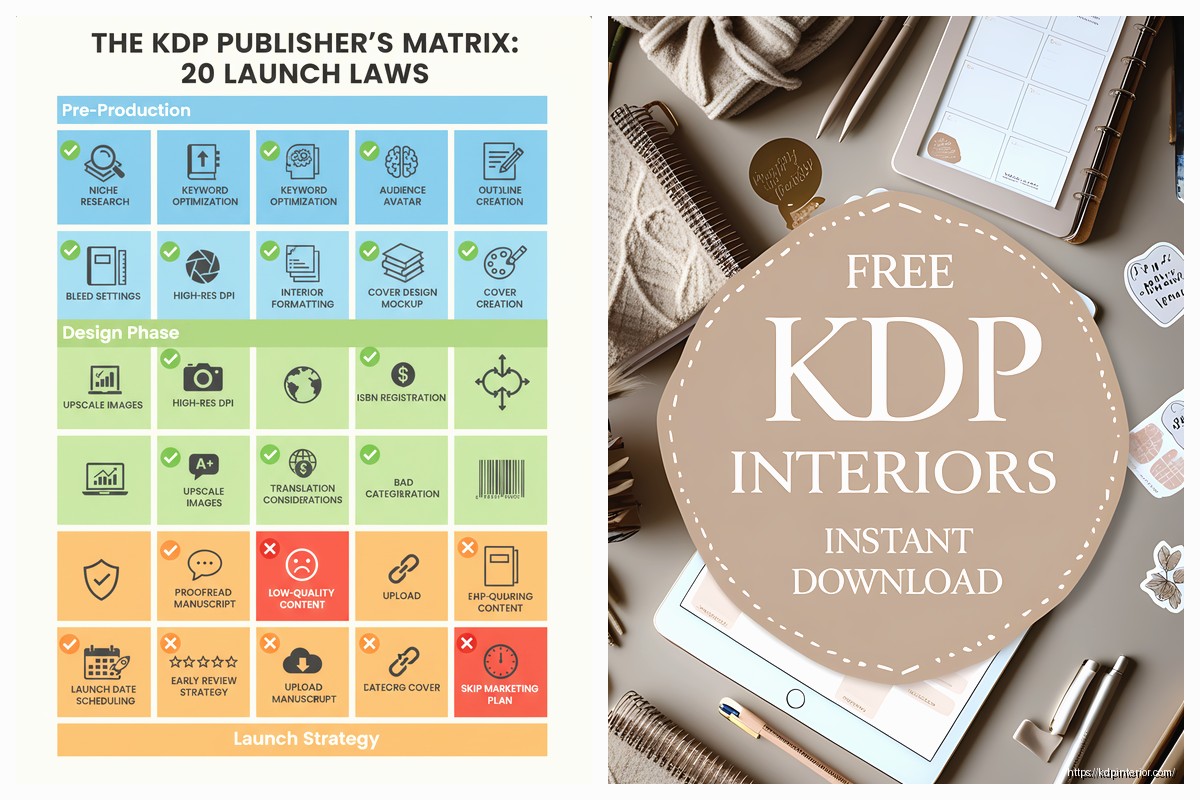
The free version is totally usable. You get access to tons of templates, way more fonts than KDP, and you can create custom dimensions. For KDP you need specific sizes – like for a 6×9 inch book with 120 pages you’re looking at roughly 12.6 inches wide by 9 inches tall for the full wraparound cover. Canva lets you punch in custom dimensions under “Custom Size” when you create a new design.
Pro tip that took me forever to figure out – create your cover as one flat image with front cover, spine, and back cover all in one file. Use guides to mark where each section is. KDP needs that full wraparound PDF or JPG.
Canva Pro is $13/month or something and honestly worth it if you’re doing this regularly. You get the background remover tool which is insane for making covers pop, millions of stock photos instead of the limited free ones, and the resize magic feature. Oh and you can upload your own fonts which is clutch for branding.
I was watching The Bear last night while making covers in Canva and realized I’d made like six covers without even thinking about it. That’s how intuitive it got after using it a while. You just drag stuff around, the alignment guides snap things into place automatically…
wait the Affinity suite deserves a mention here
So if you want something more professional but don’t wanna pay Adobe’s ridiculous subscription, Affinity Photo and Affinity Publisher are one-time purchases around $70 each. I bought both during a sale for like $45 total.
Affinity is legit professional software. Like you can do everything Photoshop and InDesign can do, pretty much. The learning curve is steeper than Canva for sure. I spent a weekend just watching YouTube tutorials to understand the layer system and masking.
But here’s why I use it for my higher-end books – you get precise control over bleeds (that 0.125 inch extra around your cover that KDP requires), you can set up CMYK color profiles for better print accuracy, and the text handling is way better for complex layouts.
For ebooks I usually design in Affinity then export as PNG. For paperbacks I export as PDF with the bleed settings configured exactly how KDP wants them. There’s actually a preset you can download that has all the KDP specs built in which saves time.
The downside is you’re starting from scratch every time. No templates really, though you can find some online. And if you’re not comfortable with design principles like hierarchy, spacing, color theory… you might make something that looks amateurish even with professional tools.
BookBrush surprised me actually
This is gonna sound weird but I found BookBrush while looking for 3D mockup tools and realized they have a cover creator too. It’s like $10/month or $97/year.
What’s cool about BookBrush is it’s made specifically for self-publishers. The templates are actually modern and designed for Amazon. They have categories like “thriller covers” or “romance covers” or “journal covers” and the templates actually look like what’s selling right now in 2024.
You can customize everything – swap out images from their library (or upload your own), change colors with this palette generator thing that suggests combinations, adjust text with decent font options. And then here’s the kicker – it automatically generates 3D mockups of your book for marketing. So you design the cover and instantly have those pretty images of the book standing up or lying on a desk for your Amazon ads or social media.
The interface is easier than Affinity but more powerful than Canva for book-specific stuff. They have the spine calculator built in, they handle bleeds automatically, and you can download print-ready files formatted exactly for KDP.
I used it for a recipe journal last month and from start to finish including mockups it took maybe 20 minutes. My cat knocked over my coffee during the process which was fun but anyway the cover turned out great.
okay so funny story about Adobe Express
Adobe Express used to be called Adobe Spark and I ignored it forever. Then Adobe made it free-ish (there’s premium features but basic is free) and I gave it a shot.
It’s basically Adobe’s answer to Canva. Similar drag-and-drop interface, templates, stock photos from Adobe Stock included with premium. The free version is limited but usable. You get Adobe fonts which is nice – better typography options than Canva free.
The integration with other Adobe products is the selling point if you’re already in that ecosystem. Like I can edit something in Adobe Express then bring it into Affinity or vice versa pretty smoothly. But if you’re not already using Adobe stuff there’s not much reason to choose this over Canva honestly.
One thing though – the mobile app is really good. I’ve literally designed simple covers on my phone while waiting at the dentist. Not ideal for complex work but for basic journals or notebooks it works.
GIMP if you’re broke or stubborn
GIMP is free open-source image editing software. It’s like Photoshop’s weird cousin who’s actually really capable but has a terrible personality.
I used GIMP for my first year of KDP publishing because I didn’t wanna spend money. You can absolutely create professional covers with it. All the tools are there – layers, masking, text editing, filters, color correction, everything.
But man the interface is clunky. Things are in weird places, the terminology is different from industry standard, and it crashes occasionally. I remember losing a cover design twice because I forgot to save and GIMP just decided to quit.
If you’ve got time and zero budget, GIMP works. There are tutorials specifically for KDP cover creation using GIMP. You’ll need to manually set up your canvas size with bleeds, manually calculate spine width, and manually set up your color profiles. It’s doable just tedious.
I don’t use it anymore because my time is worth more than the money saved but it’s a valid option especially when you’re testing whether KDP publishing is even for you.
wait I forgot to mention Photoshop because obviously
Adobe Photoshop is the industry standard and costs like $55/month for the Photography plan or $85/month for all apps. It’s powerful, it’s what professionals use, and honestly for KDP covers it’s overkill unless you’re doing really custom illustrated work.
I have it. I rarely use it for covers anymore. The things Photoshop excels at – complex photo manipulation, advanced retouching, digital painting – aren’t usually necessary for most KDP covers, especially low-content stuff.
Where I do use it is for ebook covers with detailed illustrations or when I’m doing print books with complex image compositing. Like I did this cookbook cover with multiple food photos blended together and Photoshop made that way easier than Canva or Affinity would’ve.
The spine and bleed setup in Photoshop is manual. You need to know your dimensions, set up guides, make sure your color mode is CMYK for print, set resolution to 300 DPI minimum. It’s not hard once you know how but there’s no hand-holding.
oh and another thing about Visme and DesignWizard
These are kinda like Canva alternatives that fewer people talk about. Visme is $29/month and DesignWizard is $10/month roughly.
I tested both for like a week. They’re fine? Visme has good templates and the interface is clean. DesignWizard is cheaper and simpler. But honestly unless you’re already using them for other marketing stuff or you got a specific feature you need, Canva is just more established with better community support and tutorials.
The thing about cover design software is you’re gonna spend time learning whichever one you pick. The switching cost is high because you gotta relearn everything. So picking something with good tutorials and active users matters.
what I actually use in 2024 for different situations
Quick low-content books like journals, planners, notebooks – Canva Pro. Fast, looks good enough, has templates.
More complex paperback covers with specific branding – Affinity Publisher. I’ve got my templates set up, I know the software, worth the extra time.
Ebook covers that need mockups for marketing – BookBrush. The built-in mockup generator saves me from using separate tools.
Super basic testing or if I’m traveling without my laptop – KDP Cover Creator or Adobe Express mobile app. Gets me 80% there.
Complex illustrated covers or heavy photo editing – Photoshop, but this is maybe 5% of what I do now.
The real answer nobody wants to hear is any of these tools can make great covers if you understand basic design principles. Like color contrast, readable fonts, proper hierarchy, not cluttering the cover with too much stuff. I’ve seen gorgeous covers from KDP Cover Creator and terrible ones from Photoshop.
Start with whatever’s easiest for you to access. If you’ve got zero budget, use KDP Cover Creator or GIMP. If you’ve got $13/month, get Canva Pro. If you’re serious about this long-term and want professional tools, grab Affinity during a sale.
The cover matters but it’s not everything. I’ve got books with mediocre covers that sell great because the niche is good and the keywords are right. And I’ve got beautiful covers that don’t sell because I picked a saturated category. Just saying don’t get stuck in cover design paralysis for weeks when you could be publishing and learning what actually works in the market.

 Wolf Coloring KDP interior For Adults, Used as Low Content Book, PDF Template Ready To Upload COMMERCIAL Use 8.5x11"
1 × $0.00
Wolf Coloring KDP interior For Adults, Used as Low Content Book, PDF Template Ready To Upload COMMERCIAL Use 8.5x11"
1 × $0.00  Daily Planner Diary : Diary Planners for Everyday Productivity, 120 pages, 6×9 Size | Amazon KDP Interior
1 × $0.00
Daily Planner Diary : Diary Planners for Everyday Productivity, 120 pages, 6×9 Size | Amazon KDP Interior
1 × $0.00 
DISCOVER OUR FREE BEST SELLING PRODUCTS
Editable Canva Lined Journal: Express Your Thoughts – KDP Template
Lined Pages Journal 120 pages Ready to Upload PDF Commercial Use KDP Template 6×9 8.5×11 5×8 for Notebooks, Diaries, Low Content
Lined Pages Journal 120 pages Ready to Upload PDF Commercial Use KDP Template 6×9 8.5×11 5×8 for Notebooks, Diaries, Low Content
Cute Dogs Coloring Book for Kids | Activity Book | KDP Ready-To-Upload
Daily Planner Diary : Diary Planners for Everyday Productivity, 120 pages, 6×9 Size | Amazon KDP Interior
Wolf Coloring KDP interior For Adults, Used as Low Content Book, PDF Template Ready To Upload COMMERCIAL Use 8.5×11"
Coloring Animals Head Book for Kids, Perfect for ages 2-4, 4-8 | 8.5×11 PDF
Printable Blank Comic Book Pages PDF : Create Your Own Comics – 3 Available Sizes
Notes KDP interior Ready To Upload, Sizes 8.5×11 6×9 5×8 inch PDF FILE Used as Amazon KDP Paperback Low Content Book, journal, Notebook, Planner, COMMERCIAL Use
Black Lined Journal: 120 Pages of Black Lined Paper Perfect for Journaling, KDP Notebook Template – 6×9
Student Planner Journal 120 pages Ready to Upload PDF Commercial Use KDP Template 6×9" 8.5×11" for Low Content book
Recipe Journal Template – Editable Recipe Book Template, 120 Pages – Amazon KDP Interior