
Amazon KDP guide, KDP book publishing
Direct Publishing on Amazon: Skip the Middleman Guide
Feb
okay so here’s the thing about publishing directly on Amazon
You literally just need an Amazon account and like 20 minutes. I’m serious. People overthink this so much and end up paying aggregators or “publishing services” hundreds of dollars when you can do the exact same thing yourself for free.
First step – go to kdp.amazon.com and sign up. That’s Kindle Direct Publishing. Not the regular Amazon seller account, different thing entirely. You’ll need your tax info ready because they’re gonna ask for a W-9 if you’re in the US or a W-8 if you’re international. This part trips people up but just fill it out honestly, takes maybe 5 minutes.
The actual uploading part is stupidly simple
Click that yellow button that says “Create New Title” and you’ll see two options – Kindle eBook or Paperback. Most people start with ebooks because there’s zero upfront cost and no inventory to worry about. I always tell my clients to test with ebooks first, see if there’s any traction, then add paperback later.
So you’re gonna fill out the book details page and this is where people get weird about it. Your book title, subtitle, author name (can be a pen name, Amazon doesn’t care), description. The description box supports HTML which is great because you can bold things and make bullet points. I usually write mine in a Google doc first then paste it in.
Oh and another thing – categories matter way more than you think. You get to pick two browse categories but you can email KDP support after publishing and ask for up to 10 total categories. I do this for literally every book now. More categories = more ways people find your book = more sales. It’s that simple.
Keywords are where most people mess up
You get 7 keyword boxes and each box can hold a phrase, not just single words. So instead of putting “recipes” you’d put “quick dinner recipes for beginners” or whatever. Use all the character space they give you. I spent like 3 hours last Tuesday just comparing keyword strategies for my client’s coloring book – my dog kept interrupting because he wanted to go out but anyway – and the books with full keyword phrases were consistently ranking better.
Pricing is its own whole thing but here’s what actually works: for ebooks under 200 pages, I usually go $2.99 to $4.99. That gives you 70% royalty if you’re in the right markets. Under $2.99 you only get 35% royalty which is terrible unless you’re doing some specific promo strategy. Paperbacks gotta be priced higher because of printing costs – Amazon calculates this for you based on page count and you’ll see your royalty update in real time.
the manuscript upload part
For ebooks you want either a Word doc or ePub file. Word docs work fine honestly, Amazon converts them automatically. Just make sure your formatting is clean – use actual heading styles, not just big bold text. For paperbacks you need a PDF and the margins matter here. Amazon has templates you can download which I highly recommend using because if your margins are off your book gets rejected and you gotta redo it.
Interior type matters too – black and white is cheaper to print than color obviously. Most of my low-content books are black and white except coloring books which obviously need to be white paper with black ink. Standard color costs way more to print but sometimes you need it.
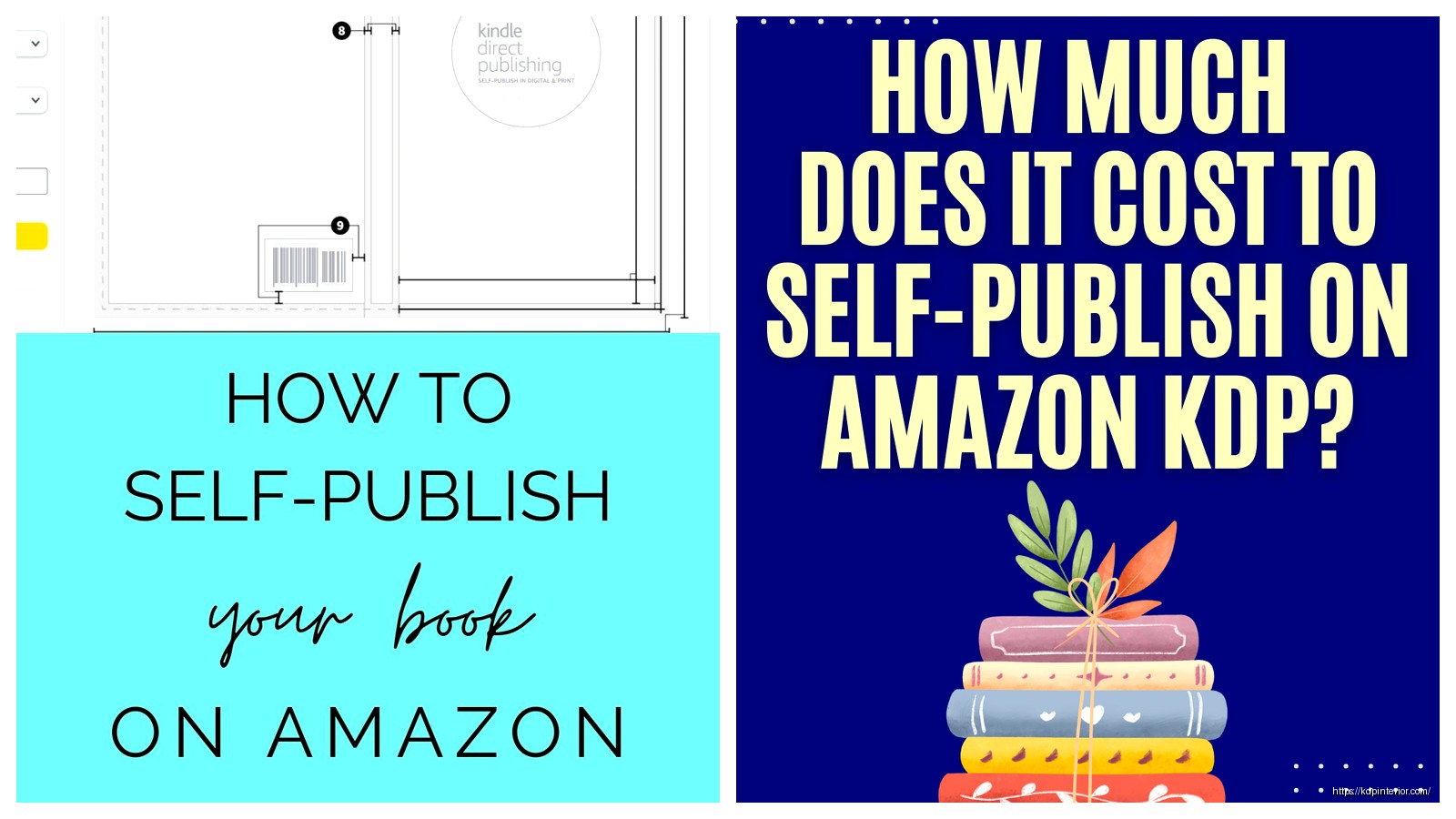
wait I forgot to mention – your cover needs to be a specific size. For ebooks it’s just the front cover, 2560 x 1600 pixels minimum but I always do higher res. For paperbacks you need a full wrap-around cover that includes spine and back cover. Amazon has a cover calculator tool that tells you the exact dimensions based on your page count. I use Canva for most of my covers now, costs like $13/month for pro and you can pump out covers fast.
this is gonna sound weird but
The preview feature is actually crucial. Before you publish, click that preview button and scroll through your ENTIRE book. I’ve caught so many formatting issues this way – weird page breaks, images that didn’t upload right, table of contents links that don’t work. Takes 10 minutes and saves you from publishing something broken.
When you hit publish, ebooks usually go live within 24-48 hours. Paperbacks take longer, maybe 3-5 days because they do a manual review. You’ll get emails at each stage telling you what’s happening.
why people use middleman services and why it’s mostly unnecessary
Some companies charge $200-500 to “publish your book on Amazon” and all they’re doing is the exact process I just described. They might make you a basic cover, do some minimal formatting, upload it for you. That’s it. You’re paying hundreds of dollars for maybe 2 hours of work max.
The only time a service might make sense is if you have a super complex manuscript with tons of images, tables, embedded media, whatever. Even then you’re better off hiring a formatter on Fiverr for like $50 than using a publishing package.
I had a client last month who almost paid $400 to some service before reaching out to me. We set up her KDP account together on a Zoom call, uploaded her cookbook, and she was live that same week. She kept all her royalties too instead of some ridiculous revenue share arrangement.
the ongoing stuff nobody tells you about
Once you’re published you can update your book anytime. New cover? Just upload it. Found typos? Fix the doc and re-upload. Amazon will push updates to people who already bought it. Your book page stays the same, all your reviews stay, the link doesn’t change.
You can run your own promotions too – KDP has tools for Kindle Countdown Deals and Free Book Promotions if you’re enrolled in KDP Select (which means your ebook is exclusive to Amazon for 90 days). I cycle through promotions every few months for my catalog. It helps with ranking.
Reports come through the KDP dashboard – you can see sales by marketplace, royalties earned, pages read if you’re in Kindle Unlimited. Gets updated daily-ish, sometimes there’s a lag. I check mine every morning with coffee, it’s become a whole routine.
Oh and tax stuff – Amazon pays out about 60 days after the end of each month. So January sales get paid end of March. They handle the 1099 reporting at year end if you’re in the US. Keep track of your own expenses though – cover designs, formatting, ads, all deductible.
The paperback approval process can be picky. I’ve had books rejected for covers being 1/8 inch off spec or because some element was too close to the spine edge. Just fix whatever they flag and resubmit, usually clears up fast. Don’t take it personally, it’s just their print quality standards.
One thing I tell everyone – get your own ISBNs if you’re doing paperbacks and you care about distribution outside Amazon. Amazon gives you free ISBNs but they’re listed as the publisher of record. If you buy your own ISBN from Bowker ($125 for one or $295 for 10) then YOU’re listed as publisher and you have more control. For most people this doesn’t matter but if you want your book in libraries or bookstores eventually, get your own.
honestly the biggest mistake is just not starting because it seems complicated. It’s not. I published my first notebook in 2017 knowing basically nothing and figured it out as I went. Made like $8 the first month but that was $8 I didn’t have before. Now I’ve got over 200 titles generating passive income every single month and it all started with just clicking that yellow button and uploading something.
DISCOVER OUR FREE BEST SELLING PRODUCTS
Editable Canva Lined Journal: Express Your Thoughts – KDP Template
Lined Pages Journal 120 pages Ready to Upload PDF Commercial Use KDP Template 6×9 8.5×11 5×8 for Notebooks, Diaries, Low Content
Lined Pages Journal 120 pages Ready to Upload PDF Commercial Use KDP Template 6×9 8.5×11 5×8 for Notebooks, Diaries, Low Content
Cute Dogs Coloring Book for Kids | Activity Book | KDP Ready-To-Upload
Daily Planner Diary : Diary Planners for Everyday Productivity, 120 pages, 6×9 Size | Amazon KDP Interior
Wolf Coloring KDP interior For Adults, Used as Low Content Book, PDF Template Ready To Upload COMMERCIAL Use 8.5×11"
Coloring Animals Head Book for Kids, Perfect for ages 2-4, 4-8 | 8.5×11 PDF
Printable Blank Comic Book Pages PDF : Create Your Own Comics – 3 Available Sizes
Notes KDP interior Ready To Upload, Sizes 8.5×11 6×9 5×8 inch PDF FILE Used as Amazon KDP Paperback Low Content Book, journal, Notebook, Planner, COMMERCIAL Use
Black Lined Journal: 120 Pages of Black Lined Paper Perfect for Journaling, KDP Notebook Template – 6×9
Student Planner Journal 120 pages Ready to Upload PDF Commercial Use KDP Template 6×9" 8.5×11" for Low Content book
Recipe Journal Template – Editable Recipe Book Template, 120 Pages – Amazon KDP Interior