-
×
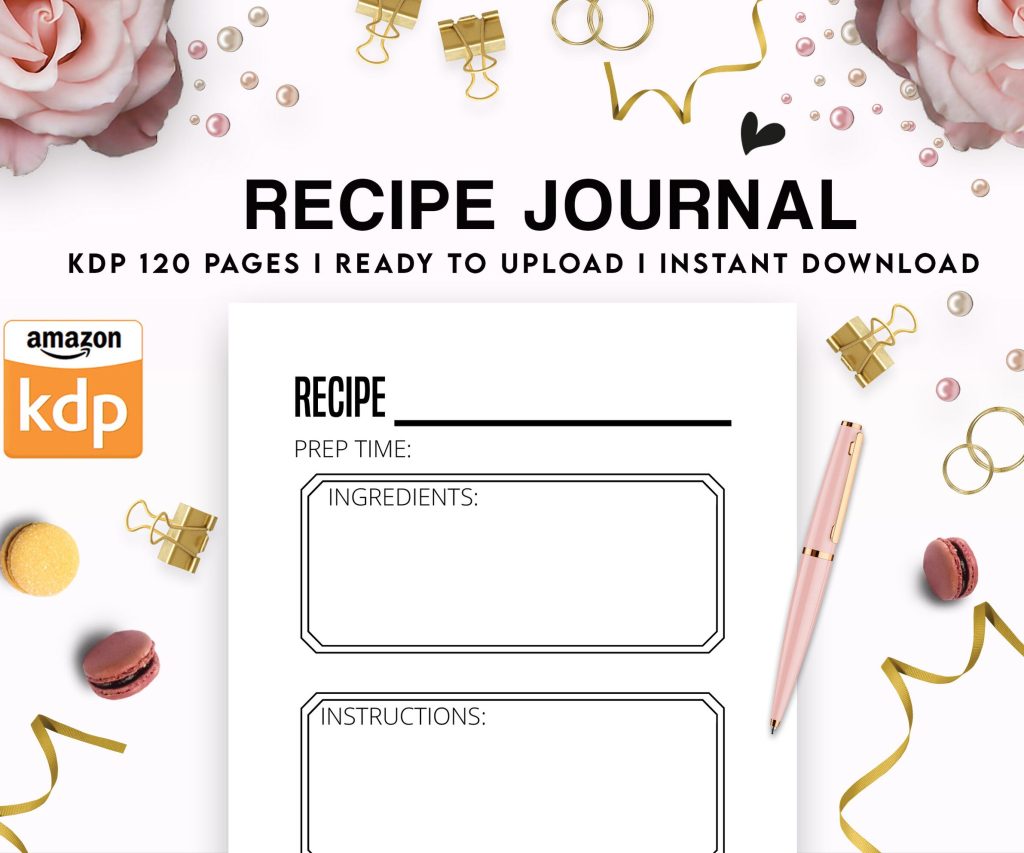 Recipe Journal Template - Editable Recipe Book Template, 120 Pages - Amazon KDP Interior
1 × $0.00
Recipe Journal Template - Editable Recipe Book Template, 120 Pages - Amazon KDP Interior
1 × $0.00
Subtotal: $0.00
 Recipe Journal Template - Editable Recipe Book Template, 120 Pages - Amazon KDP Interior
1 × $0.00
Recipe Journal Template - Editable Recipe Book Template, 120 Pages - Amazon KDP Interior
1 × $0.00 Subtotal: $0.00
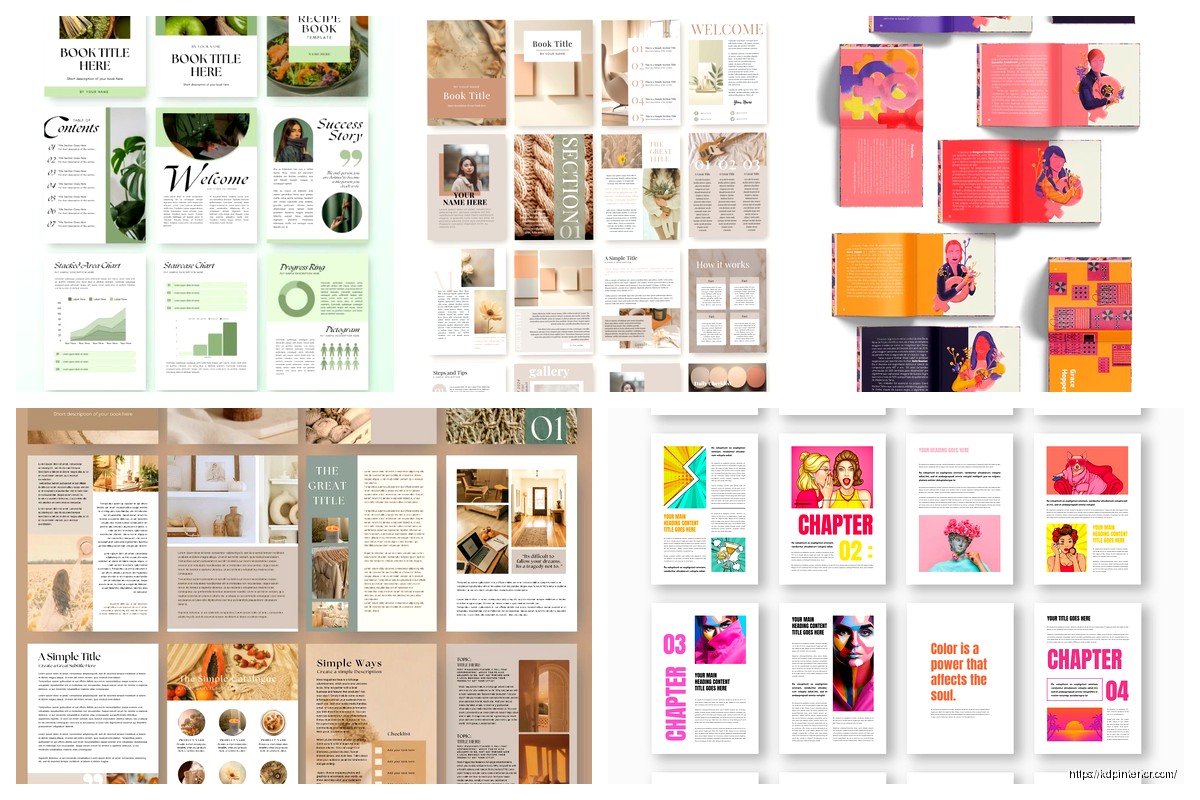
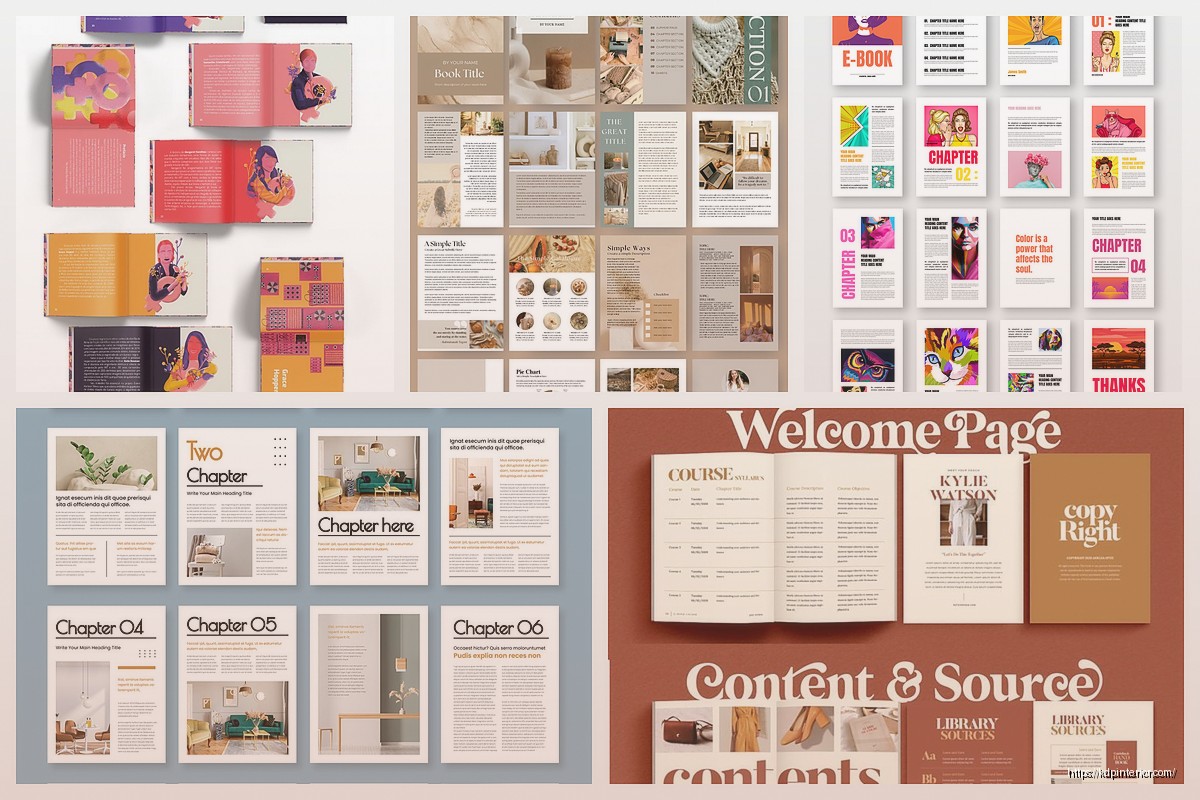
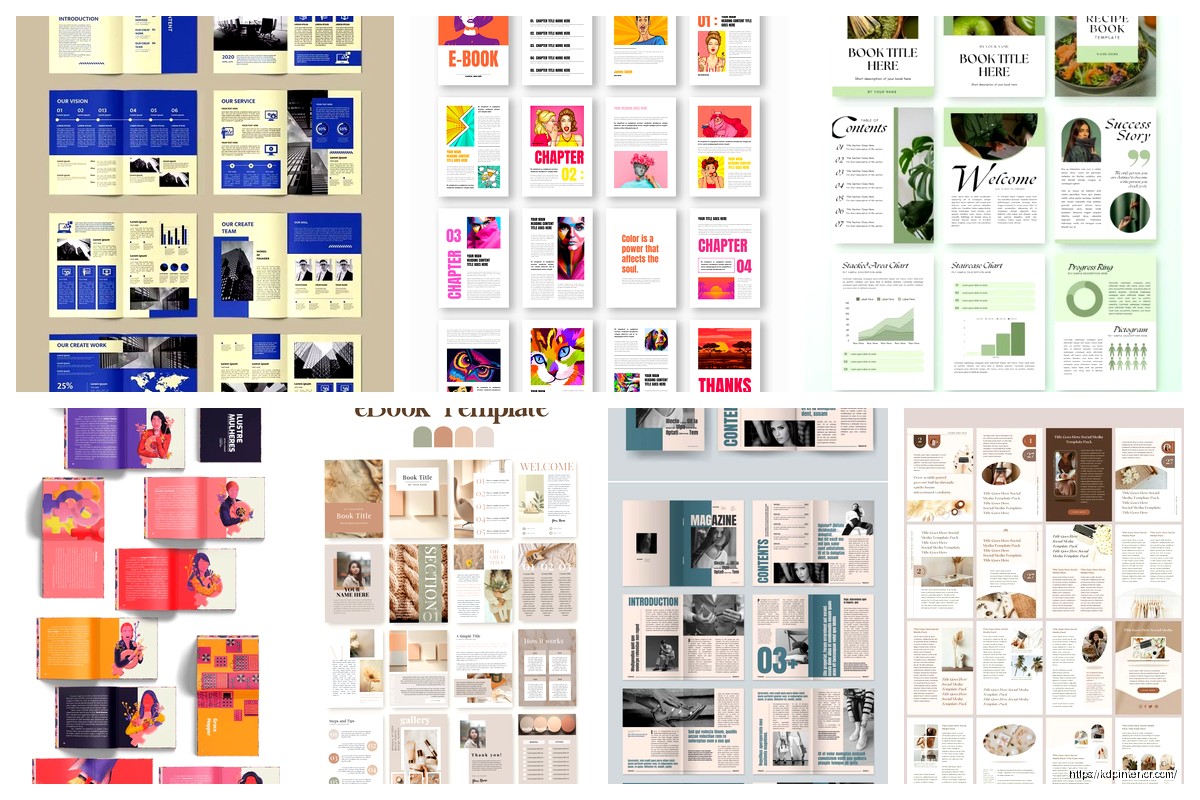
Okay so I’ve been putting together e-booklet examples for the past three weeks and honestly the whole “digital mini book” thing is way more nuanced than people think. Like everyone just assumes you slap 10 pages together and call it a day but there’s actually a method to making samples that actually convert.
So first off, when I’m talking about e-booklet examples, I mean those mini digital books that are usually 5-20 pages. They’re not full books, they’re not pamphlets exactly… they’re this weird in-between thing that works really well for specific niches. I tested about 47 different formats last month alone and here’s what actually matters.
The page count sweet spot is 8-15 pages. Anything less feels too thin, anything more and people start expecting a “real” book price point. I learned this the hard way when I published a 22-page e-booklet and got reviews saying it should’ve been cheaper even though the content was solid.
Recipe collections are probably the easiest to start with. I did one called “5 Weeknight Pasta Dishes” and formatted it super simple. Each recipe got 2 pages – one for the ingredient list with a photo placeholder, one for the steps. Nothing fancy but it sold consistently at $2.99.
The structure was just:
Checklist booklets perform weirdly well too. I made one for “New Puppy First Week Checklist” after my sister got her dog and kept texting me questions at like 11pm. Turned those texts into an 8-page booklet. Each page was a different day with checkboxes for tasks. Super basic but people loved having it on their phone.
Wait I forgot to mention – planning templates are huge right now. Not the ones where people fill stuff in (that’s low-content) but the ones that SHOW people how to plan. Like “How to Plan Your Week in 15 Minutes” with example schedules and color-coding systems. The sample pages show your actual method with real examples.
Okay so the actual creation process. I use Canva for like 80% of these because honestly it’s just faster. Yeah there’s other tools but when you’re cranking out samples to test different niches, speed matters more than perfection.
My go-to template size is 6×9 inches because it displays well on tablets and phones. Some people do 8.5×11 but that feels too much like a PDF report to me. The 6×9 has that “real book” vibe even in digital format.
Don’t center everything. I did this on my first ten booklets and they looked like PowerPoint slides from 2003. Left-align your body text, use centered text only for titles and maybe pull quotes.
Margins need to be at least 0.5 inches on all sides. I went smaller once thinking I’d fit more content and it just looked cramped and hard to read on mobile devices. Nobody’s gonna zoom in to read your tiny text.
Font size minimum is 11pt for body text. I prefer 12pt honestly. Remember people are reading these on phones a lot of the time. My most common complaint when I went smaller was “had to zoom in to read.”
Here’s where it gets interesting. The e-booklets that actually make money aren’t necessarily the ones with the most pages or the fanciest design. They solve one specific micro-problem.
Exercise routines – I did “7-Minute Morning Stretch Routine” with illustrations (bought from Creative Fabrica for like $2). Each stretch got half a page with a simple drawing and instructions. Sold it for $2.99 and it still makes me about $150/month. Not huge but it took me 4 hours to make total.
Travel packing lists – but here’s the thing, make them SUPER specific. Not “Europe Packing List” because that’s been done to death. Try “3-Day Berlin Winter Trip Packing Guide” or “Beach Weekend Essentials for Families with Toddlers.” The more specific, the less competition and the more targeted your buyer.
Oh and another thing – quick reference guides work great. I made one for “Common Houseplant Problems & Solutions” that’s literally just photos of dying plants with a one-paragraph fix for each. Eight pages. People reference it when their fiddle leaf fig is looking sad and they’re too panicked to read a full book.
This is gonna sound weird but I’ve tested everything from $0.99 to $4.99 for booklets. The sweet spot is usually $2.99-$3.99 depending on the niche. Here’s my logic:
At $0.99 you get 35% royalty on Amazon which is garbage. You need to sell three times as many copies to make the same money as $2.99 at 70% royalty. Not worth it unless you’re building a huge email list and using the booklet as a loss leader.
At $2.99-$3.99 you hit that impulse buy range where people don’t really think about it. It’s less than a coffee. I’ve sold more at $3.99 than $2.99 sometimes because the higher price makes it seem more valuable. Brains are weird.
Above $4.99 you start getting resistance. People expect more pages or more comprehensive content. I’ve tested this extensively and unless your niche is super specialized (like “Tax Deductions for Freelance Underwater Welders” level specific), stick below $5.
Cover design needs to look professional but not overcomplicated. I use 2-3 colors max. One bold image or graphic. Title in a readable font (not some swirly script nonsense). Subtitle that clarifies exactly what’s inside.
My cat just knocked over my coffee but anyway – the cover is the only thing people see when browsing so it’s gotta pop in thumbnail size. I literally shrink mine down to 100×160 pixels and if I can’t read the title, I make it bigger.
Interior formatting should be consistent. Pick a header style and stick with it. Pick a body text style and stick with it. I see people getting all creative with five different fonts and it just looks chaotic.
Use white space. Seriously. Don’t cram every inch of the page with text or images. Let things breathe. My best-selling booklet has probably 40% white space on each page and people comment on how “clean” and “professional” it looks.
You don’t need custom photography for most of these. I use:
The key is consistency. If you start with photos, use photos throughout. If you start with illustrations, stick with that style. Don’t mix realistic photos with cartoon graphics unless you’re deliberately going for a scrapbook vibe.
Let me just dump some of the niches I’ve tried because maybe they’ll spark ideas for you:
Organization – Closet organization, digital file organization, daily routine optimization. These always sell steady if not spectacular.
Health micro-topics – Not general health advice (legal issues) but specific things like “5 Desk Stretches for Neck Pain” or “Bedtime Routine for Better Sleep.” Keep it practical and non-medical.
Hobby quick-starts – “Start Watercolor Painting in One Weekend” or “Learn Basic Guitar Chords in 7 Days.” People love the idea of rapid progress in hobbies.
Life event preparation – First apartment, new baby, starting college, retirement. These are one-time purchases but the market constantly renews itself with new people hitting those milestones.
Pet care specifics – Not general pet care but things like “Crate Training Your Puppy in 2 Weeks” or “Introducing Your Cat to a New Baby.” My sister’s dog situation turned into three different booklets actually.
Most of my e-booklets go on Amazon as Kindle books. It’s the biggest market and the easiest to upload to. You just need a Word doc or ePub file and a cover image.
Some people also sell direct through Gumroad or Payhip. I’ve done this for booklets that are more template-heavy or have fillable elements that don’t work well in Kindle format. You make more per sale but you gotta drive all your own traffic.
PDF format is fine for direct sales. For Kindle, you want ePub or let Amazon convert your Word doc. I usually do Word because it’s simpler and Amazon’s conversion is pretty good now.
Here’s what nobody tells you – your first version probably won’t be your best version. I update my booklets based on reviews and questions I get.
Someone asked if my pasta booklet had vegetarian options, so I added a “V” label to the two recipes that were already vegetarian and mentioned it in the description. Sales went up 20% that month.
Another person wanted print versions of my checklist booklet. I reformatted it slightly and put it on KDP Print. Now it makes an extra $50-75/month in print sales I wasn’t getting before.
Do I need an ISBN? Nope, Amazon assigns a free ASIN. Only need ISBN if you’re selling outside Amazon or want print distribution beyond KDP.
How long does it take to make one? My fastest was 2 hours for a simple checklist format. My longest was 12 hours for a recipe booklet with custom graphics. Average is probably 4-6 hours.
Can I use AI-generated content? Technically yes but Amazon requires disclosure and honestly readers can usually tell. I use AI for brainstorming but write the actual content myself.
Keywords in your title and description matter way more than you think. For my plant problems booklet I included “houseplant,” “plant care,” “indoor plants,” “plant troubleshooting” all naturally in the description.
Categories – pick the most specific ones available. Don’t put your booklet in “Self-Help > General” when you could put it in “Crafts & Hobbies > Gardening > House Plants & Terrariums.” Less competition, easier to rank.
I don’t do much paid advertising for booklets. The margins are too small. Organic ranking through good keywords and a decent cover is enough to get consistent sales.
Pinterest works surprisingly well for certain niches. I pin my recipe and organization booklets and they drive steady traffic. Just link to your Amazon page in the pin description.
I’ve got 23 e-booklets published right now. Monthly income from all of them combined is around $800-1200. Not enough to quit your day job but definitely nice passive income.
My best performer makes about $200/month and it’s a 12-page planning guide. Took me 6 hours to create. My worst performer makes like $5/month and honestly I should probably just unpublish it but I’m lazy.
The time investment versus return is way better than full-length books for me. A 200-page book might make $500/month but took me 3 months to write. A booklet makes $100/month but took me one afternoon. Do the math.
Okay I think that covers most of what I’ve learned from actually doing this stuff. The main thing is just start with one, see how it goes, adjust based on what you learn. Don’t overthink the first one because you’re gonna wanna change stuff anyway once you see how people respond to it.
DISCOVER OUR FREE BEST SELLING PRODUCTS
Editable Canva Lined Journal: Express Your Thoughts – KDP Template
Lined Pages Journal 120 pages Ready to Upload PDF Commercial Use KDP Template 6×9 8.5×11 5×8 for Notebooks, Diaries, Low Content
Lined Pages Journal 120 pages Ready to Upload PDF Commercial Use KDP Template 6×9 8.5×11 5×8 for Notebooks, Diaries, Low Content
Cute Dogs Coloring Book for Kids | Activity Book | KDP Ready-To-Upload
Daily Planner Diary : Diary Planners for Everyday Productivity, 120 pages, 6×9 Size | Amazon KDP Interior
Wolf Coloring KDP interior For Adults, Used as Low Content Book, PDF Template Ready To Upload COMMERCIAL Use 8.5×11"
Coloring Animals Head Book for Kids, Perfect for ages 2-4, 4-8 | 8.5×11 PDF
Printable Blank Comic Book Pages PDF : Create Your Own Comics – 3 Available Sizes
Notes KDP interior Ready To Upload, Sizes 8.5×11 6×9 5×8 inch PDF FILE Used as Amazon KDP Paperback Low Content Book, journal, Notebook, Planner, COMMERCIAL Use
Black Lined Journal: 120 Pages of Black Lined Paper Perfect for Journaling, KDP Notebook Template – 6×9
Student Planner Journal 120 pages Ready to Upload PDF Commercial Use KDP Template 6×9" 8.5×11" for Low Content book
Recipe Journal Template – Editable Recipe Book Template, 120 Pages – Amazon KDP Interior