
-
×
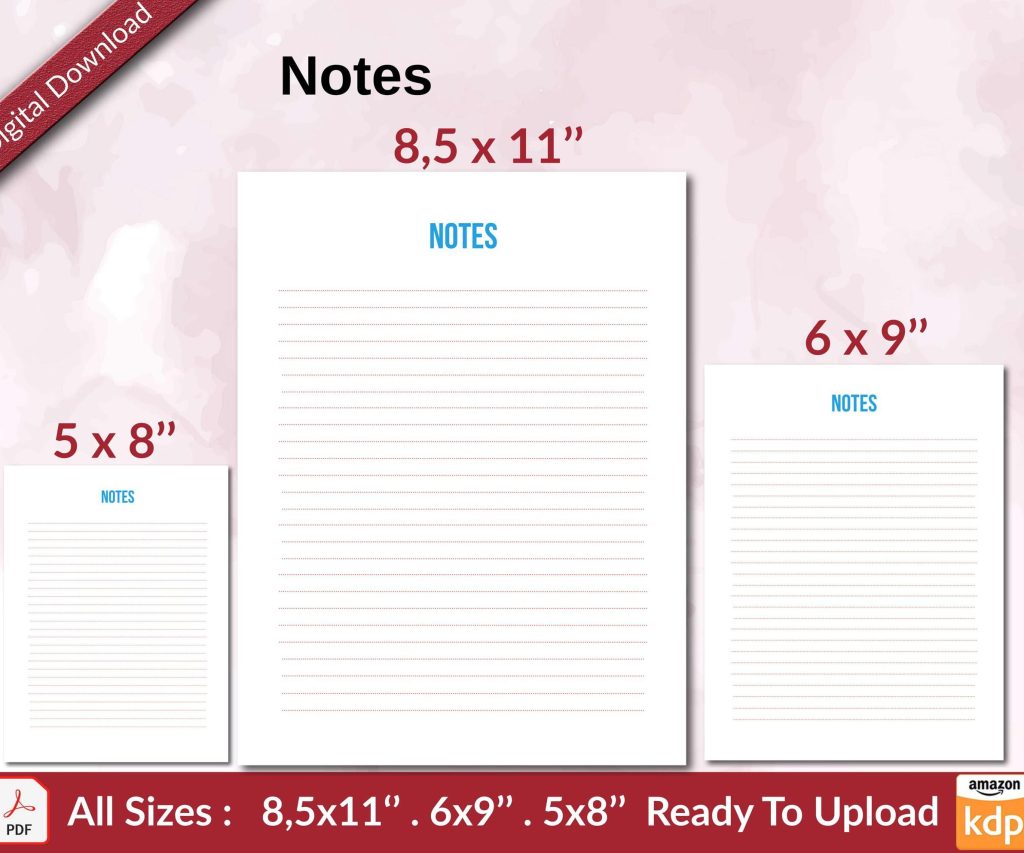 Notes KDP interior Ready To Upload, Sizes 8.5x11 6x9 5x8 inch PDF FILE Used as Amazon KDP Paperback Low Content Book, journal, Notebook, Planner, COMMERCIAL Use
1 × $0.00
Notes KDP interior Ready To Upload, Sizes 8.5x11 6x9 5x8 inch PDF FILE Used as Amazon KDP Paperback Low Content Book, journal, Notebook, Planner, COMMERCIAL Use
1 × $0.00
Subtotal: $0.00
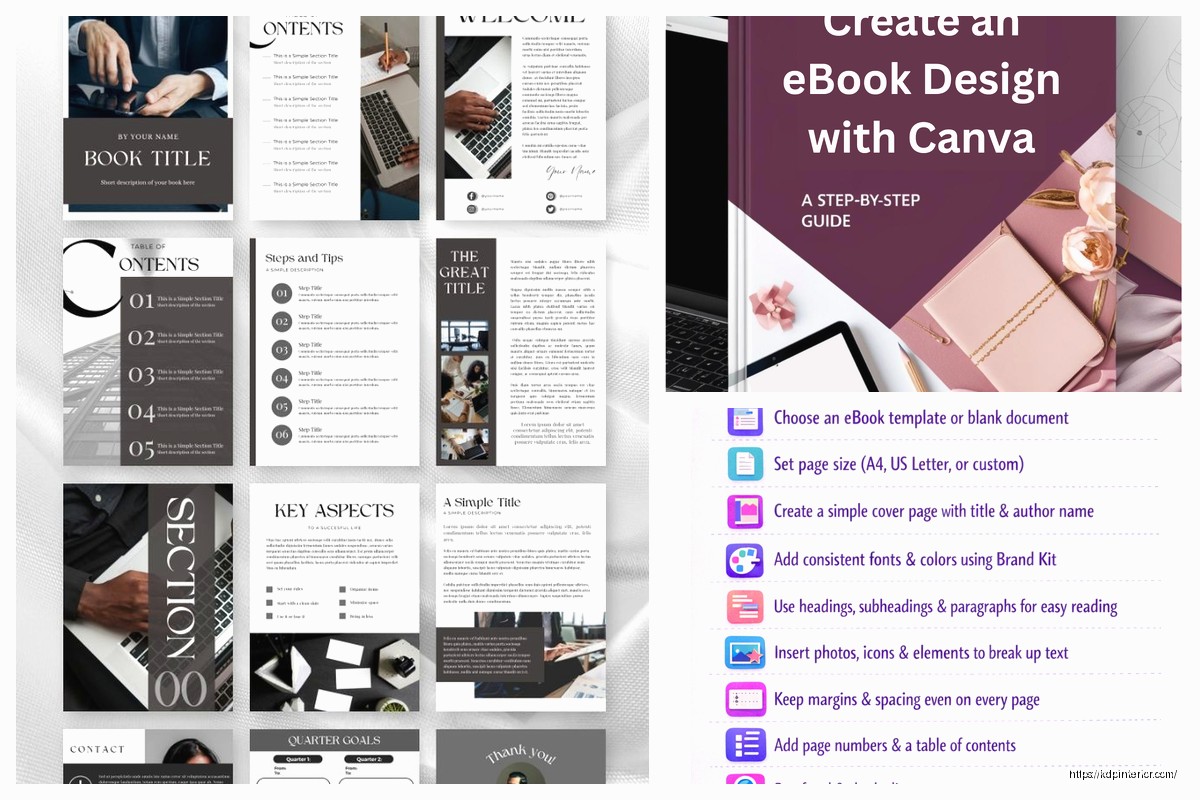
Okay so I just spent like three hours last Tuesday messing around with editable ebooks and interactive publishing stuff because one of my clients bailed on a consulting call, and honestly? It’s way easier than people make it sound but there’s some weird quirks you gotta know about.
First thing – when people say “editable ebook” they usually mean one of three totally different things and this is where everyone screws up from the start. There’s the PDF workbooks that people can type into (super common for planners and journals), there’s EPUB3 files with actual interactive elements, and then there’s this whole other category of web-based ebooks that aren’t really ebooks at all but people call them that anyway.
I’m gonna focus on what actually works for Amazon KDP and wider distribution because that’s where the money is, but real talk – Amazon doesn’t let you upload truly interactive ebooks in the way you might think. They support fixed-layout ebooks with some interactive elements but it’s limited compared to what you can do with like, a full EPUB3 file on Apple Books.
This is honestly where most of my income from “interactive” publishing comes from. People want planners, workbooks, journals where they can type directly into the PDF. You’d think this would be complicated but it’s literally just adding form fields in Adobe Acrobat or even free tools.
Here’s what I do:
The trick nobody tells you – make your text fields have a subtle border or background color so people can SEE where they’re supposed to click and type. I learned this the hard way after getting like 15 emails from customers saying “how do I fill this out” when the fields were totally invisible against my background.
Oh and another thing – if you’re selling these on Gumroad or your own site they work perfectly. If you’re trying to do this through KDP… well that’s where it gets messy because KDP doesn’t support fillable PDFs for ebooks. They’ll take your PDF but flatten it. So for KDP you’re looking at either paperback versions (which obviously can’t be filled out digitally) or you need to think about this differently.
This is gonna sound weird but fixed-layout is both more limited and more flexible than regular reflowable ebooks. Amazon‘s Kindle Kids Book Creator or their Kindle Create software can handle fixed-layout, and you CAN add some interactive stuff but it’s mostly pop-ups, audio, and video embeds.
I did a children‘s book last year with my sister (she does illustration) and we added audio pronunciations for like 20 words. The process was:
The file size limits are annoying though. Amazon wants your ebook under 650MB but honestly if you’re going over like 50MB you’re probably doing something wrong or your images aren’t compressed enough. Use TinyPNG or ImageOptim to crush those file sizes down.
Real talk – true interactivity on Kindle is pretty limited. You can do:
That’s basically it. No forms, no real-time calculations, no games or quizzes that save progress. If someone’s promising you can make a fully interactive course as a Kindle book they’re either lying or talking about something way more limited than you think.
Okay so if you wanna do ACTUAL interactive ebooks you’re looking at EPUB3 format and distributing outside Amazon mostly. Apple Books supports this really well, Google Play Books is okay with it, and Kobo is hit or miss.
EPUB3 lets you embed:
But here’s the thing – you need to know some code or use specialized software. I use a combo of Sigil (free EPUB editor) and sometimes PubCoder (expensive but powerful). There’s also Book Creator which is browser-based and honestly pretty good for simple interactive books.
Last month I made an interactive recipe book for a client (they wanted ingredient calculators that adjusted serving sizes). Here’s how it went down:
Started with a regular EPUB file exported from Vellum (my go-to ebook formatter). Opened it in Sigil. Each chapter is basically an HTML file inside the EPUB package – if you didn’t know that, boom, now you do. An EPUB is just a ZIP file with HTML files and images inside following a specific structure.
I added JavaScript to specific recipe pages. The code was simple – input fields for number of servings, and it would multiply all the ingredient amounts. Nothing fancy but readers loved it.
The JavaScript goes in a separate .js file in your EPUB package, then you reference it in your HTML chapter files. Something like:
In your chapter HTML:
You add a script tag linking to your JavaScript file, then in your content you create input fields and output areas for your calculations or interactions.
I’m not gonna paste actual code here because formatting but if you google “EPUB3 JavaScript tutorial” you’ll find tons of examples. The EPUB3 spec allows pretty much any JavaScript that would work on a webpage, but keep it simple because reading systems don’t all support everything.
This is where it gets tedious. You gotta test on multiple devices because what works on iPad might break on a Kobo or in Google Play Books on Android. I have like 5 different devices for testing and I still find bugs after publishing sometimes.
Use these tools:
Wait I forgot to mention – EPUBCheck is critical. It’s a command-line tool (there’s a GUI version too called PageEdit) that checks if your EPUB meets the official spec. Retailers will reject EPUBs that fail validation so run this before you upload anywhere.
Okay so funny story – I spent six months trying to make complex interactive books work through traditional ebook retailers before I realized there’s a whole other world of platforms designed specifically for this.
Kotobee Author is software that lets you create interactive ebooks with quizzes, embedded media, all that stuff. It exports to their own app format or EPUB. The catch? You kinda need to use their ecosystem or your own app. It doesn’t play super nice with Amazon or other retailers for the really interactive stuff.
But if you’re selling direct to customers or through your own channels? It’s actually really powerful. I used it for a training manual client last year and they loved it. You can add:
The license is like $400/year which sounds steep until you’re charging $30-50 per interactive ebook and it pays for itself fast.
This is the Ferrari of interactive ebook creation. Costs way more than Kotobee (starting at like $200/year but going up from there) but you can create insanely interactive books. We’re talking animations, games, interactive diagrams, all coded through a visual interface.
I only use PubCoder for high-budget client projects because the learning curve is real. Spent probably 20 hours just figuring out how their widget system works. But once you get it? You can create interactive books that feel more like apps.
Exports to EPUB3, and also to app format (iOS and Android). The app format is actually what makes it worth it sometimes – you can publish through app stores instead of book retailers and charge premium prices.
There’s this whole category of tools that are technically for creating interactive content but work for ebooks too. BookWidgets, Genially, even Google Slides with the right setup.
My cat just jumped on my keyboard sorry – anyway, these tools let you create something interactive that you then export as PDF, EPUB, or just share as a web link. The web link approach is honestly underrated. Call it an “ebook” in your marketing, give people a URL, and it opens in their browser with full interactivity.
I’ve sold “ebooks” that are actually just password-protected websites with content. No DRM issues, works on any device, and you can include whatever interactivity you want because it’s just a webpage. Stripe or Gumroad for payment, then email them login credentials. Easy.
Let’s get practical about revenue because that’s what matters right? Regular ebooks on KDP might make you $2-5 per sale (if you’re priced at $2.99-9.99). Interactive ebooks? I regularly sell them for $15-50 depending on complexity and niche.
The best niches I’ve found for interactive publishing:
The training manual niche is probably my favorite because companies will pay $30-100 for a good interactive training ebook without blinking. I made one for a construction company about safety procedures with embedded videos and quiz sections. Charged $2,500 for the project, they bought 50 licenses at $75 each for their employees. That’s $6,250 total and it took me maybe 40 hours of work.
Here’s where people mess up – they create an amazing interactive ebook and then try to sell it on Amazon where the interactivity gets stripped out or doesn’t work right. Different platforms for different products.
For PDF workbooks (fillable):
For EPUB3 with interactive elements:
For app-based interactive books:
Amazon KDP is honestly last on my list for interactive books unless we’re talking fixed-layout with minimal interactivity for kids books. The platform just isn’t built for it.
My actual workflow uses like 15 different tools depending on the project but here’s my core stack:
Vellum – For creating the base EPUB before adding interactivity. Only on Mac which sucks if you’re on Windows but it’s so good that I bought a used MacBook just to run it. $250 one-time for ebooks, $500 for print + ebooks.
Sigil – Free EPUB editor. This is where I do most of my interactive work. You can hand-code HTML and CSS, add JavaScript, manage your EPUB package. Learning curve is moderate but tons of tutorials on YouTube.
Adobe Acrobat Pro – For fillable PDFs. The subscription is annoying ($15/month or whatever) but nothing free comes close for form functionality. PDFescape works for simple stuff though.
Canva – Yeah I know everyone uses it but it’s actually great for designing workbook pages before turning them into fillable PDFs. Pro version is worth it for background remover and magic resize features.
Calibre – Free ebook management and conversion. Can convert between formats and edit EPUBs. Not as powerful as Sigil for editing but better for batch conversion and management.
Visual Studio Code – Text editor with EPUB preview plugins. If you’re gonna code interactivity you need a real code editor. VS Code is free and works on everything.
This is gonna sound weird but I also use Notion to plan out my interactive elements before I start building. Like I’ll map out “page 5 needs a quiz with 3 questions, page 8 needs an ingredient calculator” etc. Keeps me organized when projects get complex.
You don’t need to be a programmer but you gotta learn some basics. For interactive EPUBs you’re essentially doing web development inside an ebook package.
HTML basics: Headings, paragraphs, div containers, input fields, buttons. That’s like 80% of what you’ll use. Maybe 10 tags total that you’ll use regularly.
CSS basics: Colors, fonts, spacing, positioning. You can copy most of this from templates and adjust. I have a library of CSS snippets I reuse constantly.
JavaScript basics: Variables, functions, event listeners (for clicks and input), basic math operations. Again, you can copy and modify examples. I’m not writing complex algorithms, just “when user types number here, multiply by this and show result there.”
Free resources that helped me: MDN Web Docs (just google any HTML/CSS question with “MDN” after it), freeCodeCamp has free courses, and YouTube channels like Traversy Media.
Honestly I learned most of this by breaking down other interactive EPUBs to see how they worked. You can unzip any EPUB file and look at the code inside. Found so many tricks that way.
Okay so you’re gonna run into issues. Here’s the ones that killed hours of my time until I figured them out:
This happened to me so many times. The issue is usually strict mode differences or touch vs click events. Solution: use touchstart and touchend events in addition to click events. Also test in Safari on Mac first since that’s closest to iOS rendering.
Adobe Reader saves form data automatically but other PDF readers don’t always. Include instructions in your PDF telling people to use Adobe Reader (free) if they want their edits to save. Or acknowledge in your marketing that it’s meant for one-time use and print/save after filling.
Usually images are the culprit. Compress everything. I target like 100KB per image for most books. Use JPG instead of PNG where possible. If you have audio or video you might just be screwed for some retailers – Apple Books allows up to 2GB, most others cap at 650MB or lower.
Welcome to ebooks, where there’s 47 different reading systems that all interpret the specs differently.
DISCOVER OUR FREE BEST SELLING PRODUCTS
Editable Canva Lined Journal: Express Your Thoughts – KDP Template
Lined Pages Journal 120 pages Ready to Upload PDF Commercial Use KDP Template 6×9 8.5×11 5×8 for Notebooks, Diaries, Low Content
Lined Pages Journal 120 pages Ready to Upload PDF Commercial Use KDP Template 6×9 8.5×11 5×8 for Notebooks, Diaries, Low Content
Cute Dogs Coloring Book for Kids | Activity Book | KDP Ready-To-Upload
Daily Planner Diary : Diary Planners for Everyday Productivity, 120 pages, 6×9 Size | Amazon KDP Interior
Wolf Coloring KDP interior For Adults, Used as Low Content Book, PDF Template Ready To Upload COMMERCIAL Use 8.5×11"
Coloring Animals Head Book for Kids, Perfect for ages 2-4, 4-8 | 8.5×11 PDF
Printable Blank Comic Book Pages PDF : Create Your Own Comics – 3 Available Sizes
Notes KDP interior Ready To Upload, Sizes 8.5×11 6×9 5×8 inch PDF FILE Used as Amazon KDP Paperback Low Content Book, journal, Notebook, Planner, COMMERCIAL Use
Black Lined Journal: 120 Pages of Black Lined Paper Perfect for Journaling, KDP Notebook Template – 6×9
Student Planner Journal 120 pages Ready to Upload PDF Commercial Use KDP Template 6×9" 8.5×11" for Low Content book
Recipe Journal Template – Editable Recipe Book Template, 120 Pages – Amazon KDP Interior