Okay so the Facebook cover thing for author pages is actually way more important than most people think and I spent like three months testing different templates last year because my numbers were just… not great.
The dimensions you need are 820 x 312 pixels for desktop but here’s what nobody tells you – Facebook displays it at 640 x 360 on mobile and it crops differently. I lost like two weeks of traffic because my main text was getting cut off on phones and I didn’t even realize it until someone messaged me asking why my cover was half blank.
The Basic Setup That Actually Works
Start with Canva if you’re not a designer. I know everyone says this but it’s true – they have Facebook cover templates already sized right. The free version works fine but honestly the Pro is worth it if you’re doing multiple author pages or pen names because you can resize everything instantly.
Your cover needs to do like three things max. Don’t try to cram your entire author bio and all seven book covers on there. I see this constantly and it just looks messy. Pick either your latest release OR your series branding OR your author brand colors and stick with that. When I simplified mine to just show my latest thriller series with the tagline and release date my page engagement went up like 40%.
The safe zone is crucial – keep all important text and faces within the center 640 x 312 area. Facebook’s profile picture covers the bottom left on desktop so anything there gets hidden. I had my book title there for three months like an idiot and wondered why nobody was clicking through.
What to Actually Put on There
Your book cover should be the main element but not the only thing. I do the cover on the left or right side taking up maybe 40% of the space then use the rest for:
- Book title in readable font (nothing fancy, just clean)
- Your author name if it’s not super visible in your profile pic
- Release date or “Available Now” type text
- Maybe a review snippet if you have a really good one
The fonts matter more than you think. I was using this cool decorative font that looked great on my computer but was completely unreadable on phones. Stick with sans-serif fonts like Montserrat or Poppins or even just Arial. The goal is people scrolling on their phone while waiting in line can read it in two seconds.
Colors and Branding Stuff
This is gonna sound weird but I keep a Google Doc with my exact hex codes for each pen name. Makes updating covers so much faster. Your Facebook cover should match your book covers obviously but also your website and Amazon author page. I use the same 3-4 colors across everything.
High contrast is your friend. Light text on dark backgrounds or vice versa. That middle ground where you have like gray text on a slightly darker gray background? Nobody can read it. I tested this with five different designs and the high contrast ones got way more profile visits.
Oh and another thing – if you write in multiple genres keep your covers separate. Don’t try to show your romance series and your horror novels on the same cover template. Make different pages or rotate your cover every few months. I rotate mine quarterly to feature whatever I’m actively promoting.
Tools Besides Canva
Adobe Express is free now and honestly pretty good. The templates are decent and it’s less overwhelming than Photoshop if you’re not a designer. I use it sometimes when Canva’s being glitchy.
PicMonkey is another option but I think it costs money now? I used to use it back in like 2019 but switched to Canva because the templates were better.
If you actually know Photoshop then yeah obviously use that. You can make way more custom stuff. But most of us don’t have time to learn Photoshop when we should be writing.
Wait I forgot to mention – Placeit has Facebook cover mockups that are actually really good. They’re part of Envato Elements which is like $16/month and you get unlimited downloads. I use it for my book mockups anyway so the cover templates are a bonus.
The Mobile Problem Nobody Talks About
So like 85% of Facebook users are on mobile now. Your beautiful desktop cover that shows your whole book trilogy perfectly? It’s getting cropped weird on phones. You gotta design for mobile first.
I literally view every cover I make on my phone before publishing it. Just upload it as a draft or whatever and check it on your actual phone. The Facebook app shows it differently than the mobile browser too which is annoying but mostly they’re similar.
The profile picture overlap is different on mobile. On desktop it covers bottom left, on mobile it’s more centered bottom. So basically keep everything important in the top two-thirds of your image. I learned this the hard way when my “NEW RELEASE” text was completely hidden behind my profile pic on mobile for like a week.
Text Sizing for Readability
Your main text (book title or whatever) should be at minimum 60pt font. Smaller than that and it’s hard to read on phones. I usually go 80-100pt for the main element.
Secondary text like release dates or taglines can be 30-40pt. Anything smaller is basically invisible on mobile.
Don’t use more than two fonts. One for the main title, one for supporting text. Three fonts starts looking cluttered and unprofessional. I see this on author pages all the time and it just screams amateur.
Design Mistakes I Made So You Don’t Have To
Putting too much text. My first cover had like a whole paragraph about the book and nobody read it. People scroll fast, they’re not reading three sentences on your cover.
Using low-resolution images. If your book cover looks pixelated on the Facebook cover it looks bad on you. Make sure you’re using high-res versions. At least 300 DPI if you’re working with print files.
Ignoring the branding. Your cover should look like it belongs to your author brand. I have a friend who changes their entire color scheme every book and their Facebook page looks chaotic. Pick a vibe and stick with it.
Not updating it regularly. If your cover still shows a book from 2021 and you’ve published three books since then… update it. I try to change mine at least every 3-4 months or whenever I have a new release.
The Profile Picture Coordination Thing
Your profile pic and cover should work together. I use my author headshot as the profile pic and make sure the cover design doesn’t clash with it. Some people use their logo which is fine too.
The profile pic is 170 x 170 pixels but displays as a circle so plan accordingly. Don’t use a square logo that gets the corners cut off weird.
If you’re showing your face in the profile pic make sure you’re not also on the cover photo because that looks redundant. Unless you’re like really famous I guess but most of us aren’t there yet lol.
Seasonal and Promo Updates
I change my cover for major promotions. If I’m running a 99 cent sale I’ll add a banner or badge to the cover with the price and dates. Canva makes this easy because I just duplicate my main template and add the promo elements.
Holiday themes can work if you write in certain genres. My friend who writes Christmas romance updates her cover every November with snow and holiday colors. It signals to readers what’s coming.
Don’t go overboard though. If you’re changing your cover every week people stop noticing. Save it for actual important updates – new releases, major sales, awards, stuff like that.
A/B Testing What Works
Facebook Insights will show you profile visits and engagement. I keep a spreadsheet (yeah I’m that person) tracking which cover designs get the most clicks through to my website.
Turns out bright colors perform better for me. My dark moody thriller cover looked cool but the bright red version got like 30% more engagement. Your mileage may vary depending on genre obviously.
Text overlays with questions or hooks perform better than just showing the book cover. “What would you do if…” type text gets more attention than just the title. I tested this across like six different designs.
Quick Technical Stuff
Upload as PNG not JPG if possible. Better quality and Facebook compresses it less. Your file should be under 100KB though or Facebook will compress it anyway.
RGB color mode not CMYK. This is for screens not print.
If you’re using photos from stock sites make sure you have the license for social media use. Most do but check because you don’t want copyright issues.
The aspect ratio is 2.63:1 if you’re mathing it out. But just use the 820 x 312 dimensions and you’re good.
Template Resources That Don’t Suck
Creative Fabrica has Facebook cover templates you can customize. One-time purchase or subscription, both work.
Creative Market has individual templates usually $5-15. Good if you just need one specific style.
Etsy has templates too but quality varies wildly. Read the reviews before buying.
Or honestly just look at successful author pages in your genre and see what they’re doing. I’m not saying copy them exactly but like… see what works. I keep a Pinterest board of author covers I like for inspiration.
My cat just knocked over my coffee while I was typing this but anyway – the main thing is your cover should make someone want to click your page and see more. It’s not about being the most artistic or creative, it’s about clearly showing who you are and what you write. Keep it simple, keep it readable, update it regularly, and test what actually drives engagement for your specific audience.
The whole process takes maybe 30 minutes once you have a template set up and honestly it’s worth it because your Facebook author page is usually one of the first things readers see when they search your name.

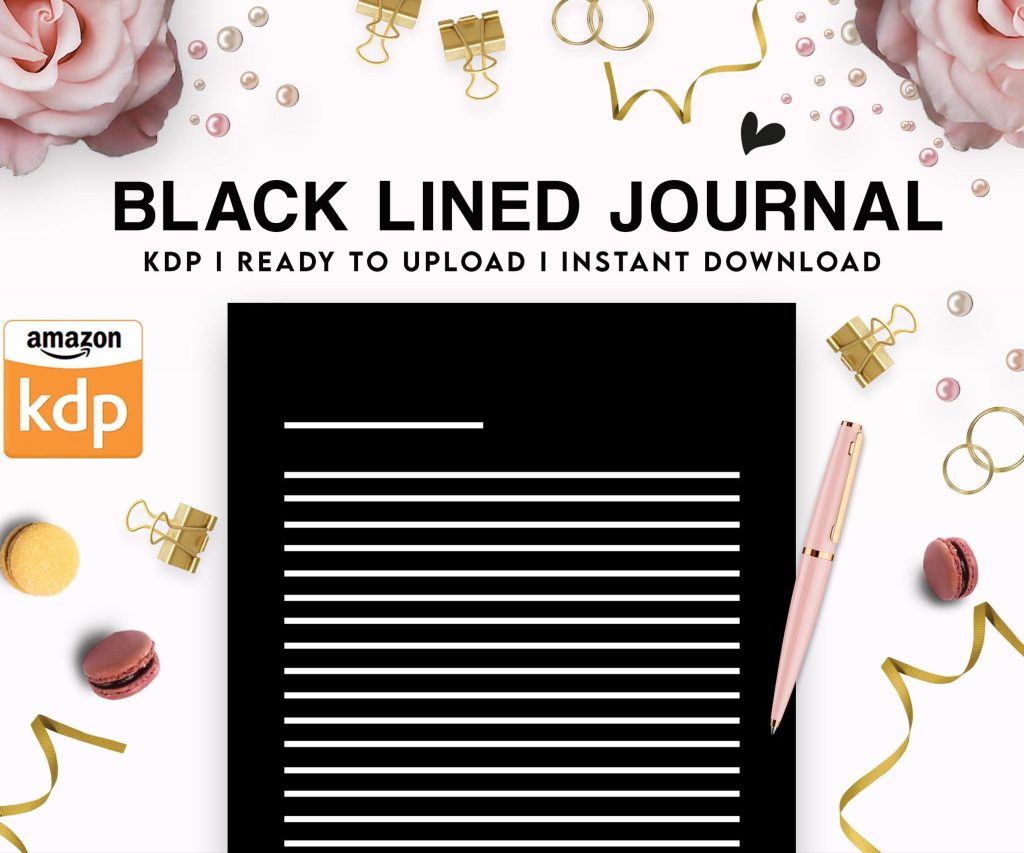 Black Lined Journal: 120 Pages of Black Lined Paper Perfect for Journaling, KDP Notebook Template - 6×9
1 × $0.00
Black Lined Journal: 120 Pages of Black Lined Paper Perfect for Journaling, KDP Notebook Template - 6×9
1 × $0.00 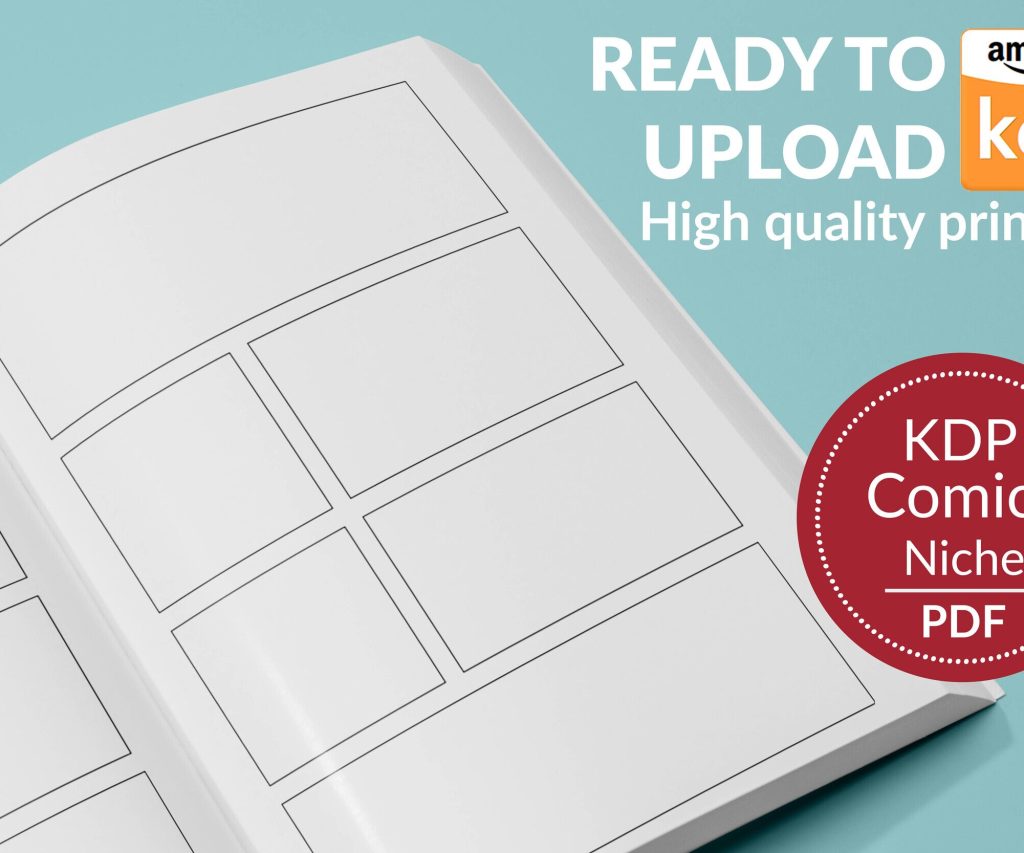 Printable Blank Comic Book Pages PDF : Create Your Own Comics - 3 Available Sizes
1 × $0.00
Printable Blank Comic Book Pages PDF : Create Your Own Comics - 3 Available Sizes
1 × $0.00 
DISCOVER OUR FREE BEST SELLING PRODUCTS
Editable Canva Lined Journal: Express Your Thoughts – KDP Template
Lined Pages Journal 120 pages Ready to Upload PDF Commercial Use KDP Template 6×9 8.5×11 5×8 for Notebooks, Diaries, Low Content
Lined Pages Journal 120 pages Ready to Upload PDF Commercial Use KDP Template 6×9 8.5×11 5×8 for Notebooks, Diaries, Low Content
Cute Dogs Coloring Book for Kids | Activity Book | KDP Ready-To-Upload
Daily Planner Diary : Diary Planners for Everyday Productivity, 120 pages, 6×9 Size | Amazon KDP Interior
Wolf Coloring KDP interior For Adults, Used as Low Content Book, PDF Template Ready To Upload COMMERCIAL Use 8.5×11"
Coloring Animals Head Book for Kids, Perfect for ages 2-4, 4-8 | 8.5×11 PDF
Printable Blank Comic Book Pages PDF : Create Your Own Comics – 3 Available Sizes
Notes KDP interior Ready To Upload, Sizes 8.5×11 6×9 5×8 inch PDF FILE Used as Amazon KDP Paperback Low Content Book, journal, Notebook, Planner, COMMERCIAL Use
Black Lined Journal: 120 Pages of Black Lined Paper Perfect for Journaling, KDP Notebook Template – 6×9
Student Planner Journal 120 pages Ready to Upload PDF Commercial Use KDP Template 6×9" 8.5×11" for Low Content book
Recipe Journal Template – Editable Recipe Book Template, 120 Pages – Amazon KDP Interior