okay so I just tested like eight different free 3D book cover generators last week and here’s what actually works
So you need a 3D mockup but don’t wanna pay for those fancy services right? I get it. Been there probably a hundred times when I’m launching a new book and need something that doesn’t look like garbage for my Amazon listing or social media.
The first one you gotta try is Dibook. It’s completely free, no watermarks, which is kinda insane honestly. You just upload your 2D cover (make sure it’s at least 1600×2560 pixels or it’ll look blurry), and it generates this pretty decent 3D mockup in like 30 seconds. The interface is super basic but that’s actually good because you’re not fumbling around trying to find buttons.
Here’s the thing though – Dibook only does paperback style mockups. No hardcovers. So if you’re doing a romance novel or thriller where paperback is the standard, you’re golden. If you want something fancier… well, keep reading because I’ve got options.
Canva’s 3D book mockup feature that nobody talks about
Wait I forgot to mention – Canva has this built-in mockup generator that’s hiding in their system. You need a Canva account (free version works fine) and then you search for “book mockup” in their templates. They’ve got maybe 20-30 different 3D book templates you can customize.
The process is kinda backwards from what you’d expect. You’re not uploading a finished cover and watching it wrap around a 3D model. Instead, you’re designing your cover flat inside their mockup template, and it automatically applies the 3D effect. Sounds weird but it actually gives you more control over shadows and lighting.
I was using this at like 2am last Tuesday while my cat kept walking across my keyboard, and I accidentally discovered that if you duplicate the mockup element and change the background color, you can create these comparison shots that look really professional for Facebook ads. Not what I was trying to do but ended up being useful.
Smartmockups free tier is surprisingly decent
Okay so Smartmockups has a paid version but their free tier lets you create 3D book mockups with some limitations. You get like 10 downloads per month or something? I don’t remember the exact number but it’s enough if you’re just doing occasional launches.
The quality here is actually better than Dibook in my opinion. They’ve got hardcover options, books on desks, books in hands, books with coffee cups next to them – all that lifestyle mockup stuff that makes your book look real. The lighting is more realistic too.
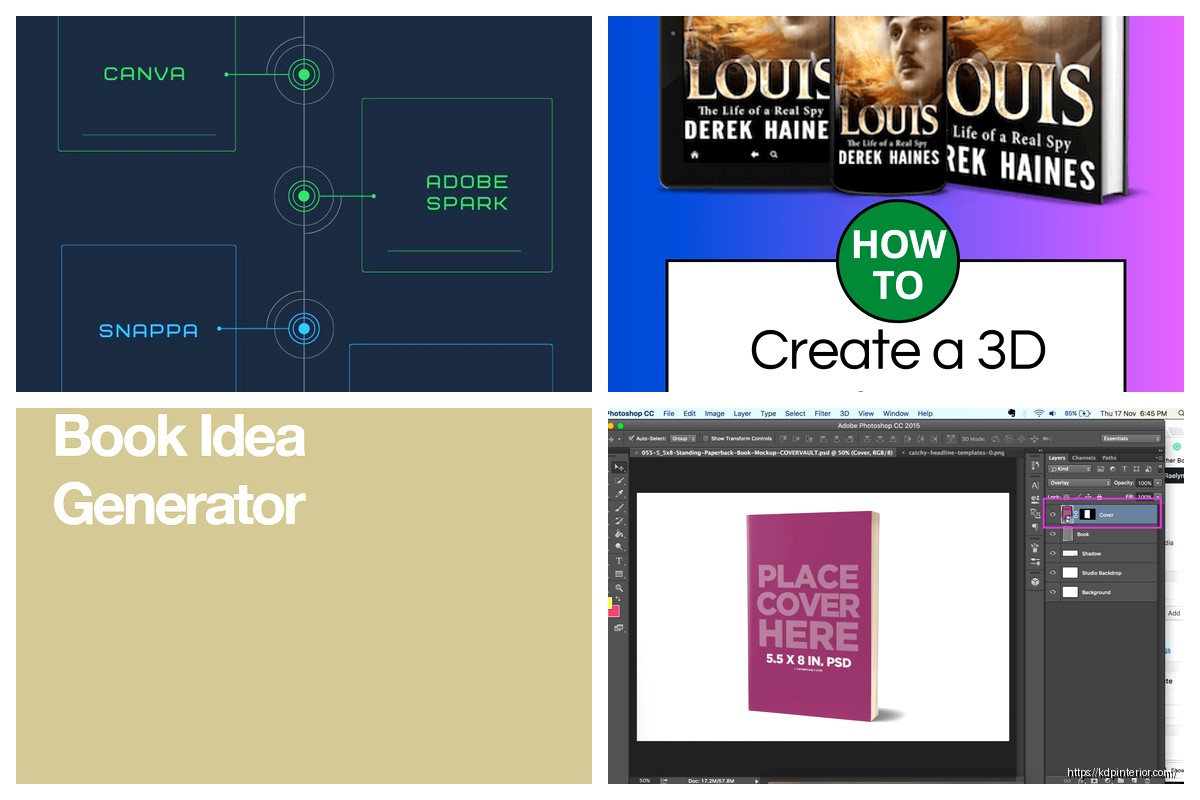
Here’s how you use it: create a free account, go to the “Books” category, pick a mockup style you like, upload your cover (they accept PNG or JPG), and it renders in maybe 45 seconds. The free version has a small watermark in the corner but honestly? It’s so tiny that if you’re just using it for Instagram stories or Facebook posts, nobody’s gonna notice or care.
the tools that require a bit more work but give you total control
BookBrush is… okay this one’s tricky. They used to have a completely free version but now it’s more of a free trial situation. You can still use it without paying but you’re limited to like 3 mockups before they start pushing you toward the paid plan. That said, those 3 mockups can be really high quality.
What I do is use my 3 free mockups strategically. Like when I’m launching a new series and need the first book to look absolutely perfect for ads, I’ll use BookBrush. For everything else, I stick with Dibook or Canva.
BookBrush has this feature where you can create stacked books (like a series display) or books with Kindle devices next to them, which is super useful if you’re doing a bundle promotion. The interface takes maybe 10 minutes to figure out but then it’s pretty intuitive.
Placeit by Envato – the one everyone recommends but has caveats
So Placeit is probably the most recommended tool in every Facebook group and Reddit thread about book mockups. And yeah, it’s good. They have thousands of mockup templates. But here’s what people don’t tell you – the free version is basically useless.
You can browse all their templates for free and see what they offer, but when you go to download? That’s when they hit you with the paywall. They do offer occasional free mockups if you subscribe to their newsletter, and sometimes they have promotions where certain templates are free for a limited time.
I mention this because if you’re willing to be patient and wait for their free promotions, you can snag some really professional mockups. I got three amazing hardcover mockups during their Black Friday thing last year and I’m still using those renders for my backlist books.
this is gonna sound weird but PowerPoint actually works
Okay so funny story – I was teaching someone how to make mockups and they didn’t have access to any design software except Microsoft PowerPoint. And I was like… let me see if I can make this work.
PowerPoint has 3D effects built in. You can insert an image (your book cover), then go to the 3D format options and add perspective, depth, rotation, all that stuff. It’s not gonna look as polished as the dedicated mockup tools, but if you’re literally just starting out and have zero budget and already have Office, it’s better than nothing.
The trick is to set your slide dimensions to square (like 2000×2000 pixels), create your mockup, then export as a high-quality PNG. I wouldn’t use this for your main Amazon listing image but for quick social media posts? Yeah it works fine.
websites that promise free mockups but are actually kinda sketchy
Gotta warn you about a few sites that show up when you Google “free 3D book mockup generator” but are basically traps. There’s one called MockupWorld that looks legit at first – they have beautiful previews – but when you try to download, they redirect you through like seventeen affiliate links and ad pages. Super annoying.
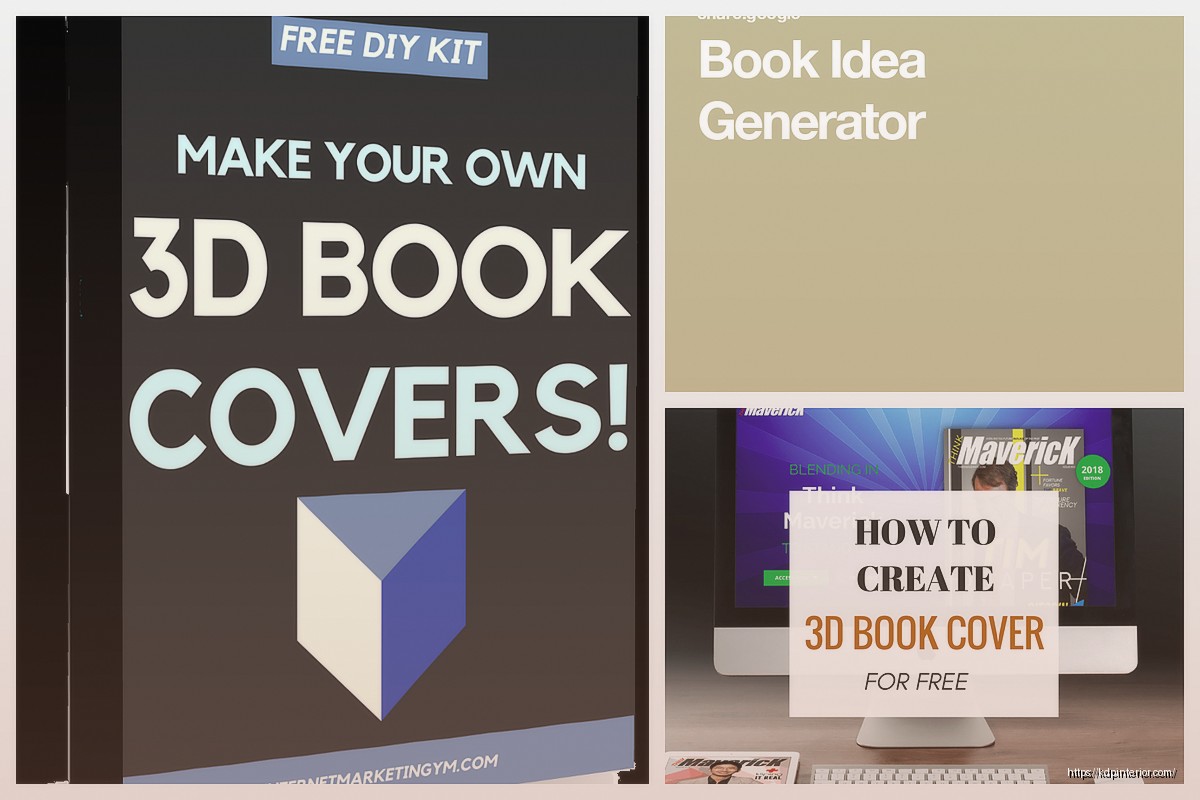
Another one is DesignBolts. They technically have free mockups but they’re all PSD files that require Photoshop to edit. If you don’t have Photoshop (which costs money), these are useless to you. They should really specify that upfront but they bury it in the fine print.
Oh and another thing – be careful with sites that ask for your credit card info for a “free trial.” That’s usually code for “we’re gonna charge you next month and make it really hard to cancel.” Actual free tools don’t need your credit card number.
the PicMonkey option if you already use them for covers
If you’re already using PicMonkey to design your book covers (which some people do instead of Canva), they have mockup templates built in. The free trial gives you 7 days of full access, which is enough time to create mockups for several books if you batch your work.
I used this method when I was launching a 5-book series all at once. Signed up for the free trial, spent one afternoon creating mockups for all five books plus some promotional graphics, downloaded everything, then cancelled before they charged me. Is it kinda gaming the system? Maybe. But they offer the trial knowing people will do this, so I don’t feel bad about it.
wait I forgot to mention the best hack for Amazon listings specifically
Amazon has their own 3D preview that they generate automatically for your book listing. It’s not something you upload – they create it from your 2D cover. And honestly? For the actual product page, you don’t really need to provide your own 3D mockup because Amazon does it for you.
Where you DO need your own 3D mockups is for Amazon Ads, social media, your author website, newsletter graphics, and promotional materials. That’s where tools like Dibook and Canva come in.
But I’ve seen so many authors stress about getting the perfect 3D mockup for their Amazon listing when Amazon’s automatic one is perfectly fine. Save your energy for the mockups you’ll actually use in marketing.
combining free tools for better results
Here’s something I figured out after publishing like 50+ books – you can stack these free tools to create better results than using just one. Like, I’ll create a basic 3D mockup in Dibook, then import that into Canva and add background effects, text overlays, or combine it with other design elements.
Or I’ll use Smartmockups to create the 3D book render, then bring it into GIMP (free Photoshop alternative) to adjust the shadows or add a reflection effect. It takes an extra 5 minutes but the final result looks way more professional.
The key is understanding that these free tools each do one thing well, so combining them lets you build something that looks like you paid for expensive software.
realistic expectations about free mockup quality
Look, I gotta be honest with you – free 3D mockup generators are not gonna give you the same quality as paid services like BookBrush Pro or Creative Market templates. The lighting won’t be quite as perfect, the shadows might look a bit off, and you won’t have as many style options.
But here’s the thing… for 95% of indie authors, the free options are completely adequate. Your readers aren’t examining your mockup quality. They’re looking at your cover design, your title, your description. The 3D effect is just packaging.
I’ve sold thousands of books using mockups from Dibook and Canva. Never once has a reader complained or even mentioned the mockup quality. They care about the story inside.
my actual workflow that I use right now
Since you asked how I personally do this – when I launch a new book, here’s my process: I create the 2D cover first (usually in Canva or I hire a designer). Then I go to Dibook and create a basic 3D mockup. That’s my “standard” mockup that I use for most social media posts and my website.
If I’m running Facebook ads or doing a big launch, I’ll also create 2-3 additional mockups in Canva using their templates, with different backgrounds or styles. This gives me variety for different ad campaigns without spending any money.
For my Amazon ads, I usually just use the 2D cover because it performs better in those small ad spaces anyway. The 3D effect doesn’t really show up when the image is thumbnail-sized.
Total time investment: maybe 20 minutes per book. Total cost: zero dollars.
troubleshooting common issues
Okay so the most common problem people run into is their cover looking stretched or warped in the 3D mockup. This usually happens because your original cover file has the wrong dimensions. Most mockup generators expect a standard book cover ratio – for paperbacks that’s usually around 6×9 inches or 1600×2560 pixels.
If your cover was designed at weird dimensions, you might need to adjust it before uploading. Canva’s resize feature works great for this – just make sure you’re resizing proportionally so nothing gets squished.
Another issue is low resolution. If you upload a cover that’s too small (like under 1000 pixels on the long side), the 3D mockup is gonna look pixelated and unprofessional. Always start with the highest resolution version of your cover you have.
Oh and sometimes the mockup generators choke on really large files. If your cover is like 10MB because it’s super high res, try compressing it first using a free tool like TinyPNG. You can usually get it down to 2-3MB without noticeable quality loss.
Last thing – if the colors look different in your mockup compared to your original cover, that’s usually a color profile issue. Make sure you’re saving your cover as RGB (not CMYK) before uploading to mockup generators. RGB is what screens use, CMYK is for print, and most online mockup tools expect RGB.
Anyway that’s basically everything I know about free 3D book mockup generators. Start with Dibook because it’s the simplest, then explore Canva if you want more options, and only mess with the other tools if you need something specific they offer. You really don’t need to pay for mockups unless you’re doing something really specialized or need like 50 different styles for a massive marketing campaign.

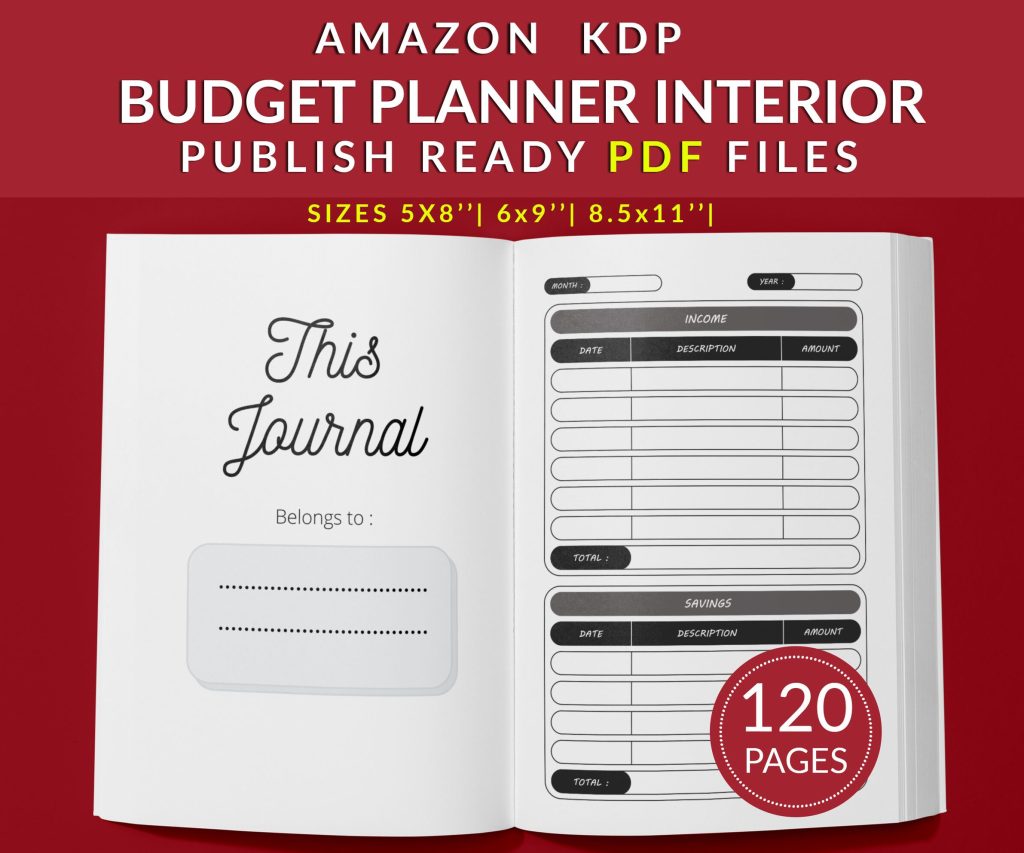 Budget Planner Journal : Take Control of Your Finances - 120-pages PDF - 3 Sizes Available
1 × $1.90
Budget Planner Journal : Take Control of Your Finances - 120-pages PDF - 3 Sizes Available
1 × $1.90 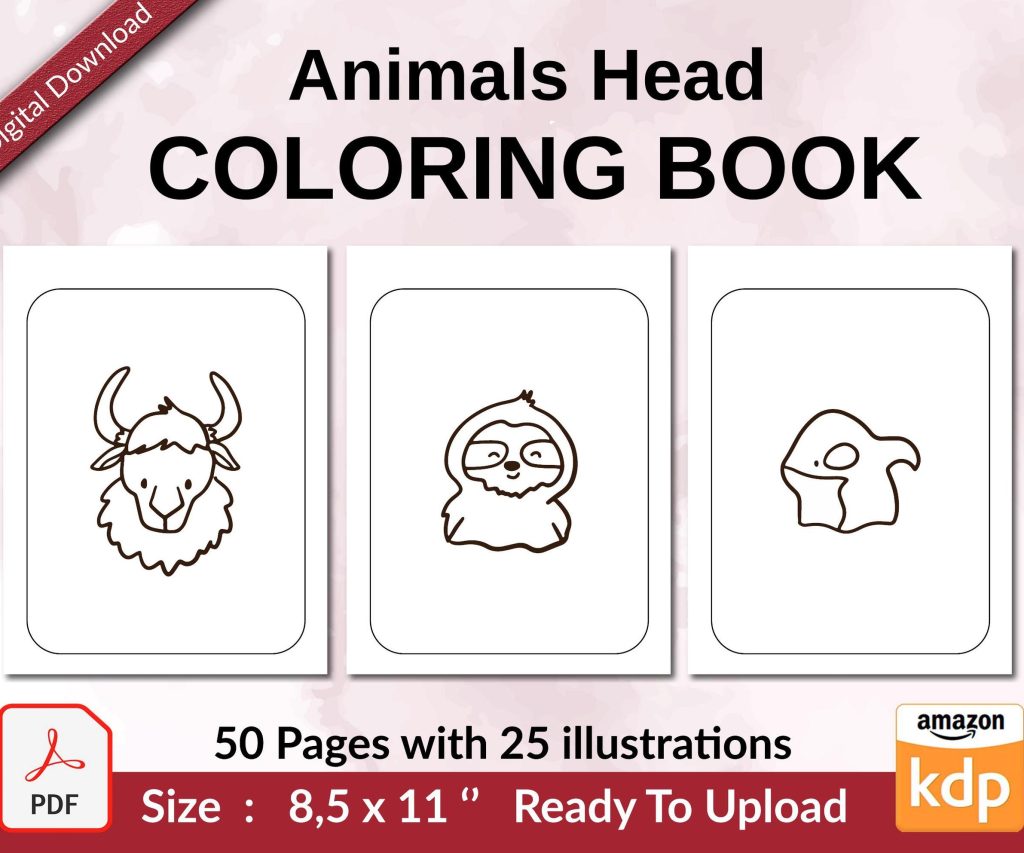 Coloring Animals Head Book for Kids, Perfect for ages 2-4, 4-8 | 8.5x11 PDF
1 × $0.00
Coloring Animals Head Book for Kids, Perfect for ages 2-4, 4-8 | 8.5x11 PDF
1 × $0.00 
DISCOVER OUR FREE BEST SELLING PRODUCTS
Editable Canva Lined Journal: Express Your Thoughts – KDP Template
Lined Pages Journal 120 pages Ready to Upload PDF Commercial Use KDP Template 6×9 8.5×11 5×8 for Notebooks, Diaries, Low Content
Lined Pages Journal 120 pages Ready to Upload PDF Commercial Use KDP Template 6×9 8.5×11 5×8 for Notebooks, Diaries, Low Content
Cute Dogs Coloring Book for Kids | Activity Book | KDP Ready-To-Upload
Daily Planner Diary : Diary Planners for Everyday Productivity, 120 pages, 6×9 Size | Amazon KDP Interior
Wolf Coloring KDP interior For Adults, Used as Low Content Book, PDF Template Ready To Upload COMMERCIAL Use 8.5×11"
Coloring Animals Head Book for Kids, Perfect for ages 2-4, 4-8 | 8.5×11 PDF
Printable Blank Comic Book Pages PDF : Create Your Own Comics – 3 Available Sizes
Notes KDP interior Ready To Upload, Sizes 8.5×11 6×9 5×8 inch PDF FILE Used as Amazon KDP Paperback Low Content Book, journal, Notebook, Planner, COMMERCIAL Use
Black Lined Journal: 120 Pages of Black Lined Paper Perfect for Journaling, KDP Notebook Template – 6×9
Student Planner Journal 120 pages Ready to Upload PDF Commercial Use KDP Template 6×9" 8.5×11" for Low Content book
Recipe Journal Template – Editable Recipe Book Template, 120 Pages – Amazon KDP Interior