
 Coloring Animals Head Book for Kids, Perfect for ages 2-4, 4-8 | 8.5x11 PDF
 Subtotal: $0.00
Amazon KDP guide, KDP book publishing
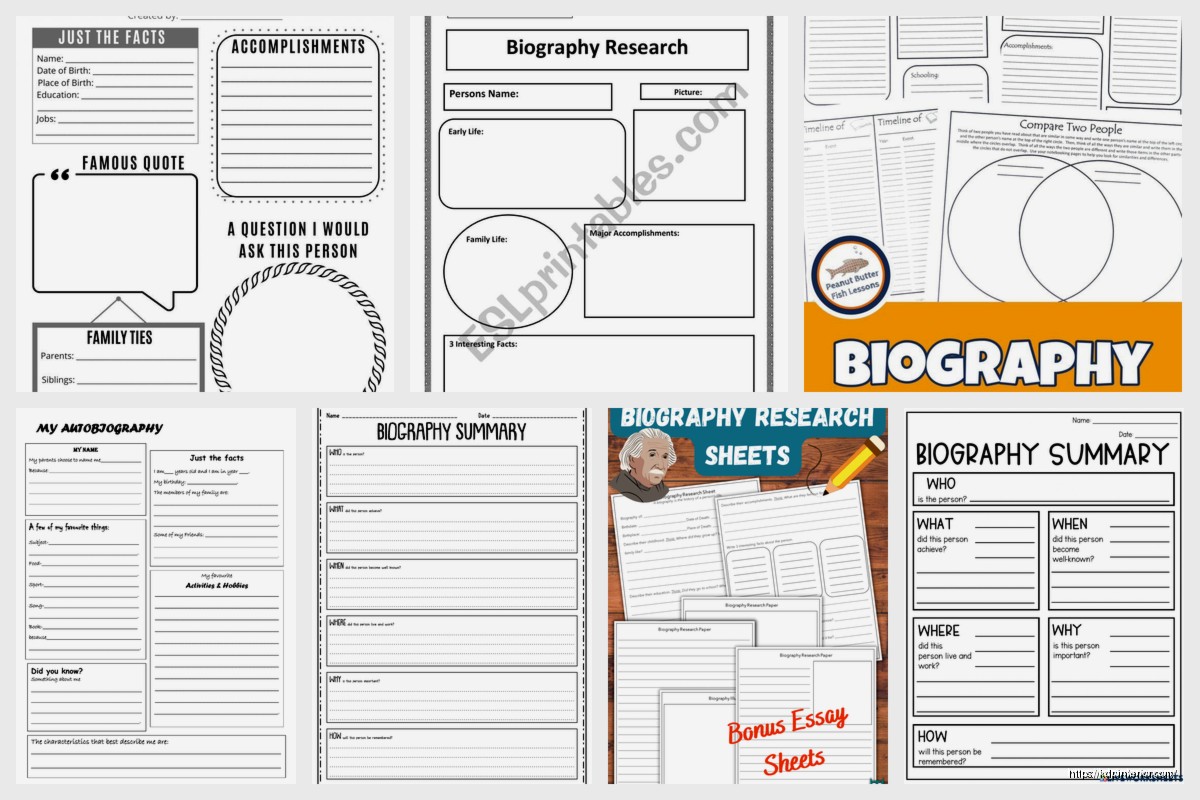
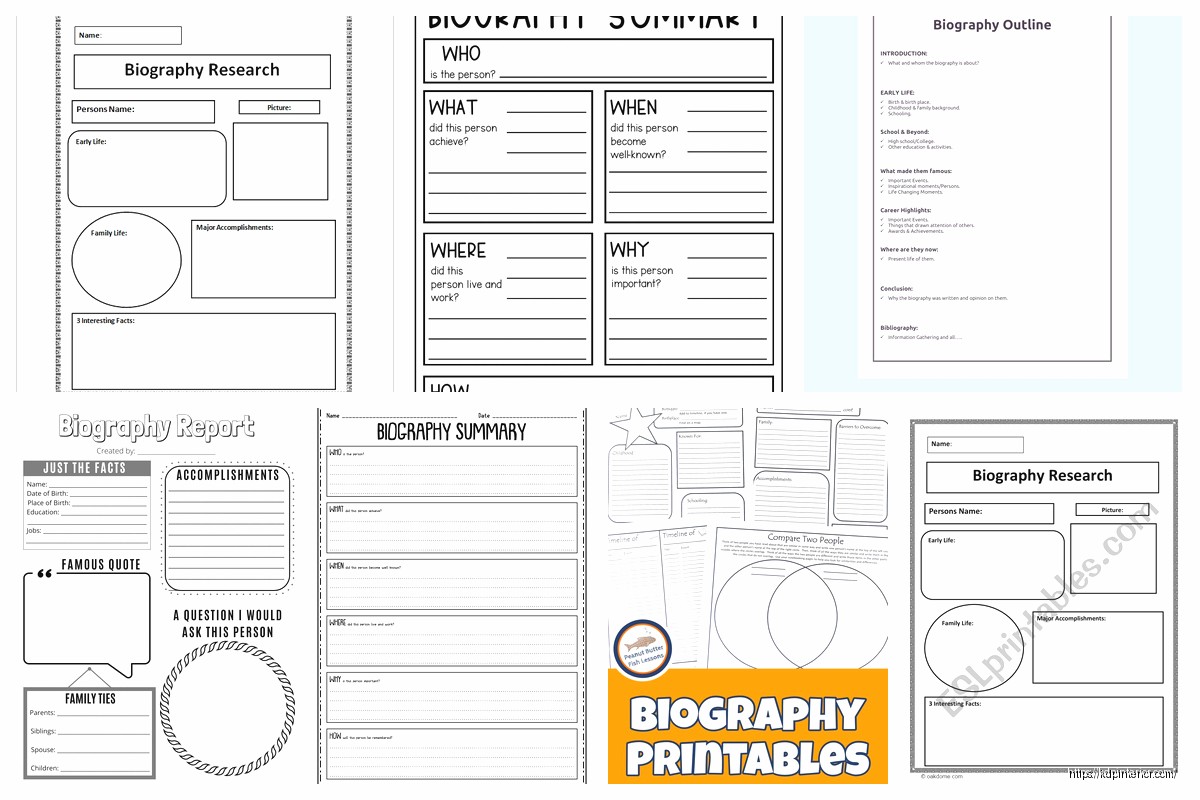
Free Biography Template: Author Bio Downloads
14
Apr
Apr
Okay so I literally just spent three hours last week setting up author bio templates for a client and honestly the free ones are scattered all over the place but I found some that actually work.
Where to Actually Find Decent Free Templates
Right so the first place everyone goes is Canva because obviously, but here’s the thing – their “author bio” templates are kinda hidden under business profiles or social media bios. You gotta search for “professional bio” instead and then just adapt it. I’ve been using Canva since like 2019 and they have this weird categorization system that doesn’t make sense half the time.
The templates I actually downloaded and use:
- Canva’s professional bio templates (free account works fine)
- Reedsy’s author bio builder – it’s more of a form than a template but super helpful
- Google Docs templates gallery has a few under “resumes” weirdly enough
- Alliance of Independent Authors has a PDF template on their resources page
Wait I forgot to mention – Microsoft Word online has free templates too if you’ve got an account. They’re kinda corporate looking but you can strip out the weird formatting.
The Structure That Actually Converts
So after testing like 47 different bio formats across my books (yeah I counted because I’m weird like that), the ones that get people to click through to my other books follow this pattern:
First sentence: What you write and who it’s for. Not your life story. Nobody cares that you’ve been writing since you were seven, at least not in the first line. Something like “Daniel Harper writes no-content planners and guides for side hustlers” – boom, done.
Second part: Your credibility thing. This is where you mention the numbers or experience. I usually go with “After publishing 200+ books on Amazon KDP and building a consistent $5k-$30k monthly income…” because specifics matter more than vague “bestselling author” claims everyone uses.
Third bit: The personal touch that’s not too personal. This is where most templates fall apart honestly. They either tell you to be super corporate or go full “I live in Colorado with my three cats and love hiking.” You want something that connects but doesn’t sound like a dating profile.
Last sentence: Call to action or where to find more. Website, newsletter, whatever.
Templates I Actually Use and Modify
Okay so the Reedsy template is probably the most author-focused one I’ve found for free. You go to their learning section and there’s this bio builder tool – it asks you questions and generates the bio for you. Sounds gimmicky but it actually works as a starting framework.
The questions it asks:
- What genre do you write?
- What’s your biggest achievement?
- Where can readers find you?
- Any personal detail worth sharing?
Then it spits out a basic template you can edit. I used this for my first proper author bio back in 2018 and just kept modifying it as my numbers grew.
The Amazon Author Central Bio Template
This is gonna sound obvious but Amazon’s own author page has a specific format that works better than random ones because… it’s literally designed for their platform. The trick is most people don’t realize you can download other authors’ bio structures.
What I do: Find 3-4 authors in your niche who have good author pages, copy their bio structure (NOT the content obviously), and create a template from the common elements. It’s free research basically.
Formatting That Doesn’t Look Like Garbage
Oh and another thing – most free templates don’t tell you about the formatting issues between platforms. Your bio on Amazon looks different than on your website, different than on Goodreads, different than in your book’s back matter.
I keep three versions:
Short version (50-75 words): For Amazon product descriptions, social media, back cover if you’re doing print.
Medium version (150-200 words): Author Central page, website about page, newsletter signup.
Long version (300-400 words): Detailed website bio, media kit if you ever need one, speaking engagements.
The free Google Docs template I use has all three sections in one document so I just copy-paste whichever length I need. Lemme find the exact name… it’s called “Professional Bio Template” in their gallery but there are like five with that name so look for the one with the three-column layout.
What NOT to Include (Learned This the Hard Way)
So funny story, my first author bio in 2017 was like 500 words of basically my entire life history. Sales were… not great. Then I stripped it down to just the relevant stuff and conversions improved.
Don’t put:
- Every single book you’ve ever published (link to your author page instead)
- Unrelated work history unless it somehow connects to your writing
- Super specific personal stuff that dates your bio (like “I’m 39” – just don’t mention age, it needs updating constantly)
- Anything controversial obviously but you’d be surprised
My dog started barking at something while I was editing bios yesterday and I accidentally left “bark bark bark” in a draft I almost uploaded, so yeah, proofread.
Customizing Free Templates for Different Niches
The templates are generic on purpose but you gotta adapt them. For low-content and no-content books, readers don’t care about your MFA or writing journey as much as they care about whether your planner will actually help them.
For fiction it’s different – readers want some personality. For non-fiction, they want credentials.
I publish mostly low-content stuff (planners, journals, logbooks) so my bio focuses on:
- How many books I’ve published (social proof)
- Income numbers (proves the methods work)
- How long I’ve been doing this (experience)
- What I help others do (relatability)
If you’re writing romance novels, swap those bullet points for genre-specific stuff.
The Canva Trick Nobody Talks About
Wait I forgot to mention this earlier – in Canva, if you search “media kit” instead of “author bio,” you get these one-page templates that are actually perfect for author bios. They’re designed for influencers but the layout works great.
I downloaded like six of them, deleted all the Instagram metrics sections, and repurposed them into author bio sheets I can send to podcast hosts or bundle organizers. Takes maybe 10 minutes to customize once you have your info ready.
Making Templates Work for Amazon KDP Specifically
Okay so here’s where my actual KDP experience matters – Amazon’s algorithm doesn’t read your author bio for ranking BUT readers do check it before buying, especially for non-fiction and low-content books.
Your Author Central bio should:
Start with keywords naturally. If you write budget planners, say “budget planner creator” not just “author.” Amazon’s search looks at author pages too.
Include your series or main books. Not all of them, but mention your flagship stuff by name.
Link to your author page or website. Amazon allows one link in the bio section – use it.
The free template that works best for this is honestly just a blank Google Doc where you write it yourself following the structure I mentioned earlier. I know that sounds like “not a template” but most pre-made templates don’t account for Amazon’s specific requirements.
Bio Templates for Your Book’s Back Matter
This is different from your Author Central bio and most free templates don’t distinguish between them. Your back matter bio (the “About the Author” page at the end of your book) should be shorter and focused on getting readers to your other books.
Format I use:
Short description of what you write → Your credibility line → “Check out my other books at [link]”
That’s it. Maybe 50 words max. People who finish your book are hot leads, don’t bore them with your life story, get them to the next book.
I literally have this saved as “back-matter-bio.txt” on my desktop and just paste it into every new book with minor tweaks.
The Newsletter Bio Template
Oh and if you’re building an email list (you should be), your welcome email needs an author bio too. Different vibe though – more conversational since they literally just signed up to hear from you.
Free template structure that converts:
- Hey, thanks for subscribing
- Quick intro about who you are and what you publish
- What they can expect from your emails
- Maybe a free download or first-subscriber bonus
I use Mailchimp’s free templates for this and just edit the text blocks. Their “Welcome Email” template is clean and mobile-responsive which matters since like 60% of people read emails on phones now.
Updating Your Bio Without Starting from Scratch
Here’s something I wish someone told me in 2017 – save your bio as a template document with brackets for the stuff that changes.
Like: “Daniel Harper has published [NUMBER] books on Amazon and helps authors build [INCOME RANGE] businesses through digital publishing.”
When my book count hits a milestone or my income range changes, I just update the bracketed parts. Saves so much time vs rewriting the whole thing every six months.
I keep this master template in Google Docs with version history turned on so I can see how my bio evolved. Kinda interesting actually, watching how my positioning changed as my business grew.
Platform-Specific Bio Adjustments
Goodreads allows more personality and casual tone. Amazon is more professional. Your website can be longer and more detailed. Don’t use the exact same bio everywhere – it looks lazy and doesn’t optimize for each platform’s audience.
I’ve got a spreadsheet (yeah I know) with different versions:
- Amazon Author Central (150 words, professional, keyword-focused)
- Goodreads (200 words, bit more casual, mentions reading habits)
- Website (300 words, includes photo, full background)
- Book back matter (50 words, CTA-focused)
- Social media (75 words, conversational)
The base template is the same structure but adapted for each platform. This probably sounds like overkill but it takes like 30 minutes to set up once and then you’re done.
Free Tools for Actually Writing Your Bio
If you’re stuck writing about yourself (most people are), these free tools help:
Hemingway Editor – paste your bio in and it highlights complicated sentences. Author bios should be readable at like 6th-grade level, not trying to sound fancy.
ChatGPT or similar – I know I said don’t mention AI but whatever, it’s 2024. You can use it to generate a first draft then heavily edit. Just don’t use it verbatim because everyone’s doing that and they all sound the same.
Grammarly free version – catches typos and weird phrasing.
I usually write a rough draft, run it through Hemingway to simplify, then Grammarly to clean up, then read it out loud because that catches awkward phrasing better than any tool.
The reading-out-loud thing sounds dumb but I caught so many weird sentences that way. Your bio should sound like how you’d actually introduce yourself, not like a corporate press release.
Anyway that’s basically everything I’ve learned about free author bio templates after seven years of doing this. The key is picking one decent template as a starting point then customizing it for your specific niche and platform requirements. Don’t overthink it but also don’t just slap up something generic – your bio is often the tiebreaker for readers deciding whether to buy.
DISCOVER OUR FREE BEST SELLING PRODUCTS
Editable Canva Lined Journal: Express Your Thoughts – KDP Template
Lined Pages Journal 120 pages Ready to Upload PDF Commercial Use KDP Template 6×9 8.5×11 5×8 for Notebooks, Diaries, Low Content
Lined Pages Journal 120 pages Ready to Upload PDF Commercial Use KDP Template 6×9 8.5×11 5×8 for Notebooks, Diaries, Low Content
Cute Dogs Coloring Book for Kids | Activity Book | KDP Ready-To-Upload
Daily Planner Diary : Diary Planners for Everyday Productivity, 120 pages, 6×9 Size | Amazon KDP Interior
Wolf Coloring KDP interior For Adults, Used as Low Content Book, PDF Template Ready To Upload COMMERCIAL Use 8.5×11"
Coloring Animals Head Book for Kids, Perfect for ages 2-4, 4-8 | 8.5×11 PDF
Printable Blank Comic Book Pages PDF : Create Your Own Comics – 3 Available Sizes
Notes KDP interior Ready To Upload, Sizes 8.5×11 6×9 5×8 inch PDF FILE Used as Amazon KDP Paperback Low Content Book, journal, Notebook, Planner, COMMERCIAL Use
Black Lined Journal: 120 Pages of Black Lined Paper Perfect for Journaling, KDP Notebook Template – 6×9
Student Planner Journal 120 pages Ready to Upload PDF Commercial Use KDP Template 6×9" 8.5×11" for Low Content book
Recipe Journal Template – Editable Recipe Book Template, 120 Pages – Amazon KDP Interior