-
×
 Wolf Coloring KDP interior For Adults, Used as Low Content Book, PDF Template Ready To Upload COMMERCIAL Use 8.5x11"
1 × $0.00
Wolf Coloring KDP interior For Adults, Used as Low Content Book, PDF Template Ready To Upload COMMERCIAL Use 8.5x11"
1 × $0.00
Subtotal: $0.00

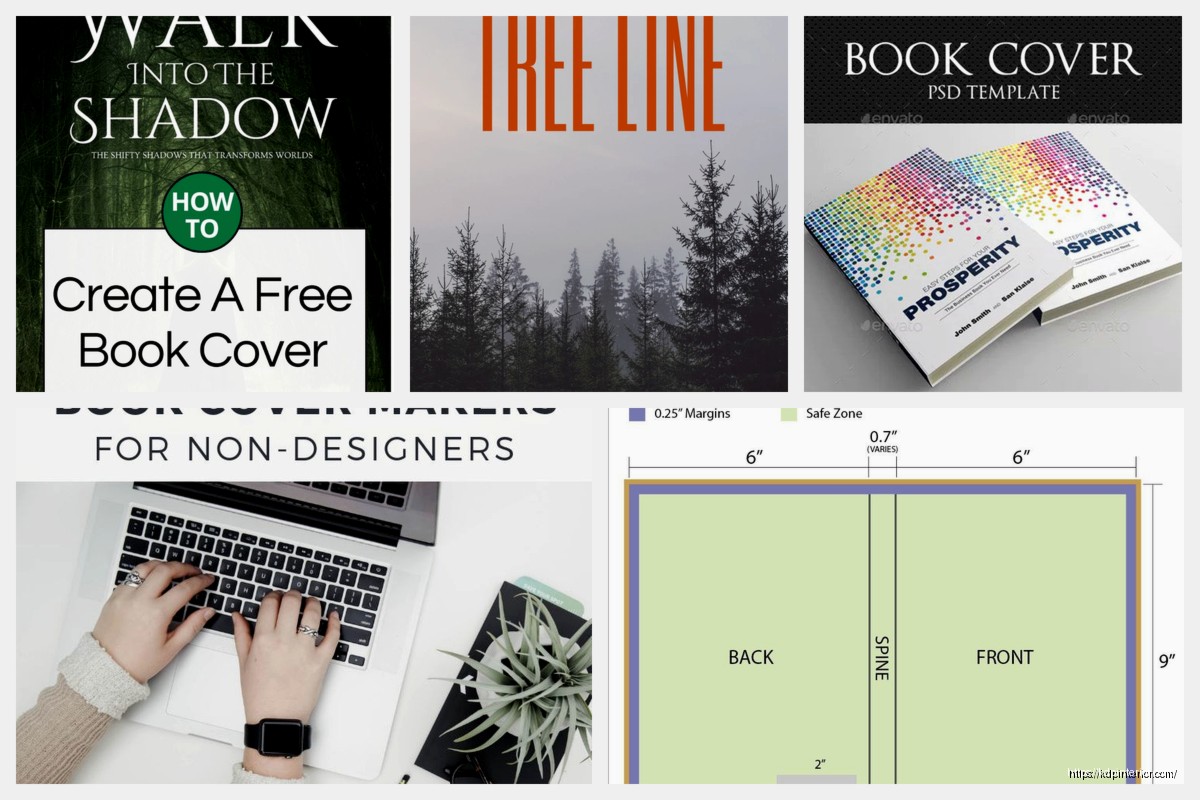
Okay so I just spent like three hours last night going through free book cover template collections because one of my clients was freaking out about their budget, and honestly there’s way more good stuff out there than people realize.
Look, everyone says “use Canva” but they don’t tell you the actual workflow. So Canva has this whole book cover section with probably thousands of templates now. The free ones are totally usable but here’s what I do – I filter by “free” first because otherwise you’ll fall in love with something that needs Pro elements and then you’re stuck redesigning.
The trick with Canva templates is they’re designed for social media people, not book people necessarily. So you gotta check the dimensions. Amazon KDP wants 6×9 covers at like 2700×4050 pixels for the front only. Most Canva book templates are already sized right but double-check because I’ve seen some that are off.
What I actually do is search “book cover” then immediately customize the dimensions before I even pick a template. Type in your exact trim size requirements and THEN browse templates that’ll auto-adjust. Saves so much time versus resizing later and watching all your elements get weird.
Free Canva gives you:
The photos are hit or miss. Like there’s a million business handshake photos but finding good genre-specific imagery for free is harder. That’s where you supplement with other sources which I’ll get to in a sec.
So BookBrush is primarily a promo graphics tool but they have 3D mockup capabilities and some basic cover templates. The free account is limited – I think you get like 10 downloads a month or something – but the templates are actually designed by people who understand book marketing.
What I like about BookBrush is the templates already look “booky” if that makes sense. They understand genre conventions. Their romance templates actually look like romance covers, the thriller ones have that dark moody vibe. It’s not just generic design templates repurposed.
You can’t do full custom covers from scratch in the free version I don’t think, but you can customize their templates pretty heavily. Change colors, swap fonts, upload your own background images.
Oh and another thing – their 3D mockup feature works even on free accounts for basic mockups. So you can take your flat cover design from anywhere and make it look like an actual book for your marketing. I use this constantly for social media posts.
This is gonna sound weird but Envato has this thing where certain templates rotate as free downloads each month. You need a free account but then you can grab whatever’s in their free section that month.
I check this maybe twice a month because sometimes there’s legitimacy good book cover templates in there. Last month they had this whole vintage book cover collection that was perfect for historical fiction. Month before that had some really clean minimalist templates that worked great for non-fiction.
The catch is you gotta download them when they’re free because next month they’ll be paid again. I have a folder on my drive that’s just “envato free monthly grabs” and I’ll scroll through it when I’m starting a new project.
These are usually PSD files so you need Photoshop or at minimum Photopea which is the free browser-based alternative. More on that in a minute.
Real talk – I have like 300+ template files saved at this point and if you don’t organize them you’ll never find anything. My system is super simple:
This saved me so much time because I can tell a client “yeah I have like 15 free mystery cover templates we can start with” and actually FIND them.
Okay so you know how Photoshop is expensive? Photopea is basically Photoshop in your browser and it’s completely free. There’s ads on the side but whatever, close that tab or just ignore them.
Why this matters for templates: tons of really good free PSD templates exist on sites like GraphicBurger, FreePik (some are free), and DeviantArt. But you can’t open PSD files in Canva. You need Photopea.
I was watching The Bear season 2 last night while testing this and honestly the workflow is smooth. Download PSD template, open in Photopea, customize the layers, export as PNG or PDF for KDP. Done.
The learning curve is there if you’ve never used layer-based editing but for basic cover customization you just need to know:
There’s YouTube tutorials specifically for “Photopea for book covers” that’ll get you up to speed in like 20 minutes.
This is one of those things where… okay so DeviantArt has THOUSANDS of free book cover templates and premades. You search “book cover template free” or “premade book cover free stock” and you’ll find stuff.
The quality is all over the place, not gonna lie. Some are amateur hour. But there are legit designers who post free versions of their work there, sometimes with Creative Commons licenses that let you use them commercially.
You gotta read the description on each one carefully. Some are:
I found this one designer, I think their username was like SnowWhiteBlood or something, who has probably 50+ free premade covers in fantasy and paranormal genres. The files are PSD and they’re actually really well layered and easy to customize.
Wait I forgot to mention earlier – the biggest limitation with free templates is almost always the stock photos used. A template might be free but if it uses a premium stock photo, you can’t legally use that cover unless you buy the photo separately.
This is where you either:
Free stock photo sites I actually use: Unsplash, Pexels, Pixabay. For book covers specifically though, you’re gonna struggle to find people in the right poses for genre fiction. Like finding a good shirtless guy for romance or a woman in a ball gown for historical… it’s harder than you’d think.
That’s honestly where the free templates shine most for non-fiction. Because you can use abstract imagery, textures, simple graphics. Way easier to source.
Oh man I almost forgot about Reedsy. So they have this completely free DIY book cover creator that’s super basic but actually produces decent covers for certain genres.
It’s not template-based in the traditional sense. It’s more like… you choose a layout style, pick colors, add your text, maybe upload an image. Very limited but very fast.
I used it for a client’s workbook last month and it took literally 10 minutes to have a finished cover. It’s not gonna win design awards but for non-fiction, journals, workbooks, simple stuff? Totally fine.
The best part is it outputs print-ready files directly. You can put in your page count and trim size and it’ll create a full wrap cover with the spine width calculated automatically. That alone is worth using it because spine width calculations are annoying.
FreePik has a free tier but you need to attribute the designer, which is fine for some projects but Amazon doesn’t really have a place for design credits. You could technically put it in your copyright page but nobody does that.
What I do with FreePik is use the free templates as inspiration or starting points, then modify them enough that they’re transformed works. Change the layout significantly, swap all the imagery, different fonts, different color palette. At that point it’s your design inspired by their template rather than just their template with your text.
Some people might say that’s ethically gray but like… that’s how design works? You see something, you iterate on it, you make it your own.
The search function on FreePik is pretty good. You can filter by free items only, by file type (PSD, AI, EPS), by orientation. Their book cover section has maybe a few hundred free options at any given time.
There’s literally a site called DIYBookCovers.com that has free templates. The selection isn’t huge but they’re specifically made for self-publishers. The guy who runs it understands KDP requirements and genre expectations.
Templates are organized by genre which is helpful. Each one comes with instructions on how to customize it. Most are Word or PowerPoint files which sounds weird but actually makes them accessible to people who don’t want to learn design software.
I’ve used his non-fiction templates for clients who need something fast and cheap. They’re not fancy but they’re professional enough and they definitely look like book covers, not like someone’s first attempt in Paint.
If you’re planning to do this longterm and you’re gonna learn actual design software anyway, there are tons of free PSD templates on:
My cat just knocked over my coffee while I was typing this so if there’s typos after this point that’s why.
Anyway yeah, the PSD route gives you way more control. You’re working with actual layers, you can adjust literally everything, you can create something that doesn’t look template-y if you put in the time.
The investment is learning the software though. Even with Photopea being free, there’s still that curve. I spent probably 40 hours total over a few months learning enough Photoshop to be dangerous with book covers. Was it worth it? For me yeah because I do this professionally. For someone doing one or two books? Maybe just stick with Canva or hire someone.
Real quick breakdown because this matters:
Romance: Canva templates are okay for sweet romance or rom-com. For steamy stuff with shirtless dudes you’ll probably need to buy stock photos separately. BookBrush has decent romance templates.
Thriller/Mystery: Dark moody templates are everywhere. Easy to find free options. Text-heavy designs work well so you don’t even need complex imagery.
Non-fiction: This is where free templates shine. Clean, simple, professional. Canva, Reedsy, DIYBookCovers all work great.
Fantasy/Sci-Fi: Harder to find good free templates because they often rely on expensive stock art or custom illustration. DeviantArt is your best bet here.
Literary Fiction: Simple minimalist templates work. Focus on typography. Lots of free options.
Look, at the end of the day most free templates are gonna need customization to really work for your specific book. You’re not gonna find a premade template that perfectly matches your vision right out of the box. But they’re excellent starting points that save you from staring at a blank canvas.
The key is collecting a bunch of options in your genre, mixing and matching elements you like, and not being afraid to frankenstein something together from multiple sources. That’s honestly how professional designers work too, they just won’t admit it.
And if you’re doing multiple books, building your own template library over time is clutch. Every free template you customize and save becomes part of your personal collection for future projects.
DISCOVER OUR FREE BEST SELLING PRODUCTS
Editable Canva Lined Journal: Express Your Thoughts – KDP Template
Lined Pages Journal 120 pages Ready to Upload PDF Commercial Use KDP Template 6×9 8.5×11 5×8 for Notebooks, Diaries, Low Content
Lined Pages Journal 120 pages Ready to Upload PDF Commercial Use KDP Template 6×9 8.5×11 5×8 for Notebooks, Diaries, Low Content
Cute Dogs Coloring Book for Kids | Activity Book | KDP Ready-To-Upload
Daily Planner Diary : Diary Planners for Everyday Productivity, 120 pages, 6×9 Size | Amazon KDP Interior
Wolf Coloring KDP interior For Adults, Used as Low Content Book, PDF Template Ready To Upload COMMERCIAL Use 8.5×11"
Coloring Animals Head Book for Kids, Perfect for ages 2-4, 4-8 | 8.5×11 PDF
Printable Blank Comic Book Pages PDF : Create Your Own Comics – 3 Available Sizes
Notes KDP interior Ready To Upload, Sizes 8.5×11 6×9 5×8 inch PDF FILE Used as Amazon KDP Paperback Low Content Book, journal, Notebook, Planner, COMMERCIAL Use
Black Lined Journal: 120 Pages of Black Lined Paper Perfect for Journaling, KDP Notebook Template – 6×9
Student Planner Journal 120 pages Ready to Upload PDF Commercial Use KDP Template 6×9" 8.5×11" for Low Content book
Recipe Journal Template – Editable Recipe Book Template, 120 Pages – Amazon KDP Interior