Okay so I’ve been testing like fifteen different free book journal templates over the past month because honestly my own reading tracking was a mess and I figured if I’m gonna recommend stuff to my KDP students, I should actually know what’s out there.
The Basic Templates You Actually Need
Right so there’s basically three types of reading journal templates that people actually use. You’ve got your simple list trackers, your detailed book review pages, and then the full journal systems that try to do everything. Most people think they want option three but they really just need option one, trust me on this.
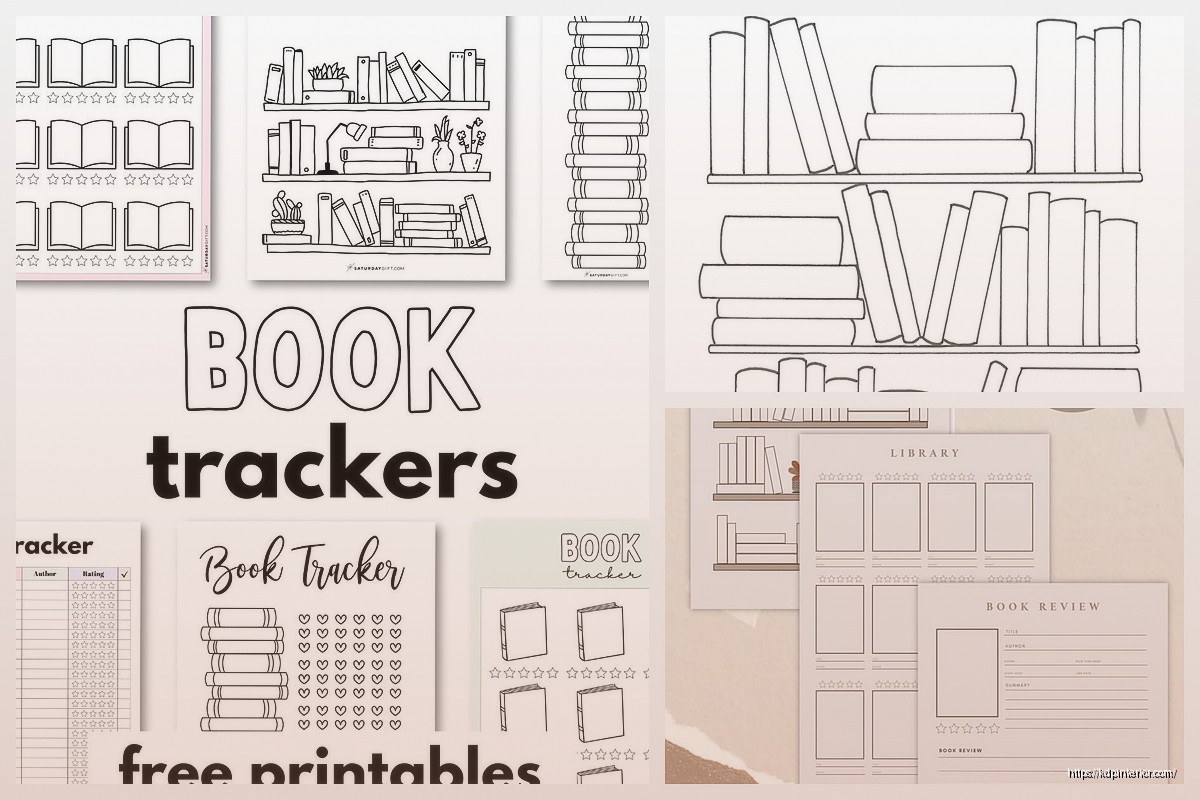
The simple trackers are literally just columns – book title, author, date finished, maybe a rating. Nothing fancy. I’ve got one I downloaded from Canva that’s just a table and honestly it’s the one I use most because when you finish a book at 11pm you don’t wanna fill out five pages about themes and character development, you just wanna mark it done and go to sleep.
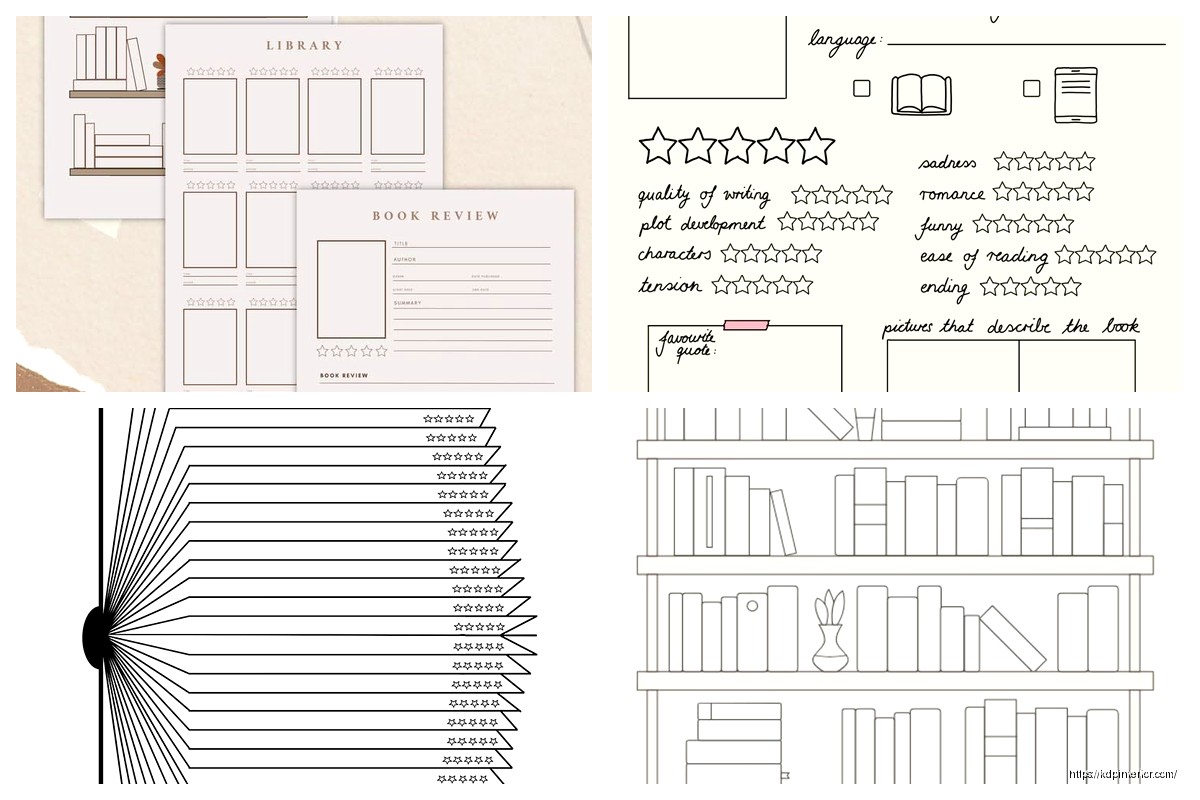
For the detailed review pages, these usually have prompts like “favorite quote” and “would you recommend this” and “what did you learn” which sounds great but… yeah most people abandon these after three books. I do use them but only for books that really hit different, you know? Like I just finished this sci-fi thing last week and I actually wanted to write about it, so having those prompts helped.
Where to Actually Find Free Templates
Canva is gonna be your best friend here and I know everyone says that but it’s true. They have hundreds of reading journal templates and you can customize them without knowing design at all. Just search “book journal” or “reading tracker” and you’ll get overwhelmed real quick.
The thing about Canva templates though – some are actually free and some just say free but then have pro elements. Super annoying. What I do is filter by “free” in the sidebar and even then I check before I start editing because nothing’s worse than spending twenty minutes customizing something only to find out you can’t download it without paying.
Google Sheets templates are underrated honestly. There’s this whole community of people who make elaborate reading trackers in Sheets and share them for free. Search “reading tracker template google sheets” and you’ll find ones with automatic stats, graphs showing your reading over time, all kinds of nerdy stuff. I use one that calculates my average books per month and breaks it down by genre which is actually useful when I’m planning my next reads.
Oh and Notion – if you’re already in that ecosystem there are amazing free reading database templates. People share their setups all the time. The learning curve is steeper but once you get it set up it’s pretty powerful. I tried one for like two weeks but then my dog ate my charger and I couldn’t access my laptop for three days and I just… never went back to it honestly.
What to Look For in a Template
Okay so this is gonna sound obvious but make sure the template actually matches how you read. If you only read like one book a month, you don’t need a weekly tracker with space for seven books. If you’re plowing through three books a week, those pretty one-page-per-book journals are gonna get expensive to print.
I learned this the hard way because I downloaded this gorgeous watercolor template that had a full page for each book with all these sections and I printed out fifty pages and then realized I’d need to print 200+ pages a year just to track my reading. My printer ink budget was not ready for that commitment.
The fields that actually matter: title, author, finish date, and rating. Everything else is optional. Some people love tracking page count or genre or where they got the book but honestly if the template doesn’t have those you can just add them yourself.
Date started vs date finished – I used to track both but now just finish date because who cares when you started really? Unless you’re trying to figure out which books took you forever to get through I guess. Actually wait that’s kinda useful, never mind, maybe track both.
Digital vs Printable Templates
This is a whole thing. Digital templates are great because you can’t lose them and they’re searchable and you can add unlimited books without worrying about running out of pages. But there’s something about physically writing in a journal that makes the reading feel more… I dunno, real?
I currently use both which is probably overkill but whatever. I have a Google Sheet with everything for reference and searching, but I also print monthly tracker pages that sit on my desk. Best of both worlds even though my system is definitely not what I’d call organized.
For digital, make sure you get a PDF that’s actually fillable or a format you can edit. Some people just post JPGs which look nice but then you’re typing in text boxes over an image and it’s a pain. Fillable PDFs are where it’s at – you can save them and update them and they actually work like a real form.
Customizing Templates Without Losing Your Mind
So every template you download is gonna need tweaking because no one’s brain works exactly like the template creator’s brain. That’s just how it is.
In Canva you can change basically everything – colors, fonts, add or remove sections. The drag and drop is pretty intuitive. My tip is to make all your changes BEFORE you download because if you download and then decide you want to change something you gotta edit the original and download again.
For Google Sheets templates, the fancy ones are usually protected so you can’t accidentally mess up the formulas. You gotta go to File > Make a Copy to get your own version you can edit. Then you can add columns, change the categories, whatever. Just don’t delete columns that have formulas referencing them or you’ll break the automatic calculations and that’s annoying to fix.
Notion templates you can duplicate to your workspace and then go wild customizing. The properties system takes some getting used to but it’s really flexible once you figure it out.
Free Template Sources I Actually Use
Okay so besides Canva there’s Template.net which has free reading log templates but you gotta make an account. Some are better than others quality-wise, it’s kinda hit or miss.
Pinterest is good for finding templates but you gotta trace them back to the original source and half the time the link is dead or goes to someone’s Etsy where it’s not actually free anymore. Still worth browsing for ideas though.
Reddit communities like r/bujo have people sharing their reading tracker layouts all the time. Not always templates you can download but you can screenshot and recreate the parts you like.
Oh wait I forgot to mention – Microsoft Office has built-in templates if you have Word or Excel. They’re pretty basic but functional. Search their template library for “reading log” or “book list” and there’s usually a few options. Nothing fancy but they work and they’re actually free if you already have Office.
The Monthly vs Yearly Debate
Some templates are set up as yearly trackers where you list all your books for the whole year on one or a few pages. Others are monthly. I’ve tried both and honestly monthly works better for most people because a yearly tracker either has tiny spaces that are hard to write in or it’s huge and unwieldy.
Monthly trackers you can print as you go, which is nice. You’re not committed to a format for the whole year. If you find a better template in March you can just switch. With yearly you’re kinda stuck unless you wanna rewrite everything.
But yearly trackers are better for seeing patterns and having everything in one place. So maybe do both? Print monthly pages but also keep a simple yearly list in a spreadsheet for the overview. That’s what I do now after trying like six different systems.
Actually Using the Template
Here’s the thing nobody tells you – having a template doesn’t mean you’ll actually use it. I have so many beautiful templates saved that I used once and forgot about.
The trick is making it stupid easy to update. Keep it wherever you’ll actually see it. For me that’s on my desk next to my coffee mug. For digital, maybe bookmark it or put a shortcut on your phone home screen.
Fill it out right when you finish a book, not later. “Later” becomes “never” like 80% of the time. I keep a pen clipped to my physical journal and my laptop always has the spreadsheet tab open so there’s no excuse.
Don’t stress about filling in every single field if the template has a bunch. I have templates with sections I just ignore. That’s fine. Use what works and skip the rest.
Making Your Own Template
If you can’t find exactly what you want, making your own is honestly not that hard. Open Canva, start with a blank document in whatever size you want, and just add text boxes and lines.
For a basic tracker you just need a table really. Title column, author column, rating column, date column, done. You can make that in Word or Google Docs in like five minutes.
The fancy decorative stuff – borders, illustrations, whatever – that’s optional. I made a super simple template once that was literally just lines on a page with column headers and I used it for two years straight. Sometimes simpler is better because you’re not intimidated by how pretty it is.
Google Sheets formulas can calculate stuff automatically which is cool. Like =COUNTA(A2:A100) will count how many books you’ve logged. =AVERAGE(E2:E100) gives you your average rating if ratings are in column E. You don’t need to be a spreadsheet wizard, just google “how to count filled cells in google sheets” and you’ll figure it out.
The Templates I Keep Coming Back To
There’s this one Canva template that’s just a grid with book spines you color in when you finish. It’s called something like “reading challenge tracker” and it’s satisfying to fill in. Very visual, no writing required beyond the title on each spine.
For detailed tracking I use a Google Sheet someone shared on Reddit that has tabs for different years and automatic genre breakdowns. Can’t remember who made it but if you search “ultimate reading tracker google sheets reddit” you’ll probably find it or something similar.
And then I have a simple printable monthly page that’s just a table with 31 rows, one for each day. I don’t always finish a book every day obviously but I like having the date structure there. It’s from some productivity blog I found years ago and I just keep reprinting the same PDF.
The key is trying a bunch until you find what clicks for you. What works for me might not work for you and that’s fine, there’s enough free options out there that you can experiment without spending anything.
Just download a few templates this week and actually try using them, see what feels natural and what feels like a chore. The best template is the one you’ll actually fill out, even if it’s not the prettiest or most comprehensive one.

 Printable Blank Comic Book Pages PDF : Create Your Own Comics - 3 Available Sizes
1 × $0.00
Printable Blank Comic Book Pages PDF : Create Your Own Comics - 3 Available Sizes
1 × $0.00  Student Planner Journal 120 pages Ready to Upload PDF Commercial Use KDP Template 6x9" 8.5x11" for Low Content book
1 × $0.00
Student Planner Journal 120 pages Ready to Upload PDF Commercial Use KDP Template 6x9" 8.5x11" for Low Content book
1 × $0.00 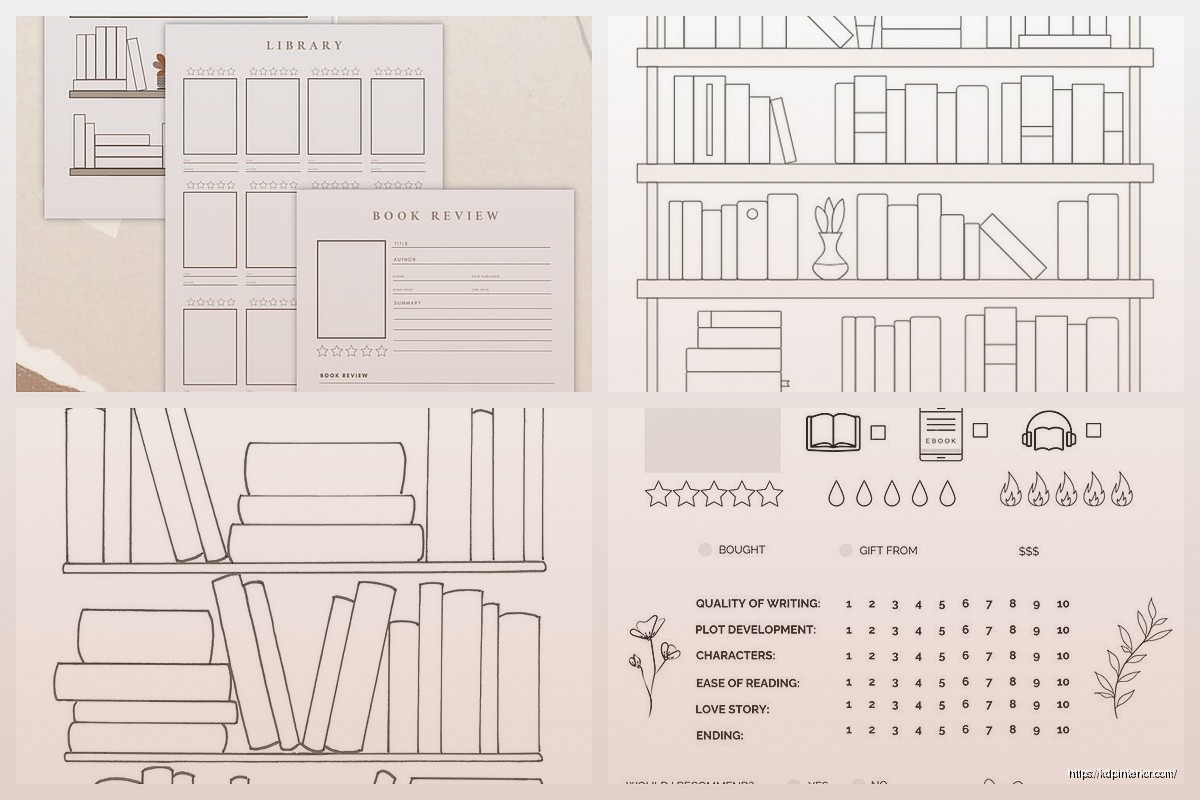
DISCOVER OUR FREE BEST SELLING PRODUCTS
Editable Canva Lined Journal: Express Your Thoughts – KDP Template
Lined Pages Journal 120 pages Ready to Upload PDF Commercial Use KDP Template 6×9 8.5×11 5×8 for Notebooks, Diaries, Low Content
Lined Pages Journal 120 pages Ready to Upload PDF Commercial Use KDP Template 6×9 8.5×11 5×8 for Notebooks, Diaries, Low Content
Cute Dogs Coloring Book for Kids | Activity Book | KDP Ready-To-Upload
Daily Planner Diary : Diary Planners for Everyday Productivity, 120 pages, 6×9 Size | Amazon KDP Interior
Wolf Coloring KDP interior For Adults, Used as Low Content Book, PDF Template Ready To Upload COMMERCIAL Use 8.5×11"
Coloring Animals Head Book for Kids, Perfect for ages 2-4, 4-8 | 8.5×11 PDF
Printable Blank Comic Book Pages PDF : Create Your Own Comics – 3 Available Sizes
Notes KDP interior Ready To Upload, Sizes 8.5×11 6×9 5×8 inch PDF FILE Used as Amazon KDP Paperback Low Content Book, journal, Notebook, Planner, COMMERCIAL Use
Black Lined Journal: 120 Pages of Black Lined Paper Perfect for Journaling, KDP Notebook Template – 6×9
Student Planner Journal 120 pages Ready to Upload PDF Commercial Use KDP Template 6×9" 8.5×11" for Low Content book
Recipe Journal Template – Editable Recipe Book Template, 120 Pages – Amazon KDP Interior