
-
×
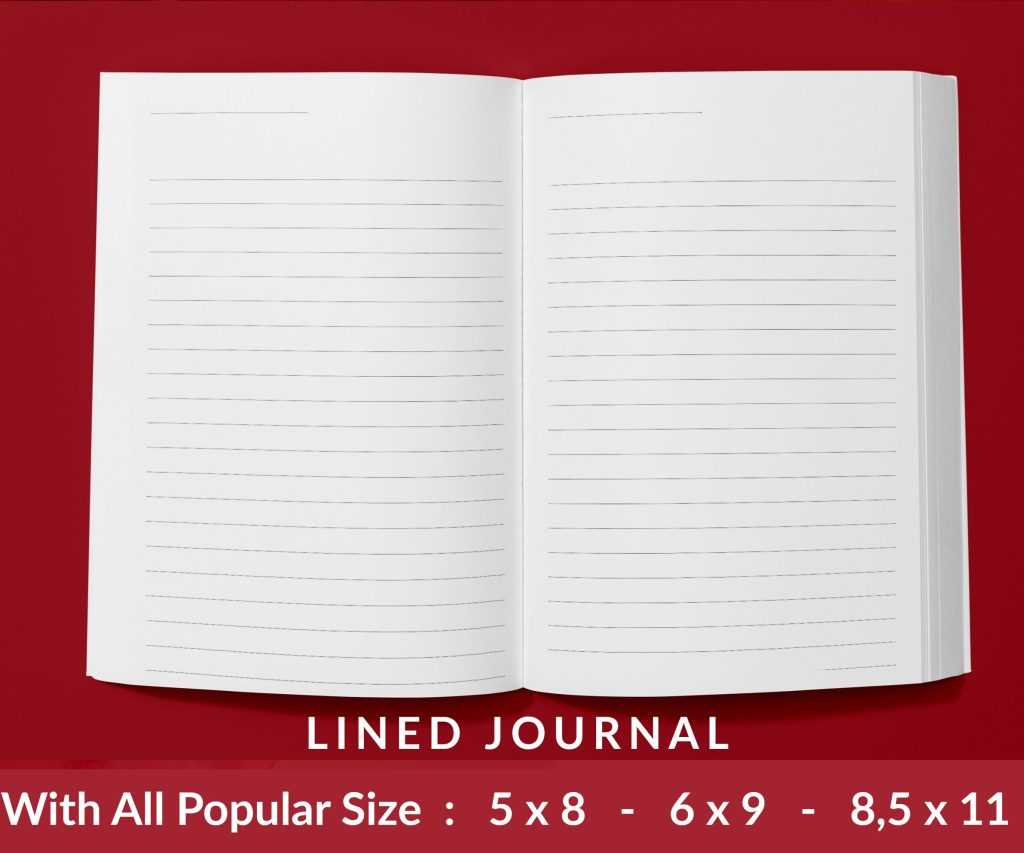 Lined Pages Journal 120 pages Ready to Upload PDF Commercial Use KDP Template 6x9 8.5x11 5x8 for Notebooks, Diaries, Low Content
1 × $0.00
Lined Pages Journal 120 pages Ready to Upload PDF Commercial Use KDP Template 6x9 8.5x11 5x8 for Notebooks, Diaries, Low Content
1 × $0.00
Subtotal: $0.00
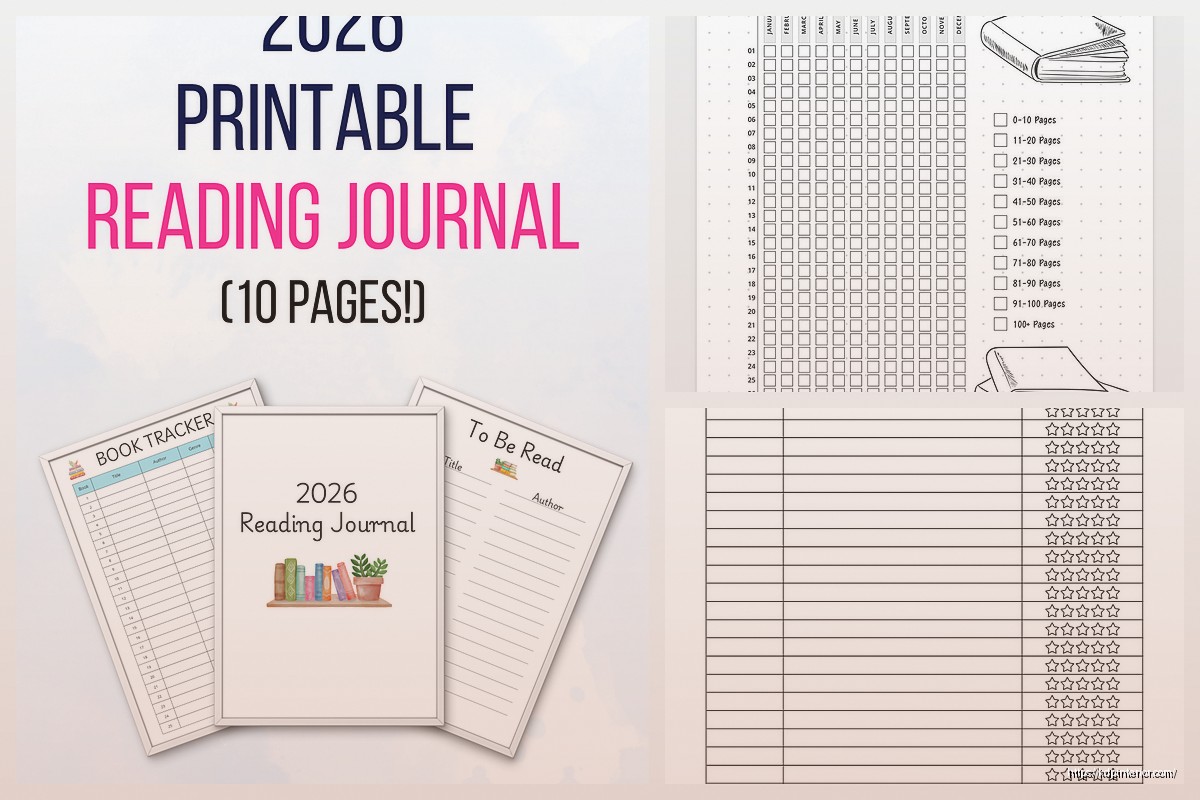
Okay so I’ve been making reading journal printables for like three years now and they’re honestly one of the easiest niches to get started with on KDP. Last week I was organizing all my templates and realized I should probably share what actually works because there’s a lot of confused advice out there.
The thing about book tracker templates is they hit this perfect sweet spot where people want them but don’t wanna pay $15 for some fancy Moleskine version at Barnes & Noble. They’re searching for free printables all the time, which yeah sounds bad for selling, but here’s the deal – if you rank your KDP book right, people find it when they’re looking for “reading journal” and boom, $5.99 sale instead of printing 50 pages at home.
I tested this with a simple 100-page reading log last April and it still brings in like $200-300 monthly without me touching it. My cat literally walked across my keyboard while I was formatting that one and I left a page slightly misaligned… nobody’s complained yet.
So the basic structure everyone wants is pretty standard but you gotta think about different reader types. Some people are super casual and just want:
But then you’ve got your serious readers who want like everything tracked. These folks want:
My best-selling template actually has both versions in one book which was… not my original plan but I screwed up the first upload and just decided to keep everything in there. Turned out people love having options.
Here’s what I learned from customer feedback and returns – if your layout is too cramped, people hate it. Like genuinely will return the book. You need good margins, at least 0.5 inches all around, and don’t make the writing lines too close together.
I use 0.25 inch line spacing for writing sections and that seems to be the sweet spot. Tried 0.2 once and someone left a review saying they needed a magnifying glass which… fair.
Oh and another thing – put the most important info at the top of each page. Title and author should be right there because if someone’s flipping through their journal, they wanna see what book they’re looking at immediately.
Okay so funny story, I can’t design for crap. Like I’m terrible at making things look pretty. But reading journals don’t need to be super decorative to sell. Actually some of my minimalist ones outsell the fancy versions.
You can make perfectly good templates in Microsoft Word or Google Docs. Just use:
If you wanna get slightly fancier, Canva’s free version has reading journal templates you can customize. Just change them enough that they’re actually yours and not gonna get you in trouble.
I spend maybe 2 hours creating a new template from scratch. The longest part is honestly just filling in all the pages because you need like 100-120 pages minimum for KDP to look substantial.
Don’t just repeat the same log page 100 times. That’s boring and people can tell you phoned it in. Mix it up with:
I usually do like 60% main log pages and 40% these variety pages. Keeps it interesting and adds value.
Wait I forgot to mention – the “free printable” angle is actually how you get people to find your paid book. Sounds backwards but here’s how it works.
Create a simple 3-5 page sampler of your reading journal. Put it on a blog, Pinterest, or even just a Google Drive link you share on Reddit. People search for free reading journal printables constantly. When they download your free version and like it, include a note at the end like “Get 100 more pages in the full version on Amazon.”
I get probably 30% of my sales this way. My free sampler gets downloaded like 500 times a month and maybe 15-20 of those people buy the full book. That’s basically free marketing.
The free version should be good enough to use but limited enough that they want more. I usually include:
Pinterest is huge for this stuff. Like massive. You don’t even need a fancy blog. Just create pins with the sample pages as images and link to your download. Use keywords like “reading journal printable free” and “book tracker template” and you’ll get traffic.
Facebook groups for book lovers are also solid. Just don’t be spammy about it. Share the free version genuinely and people will check out your paid stuff naturally.
Reddit’s r/books and r/52book are good but read the rules first because some don’t allow self-promotion. I got banned from one for not reading the sidebar carefully… oops.
Don’t underprice these. Seriously. I see people selling 120-page reading journals for $2.99 and it’s just leaving money on the table.
My sweet spot is $5.99-$7.99 depending on page count. At $5.99 you get the 70% royalty on Amazon and people don’t think twice about spending six bucks on something they’ll use all year.
If you go over 150 pages with good variety, you can totally charge $8.99-$9.99. Just make sure the value is actually there.
This is gonna sound weird but I actually tested raising prices on an older journal from $4.99 to $6.99 and sales went UP slightly. People associate higher price with better quality sometimes.
Oh and another thing – make seasonal or themed versions of the same basic template. Like I have:
They’re all basically the same interior with minor tweaks and different covers. The fall one sells like crazy in September and October. The New Year one pops off in December and January.
It’s the same work multiplied across different keywords and seasons. Smart lazy, you know?
Your title needs to be keyword heavy but still readable. Something like “Reading Journal: Book Tracker and Review Log for Book Lovers | 120 Pages” works way better than “My Pretty Reading Diary.”
For the seven keywords Amazon gives you, use:
Categories matter too. Put it in “Books > Self-Help > Journal Writing” and “Books > Reference > Writing Skills” if those fit. I’m always tweaking categories to see what ranks better.
Description should be bullet points of what’s included. People skim. Don’t write paragraphs. Just list the features clearly.
Okay so the biggest mistake is making the journal too complicated. Like I’ve seen templates with 15 different fields per book entry and it’s just overwhelming. Nobody’s filling all that out. Keep it simple and usable.
Another thing – bad covers. Your cover needs to clearly show it’s a reading journal. Use images of books, shelves, or just clean text. I made one with an abstract design thinking it looked sophisticated and it sold terribly until I changed it to a simple book stack graphic.
Also people forget about the back cover. That’s prime real estate for showing sample pages or listing features. Don’t just leave it blank.
Print quality issues are real too. Always order a proof copy first. I learned this the hard way when I uploaded a journal where the margins were slightly off and text got cut on the edges. Cost me like $50 in returns before I caught it.
Use PDF format for upload. Size should be 8.5 x 11 inches for most reading journals, though 6 x 9 works too if you’re going for a more compact version.
Keep your file size under 650 MB but honestly that’s hard to hit with a simple text-based journal. Mine are usually around 10-15 MB.
Make sure every page is actually in the PDF. Sounds obvious but I’ve uploaded books missing like 10 pages in the middle because I messed up the export. Check page count before uploading.
Bleed doesn’t really matter for interior pages if you’re not using color backgrounds, but set it to 0.125 inches just to be safe.
Once you’ve got a basic reading journal selling, you can branch out into niche versions. I have ones specifically for:
The book club one was actually suggested by a customer in a review and it’s become one of my better sellers. Has sections for meeting notes and group discussion questions.
You can also do format-specific ones like audiobook tracking journals or ebook reading logs. People who listen to audiobooks want different tracking fields than physical book readers.
Wait I should mention – some people are creating these as spiral-bound notebooks on other POD platforms and linking them in their Amazon author page. That’s more complex but can be worth it if you’re already doing well with the basic KDP version.
Anyway that’s basically everything I’ve learned from making these things sell consistently for the past few years. The key is just getting started with a simple version and iterating based on what people actually respond to. Don’t overthink it in the beginning.
DISCOVER OUR FREE BEST SELLING PRODUCTS
Editable Canva Lined Journal: Express Your Thoughts – KDP Template
Lined Pages Journal 120 pages Ready to Upload PDF Commercial Use KDP Template 6×9 8.5×11 5×8 for Notebooks, Diaries, Low Content
Lined Pages Journal 120 pages Ready to Upload PDF Commercial Use KDP Template 6×9 8.5×11 5×8 for Notebooks, Diaries, Low Content
Cute Dogs Coloring Book for Kids | Activity Book | KDP Ready-To-Upload
Daily Planner Diary : Diary Planners for Everyday Productivity, 120 pages, 6×9 Size | Amazon KDP Interior
Wolf Coloring KDP interior For Adults, Used as Low Content Book, PDF Template Ready To Upload COMMERCIAL Use 8.5×11"
Coloring Animals Head Book for Kids, Perfect for ages 2-4, 4-8 | 8.5×11 PDF
Printable Blank Comic Book Pages PDF : Create Your Own Comics – 3 Available Sizes
Notes KDP interior Ready To Upload, Sizes 8.5×11 6×9 5×8 inch PDF FILE Used as Amazon KDP Paperback Low Content Book, journal, Notebook, Planner, COMMERCIAL Use
Black Lined Journal: 120 Pages of Black Lined Paper Perfect for Journaling, KDP Notebook Template – 6×9
Student Planner Journal 120 pages Ready to Upload PDF Commercial Use KDP Template 6×9" 8.5×11" for Low Content book
Recipe Journal Template – Editable Recipe Book Template, 120 Pages – Amazon KDP Interior