
-
×
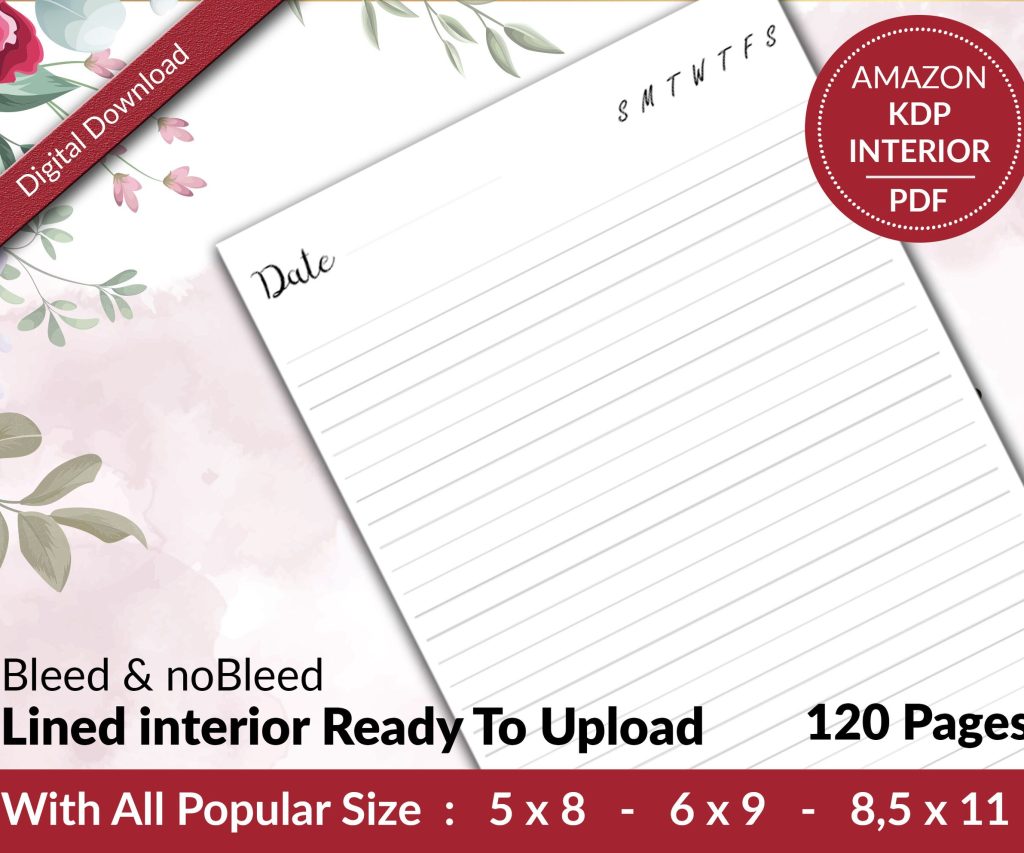 Lined Pages Journal 120 pages Ready to Upload PDF Commercial Use KDP Template 6x9 8.5x11 5x8 for Notebooks, Diaries, Low Content
1 × $0.00
Lined Pages Journal 120 pages Ready to Upload PDF Commercial Use KDP Template 6x9 8.5x11 5x8 for Notebooks, Diaries, Low Content
1 × $0.00
Subtotal: $0.00
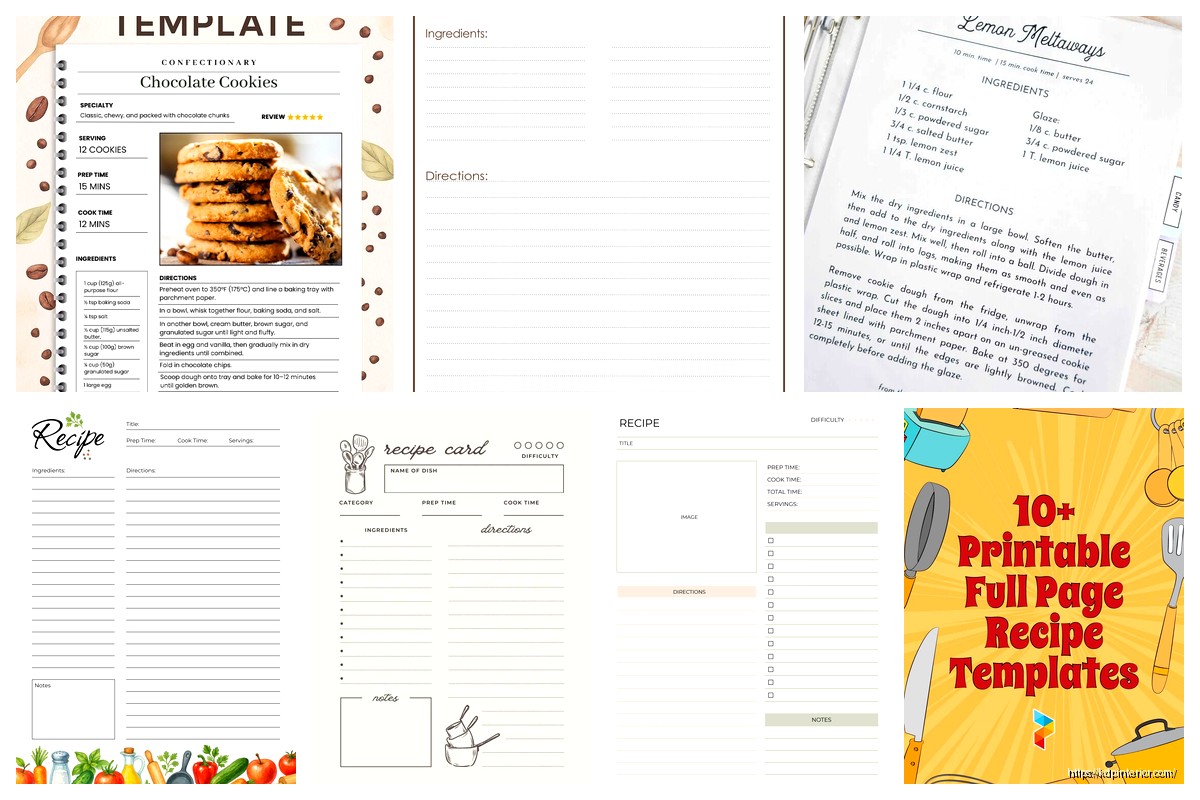
Okay so I just finished testing like five different cookbook template approaches last week and here’s what actually works for family recipe books without making yourself crazy.
The biggest mistake people make is they start designing this elaborate thing in Canva or Word and then realize halfway through they have no consistent layout. You need a master template first – like one recipe page that you’ll duplicate 50 times. I spent three hours once redoing margins because I didn’t set this up right and my cat knocked over my coffee during it which honestly made the whole thing worse.
Start with your page size first. Most family cookbooks work best at 8.5 x 11 inches because people actually use them in the kitchen and that size fits on counter space. You can do 8 x 10 if you want something slightly more compact but honestly the difference isn’t huge.
Your margins matter way more than you think. I use 0.75 inches on all sides minimum – gives you room for binding if you’re doing a printed version and keeps text away from edges. Nobody wants to read a recipe where half the ingredient list disappears into the spine.
Here’s the format I’ve tested with like 40+ family cookbook projects:
The notes section is honestly the most important part for family cookbooks. That’s where you put “Mom always doubled the vanilla” or “This was Grandpa’s favorite Sunday breakfast.” I’ve seen people skip this and then everyone’s disappointed because the cookbook feels sterile.
Microsoft Word works fine if you’re already comfortable with it. Create a table structure with invisible borders – sounds weird but it keeps everything aligned. Make one perfect page, then duplicate it.
Google Docs is free and does basically the same thing. The collaboration feature is clutch if multiple family members are contributing recipes. My aunt and I were working on one together and the comment feature saved us from like ten phone calls about whether her pie crust recipe needed baking powder or baking soda.
Canva has cookbook templates that are honestly pretty good. The free version has enough options. You can customize colors to match your family vibe or whatever. I made one with a really ugly orange color scheme once because that was my grandmother’s favorite color and everyone actually loved it even though it looked like the 1970s threw up on the pages.
Adobe InDesign is the professional option but gonna be real with you – it’s overkill for most family projects and has a learning curve. Only worth it if you’re doing this for multiple families or selling templates.
Affinity Publisher is like InDesign but cheaper and one-time purchase. I switched to this last year and it does everything I need for cookbook layouts.
Table of contents – seems obvious but organize it by category not just alphabetically. Appetizers, Main Dishes, Desserts, that kind of thing. I also like adding a “Holiday Favorites” section because those recipes get referenced way more.
Index at the back – alphabetical list of every recipe. Your family will actually use this when they’re looking for “that chicken thing Aunt Marie makes.”
Conversion charts – teaspoons to tablespoons, Fahrenheit to Celsius if you have international family, that stuff. Stick it on the inside front or back cover.
Blank pages for notes – add like 10-15 blank recipe pages at the end. People want to add new discoveries and if there’s no space they just write on random pages and it gets messy.
Photo pages – oh and another thing, consider adding a few pages that are just family photos from gatherings. Not necessary but people get weirdly emotional about it. I added one page of photos from various Thanksgivings in a cookbook and that became everyone’s favorite part.
Font choices matter more than you think. Use something readable in kitchen lighting conditions. I like Georgia or Garamond for body text, something sans-serif like Arial or Helvetica for titles and labels. Don’t use more than two fonts total or it starts looking like a ransom note.
Size the body text at 11pt or 12pt minimum. Your family members might be reading this while cooking and flour-covered hands plus small text equals frustration. Ingredient lists can be 10pt but instructions should be bigger.
List ingredients in order of use – this seems obvious but I’ve seen so many cookbooks mess this up. If butter goes in first, butter should be first on the list.
Be specific with measurements. “1 cup flour” not “flour (1c)” – the measurement should come before the ingredient for easier scanning.
Include prep notes in the ingredient list. Write “1 onion, diced” not “1 onion” with dicing mentioned later in instructions. Saves people from reading ahead while they’re prepping.
This is where it gets tricky. Send people a template form to fill out – don’t just ask them to “send recipes however.” You’ll get recipes on napkins, in emails, via text message… I once got one via voicemail which was actually impossible to transcribe accurately.
Your template form should ask for:
Wait I forgot to mention – test the recipes if you can. Or at least have someone verify them. Grandma’s recipes often have missing steps because she made them from memory for 40 years and forgot to write down “obvious” stuff. I made a cake once from a family recipe that didn’t mention you needed to grease the pan. Disaster.
You don’t need professional food photography. Phone photos work fine if they’re well-lit. Natural light near a window is your friend.
Keep photo sizes consistent throughout the book. I usually do either 3×3 inch squares or 4×3 inch rectangles. All the same size, all the same placement on the page.
Not every recipe needs a photo. It’s actually fine to have some pages with just text. The cookbooks that try to photograph every single recipe end up taking forever to finish and half the photos are mediocre anyway.
If you’re scanning old recipe cards or handwritten recipes, scan at 300 DPI minimum. Lower resolution looks pixelated when printed. I learned this the hard way when I printed a test copy and my grandmother’s handwriting was all blurry.
Category-based is most common – Breakfast, Lunch, Dinner, Desserts, Beverages. Works for most families.
Contributor-based can be cool – all of Mom’s recipes together, all of Aunt Sue’s recipes together. Makes it more personal but harder to find specific things.
Occasion-based – Christmas recipes, Summer BBQ recipes, Birthday recipes. This works if your family has strong food traditions tied to events.
Honestly just pick whatever makes sense for your family’s cooking style. There’s no wrong answer here unless you organize it completely randomly which… don’t do that.
Use different header colors for different sections. Desserts get purple headers, main dishes get red headers, whatever. Makes flipping through the book faster.
You can also use colored page edges if you’re printing professionally – those tabs you see in some cookbooks. Adds cost though so maybe not necessary for a family project.
For family cookbooks you’ve got a few routes. Local print shops can do spiral binding which is super practical for kitchen use – book lays flat while you’re cooking. Usually runs $15-30 per book depending on page count.
Online services like Blurb or Mixam do hardcover or paperback. More expensive but looks more professional. Good if you’re giving these as gifts to extended family.
This is gonna sound weird but I actually like getting a few copies spiral bound at Staples or FedEx Office first as test copies. Costs like $10-15 each and you can catch errors before doing a big print run. Found so many typos this way.
Make a PDF version even if you’re printing physical copies. Email it to family members or stick it in a shared Google Drive. People lose physical cookbooks or want to reference recipes when they’re not home.
You can also make it an ebook for Kindle if family members are spread out geographically. Amazon KDP makes this pretty easy and you can set it to only be available to people with the link – doesn’t have to be public.
Print one test copy before ordering 20 copies for the whole family. Check for:
Have someone else read through it too. You’ll miss stuff because you’ve been staring at it for weeks.
If you’re just making copies for family, budget about $20-40 per book for decent quality. Full color, 50-100 pages, wire or spiral bound.
Hardcover versions from print-on-demand services run $30-60 per book depending on page count and color vs black and white.
Design time is free if you’re doing it yourself but realistically expect 20-40 hours of work for a 50-recipe cookbook. More if you’re collecting recipes from family members who are slow to respond.
The software costs range from free (Google Docs, Canva free version) to $50-100 for something like Affinity Publisher if you want more control.
Look, the main thing is just to start simple and not overthink it. Pick a basic layout, get 10 recipes formatted, see how it feels. You can always make it fancier later but a finished simple cookbook beats an unfinished elaborate one every time. I’ve seen too many people plan this gorgeous cookbook project and then never finish it because they got overwhelmed with all the details.
DISCOVER OUR FREE BEST SELLING PRODUCTS
Editable Canva Lined Journal: Express Your Thoughts – KDP Template
Lined Pages Journal 120 pages Ready to Upload PDF Commercial Use KDP Template 6×9 8.5×11 5×8 for Notebooks, Diaries, Low Content
Lined Pages Journal 120 pages Ready to Upload PDF Commercial Use KDP Template 6×9 8.5×11 5×8 for Notebooks, Diaries, Low Content
Cute Dogs Coloring Book for Kids | Activity Book | KDP Ready-To-Upload
Daily Planner Diary : Diary Planners for Everyday Productivity, 120 pages, 6×9 Size | Amazon KDP Interior
Wolf Coloring KDP interior For Adults, Used as Low Content Book, PDF Template Ready To Upload COMMERCIAL Use 8.5×11"
Coloring Animals Head Book for Kids, Perfect for ages 2-4, 4-8 | 8.5×11 PDF
Printable Blank Comic Book Pages PDF : Create Your Own Comics – 3 Available Sizes
Notes KDP interior Ready To Upload, Sizes 8.5×11 6×9 5×8 inch PDF FILE Used as Amazon KDP Paperback Low Content Book, journal, Notebook, Planner, COMMERCIAL Use
Black Lined Journal: 120 Pages of Black Lined Paper Perfect for Journaling, KDP Notebook Template – 6×9
Student Planner Journal 120 pages Ready to Upload PDF Commercial Use KDP Template 6×9" 8.5×11" for Low Content book
Recipe Journal Template – Editable Recipe Book Template, 120 Pages – Amazon KDP Interior