-
×
 Daily Planner Diary : Diary Planners for Everyday Productivity, 120 pages, 6×9 Size | Amazon KDP Interior
1 × $0.00
Daily Planner Diary : Diary Planners for Everyday Productivity, 120 pages, 6×9 Size | Amazon KDP Interior
1 × $0.00
Subtotal: $0.00
 Daily Planner Diary : Diary Planners for Everyday Productivity, 120 pages, 6×9 Size | Amazon KDP Interior
1 × $0.00
Daily Planner Diary : Diary Planners for Everyday Productivity, 120 pages, 6×9 Size | Amazon KDP Interior
1 × $0.00 Subtotal: $0.00
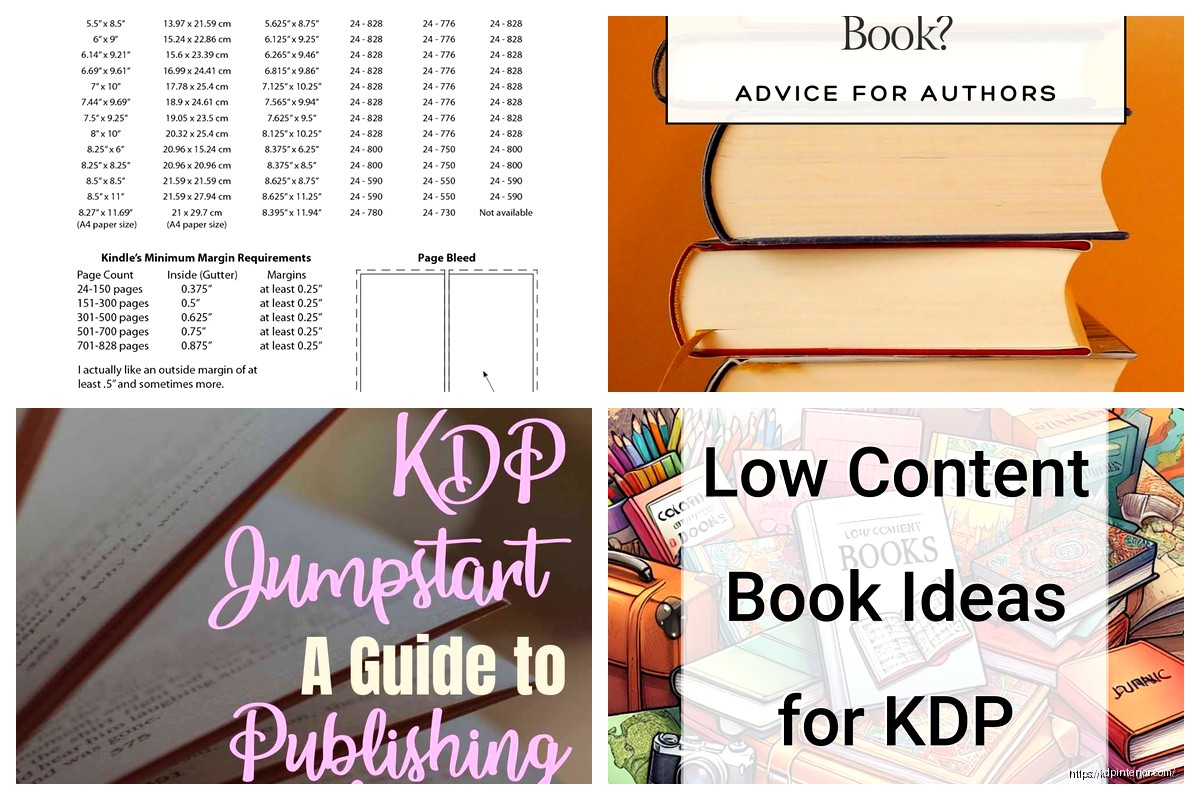
I just wrapped up a hardcover launch for a client last week and honestly, the whole process is way smoother than it was even a year ago. Amazon’s been tweaking things and the quality has gotten pretty solid.
So first thing – you need to understand that hardcover is basically just another trim size option now when you’re uploading your book. It’s not some separate complicated thing anymore. You go through the normal KDP upload process, but when you get to the “Print Options” section, you’ll see hardcover listed right there alongside paperback.
Hardcover only works with certain trim sizes. You’ve got:
The 6×9 is what I use like 80% of the time. It’s the standard nonfiction size and readers expect it. My crime fiction stuff does well in 5.5×8.5 though because it feels more premium somehow.
This is where people mess up – you need minimum 75 pages for hardcover. Not 24 like paperback. So if you’re doing low content books, you gotta bulk them up or forget hardcover entirely. I learned this the hard way with a planner that was only 52 pages… had to add a bunch of bonus pages and notes sections.
Maximum is 550 pages for black and white, 110 for color. Color hardcovers are expensive to print though, so your royalties basically disappear unless you’re charging like $45+ for the book.
You need a dust jacket. Amazon provides a template that includes the front cover, spine, back cover, and then these flaps that fold inside. The flaps are usually 3-4 inches depending on your page count.
Here’s what I do – I design the main cover like normal in Canva or whatever, then I use the KDP cover calculator to get exact dimensions. The calculator tells you the spine width based on your page count and paper type. White paper makes a fatter spine than cream, just FYI.
On those inside flaps, most people put author bio on the back flap and book description or testimonials on the front flap. I’ve also seen people put series information there if it’s part of a series. My cat walked across my keyboard while I was designing one last month and I almost didn’t notice she’d added a bunch of random characters to the back flap text… would’ve been embarrassing.
You only get white or cream paper. No groundwood option like with paperback. White is brighter and better for books with images or graphics. Cream is easier on the eyes for text-heavy books and looks more traditional.
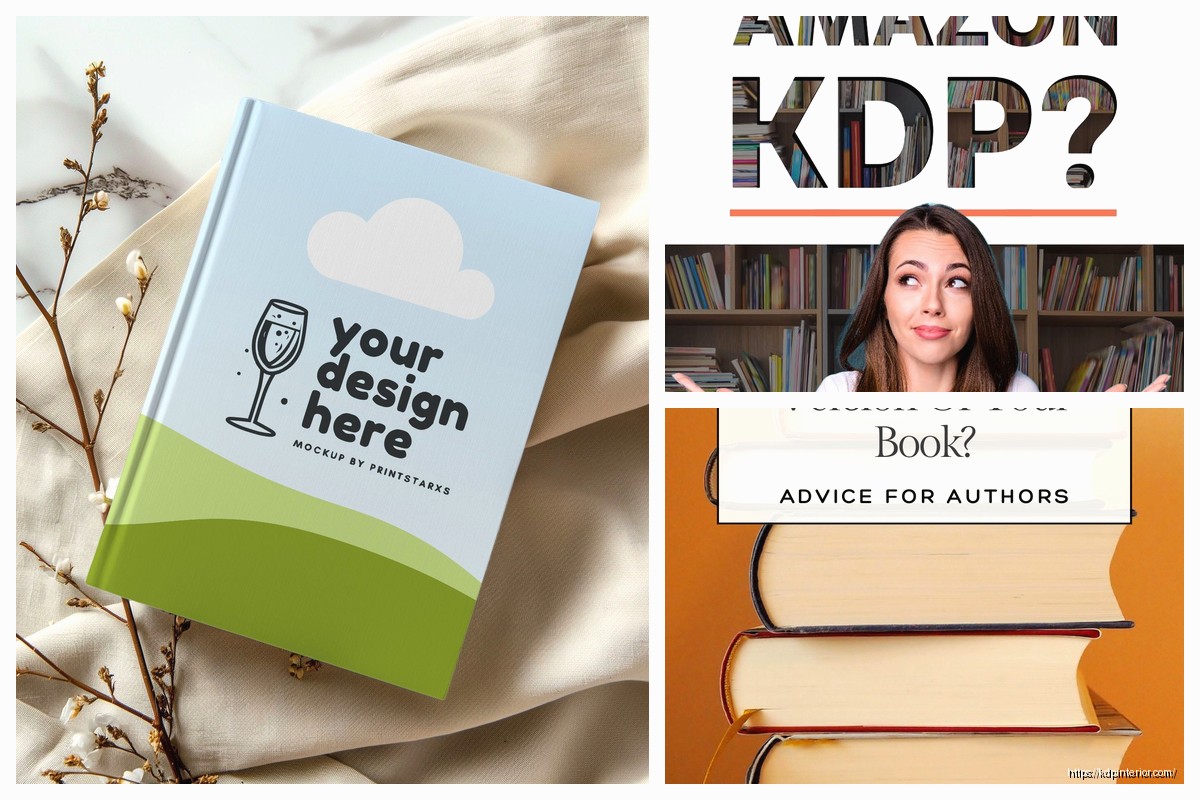
I use cream for fiction, white for nonfiction with charts or photos. Pretty simple decision tree honestly.
The printing costs are way higher. Like a 200-page paperback might cost $3 to print, but the hardcover version is gonna be closer to $8-9. This means you gotta price higher to make any money.
Most hardcovers I see are priced between $24.99 and $39.99. You can go higher for specialized nonfiction. I’ve got a real estate investing guide at $44.99 and it sells fine because the perceived value is high.
The royalty structure is the same 60% of list price minus printing costs. So if you price at $29.99 and printing costs $8.50, you’re making about $9.50 per sale. Not bad actually.
The actual hardcover has your cover design printed directly on it under the dust jacket. Amazon calls this the “case laminate.” It’s the same design as your dust jacket but without the flaps obviously. You don’t need to do anything special – KDP automatically generates it from your dust jacket file.
Some authors ask if they can have a plain case under the jacket, and nope, not an option with KDP. It’s always gonna have your full cover printed on the case.
Hardcovers are available on Amazon.com obviously, but also through expanded distribution if you enable it. Libraries actually prefer hardcovers, so this is worth turning on. I’ve had way more library sales with hardcover versions than paperback.
The expanded distribution takes like 2-3 weeks longer to set up than just Amazon distribution. Something about getting it into the Ingram catalog. My client canceled a meeting last Tuesday so I spent like two hours comparing the distribution reports and yeah, libraries definitely order more hardcovers.
You create your book listing like normal – title, description, categories, keywords, all that stuff. Then when you get to “Print Options” you can select both paperback AND hardcover if you want. Most people do both.
If you’re doing both formats, you upload one interior file that works for both. Just make sure it meets the hardcover requirements (75+ pages) and you’re good. The same ISBN can’t be used for multiple formats though – each format needs its own ISBN. You can use Amazon’s free ISBNs or buy your own.
Cover templates are format-specific so you’ll download the hardcover template separately from the paperback template. The dimensions are different because of the dust jacket flaps.
People forget about the spine width calculation. Your spine needs to be exact or the text will wrap around to the front or back cover. Use the calculator every single time, don’t guess.
Another thing – the bleed settings. Hardcover covers need 0.125″ bleed on all sides including the flaps. If you don’t extend your background colors or images into the bleed area, you’ll get white edges when it’s trimmed.
Oh and text placement on the spine – keep it at least 0.0625″ away from the edges. I’ve had spines where the text got cut off because I put it too close to the edge. Super annoying to fix after you’ve already uploaded everything.
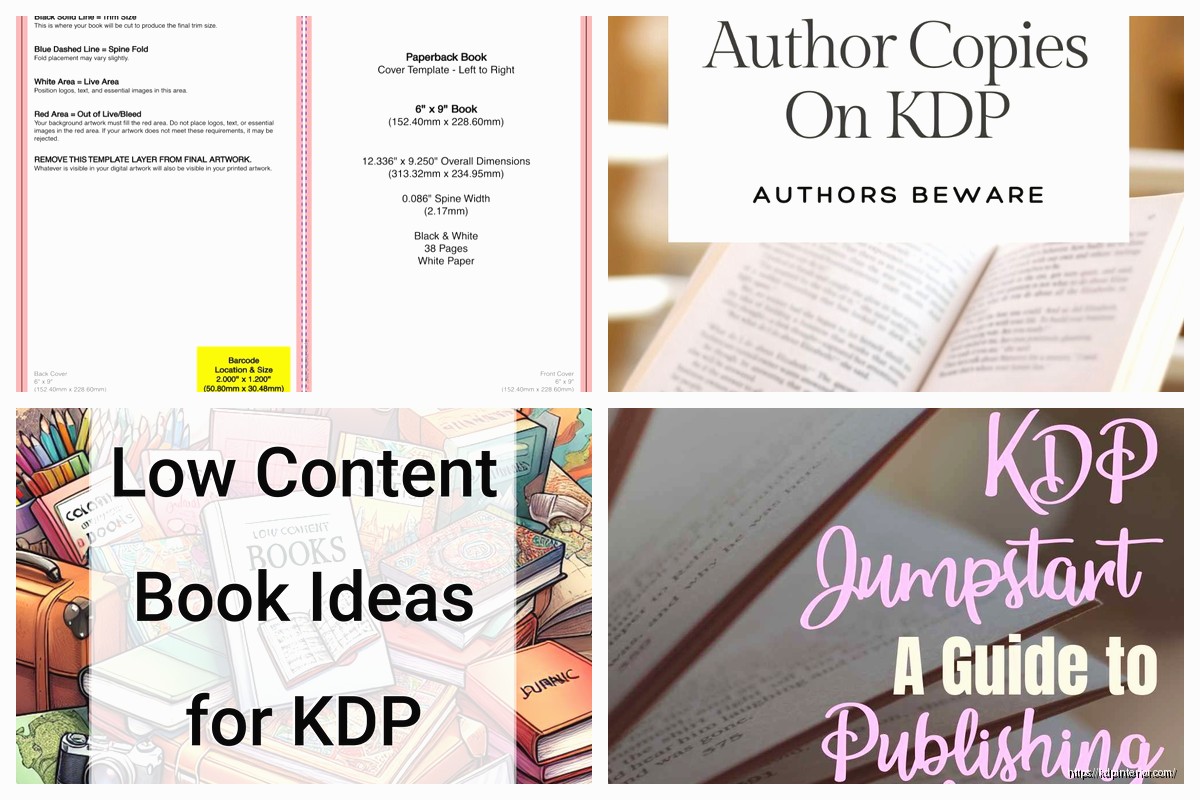
Order a proof before you publish. They’re like $15-20 shipped and totally worth it. The first hardcover I ever did looked perfect on my screen but the colors printed way darker than expected. Had to adjust and reupload.
The proof takes about a week to arrive. Check the spine alignment, make sure the dust jacket fits properly, look for any color issues. I also check that all the text on the flaps is positioned right and nothing got cut off.
This was surprising to me at first but it’s a real market. Gift buyers love hardcovers – they look more substantial. Fans of authors will buy both the paperback and hardcover. Libraries as I mentioned.
Nonfiction does better in hardcover than fiction in my experience. People perceive nonfiction hardcovers as more authoritative. My business books sell maybe 1 hardcover for every 8 paperbacks. Fiction is more like 1 in 15.
The profit per sale is higher though so even with fewer sales, it adds decent revenue. Last month hardcovers were like 12% of my sales but 23% of my profit.
If you already have a paperback doing okay, just add the hardcover version. You don’t need to change your paperback at all. Upload the same interior, create the dust jacket cover, and publish. See what happens.
I usually wait until a book has sold at least 50 paperback copies before bothering with hardcover. No point in creating extra formats for books that aren’t selling anyway. But once something’s proven, adding hardcover is maybe 2-3 hours of work for the cover design and it’s basically passive income after that.
Some books surprise you too. I’ve got a journal that barely sells in paperback but the hardcover version sells steadily. I think people see it as a nicer gift option or something for journaling.
DISCOVER OUR FREE BEST SELLING PRODUCTS
Editable Canva Lined Journal: Express Your Thoughts – KDP Template
Lined Pages Journal 120 pages Ready to Upload PDF Commercial Use KDP Template 6×9 8.5×11 5×8 for Notebooks, Diaries, Low Content
Lined Pages Journal 120 pages Ready to Upload PDF Commercial Use KDP Template 6×9 8.5×11 5×8 for Notebooks, Diaries, Low Content
Cute Dogs Coloring Book for Kids | Activity Book | KDP Ready-To-Upload
Daily Planner Diary : Diary Planners for Everyday Productivity, 120 pages, 6×9 Size | Amazon KDP Interior
Wolf Coloring KDP interior For Adults, Used as Low Content Book, PDF Template Ready To Upload COMMERCIAL Use 8.5×11"
Coloring Animals Head Book for Kids, Perfect for ages 2-4, 4-8 | 8.5×11 PDF
Printable Blank Comic Book Pages PDF : Create Your Own Comics – 3 Available Sizes
Notes KDP interior Ready To Upload, Sizes 8.5×11 6×9 5×8 inch PDF FILE Used as Amazon KDP Paperback Low Content Book, journal, Notebook, Planner, COMMERCIAL Use
Black Lined Journal: 120 Pages of Black Lined Paper Perfect for Journaling, KDP Notebook Template – 6×9
Student Planner Journal 120 pages Ready to Upload PDF Commercial Use KDP Template 6×9" 8.5×11" for Low Content book
Recipe Journal Template – Editable Recipe Book Template, 120 Pages – Amazon KDP Interior