Okay so here’s how you actually make journals that sell on KDP
Just helped a client launch three journals last week and one’s already making $200/month so this is super fresh in my mind. The whole process isn’t complicated but there’s like… specific things you gotta do or Amazon will reject your upload and you’ll waste hours.
First thing – and I cannot stress this enough – you need to figure out your niche before you design anything. I see people make these gorgeous journals with zero market research and then wonder why nobody buys them. Spend like an hour on Amazon searching “journal” and look at what’s actually selling. Sort by Best Sellers. I usually check the BSR (Best Seller Rank) and anything under 100k in the Books category is moving decent units.
The niches that are working right now
Gratitude journals are still going strong but they’re saturated. What’s working better is specific combinations – like “Gratitude Journal for Nurses” or “Christian Gratitude Journal with Bible Verses.” See how that works? You’re stacking niches.
Fitness journals are huge. Workout logs, weight loss trackers, that kind of thing. I’ve got one that’s just a simple gym log and it makes about $400/month consistently. Password log books too – yeah people still want physical ones, especially older demographics.
Reading logs for kids and book clubs. Pregnancy journals. Budget planners but make them specific like “Debt Payoff Tracker” instead of generic budget stuff.
Setting up your interior pages
So you need software for this and honestly just use Canva or Book Bolt. I started with Microsoft Word years ago and it was a nightmare with the margins. Canva’s got templates now that are already sized for KDP which saves so much time.
Your trim size matters – I usually go with 6×9 inches because it’s the sweet spot for production costs and usability. 8.5×11 works for planners and fitness journals where people need more space.
Page count should be between 100-120 pages for most journals. That keeps your production cost low enough to make profit but still feels substantial. Oh and another thing – make sure you’re creating in CMYK color mode not RGB or your colors will look weird when printed.
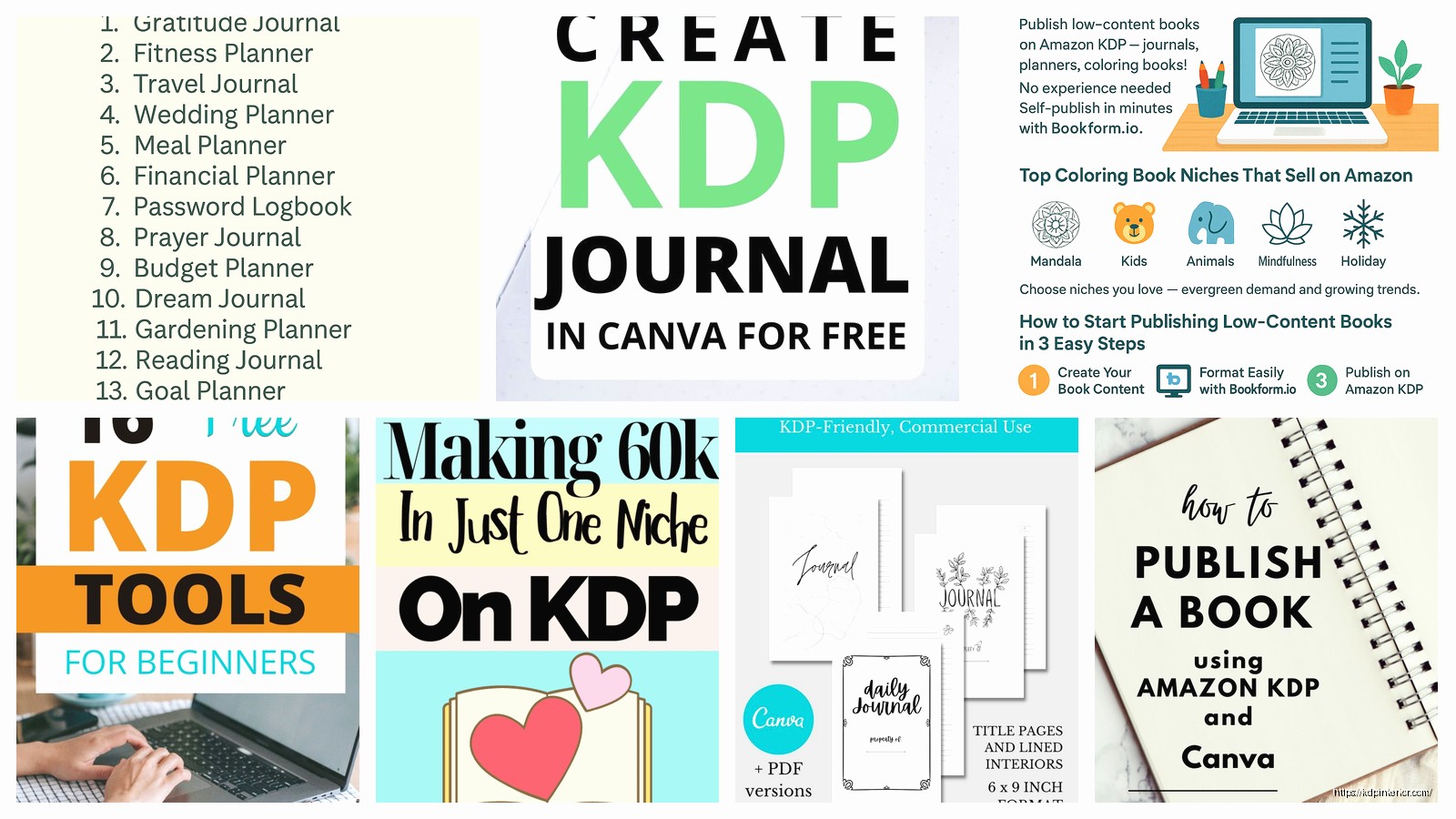
For the actual pages, keep it simple at first. You don’t need fancy designs. My best-selling journal is literally just lined pages with a small prompt at the top of each page. People want function over fancy graphics usually.
The cover is where you actually need to focus
This is gonna sound weird but spend like 80% of your design time on the cover. That’s what sells the journal. Your interior can be basic as hell – and honestly should be – but the cover needs to pop in those thumbnail images on Amazon.
Use bold, readable fonts. I see so many journals with these delicate script fonts that you can’t even read in the search results. The title should tell people exactly what it is. “Daily Gratitude Journal” beats “My Beautiful Life” every single time.
Colors matter by niche. Fitness stuff does well with bold colors like red, black, orange. Gratitude and mindfulness journals – people expect softer colors like sage green, blush pink, cream. I tested this extensively and it makes a difference in conversion.
Wait I forgot to mention – you need bleed settings. KDP requires 0.125 inches bleed on all sides for the cover. Your cover template has all these guides and it looks confusing but just follow their template dimensions exactly. I still mess this up sometimes after 7 years, so don’t feel bad if you have to re-upload.
Creating the actual KDP listing
Log into your KDP account and click Create Paperback. The wizard walks you through it but here’s what actually matters:
Your title needs keywords. Don’t just call it “Journal” – call it “Gratitude Journal for Women: Daily Prompts for Mindfulness and Positive Thinking” or whatever. You get 199 characters, use most of them.
For your description, write it like sales copy. Bullet points work great. Tell them what’s inside – how many pages, what kind of pages, what it helps them do. I usually write like 5-7 bullet points then a short paragraph at the end.
Seven keyword boxes – this is free advertising space basically. Use all seven slots. Put in phrases people actually search. Tools like Publisher Rocket help but you can also just… see what Amazon suggests when you start typing in the search bar. That’s real search data.
Categories – you get two. Pick the most specific ones that apply. Don’t just pick “Self-Help” – dig down into the subcategories. Sometimes you can email KDP support after publishing and ask them to add you to additional categories. I do this all the time.
Pricing strategy that actually works
So KDP gives you a royalty calculator right there when you’re setting the price. Your production cost depends on page count and whether you use color or black and white interior. Black and white is like $2-3 for a 120 page journal usually.
I price most journals between $6.99 and $12.99. The sweet spot seems to be $8.99 for basic journals. You get 60% royalty so if your book costs $2.50 to print and you sell it for $8.99, you make about $3.40 per sale.
Don’t go too cheap thinking it’ll sell more. It doesn’t work that way. People associate cheap prices with cheap quality for journals. I tested a journal at $5.99 vs $9.99 and the higher price actually sold better.
The manuscript file upload part
Export your interior as a PDF – that’s what KDP wants. Make sure you’re using PDF/X-1a:2001 format if your software gives you the option. Regular PDF usually works fine though.
When you upload, KDP has this previewer tool that shows you what it’ll look like printed. Actually check this. I’ve caught issues with margins being too close to the spine, text getting cut off, that kind of thing. It’s tedious but just flip through it.
Your cover needs to be one single PDF too – front cover, spine, and back cover all in one file. Use KDP’s cover calculator to get the exact dimensions because the spine width changes based on your page count. This tripped me up so much when I started… like I’d create a cover then realize I needed to add 20 pages and have to redo the whole spine width.
What happens after you publish
It takes like 24-72 hours for Amazon to review it usually. Sometimes faster. They’re checking for content issues, formatting problems, copyright stuff. If you followed their guidelines you’ll be approved.
Okay so funny story – my first journal got rejected because I used a stock photo I didn’t have commercial rights to. Make sure any images you use, you have the proper license. Canva Pro images are fine, or use Creative Fabrica, Creative Market, places like that.
Once it’s live, order an author copy. It costs you just the printing fee plus shipping. Hold it in your hands and check the quality. The colors might be slightly different than your screen – that’s normal but you wanna make sure it’s acceptable.
Making your journal actually visible
Publishing it doesn’t mean people will find it. Amazon’s algorithm needs data. The main factors are sales velocity and keywords.
Your first few sales are the hardest. I usually run a small Facebook ad campaign or promote to my email list to get initial sales. Even like 5-10 sales in the first week helps Amazon’s algorithm understand where to show your book.
Reviews matter but they’re hard to get for journals. You can’t use Amazon’s Vine program for books under $9.99 and most journals are in that range. I send follow-up emails through Amazon’s messaging system asking for honest reviews. Maybe 1 in 50 people leave one.
The long game is creating multiple journals. My coffee got cold writing this but anyway… one journal might make $50/month but 20 journals making $50/month is real money. I’ve got like 80+ live right now and some don’t sell at all but enough do that it adds up.
Stuff that’ll get you rejected or suspended
Don’t use trademarked stuff. No Disney characters, no brand names, no sports team logos. Amazon will catch it and your account can get banned.
No copyright infringement. That includes copying another journal’s interior layout too closely. Get inspired but don’t replicate.
Your content needs to have value. Amazon’s been cracking down on low-content books that are too simple. A blank notebook with no prompts or structure might get flagged. Add something – prompts, quotes, headers, anything that makes it more than just blank pages.
Tools I actually use
Book Bolt – it’s like $10/month and has interior templates, cover creators, keyword research. Worth it if you’re gonna make multiple journals.
Canva Pro – $13/month. Access to way more graphics and templates. I design probably 70% of my stuff in here now.
Creative Fabrica – subscription service for graphics, fonts, templates. I use this for unique design elements that don’t look like everyone else’s.
Publisher Rocket – one-time fee of like $97 I think? Helps with keyword research. Not essential but speeds things up.
Random tips from 7 years of doing this
Always check your book’s listing after it goes live. Sometimes Amazon changes your categories or there’s weird formatting in your description. Just check it.
Create a series if something sells well. I’ve got a series of prayer journals in different colors and they cross-promote each other. Amazon shows them as “Books in this series” which gets me more visibility.
Seasonal journals need to be uploaded like 2-3 months early. Holiday journals should go up in September. Academic planners need to be ready by May.
Don’t obsess over your BSR ranking daily. It fluctuates like crazy. I check mine maybe once a week unless I’m running a promotion.
Your first journal probably won’t be a home run and that’s completely fine. My first like six journals made maybe $30 total before I figured out what actually works. It’s a learning process.
Oh and if you’re making planners or dated journals, consider doing them undated. Dated ones have a shelf life and then they’re dead inventory. Undated products sell year-round.
The production quality from KDP is actually pretty good now. Like five years ago it was hit or miss but I rarely get complaints about print quality anymore. The paper’s decent, binding holds up, colors are acceptable.
My dog just knocked over my water bottle so I gotta go but that’s basically the whole process. It’s not complicated once you do it one time. The hardest part is honestly just starting and uploading that first one. After that it’s just rinse and repeat with different niches and designs.

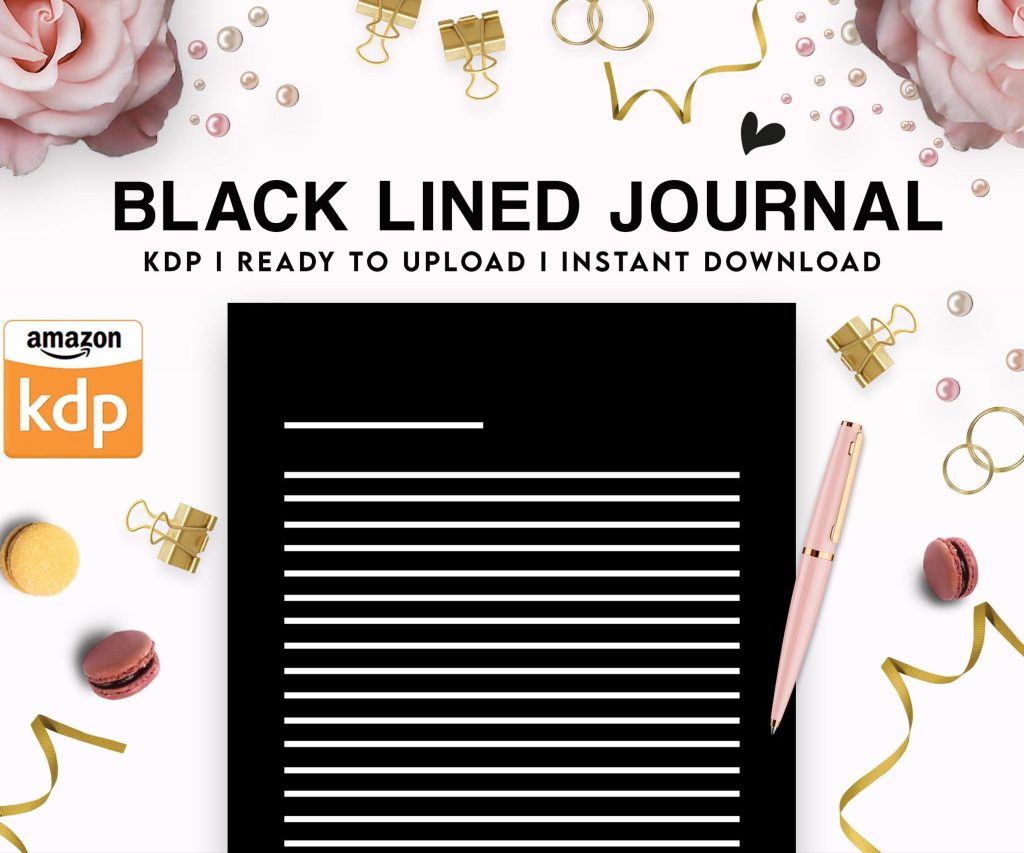 Black Lined Journal: 120 Pages of Black Lined Paper Perfect for Journaling, KDP Notebook Template - 6×9
1 × $0.00
Black Lined Journal: 120 Pages of Black Lined Paper Perfect for Journaling, KDP Notebook Template - 6×9
1 × $0.00 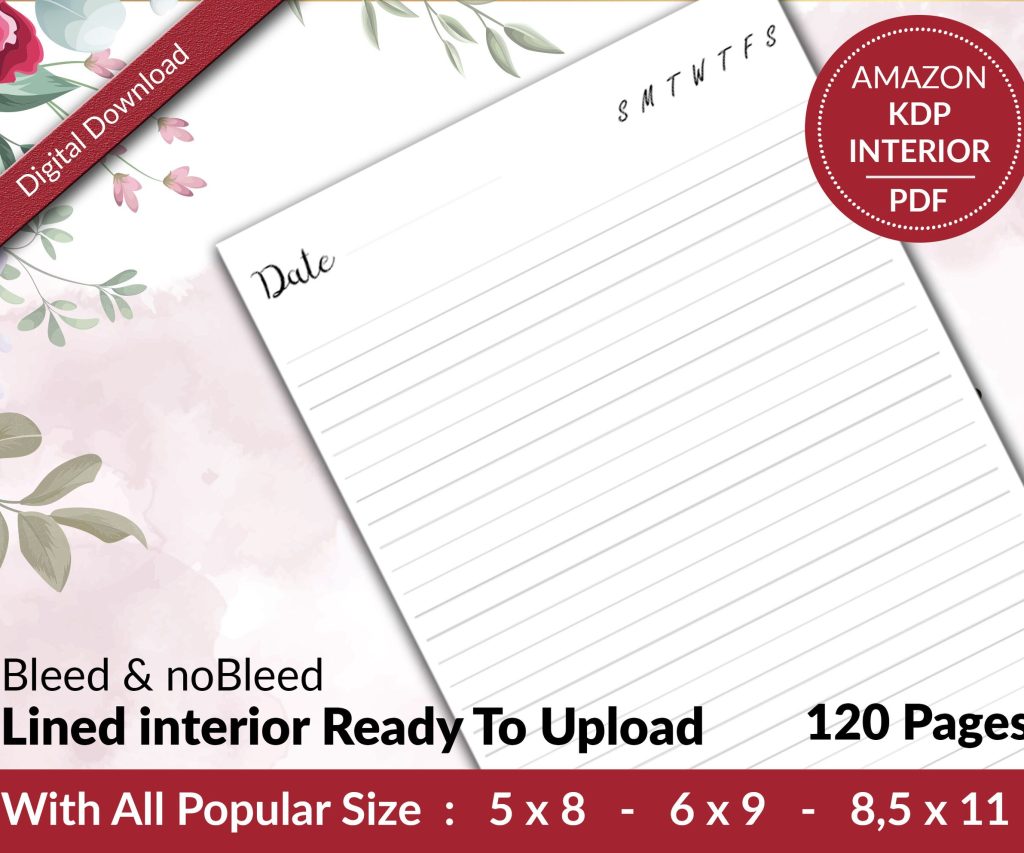 Lined Pages Journal 120 pages Ready to Upload PDF Commercial Use KDP Template 6x9 8.5x11 5x8 for Notebooks, Diaries, Low Content
1 × $0.00
Lined Pages Journal 120 pages Ready to Upload PDF Commercial Use KDP Template 6x9 8.5x11 5x8 for Notebooks, Diaries, Low Content
1 × $0.00  Cute Dogs Coloring Book for Kids | Activity Book | KDP Ready-To-Upload
1 × $0.00
Cute Dogs Coloring Book for Kids | Activity Book | KDP Ready-To-Upload
1 × $0.00 
DISCOVER OUR FREE BEST SELLING PRODUCTS
Editable Canva Lined Journal: Express Your Thoughts – KDP Template
Lined Pages Journal 120 pages Ready to Upload PDF Commercial Use KDP Template 6×9 8.5×11 5×8 for Notebooks, Diaries, Low Content
Lined Pages Journal 120 pages Ready to Upload PDF Commercial Use KDP Template 6×9 8.5×11 5×8 for Notebooks, Diaries, Low Content
Cute Dogs Coloring Book for Kids | Activity Book | KDP Ready-To-Upload
Daily Planner Diary : Diary Planners for Everyday Productivity, 120 pages, 6×9 Size | Amazon KDP Interior
Wolf Coloring KDP interior For Adults, Used as Low Content Book, PDF Template Ready To Upload COMMERCIAL Use 8.5×11"
Coloring Animals Head Book for Kids, Perfect for ages 2-4, 4-8 | 8.5×11 PDF
Printable Blank Comic Book Pages PDF : Create Your Own Comics – 3 Available Sizes
Notes KDP interior Ready To Upload, Sizes 8.5×11 6×9 5×8 inch PDF FILE Used as Amazon KDP Paperback Low Content Book, journal, Notebook, Planner, COMMERCIAL Use
Black Lined Journal: 120 Pages of Black Lined Paper Perfect for Journaling, KDP Notebook Template – 6×9
Student Planner Journal 120 pages Ready to Upload PDF Commercial Use KDP Template 6×9" 8.5×11" for Low Content book
Recipe Journal Template – Editable Recipe Book Template, 120 Pages – Amazon KDP Interior