Okay so I just walked someone through enrolling in KDP Select last week and realized most people are getting this completely wrong from the start, so let me break down what you actually need to know about KDP Unlimited and the whole Select program.
The Basic Deal With KDP Select
Right so KDP Select is Amazon’s exclusive program where you give them exclusive digital distribution rights to your ebook or Kindle Vella story for 90 days at a time. In exchange, you get access to KDP Unlimited (KU) readers and the ability to run free promos and Countdown Deals. That’s the trade – exclusivity for promotional tools and a massive reader pool.
Here’s what most people miss though – when you enroll in Select, your book becomes available through Kindle Unlimited AND the Kindle Owners’ Lending Library (KOLL). Two different things, but they both pay you from the same KDP Select Global Fund each month based on pages read.
I’ve got like 140 books enrolled in Select right now and maybe 60 that I keep wide (on other platforms), so I’m constantly weighing this decision.
How You Actually Get Paid in KU
This is gonna sound weird but the payment model is super simple and also completely unpredictable at the same time. Amazon calculates Kindle Edition Normalized Pages (KENP) for your book using their own formula. Nobody knows exactly how it works but it’s roughly based on font size, spacing, images, all that stuff.
Then readers borrow your book through KU or KOLL, and you get paid for each page they actually read. Not download. Not borrow. Pages READ.
The rate per page changes every single month because Amazon takes a pool of money (the KDP Select Global Fund – usually between $30-45 million) and divides it by all the pages read that month across the entire program. So if a ton of people read in June, the per-page rate goes down. If fewer pages get read in July, the rate goes up.
Last I checked it was hovering around $0.0045 per page but I’ve seen it as high as $0.005 and as low as $0.0038. You multiply that by your KENP count, multiply that by how many pages readers actually read, and that’s your payout.
Real Example From My Account
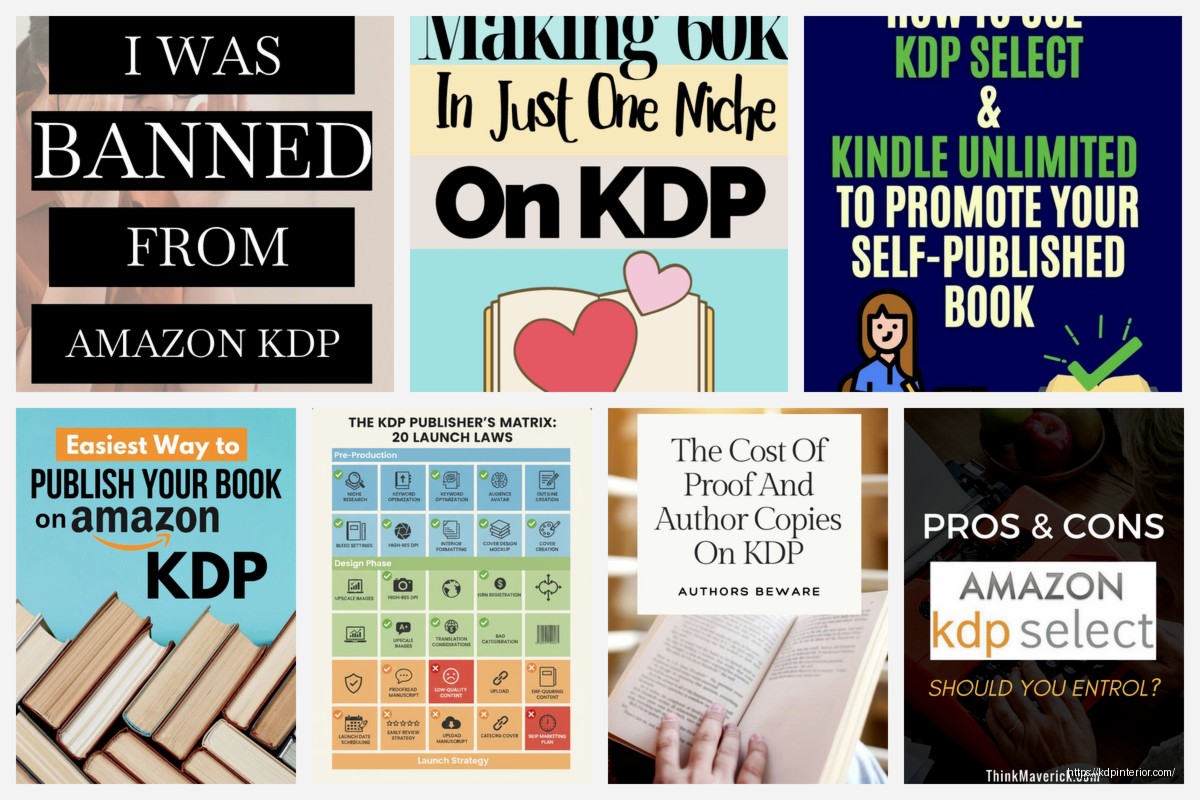
I’ve got this low-content gratitude journal that’s 120 pages in paperback but Amazon calculated it as 253 KENP. Don’t ask me why the number is different – their normalization is a black box. If someone reads all 253 pages and the rate is $0.0045, I make $1.14 from that one borrow.
Compare that to if someone buys it at $6.97 and I’m in the 35% royalty tier (because it’s over $2.99 but has interior content that sometimes flags as not qualifying for 70%), I’d make around $2.44. But here’s the thing – my KU borrows outnumber my sales 8 to 1 on that book. So I’m making way more from KU even though the per-transaction rate is lower.
Enrolling Your Book (The Actual Steps)
Okay so you go into your KDP dashboard, find the book you want to enroll. If it’s a new upload, you’ll see a checkbox during the pricing/publishing section that says “Enroll this book in KDP Select.” Just check it.
If it’s already published and live on other platforms, you gotta remove it from everywhere else first. Apple Books, Kobo, Google Play, Barnes & Noble, wherever. Amazon checks this and they will kick you out of the program if they find your book elsewhere. I’ve seen it happen to a client who forgot about a random distribution channel through Draft2Digital.
Wait actually lemme back up – before you enroll, make absolutely sure your book isn’t anywhere else digitally. Paperback versions don’t count, you can sell those anywhere. Audiobooks don’t count either. But the ebook? That’s gotta be Amazon-only.
After enrollment, you’re locked in for 90 days. Amazon auto-renews you unless you turn off the auto-renewal at least 5 days before your term ends. I learned this the hard way when I wanted to go wide with a series and forgot to turn off auto-renewal – got stuck for another 90 days.
The Promotional Tools You Get
This is honestly why I keep most of my books in Select even though people are always telling me to go wide.
Free Book Promotion
You get 5 days per 90-day enrollment period where you can make your book free. You can run all 5 days consecutively or space them out. I usually do either 5 days straight or 3 days + 2 days depending on the strategy.
Free promos are insane for visibility. I ran one last month on a coloring book and got 3,200 downloads in 3 days. Most people don’t finish coloring books obviously but I still saw a bump in KENP reads after because some of those downloads converted to KU borrows for people who wanted to check out my other books.
The rank boost is real too. You chart on the free bestseller lists while the promo runs, which gets you in front of way more eyeballs. Then when you flip back to paid, Amazon sometimes keeps showing your book because it has momentum.
Kindle Countdown Deals
These are only available for Select books priced between $2.99-$29.99. You can run one Countdown Deal per marketplace every 90 days, and it lets you schedule a temporary discount while still earning 70% royalties (assuming your regular price qualifies for 70%).
The deal displays a countdown timer on your book’s page showing customers how much time is left at the discount price. It’s supposed to create urgency.
Honestly? I’ve had mixed results with Countdown Deals. They work better when you’ve got an email list or you’re paying for a promo site like BookBub to drive traffic. Just running a Countdown Deal by itself doesn’t really move the needle.
Oh and another thing – you can’t run a Countdown Deal until 30 days after publishing or 30 days after your last Countdown Deal or Free Promo. Amazon spaces them out.
Who Should Actually Use Select vs Going Wide
Okay so this is where I get scattered because the answer is “it depends” but lemme give you actual scenarios.
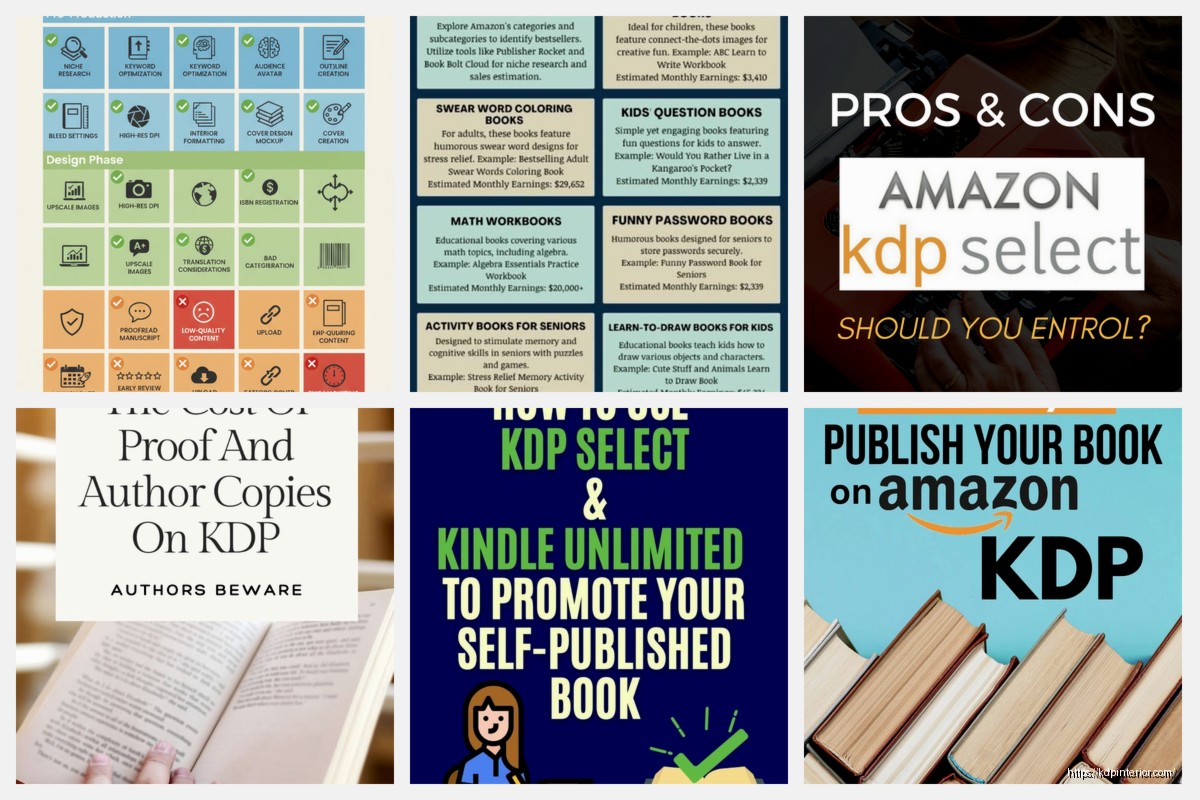
I keep low-content books in Select almost always. Planners, journals, activity books, that kind of stuff. Why? Because KU readers LOVE low-content books. The borrow rate is stupid high compared to sales, and the page count can be padded legitimately with prompts and layouts so your KENP is decent.
For fiction, especially series, Select usually wins. The KU subscriber base is massive for fiction readers. Romance, sci-fi, fantasy, mystery – these genres are dominated by KU readers who’ll binge an entire series in a weekend. If you’ve got a 7-book fantasy series and each book is 300+ pages, you’re printing money in KU when readers binge it.
Non-fiction is trickier. If you’ve got a niche professional topic, going wide might be better because your readers aren’t necessarily KU subscribers. Like if I wrote a book about commercial real estate investing or advanced SQL database management, those buyers are probably not the same people with KU subscriptions. They’re gonna buy it wherever they prefer to shop.
My dog just knocked over my coffee, hang on…
Okay back. Where was I – yeah so there’s also this consideration about building a business versus maximizing current income. Select gives you higher income usually in the short term, especially for newer authors without a following. Going wide is about diversification and not being dependent on Amazon’s whims.
I’ve had books suddenly stop performing in KU for no apparent reason. Algorithm change, category shift, who knows. When you’re wide, you’ve got other platforms that might pick up the slack. When you’re all-in on Select, you’re betting on Amazon.
The Page-Read Optimization Game
Alright so here’s something I don’t see enough people talking about – if you’re in Select, your book design should account for page reads, not just sales.
With a regular sale, you get your royalty regardless of whether they read page 1 or page 300. With KU, you only get paid for what they actually read. This changes how you should think about your book structure.
Hook Them Early
Your opening pages need to be compelling enough that readers don’t bounce. I know this sounds obvious but I’ve seen people put long author’s notes, acknowledgments, copyright pages, tables of contents, all this stuff before the actual content starts.
In KU, every page counts. Start with content that makes them want to keep reading. Put the extra stuff at the end or keep it minimal.
Book Length Matters Differently
With KU, longer isn’t always better, but it’s not worse either. If you write a 100-page book and they read all of it, you get paid for 100 pages (well, your KENP equivalent). If you write a 400-page book and they only read 50 pages, you get paid for 50 pages.
But here’s the thing – the reader’s decision to borrow your book is “free” to them since they’re paying the monthly KU subscription regardless. So they’re more willing to try longer books than they would be to buy them. I’ve had comprehensive guides that were too expensive at $9.99 to sell consistently, but in KU people borrow them all the time because there’s no additional cost.
The calculation becomes: would I rather have 10 borrows where people read 60% of my 400-page book, or 10 borrows where people read 95% of my 150-page book? You gotta know your content and your readers.
Series Structure Is Everything
If you’re writing series, the first book should end in a way that makes them immediately want to borrow book 2. Cliffhangers work, but even just a satisfying ending that clearly sets up the next installment.
In KU, series readers are gold because they’ll burn through your whole catalog. I’ve got a client with a paranormal romance series where the average reader borrows 4.2 books from her 8-book series. That’s insane. Each book is around 280 KENP, so we’re talking about readers generating $5.29 per reader on average at current rates. That’s better than if they’d bought just one book at $3.99.
Common Mistakes People Make With Select
Let me just run through these because I see the same ones over and over…
Forgetting to unpublish from other platforms – Amazon will catch you and remove you from Select, sometimes penalize you. One guy I know got his account suspended for 6 months because he kept his books on Google Play by accident.
Not monitoring auto-renewal – If you’re planning to go wide after your term, you gotta turn off auto-renewal at least 5 days before the 90 days end. I literally have calendar reminders for my books now.
Wasting free promo days – Don’t just randomly make your book free and hope for the best. Coordinate with promo sites, email your list, run ads to it. Free days without traffic sources don’t do much.
Ignoring KENP calculation – Some books just don’t calculate well in KENP. I’ve got a photography book that’s 180 PDF pages but only came out to 89 KENP because of all the full-page images. At $0.0045 per page, a full read-through is 40 cents. Nobody’s making money on that in KU. I should’ve kept it wide.
Not testing both strategies – I see people commit their entire catalog to Select or go entirely wide without ever testing. Try both. Put some books in Select, keep some wide, track the data for 6 months. You’ll learn way more from actual results than from someone like me telling you what works for my books.
Reading the Dashboard Data
Your KDP Reports section shows you pages read, but you gotta dig into it to really understand what’s happening.
Go to Reports, then click “KDP Select” in the left menu. You’ll see KENP Read for each book. You can break it down by marketplace (US, UK, Germany, etc.) and by day.
What I look for:
- Spike patterns – if you see a sudden increase in pages read, try to figure out why. Did a promo run? Did Amazon recommend it somewhere? Reverse-engineer your wins.
- Drop-off points – if you’ve got a long book and you notice most readers stop around the same KENP count, there might be a problem at that point in your book. Boring chapter, confusing section, whatever. You can’t see exactly where they stop but you can infer from patterns.
- Borrow-to-read ratio – how many borrows convert to substantial page reads? If you’re getting tons of borrows but minimal pages read, your cover/description might be misleading people about what the book actually is.
I spend like 20 minutes every Monday just reviewing the previous week’s KENP reads across my catalog. It’s boring as hell but I’ve caught issues early because of it.
Payment Timeline and the Global Fund
So Amazon announces the KDP Select Global Fund amount around the middle of each month for the previous month. Like mid-June, they’ll announce May’s fund total and the per-page rate.
You get paid around 60 days after the end of the month where the pages were read. So pages read in January get paid out around end of March. This is the same payment timeline as regular royalties.
The Global Fund amount fluctuates and Amazon doesn’t really explain why. Sometimes they increase it, sometimes it stays flat for months. In 2019 they bumped it up substantially, but since then it’s been hovering in the $30-45 million range.
What that means for you: your per-page rate is kinda unpredictable month to month. I’ve seen it vary by 15% between months. So when you’re calculating expected income, build in that uncertainty.
Combining KU With Other Strategies
Wait I forgot to mention earlier – being in Select doesn’t mean you can’t sell through other Amazon channels. You can still sell the ebook normally, you can sell paperbacks anywhere, you can sell audiobooks through ACX or anywhere else.
One strategy I use a lot: enroll the ebook in Select, publish paperback everywhere (Amazon, IngramSpark for distribution to other retailers, maybe direct to bookstores), and do audiobook through Findaway Voices for wide audio distribution. You’re maximizing the KU benefit while still having presence in other formats elsewhere.
Another thing – you can use your 5 free promo days to build your email list. Make the book free, drive a ton of downloads, and in the front matter of the book include a reader magnet link (“Get my free bonus content at…”) that captures emails. Then when you go back to paid, you’ve got a bigger email list to market your next launch to.
I’m not saying this is groundbreaking or anything but a lot of people don’t think about using free promos for list building. They just think “free downloads” and that’s it.
When to Leave Select
Okay so you’ve been in Select for a few terms and you’re wondering if you should go wide. Here’s how I think about it…
If your KENP reads have declined for 3+ months straight and you’ve tried refreshing the cover, updating keywords, running promos, and nothing’s working – might be time to test wide. Sometimes a book just runs its course in the KU ecosystem and needs new markets.
If you’ve got a series and books 1-3 are doing great in KU but books 4-7 are languishing, consider leaving the later books in Select and taking the early books wide to funnel new readers into the series from other platforms. They might buy books 4-7 or come to Amazon and borrow them.
If you’re seeing success on other platforms with other books, that’s a signal your genre and style might perform better wide. I’ve got some non-fiction that I tested wide last year and it makes 40% of its income from Apple Books. That book would’ve earned less overall if I’d kept it in Select.
If you’re just philosophically opposed to exclusivity and want to diversify – that’s fine too, honestly. The “going wide” versus “staying in Select” debate gets almost religious in author communities. Do what makes sense for your situation and your goals.
Advanced Select Tactics
This is gonna sound weird but some authors rotate their books in and out of Select. Like they’ll enroll for one 90-day term, let it auto-renew one more time so they’re in for 6 months total, then pull it and go wide for 6 months, then re-enroll.
The theory is you capture KU readers during your Select periods and new wide readers during your wide periods. I haven’t done this extensively myself because managing the timeline is annoying, but I know people who swear by it.
Another tactic: If you’ve got a long series, keep book 1 wide (or even permafree somehow) to attract readers from all platforms, but keep books 2+ in Select. The idea is readers will come to Amazon to continue the series via KU. This works better when book 1 is priced low or free because you’re treating it as a loss leader.

 Wolf Coloring KDP interior For Adults, Used as Low Content Book, PDF Template Ready To Upload COMMERCIAL Use 8.5x11"
1 × $0.00
Wolf Coloring KDP interior For Adults, Used as Low Content Book, PDF Template Ready To Upload COMMERCIAL Use 8.5x11"
1 × $0.00 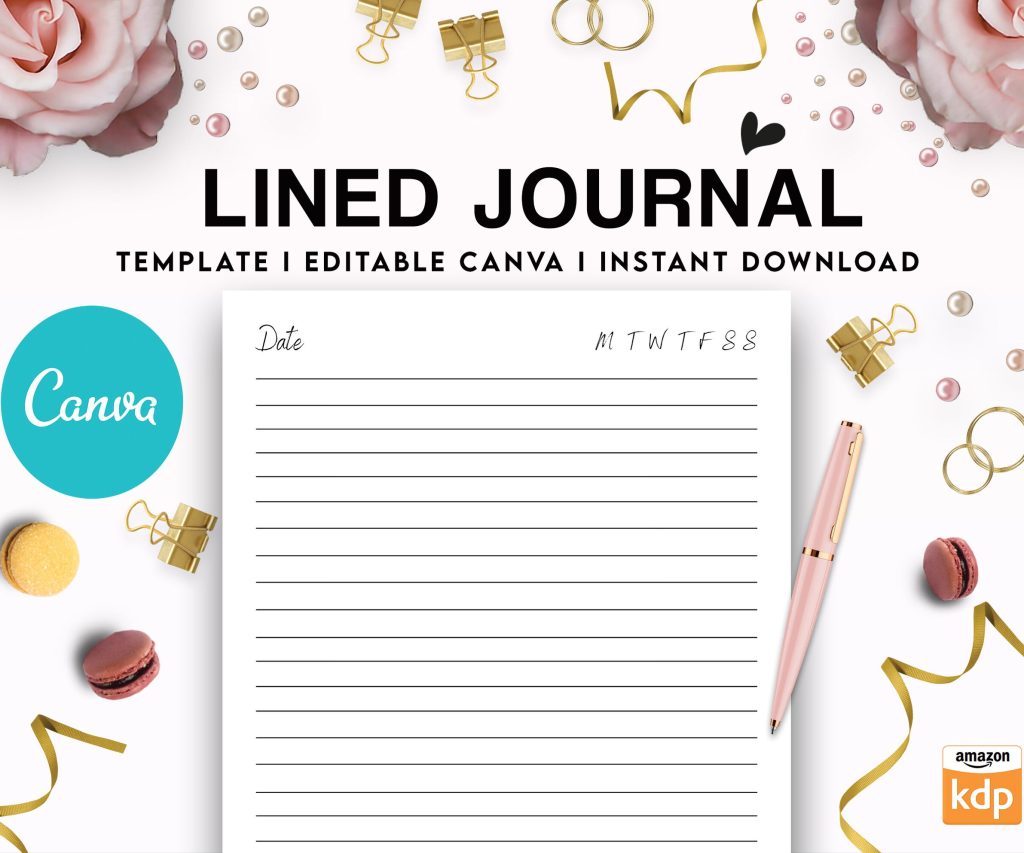 Editable Canva Lined Journal: Express Your Thoughts - KDP Template
1 × $0.00
Editable Canva Lined Journal: Express Your Thoughts - KDP Template
1 × $0.00 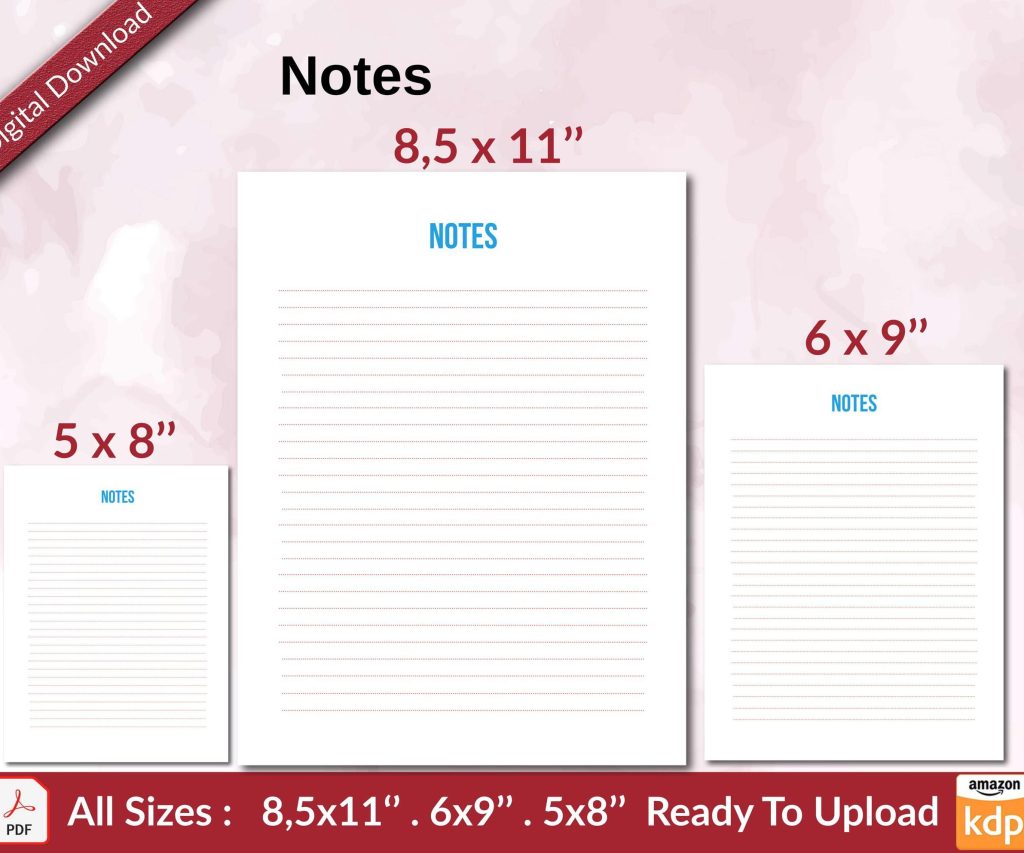 Notes KDP interior Ready To Upload, Sizes 8.5x11 6x9 5x8 inch PDF FILE Used as Amazon KDP Paperback Low Content Book, journal, Notebook, Planner, COMMERCIAL Use
2 × $0.00
Notes KDP interior Ready To Upload, Sizes 8.5x11 6x9 5x8 inch PDF FILE Used as Amazon KDP Paperback Low Content Book, journal, Notebook, Planner, COMMERCIAL Use
2 × $0.00 
DISCOVER OUR FREE BEST SELLING PRODUCTS
Editable Canva Lined Journal: Express Your Thoughts – KDP Template
Lined Pages Journal 120 pages Ready to Upload PDF Commercial Use KDP Template 6×9 8.5×11 5×8 for Notebooks, Diaries, Low Content
Lined Pages Journal 120 pages Ready to Upload PDF Commercial Use KDP Template 6×9 8.5×11 5×8 for Notebooks, Diaries, Low Content
Cute Dogs Coloring Book for Kids | Activity Book | KDP Ready-To-Upload
Daily Planner Diary : Diary Planners for Everyday Productivity, 120 pages, 6×9 Size | Amazon KDP Interior
Wolf Coloring KDP interior For Adults, Used as Low Content Book, PDF Template Ready To Upload COMMERCIAL Use 8.5×11"
Coloring Animals Head Book for Kids, Perfect for ages 2-4, 4-8 | 8.5×11 PDF
Printable Blank Comic Book Pages PDF : Create Your Own Comics – 3 Available Sizes
Notes KDP interior Ready To Upload, Sizes 8.5×11 6×9 5×8 inch PDF FILE Used as Amazon KDP Paperback Low Content Book, journal, Notebook, Planner, COMMERCIAL Use
Black Lined Journal: 120 Pages of Black Lined Paper Perfect for Journaling, KDP Notebook Template – 6×9
Student Planner Journal 120 pages Ready to Upload PDF Commercial Use KDP Template 6×9" 8.5×11" for Low Content book
Recipe Journal Template – Editable Recipe Book Template, 120 Pages – Amazon KDP Interior