-
×
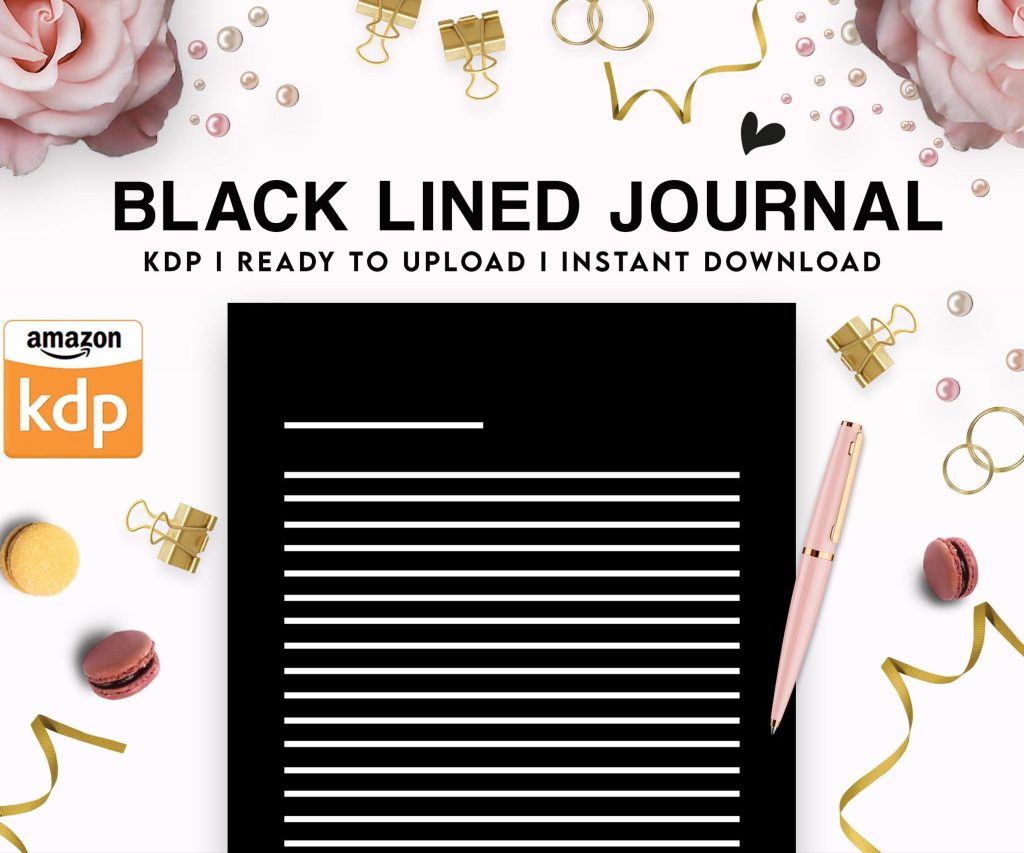 Black Lined Journal: 120 Pages of Black Lined Paper Perfect for Journaling, KDP Notebook Template - 6×9
1 × $0.00
Black Lined Journal: 120 Pages of Black Lined Paper Perfect for Journaling, KDP Notebook Template - 6×9
1 × $0.00
Subtotal: $0.00
 Black Lined Journal: 120 Pages of Black Lined Paper Perfect for Journaling, KDP Notebook Template - 6×9
1 × $0.00
Black Lined Journal: 120 Pages of Black Lined Paper Perfect for Journaling, KDP Notebook Template - 6×9
1 × $0.00 Subtotal: $0.00
Okay so I’ve been testing a bunch of Amazon alternatives for the past 18 months and Kendall Direct Publishing keeps coming up in these Facebook groups but here’s the thing – most people talking about it are confusing it with other platforms or they’re mixing up features from like three different services.
Let me break down what actually works because I just uploaded my 47th book to alternative platforms last month and the revenue split is getting interesting.
Draft2Digital is probably your best starting point and I’m gonna sound like a shill but I’m not affiliated with them at all. They distribute to Apple Books, Kobo, Barnes & Noble, and a bunch of smaller retailers you’ve never heard of. The dashboard is cleaner than KDP honestly and you can upload once then push to multiple stores. The catch? They take 10% of your royalties as a distribution fee but you don’t have to manage five different accounts so… worth it for most people.
I switched three of my coloring book series over there in September and made an extra $340 that month from Kobo alone which I wasn’t expecting. Apple Books was slower but picked up around the holidays.
Create your account – they verify through Payoneer or PayPal, your choice. Upload your PDF or Word doc. The cover needs to be separate unlike KDP where you can do it all in one PDF sometimes. They have this style guide thing that auto-formats your manuscript which is cool for ebooks but useless for low-content books obviously.
Pricing works different too. You set your price in USD and they convert it to other currencies automatically. Sometimes this screws you over with weird pricing like $8.37 instead of $7.99 but you can override it manually for each store.
Distribution takes 2-4 weeks to go live everywhere which is way longer than Amazon’s 72 hours but once it’s up it’s up.
This is where it gets complicated and honestly I avoided IngramSpark for two years because everyone said it was hard. They were right but also wrong? Like the setup is annoying but once you figure out their specs you can pump out books pretty fast.
They charge $49 per title to upload plus $25 if you want to make changes later which is insane compared to Amazon’s free uploads. BUT they distribute to actual bookstores and libraries which Amazon doesn’t really do effectively. I’ve had three journals end up in indie bookstores through Ingram without doing anything.
Their template requirements are super specific. Margins have to be exact – like 0.5″ on the spine side and 0.375″ on the outer edges for a 6×9 book. If you’re off by even a little bit they reject it and you waste time. Download their templates before you design anything trust me.
The cover calculator tool is actually helpful though. You input your page count and trim size and it spits out the exact dimensions including spine width. Way better than guessing like we used to do.
Print quality from Ingram is noticeably better than Amazon in my experience. The paper is whiter and thicker. But the shipping costs to order author copies are higher so factor that in.
Oh wait I forgot to mention – you can upload directly to B&N without using Draft2Digital. Their platform is called Barnes & Noble Press and it’s basically their answer to KDP. The interface looks like it was designed in 2012 but it works.
Royalties are 70% for ebooks priced between $2.99-$9.99 which matches Amazon. Print books are similar to KDP’s royalty structure. The problem is nobody really buys books on BN.com anymore? Like I have 12 titles there and make maybe $50-80 a month total. But it’s passive income I wouldn’t have otherwise so whatever.
Upload process is straightforward if you’ve used KDP. You need an EIN or SSN for tax stuff same as Amazon. Books go live in 24-48 hours usually.
B&N’s ebook reader is called Nook and there’s still a small dedicated audience there. Mostly older readers who bought Nooks back in the day and never switched to Kindle. My mom has one actually and refuses to upgrade which is how I know they exist.
If you’re doing romance or cozy mystery stuff Nook readers eat that up. My activity books don’t perform well there but my friend’s recipe ebook collection does like $200/month on Nook specifically.
This is gonna sound weird but Google Play Books has been my third-best performer after Amazon and Draft2Digital. Nobody talks about it in the low-content space but ebook sales there are decent.
You need a Google Play Books Partner Center account which is separate from your regular Google account for some reason. The approval process takes forever – mine took 11 days. They review your tax info and first upload manually.
Royalties are 52% if you set the price or 70% if you let Google set it which is a bizarre system. I always set my own price because their algorithm prices things too low.
The cool thing about Google Play is it’s huge in countries where Amazon isn’t dominant. India, parts of Southeast Asia, Brazil. I made $127 from India last quarter which never happens on Amazon because the prices have to be so low there.
Upload your ePub file – they prefer ePub over PDF for ebooks. Cover should be 1600×2560 pixels minimum. The dashboard shows you sales data broken down by country which is actually more detailed than KDP in some ways.
Even though Draft2Digital distributes to Kobo you can also upload directly through Kobo Writing Life. I do both for some titles to test pricing strategies differently.
Kobo is Canadian and huge in Canada, Australia, and parts of Europe. Like genuinely big market share in those regions. If you’re leaving Kobo out you’re missing sales.
They have this promotional tools section where you can set up price drops and countdown deals without having to email support. It’s automated which is nice. I ran a 99-cent promo on a journal last month and sold 43 copies which is more than that title usually does in three months.
Royalties are 70% for ebooks priced $2.99+ and they have print-on-demand now too through a partnership with… someone I forget who. The print quality was fine when I tested it.
Okay so funny story – I discovered Lulu by accident when looking for hardcover options because Amazon’s hardcover quality is hit or miss. Lulu specializes in print-on-demand and they’ve been around since like 2002 or something.
Their pricing is higher than Amazon’s but the product quality is legitimately better. I ordered the same planner printed through Amazon, Ingram, and Lulu to compare and Lulu’s binding was the sturdiest. Pages laid flat better too.
The wizard-style upload process walks you through everything step by step which is good if you’re new but annoying if you’ve done this a hundred times. You can’t skip ahead you just gotta click through each screen.
They distribute to Amazon actually which is weird – you can make your Lulu book available on Amazon’s marketplace. The royalties are lower this way but it’s another option.
If you wanna skip Draft2Digital and go straight to Apple Books you need a Mac computer or iPad to use their Books app for uploading. Yes seriously. There’s no web interface for PC users which is insane in 2024 but that’s Apple for you.
My cat literally walked across my keyboard while I was uploading to Apple last week and somehow published a book with the wrong cover and I had to wait three days for support to fix it so… be careful I guess.
The audience on Apple Books is more willing to pay higher prices from what I’ve seen. My $12.99 planners sell there but don’t move at that price on Amazon. Apple users just expect to pay more for stuff maybe?
Wait I forgot to mention Smashwords which is like the OG ebook distribution platform. They got acquired by Draft2Digital in 2022 but still operate separately kinda. The interface is super dated and clunky but they distribute to library systems which is unique.
Libraries buy ebooks through OverDrive and Smashwords feeds into that. You won’t make much per borrow but it’s exposure and legitimacy. Plus libraries don’t return books so the sales are final.
You upload a Word doc and their “Meatgrinder” software converts it to multiple ebook formats. The Meatgrinder is hilariously bad at formatting anything complex so it’s really only good for text-heavy ebooks with minimal formatting.
This isn’t a platform exactly but selling direct from your own site keeps 100% of the money minus payment processing fees. I set up a WooCommerce store last year and sell PDF downloads of some planners.
The traffic is low because you have to drive people there yourself but the profit margin is insane. A planner I make $3 on through Amazon makes me $11.50 when someone buys direct. I’ve made like $890 total from direct sales which isn’t huge but it’s something.
You need hosting, a domain name, and WooCommerce plugin which is free. Payment processing through Stripe or PayPal takes 2.9% + 30 cents per transaction. Setup took me a weekend to figure out while watching The Bear season 2.
The benefit of direct sales is you capture customer emails and can market to them later. I use ConvertKit to send a monthly newsletter with new releases and discount codes. My open rate is 32% which apparently is good?
PublishDrive is similar to Draft2Digital but distributes to even more retailers including some in Asia and Africa. They take 10% like D2D. The dashboard is actually prettier and has better analytics.
They have this AI pricing recommendation thing that suggests optimal prices for each market which I don’t really trust but I tested it on two titles and sales did increase slightly. Could be coincidence though.
One annoying thing is they require a proper ePub file – they don’t convert from Word docs. So you need to create the ePub yourself using Calibre or hire someone on Fiverr to do it.
Real talk – Amazon is still gonna be 70-85% of your income unless you’re in a specific niche that performs better elsewhere. But that other 15-30% from alternative platforms adds up. Last month my non-Amazon income was $1,247 which covered my mortgage payment basically.
The key is you can upload the same book everywhere except if you’re in KDP Select which requires exclusivity. Most of my books aren’t in Select anymore specifically so I can go wide.
Testing different platforms takes time upfront but once everything’s uploaded it’s mostly passive. I spend maybe 2 hours a month managing my non-Amazon accounts total.
Draft2Digital is the easiest starting point for ebooks. IngramSpark for print if you want bookstore distribution. Your own website for maximum profit on a few titles. That’s the setup I’d recommend if you’re just branching out from Amazon.


DISCOVER OUR FREE BEST SELLING PRODUCTS
Editable Canva Lined Journal: Express Your Thoughts – KDP Template
Lined Pages Journal 120 pages Ready to Upload PDF Commercial Use KDP Template 6×9 8.5×11 5×8 for Notebooks, Diaries, Low Content
Lined Pages Journal 120 pages Ready to Upload PDF Commercial Use KDP Template 6×9 8.5×11 5×8 for Notebooks, Diaries, Low Content
Cute Dogs Coloring Book for Kids | Activity Book | KDP Ready-To-Upload
Daily Planner Diary : Diary Planners for Everyday Productivity, 120 pages, 6×9 Size | Amazon KDP Interior
Wolf Coloring KDP interior For Adults, Used as Low Content Book, PDF Template Ready To Upload COMMERCIAL Use 8.5×11"
Coloring Animals Head Book for Kids, Perfect for ages 2-4, 4-8 | 8.5×11 PDF
Printable Blank Comic Book Pages PDF : Create Your Own Comics – 3 Available Sizes
Notes KDP interior Ready To Upload, Sizes 8.5×11 6×9 5×8 inch PDF FILE Used as Amazon KDP Paperback Low Content Book, journal, Notebook, Planner, COMMERCIAL Use
Black Lined Journal: 120 Pages of Black Lined Paper Perfect for Journaling, KDP Notebook Template – 6×9
Student Planner Journal 120 pages Ready to Upload PDF Commercial Use KDP Template 6×9" 8.5×11" for Low Content book
Recipe Journal Template – Editable Recipe Book Template, 120 Pages – Amazon KDP Interior