
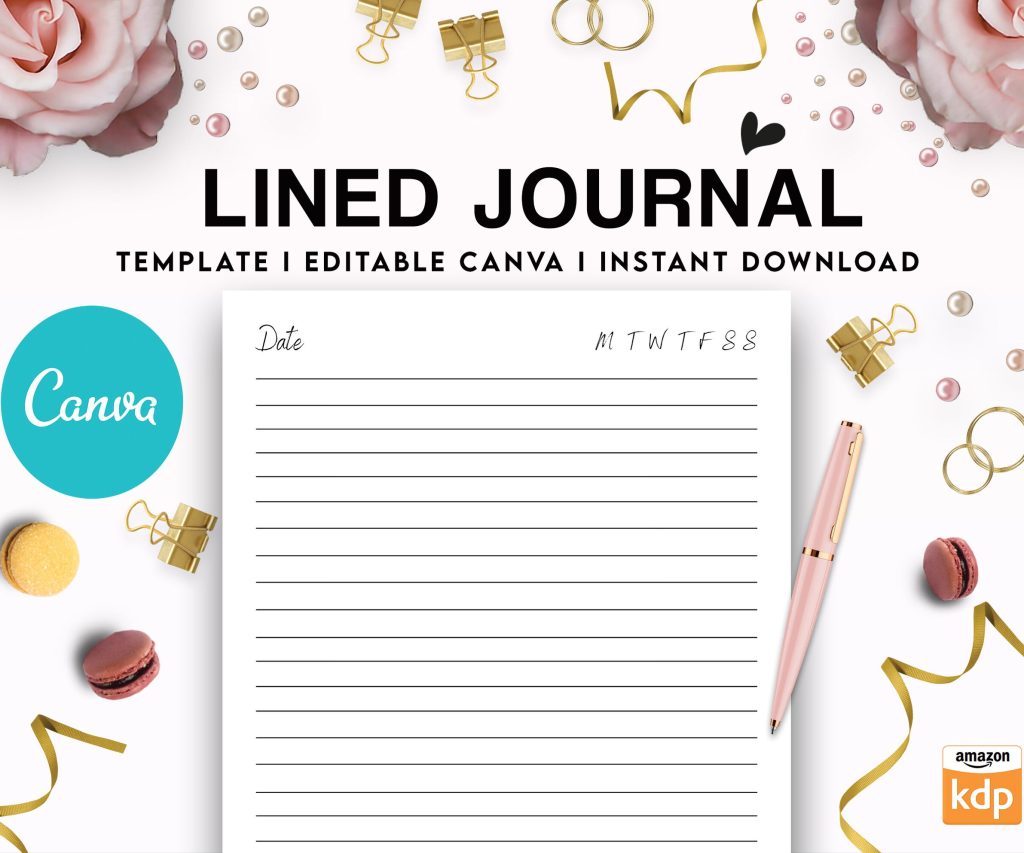
 Editable Canva Lined Journal: Express Your Thoughts - KDP Template
 Subtotal: $0.00
Amazon KDP guide, KDP book publishing
Kindle Amazon Direct Publishing: Royalty Options Compared
27
May
May
Okay so the royalty thing on KDP is actually way more nuanced than people think and I literally just had this conversation with someone in my mastermind yesterday who was leaving money on the table without realizing it.
There’s basically two options: 35% and 70%. Simple right? Except not really because the 70% option has like a million strings attached that’ll bite you if you don’t pay attention.
The 70% Royalty Option (Sounds Great But Wait)
So 70% royalty is obviously the one everyone wants because duh more money. But Amazon’s not just gonna hand you that without conditions. First thing, your book has to be priced between $2.99 and $9.99. That’s it. Price it at $2.97? Nope, you get 35%. Price it at $10.99 because you think your book is worth more? Also 35%.
And here’s where it gets annoying… there’s delivery costs. Amazon charges you for the file size of your book when someone downloads it. It’s like $0.15 per megabyte or something close to that. For regular text-only ebooks this is whatever, maybe 10-15 cents tops. But if you’ve got a cookbook with tons of images or a children’s book or graphic novel? That delivery fee can eat like 30-40% of your royalty real quick.
I made this mistake with a recipe book back in 2019 and couldn’t figure out why my royalties were so low until I actually did the math. The book was $4.99, I thought I was getting like $3.50 per sale (70% of $4.99) but after delivery costs I was getting closer to $2.80. Still better than 35% would’ve been but not what I expected you know?
Geographic Restrictions Nobody Talks About
Oh and another thing, the 70% option is only available in certain countries. Like the US, UK, Germany, most of Europe, Canada, Japan, India, Brazil, Mexico, Australia. But if someone in like South Africa buys your book? You’re getting 35% automatically. There’s nothing you can do about it.
This actually matters less than you’d think because like 80% of sales come from the US and UK anyway but still. Something to know.
The 35% Royalty Option (Not Always Bad Actually)
So everyone treats 35% like it’s the loser option but there’s actually legit reasons to use it sometimes.
First, no delivery costs. Whatever the price is, you get 35% of it minus like nothing. This means for books under $2.99, it’s your ONLY option anyway. Amazon doesn’t let you choose 70% below that price point.
And here’s something people don’t consider… if you’re doing permafree strategies or loss-leader funnels, sometimes you want to price a book at $0.99 to get people into your ecosystem. At $0.99 with 35% royalty you make about 35 cents per sale. Not amazing but if that reader then buys your three-book series at $4.99 each on 70% royalty, you’ve made like $10+ total from that customer.
I’ve got this low-content planner that I keep at $0.99 specifically to get people familiar with my brand. Makes maybe $200/month on its own but I can track that it leads to probably $800+ in other sales. Worth it.
When 35% Actually Pays More (Yeah Really)
This is gonna sound weird but sometimes the math works out where 35% at a higher price beats 70% at a restricted price.
Let’s say you’ve got a massive photography book or something with huge file size. Maybe the delivery cost at 70% royalty would be like $2.50. If you price it at $9.99 (the max for 70%), you’d get $9.99 × 0.70 – $2.50 = $4.49 per sale.
But if you price it at $14.99 with 35% royalty (no delivery cost), you get $14.99 × 0.35 = $5.25 per sale. You’d actually make MORE money with the “worse” royalty option.
I know someone who publishes art books who does this exclusively. All his books are $12.99-$19.99 on 35% royalty and he makes bank because his customers don’t care about the price as much as they care about the content quality.
The Weird KDP Select Consideration
Okay so if you enroll in KDP Select (which means your ebook is exclusive to Amazon for 90 days), you get access to the 70% royalty in more countries. Like you get 70% in Japan and Brazil and Mexico instead of 35%.
Plus you get borrows through Kindle Unlimited which pay separately. The KENP (Kindle Edition Normalized Pages) system pays you when people read your pages. Right now it’s hovering around $0.004 per page read which doesn’t sound like much but adds up.
Wait I forgot to mention, the page count for KENP is NOT the same as your actual page count. Amazon normalizes it based on some algorithm they don’t fully explain. My 200-page book shows as like 287 KENP pages. Someone else’s 200-page book might be 310 KENP. It’s based on character count and formatting and honestly I’ve stopped trying to understand it completely.
But here’s the thing with KU… if you’ve got a book that would work well as a serial or that people binge-read, KU can pay way better than sales. I’ve got a romance novella series where each book makes maybe $300 in sales but like $1800 in page reads monthly. The readers just devour them apparently.
Mixing Royalty Strategies Across Your Catalog
You don’t have to pick one royalty rate for everything. I’ve got like 40 books published right now and probably 30 are on 70% royalty and 10 are on 35%. It depends on the book.
My coloring books? 35% royalty at higher prices because the file sizes are enormous and also because the audience for adult coloring books will pay $8.99-$12.99 without blinking.
My short fiction? 70% royalty at $2.99-$4.99 because they’re text-only files that cost almost nothing to deliver.
My box sets? This is where it gets interesting… sometimes I’ll do 35% at like $12.99 even though the file size isn’t huge, just because the perceived value is high and customers expect to pay more for a bundle. The 35% of $12.99 ($4.55) beats the 70% of $9.99 ($6.99 minus maybe $0.30 delivery = $6.69) actually no wait that math doesn’t work. See this is why you gotta use a calculator for every book.
Pricing Psychology Gets Complicated
So there’s this whole thing where you’d think everyone should just price at $9.99 to maximize the 70% royalty right? But it’s not that simple because of how customers browse.
Books at $2.99-$4.99 convert way better in certain genres. Like cozy mysteries or quick romance reads or self-help books. People impulse buy at that price point. If you bump to $9.99 you might make more per sale but sell 1/3 as many copies which means less overall revenue.
I tested this with one of my productivity planners. At $4.99 with 70% royalty I was making about $3.40 per sale and selling maybe 100 copies a month = $340. Raised it to $9.99 thinking I’d make $6.70 per sale and only need to sell 51 copies to break even. Sold 35 copies that month. Made $234. Dropped it back down immediately.
Oh and another thing, Amazon’s algorithm seems to favor books that sell more copies not books that make more revenue. So sometimes pricing lower at 70% royalty and selling more units gets you better visibility which leads to even more sales. It’s this whole flywheel thing.
International Pricing Is Its Own Mess
When you publish on KDP you can either let Amazon set international prices automatically or you can customize them. I usually let Amazon do it because I’m lazy but there’s arguments for customizing.
Like in the UK, Amazon adds VAT (value-added tax) which is like 20%. So if your book is $4.99 in the US, Amazon might price it at £4.99 in the UK which seems equivalent but it’s actually more expensive when you account for exchange rates. Some authors manually lower their UK price to improve conversion.
I tried this once, got confused about how it affected my royalties, and just went back to automatic pricing. My cat literally walked across my keyboard while I was trying to figure out the spreadsheet and I took it as a sign to give up.
The royalty percentage stays the same internationally but the actual amount you earn varies because of exchange rates and local taxes. It’s calculated at the time of sale so it fluctuates. I don’t really track it that closely unless it’s a major market.
Hidden Gotchas With Both Options
Okay so couple things they don’t make super obvious:
If you price match to free (like if your book is free on another platform and you ask Amazon to match it), you make zero royalties. Obviously. But it also takes you out of KDP Select if you were enrolled because you broke the exclusivity. Just something to know.
Returns eat into your royalties. If someone buys your book, you get paid, then they return it within 7 days, Amazon claws that royalty back. This happens more than you’d think especially with longer books where people finish it in a week then return it. It’s technically against Amazon’s policy but they don’t enforce it well. I lose maybe 3-5% of royalties to returns monthly.
Price matching works differently depending on royalty. If you’re at 70% and Amazon finds your book cheaper elsewhere, they might reduce your price automatically which could drop you below $2.99 and switch you to 35% without warning. I’ve heard of this happening but it’s never happened to me personally, knock on wood.
The Hardcover and Paperback Angle
Quick tangent but if you’re doing print books too through KDP Print, those royalties are completely different. It’s based on printing costs which vary by page count and trim size and paper type. You usually make like $2-$4 per paperback sale depending on how you price it.
Some people will do 35% royalty on their ebook at a higher price to make the paperback seem like better value. Like ebook at $12.99 (35% royalty, making $4.55) and paperback at $14.99 (making $3.50 after printing costs). Customers see the small price difference and often go for the paperback because it feels more substantial.
I don’t really do this because my stuff is mostly low-content and digital but I’ve seen it work for other authors.
What I Actually Do After Seven Years
My default strategy: price everything at $4.99 with 70% royalty unless there’s a specific reason not to. That price point converts well, gives me about $3.40 per sale, and keeps things simple.
Exceptions: Anything with big file size goes to 35% at $8.99 or higher. First books in a series go to $2.99 with 70% royalty to lower the barrier to entry. Special comprehensive guides or workbooks go to 35% at $11.99-$14.99 because customers expect to pay more.
I’m in KDP Select for probably 80% of my catalog because the page reads genuinely do add up to like 40% of my income. The other 20% I keep wide (available on other platforms) mostly to test things and because a few books do well on Apple Books.
Every quarter I review what’s working and adjust. Some books I’ll raise prices on if they’re selling consistently. Others I’ll drop to $2.99 if they’re stagnating to see if lower price helps. It’s not set-it-and-forget-it even though I wish it was.
Real talk though, the difference between 35% and 70% matters less than actually finishing and publishing the book. I see so many people obsess over pricing optimization before they’ve even published anything. Just pick 70% at $4.99 for your first book and adjust later based on actual data not hypotheticals.
DISCOVER OUR FREE BEST SELLING PRODUCTS
Editable Canva Lined Journal: Express Your Thoughts – KDP Template
Lined Pages Journal 120 pages Ready to Upload PDF Commercial Use KDP Template 6×9 8.5×11 5×8 for Notebooks, Diaries, Low Content
Lined Pages Journal 120 pages Ready to Upload PDF Commercial Use KDP Template 6×9 8.5×11 5×8 for Notebooks, Diaries, Low Content
Cute Dogs Coloring Book for Kids | Activity Book | KDP Ready-To-Upload
Daily Planner Diary : Diary Planners for Everyday Productivity, 120 pages, 6×9 Size | Amazon KDP Interior
Wolf Coloring KDP interior For Adults, Used as Low Content Book, PDF Template Ready To Upload COMMERCIAL Use 8.5×11"
Coloring Animals Head Book for Kids, Perfect for ages 2-4, 4-8 | 8.5×11 PDF
Printable Blank Comic Book Pages PDF : Create Your Own Comics – 3 Available Sizes
Notes KDP interior Ready To Upload, Sizes 8.5×11 6×9 5×8 inch PDF FILE Used as Amazon KDP Paperback Low Content Book, journal, Notebook, Planner, COMMERCIAL Use
Black Lined Journal: 120 Pages of Black Lined Paper Perfect for Journaling, KDP Notebook Template – 6×9
Student Planner Journal 120 pages Ready to Upload PDF Commercial Use KDP Template 6×9" 8.5×11" for Low Content book
Recipe Journal Template – Editable Recipe Book Template, 120 Pages – Amazon KDP Interior