Okay so the whole creative control thing with KDP is actually where most people mess up because they don’t realize what they’re giving away versus what Amazon controls anyway.
The Actual Control You Have
You own your content. Like completely. Amazon doesn’t touch that, they’re just the distribution platform. I published this planner last year and realized halfway through that I could literally pull it down, change everything, and republish under a different title if I wanted. Nobody stops you.
Here’s what you actually control:
- Your manuscript content – every single word or design element
- Cover design (as long as it meets their specs)
- Pricing within their ranges
- Book description and keywords
- Categories you choose
- Whether you go exclusive or wide
The pricing thing trips people up. You can’t charge $200 for a paperback coloring book. Amazon has price ranges based on page count and… honestly it makes sense because nobody’s gonna buy a 50-page notebook for forty bucks.
KDP Select vs Going Wide
This is where the creative control conversation gets real. KDP Select means you’re exclusive to Amazon for 90 days. You get access to Kindle Unlimited, which honestly pays pretty well if you’re in certain niches. I made about $800 last month just from KU page reads on my low-content books.
But going wide means you can sell on Draft2Digital, IngramSpark, wherever. More control over your distribution. I do both depending on the book type. My guided journals? Those go exclusive because the KU crowd eats them up. My actual ebooks with real content go wide because I want them everywhere.
Oh and another thing – you can switch. After your 90-day enrollment ends, you can opt out of Select and go wide. I’ve done this with probably 30 books at this point. Just gotta remember to actually opt out because it auto-renews and I’ve forgotten twice like an idiot.
The Cover Design Situation
You have complete control here but also Amazon has specifications that’ll make you wanna pull your hair out the first time. The cover dimensions need to be exact based on your page count and paper type. There’s this calculator on KDP that tells you the spine width.
I use Canva Pro for most of my covers now. Costs like $13/month and honestly worth it because their templates are actually decent starting points. But you could use:
- Photoshop if you’re fancy
- GIMP which is free
- Affinity Designer (one-time payment, pretty solid)
- Literally whatever design software you want
Amazon doesn’t care how you make it as long as the file meets their requirements. PDF for paperbacks, JPG or TIFF for ebook covers. The resolution needs to be at least 300 DPI for print which… yeah that’s standard but people still upload 72 DPI covers and then wonder why they look terrible.
Wait I forgot to mention – you can change your cover anytime. I’ve updated covers on live books probably a dozen times. Sometimes Amazon reviews the change, sometimes it goes live in like 2 hours. No pattern I can figure out.
Interior Formatting Freedom
This is where you really have full control and where I see people overthink everything. For low-content books like planners, journals, logbooks – you’re designing every single page. I use Adobe InDesign but that’s overkill for most people.
Better options if you’re starting:
- Book Bolt (monthly subscription, has templates)
- Tangent Templates (one-time purchase)
- Canva again (they have interior templates now)
- Microsoft Word if you’re doing text-heavy stuff
Amazon accepts PDF files for interiors. That’s it. How you create that PDF is completely up to you. I’ve uploaded books I made in PowerPoint before – worked fine. The file just needs to meet their specs for margins and bleed.
Bleed is this 0.125 inch border on all sides where content might get trimmed. So don’t put important stuff there. Learned that the hard way when my first planner had dates cut off on like every page.
The Pricing Control Thing
You set your own prices but Amazon has minimum and maximum ranges. For paperbacks, the minimum is based on printing costs plus their cut. A 120-page paperback on white paper costs about $2.50 to print, so your minimum price is gonna be around $4-5 depending on size.
The maximum is like $250 but honestly who’s pricing anything near that. I price my planners between $6.99 and $12.99 usually. The royalty is 60% of (list price minus printing cost) which… okay so if you price a book at $9.99 and printing costs $2.50, you make 60% of $7.49 which is $4.49 per sale.
For ebooks the royalty options are 35% or 70%. The 70% option has requirements – price between $2.99 and $9.99, and you pay delivery costs based on file size. My cat just jumped on my keyboard sorry – anyway the delivery cost is usually like $0.15 or less so it’s not a big deal.
You can change pricing whenever you want. I run sales all the time by temporarily dropping prices. No approval needed, it just updates.
Content Guidelines You Actually Need to Follow
This is gonna sound weird but Amazon’s content guidelines are where your “complete control” hits some walls. You can’t publish:
- Public domain stuff without adding substantial value
- Books that are just reprints of free government documents
- Content that violates trademarks or copyrights
- Offensive material (their definition, which is vague)
- Poor quality books with formatting issues
The “substantial value” thing is important if you’re doing public domain. You can’t just upload Pride and Prejudice with a new cover. But if you add annotations, illustrations, study guides – that counts. I published a bunch of classic novels with reading comprehension questions added and those were fine.
Oh and another thing about content – Amazon’s been cracking down on AI-generated content lately. Not saying you can’t use AI tools, but if your entire book is clearly AI-written with no human editing, it might get flagged. They want you to disclose AI content now too.
The Description and Keywords Situation
You write your own book description completely. No restrictions except it can’t be misleading or have a bunch of competitor book titles in it. I use HTML formatting in mine to make them look better:
- Bold text for important features
- Italics for emphasis
- Line breaks to separate sections
- Bullet points (using actual HTML tags)
The description can be up to 4000 characters. Use them. A good description is like half the battle for conversions. I spent 2 hours rewriting descriptions for my top 20 books last month and saw sales increase by maybe 15-20%.
Keywords are yours too – you get seven keyword phrases. Don’t waste them on stuff that’s already in your title. Think about what people actually search for. “Gratitude journal for women” not just “journal.” Amazon’s algorithm uses these for ranking so choose carefully.
Categories Matter More Than You Think
You can choose two categories when you publish but you can contact KDP support to add up to 10 total. This is free, you just email them with your ASIN and the categories you want. Takes like 24 hours usually.
Being in the right categories means you can hit bestseller status easier. Some categories have thousands of books, others have like 100. I got a “bestseller” badge on a planner by being in a super specific category with minimal competition. Did it increase sales? Honestly yeah, a bit.
The Rights and Distribution Control
When you upload to KDP, you’re granting Amazon the right to distribute your book. You still own it. This is non-exclusive unless you’re in KDP Select. You can publish the same content elsewhere under a different ISBN if you want.
ISBNs are interesting – Amazon provides free ones for paperbacks but you don’t own them. If you want to own your ISBN, buy one from Bowker (like $125 for one, cheaper in bulk). I use Amazon’s free ones for most books because I don’t care about owning them. But for books I might want to distribute elsewhere, I buy my own.
You control which Amazon marketplaces your book appears in. You can select all of them or just specific ones. I usually select all because why not? More exposure. The pricing auto-converts to local currencies.
Updates and Revisions
You can update your content anytime. Fixed a typo? Upload a new file. Want to add pages? Upload a new file. Amazon reviews major changes but minor corrections usually go through automatically.
I updated a planner’s interior last week because I realized the 2024 calendar was wrong (copied from 2023 like an idiot). Uploaded the fix, it was live in 3 days. People who already bought the old version don’t get the update automatically though, which kinda sucks but makes sense.
For ebooks, updates are similar. You can push corrections and Amazon will notify previous buyers that an update is available. They have to manually download it though.
What Amazon Actually Controls
Let’s be real about what you don’t control:
- The platform itself – if Amazon changes their rules, you adapt
- Review system – you can’t delete bad reviews
- Search algorithm – total black box
- Account suspension decisions – they can shut you down
- Payment terms – you get paid 60 days after month end
- Print quality – sometimes books come out looking worse than others
I had an account warning once because I accidentally uploaded duplicate content across two books. Scared the hell out of me. Fixed it immediately by deleting one. Amazon’s strict about their quality guidelines and they should be.
The Author Central Thing
You control your author profile completely through Author Central. Add a bio, photos, link your books, post updates. This is separate from KDP but connects to it. I barely use mine honestly but it’s there if you want to build an author brand.
You can also claim your author page and link your social media. Some authors swear by this for building a following. I’m too lazy for that most days – I just publish and move on to the next project.
Tools I Actually Use
Since we’re talking about maintaining control while working within Amazon’s system, here’s my actual toolkit:
- Helium 10 for keyword research (expensive but worth it)
- Publisher Rocket (one-time fee, decent for categories)
- Canva Pro for covers and interiors
- Adobe InDesign for complex layouts
- KDP’s own cover creator (it’s not terrible for simple stuff)
Wait I forgot to mention – Amazon has a preview tool before you publish. Use it. I’ve caught so many formatting errors by actually clicking through the preview. It shows exactly how your book will look.
The bottom line is you really do have creative control over everything that matters – your content, design, pricing strategy, distribution choices. Amazon just provides the rails you run on. Work within their system and you can build whatever you want. Ignore their guidelines and you’re gonna have a bad time.
I’m seven years into this and still learning new ways to optimize within their framework. Published over 200 books at this point and the control is real – you just gotta know where the boundaries are and how to maximize everything within them.

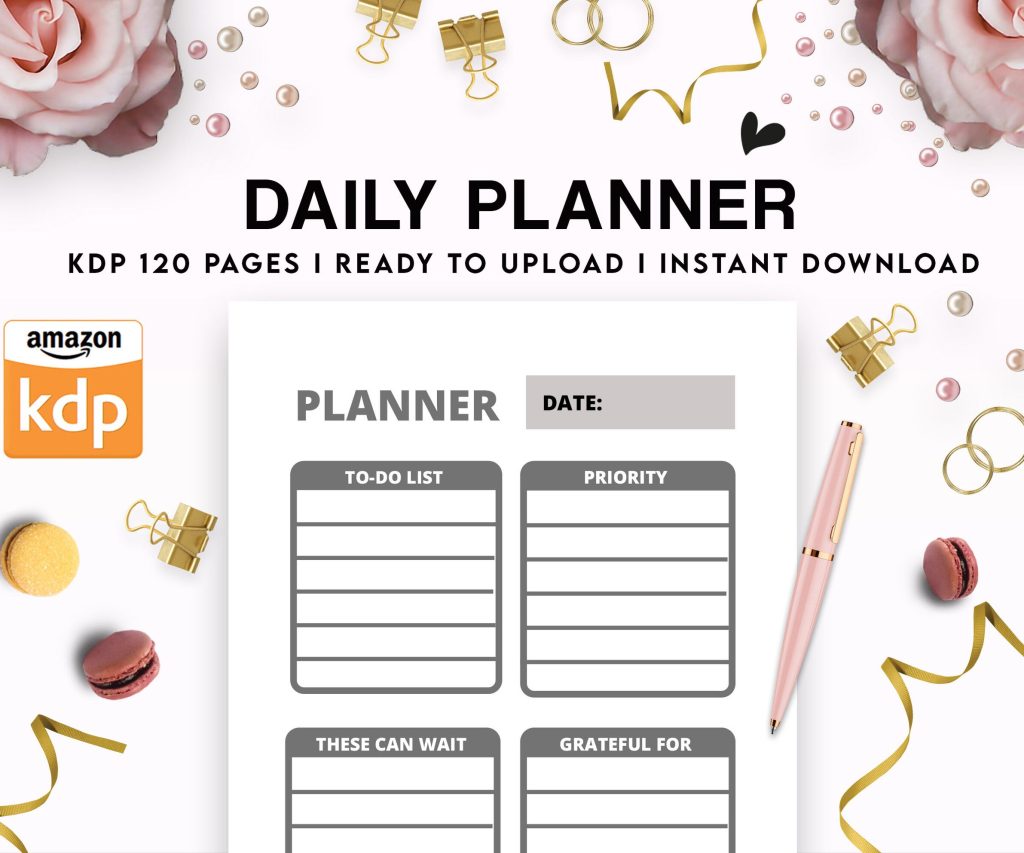 Daily Planner Diary : Diary Planners for Everyday Productivity, 120 pages, 6×9 Size | Amazon KDP Interior
1 × $0.00
Daily Planner Diary : Diary Planners for Everyday Productivity, 120 pages, 6×9 Size | Amazon KDP Interior
1 × $0.00 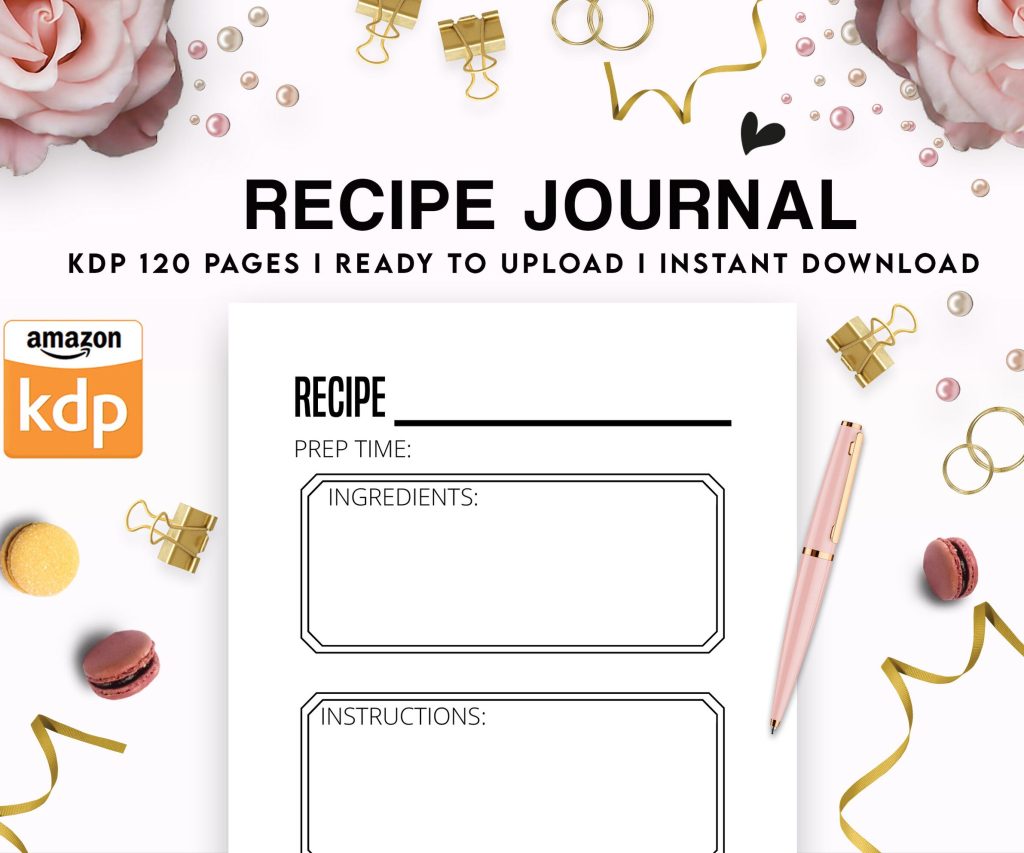 Recipe Journal Template - Editable Recipe Book Template, 120 Pages - Amazon KDP Interior
1 × $0.00
Recipe Journal Template - Editable Recipe Book Template, 120 Pages - Amazon KDP Interior
1 × $0.00 
DISCOVER OUR FREE BEST SELLING PRODUCTS
Editable Canva Lined Journal: Express Your Thoughts – KDP Template
Lined Pages Journal 120 pages Ready to Upload PDF Commercial Use KDP Template 6×9 8.5×11 5×8 for Notebooks, Diaries, Low Content
Lined Pages Journal 120 pages Ready to Upload PDF Commercial Use KDP Template 6×9 8.5×11 5×8 for Notebooks, Diaries, Low Content
Cute Dogs Coloring Book for Kids | Activity Book | KDP Ready-To-Upload
Daily Planner Diary : Diary Planners for Everyday Productivity, 120 pages, 6×9 Size | Amazon KDP Interior
Wolf Coloring KDP interior For Adults, Used as Low Content Book, PDF Template Ready To Upload COMMERCIAL Use 8.5×11"
Coloring Animals Head Book for Kids, Perfect for ages 2-4, 4-8 | 8.5×11 PDF
Printable Blank Comic Book Pages PDF : Create Your Own Comics – 3 Available Sizes
Notes KDP interior Ready To Upload, Sizes 8.5×11 6×9 5×8 inch PDF FILE Used as Amazon KDP Paperback Low Content Book, journal, Notebook, Planner, COMMERCIAL Use
Black Lined Journal: 120 Pages of Black Lined Paper Perfect for Journaling, KDP Notebook Template – 6×9
Student Planner Journal 120 pages Ready to Upload PDF Commercial Use KDP Template 6×9" 8.5×11" for Low Content book
Recipe Journal Template – Editable Recipe Book Template, 120 Pages – Amazon KDP Interior