-
×
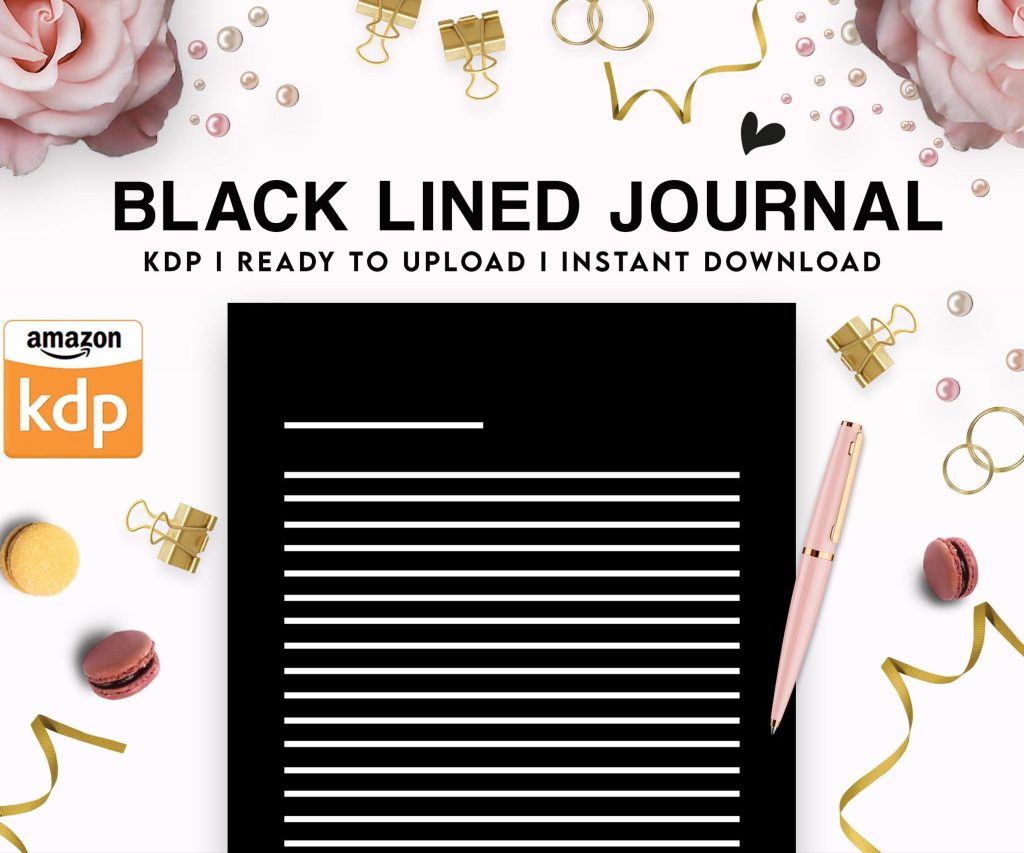 Black Lined Journal: 120 Pages of Black Lined Paper Perfect for Journaling, KDP Notebook Template - 6×9
1 × $0.00
Black Lined Journal: 120 Pages of Black Lined Paper Perfect for Journaling, KDP Notebook Template - 6×9
1 × $0.00
Subtotal: $0.00
 Black Lined Journal: 120 Pages of Black Lined Paper Perfect for Journaling, KDP Notebook Template - 6×9
1 × $0.00
Black Lined Journal: 120 Pages of Black Lined Paper Perfect for Journaling, KDP Notebook Template - 6×9
1 × $0.00 Subtotal: $0.00
Okay so I just uploaded three new planners last week and realized I haven’t really walked anyone through the actual freedom part of KDP publishing in a while, so here’s the deal.
The biggest thing people miss is that Amazon KDP isn’t just about publishing books… it’s about building a system where you’re not trading hours for dollars anymore. Like, I spent my first year doing everything manually and burning out, then figured out you gotta automate or you’ll hate this.
First thing: you need to separate creation from publishing. I see so many authors still doing one book at a time, waiting for each one to be perfect before moving on. That’s employee thinking, not publisher thinking.
What I do now is batch everything. Like, I’ll spend one week just doing keyword research for 10-15 book ideas. Then another week creating all the interiors. Then covers. Then descriptions. My cat keeps jumping on my keyboard during this stuff which is annoying but whatever… the point is you’re not context-switching every five minutes.
Your KDP business needs three types of books running simultaneously:
Quick cash books – these are your low-content stuff. Notebooks, planners, journals. They take maybe 2-3 hours to make, you price them at $6-8, and they just sit there making $50-200 a month each. I’ve got like 80 of these now and they’re basically my baseline income.
Evergreen middle-tier – think activity books, logbooks, specialized planners for specific niches. These take more work upfront (maybe 10-15 hours each) but they sell consistently for years. I’ve got a meal planning book from 2019 that still makes $300-400 monthly.
Passion projects – your actual ebooks or higher-effort books. These might flop or might take off, but they’re where the big money potentially is. Don’t make these your only focus though or you’ll go broke waiting.
Here’s what actually works for freedom… you need books that solve specific problems people are actively searching for. Not books you think are cool. Not books your mom would buy to be nice.
Go to Amazon right now and type in “book for” and let autocomplete show you what people want. Then add those phrases to a spreadsheet. I literally have a spreadsheet with 400+ book ideas I haven’t touched yet because there’s just so much demand.
Wait I forgot to mention – you gotta ignore the “saturation” people. Yeah there’s 50,000 notebooks on Amazon. There’s also millions of people buying notebooks every single day. The market is huge enough that you just need 0.001% of it to do really well.
This is gonna sound weird but I don’t publish every week anymore. I publish in bursts. Like, I’ll upload 15-20 books in one month, then nothing for two months while I watch them perform and do research.
Why? Because Amazon’s algorithm needs time to figure out where your book fits. If you’re constantly uploading, you’re also constantly babysitting new listings instead of optimizing the ones that are actually working.
My schedule looks like:
Then repeat. This gives you actual weekends off and time to like, live your life.
Okay so everyone asks about tools. Here’s what I actually use and what’s worth paying for:
Book Bolt – yeah it’s $10 monthly but the keyword research alone saves me hours. Their chrome extension shows you estimated sales right on Amazon search results. Game changer.
Canva Pro – I resisted this for so long because I’m cheap, but the ability to resize designs instantly and access their template library… worth it. I can make a cover in 15 minutes now instead of 2 hours in GIMP.
Publisher Rocket – one-time payment, gives you category and keyword data. I use this less now that I know what I’m doing, but it’s essential when starting.
What you don’t need: expensive courses, masterminds, coaching programs. Literally everything you need is free on YouTube or in Amazon’s own KDP help docs. I wasted $2000 on a course in 2018 that taught me nothing I couldn’t have learned myself.
Here’s what my typical week looks like now versus year one:
Year one I was working 50+ hours, stressed about every upload, checking my dashboard 47 times a day. Making maybe $800/month.
Now I work maybe 15-20 hours a week on KDP, I check my dashboard once a week (usually Friday morning with coffee), and I’m consistently over $5k monthly, sometimes pushing $10k depending on Q4.
The difference? Systems and detachment.
This is the part that actually creates freedom… you need repeatable processes for everything.
My interior template folder has like 30 pre-made templates. Need a new journal? Copy template, change the cover quote page, done. Takes 10 minutes.
My cover design folder has layered Canva templates organized by niche. Fitness? Copy fitness template, swap colors and text, export. 15 minutes.
My description template doc has 8 different formulas I rotate through depending on book type. Copy, customize, paste. 5 minutes.
See the pattern? You’re not starting from zero every time.
Oh and another thing – I use TextExpander (or you can use free alternatives) to auto-fill my author bio, common keyword phrases, backend search terms I use frequently. Probably saves me 2-3 hours a week just in typing.
Okay so funny story, I used to spend entire days doing research and still picking wrong books. Then I created this simple scoring system:
If a book idea scores 10+ points, I make it. If it’s 7-9, I put it on the maybe list. Under 7, I skip it.
This takes me like 10 minutes per book idea now and I pick winners way more often.
Real talk – the freedom comes from what you do with the money, not just making it.
I have four buckets my KDP income goes into:
Operating expenses (20%) – tools, covers, ads, ISBNs if I’m buying them
Reinvestment (30%) – hiring designers, buying better tools, testing new niches
Emergency fund (20%) – because Amazon can suspend your account for literally anything
Personal income (30%) – the part I actually pay myself
That emergency fund saved my butt when Amazon held $4k of my earnings for 60 days last year over some weird review policy thing. If that was money I’d already spent, I would’ve been screwed.
At around 50 books I hit a wall where I couldn’t keep track of what was working anymore. Everything blurred together.
So I started using Airtable (free version) to track every book with these fields: Title, Niche, Upload Date, Current BSR, Monthly Revenue, Keywords, Notes.
Now I can filter by “what’s making over $100/month” or “what did I upload in Q3” or “show me all fitness books” and actually make smart decisions about what to do more of.
This probably sounds boring but trust me, you can’t scale past like 30-40 books without some tracking system. Your brain just can’t hold it all.
Look, you can publish 200 books and still be broke and stressed if you don’t focus on the right things.
What actually matters:
Solving problems – every book should answer “why would someone buy this?” clearly
Consistent publishing – not daily, just regular. Amazon rewards publishers who stick around
Learning from data – if your weight loss books sell but your recipe books don’t, make more weight loss books
Ignoring trends – yeah fidget spinner books made money in 2017. That ship sailed. Focus on evergreen
What doesn’t matter as much as people think:
Perfect covers – they need to be good, not perfect
Your author brand – nobody cares who published their password log book
Social media – I have zero social presence and do fine
Launch strategies – just publish and optimize, no need for complex launches on low-content
Wait I forgot to mention pricing. Price your books at what the market will bear. I see people pricing journals at $3.99 trying to compete on price. You’re just leaving money on the table. If similar books sell at $7.99, price yours at $7.99. Amazon’s customers aren’t that price sensitive for books.
This is gonna sound weird but the real freedom came when I stopped trying to publish 100 books a month or whatever these gurus say to do.
I publish maybe 30-40 books a year now. That’s it. But they’re researched well, designed properly, and priced right. And collectively they make more than when I was grinding out garbage daily.
You gotta build this like a real publishing house, not a content farm. Quality isn’t about fancy interiors or whatever… it’s about publishing books that people actually want and will actually use.
The freedom is in having 100+ books that each make $30-300 monthly without you touching them. Not in constantly chasing the next upload.
Anyway, that’s basically how I structure everything now. It’s not sexy or exciting, but it works and I actually have time to watch TV and stuff now instead of being glued to Canva every night.

DISCOVER OUR FREE BEST SELLING PRODUCTS
Editable Canva Lined Journal: Express Your Thoughts – KDP Template
Lined Pages Journal 120 pages Ready to Upload PDF Commercial Use KDP Template 6×9 8.5×11 5×8 for Notebooks, Diaries, Low Content
Lined Pages Journal 120 pages Ready to Upload PDF Commercial Use KDP Template 6×9 8.5×11 5×8 for Notebooks, Diaries, Low Content
Cute Dogs Coloring Book for Kids | Activity Book | KDP Ready-To-Upload
Daily Planner Diary : Diary Planners for Everyday Productivity, 120 pages, 6×9 Size | Amazon KDP Interior
Wolf Coloring KDP interior For Adults, Used as Low Content Book, PDF Template Ready To Upload COMMERCIAL Use 8.5×11"
Coloring Animals Head Book for Kids, Perfect for ages 2-4, 4-8 | 8.5×11 PDF
Printable Blank Comic Book Pages PDF : Create Your Own Comics – 3 Available Sizes
Notes KDP interior Ready To Upload, Sizes 8.5×11 6×9 5×8 inch PDF FILE Used as Amazon KDP Paperback Low Content Book, journal, Notebook, Planner, COMMERCIAL Use
Black Lined Journal: 120 Pages of Black Lined Paper Perfect for Journaling, KDP Notebook Template – 6×9
Student Planner Journal 120 pages Ready to Upload PDF Commercial Use KDP Template 6×9" 8.5×11" for Low Content book
Recipe Journal Template – Editable Recipe Book Template, 120 Pages – Amazon KDP Interior