-
×
 Student Planner Journal 120 pages Ready to Upload PDF Commercial Use KDP Template 6x9" 8.5x11" for Low Content book
1 × $0.00
Student Planner Journal 120 pages Ready to Upload PDF Commercial Use KDP Template 6x9" 8.5x11" for Low Content book
1 × $0.00
Subtotal: $0.00

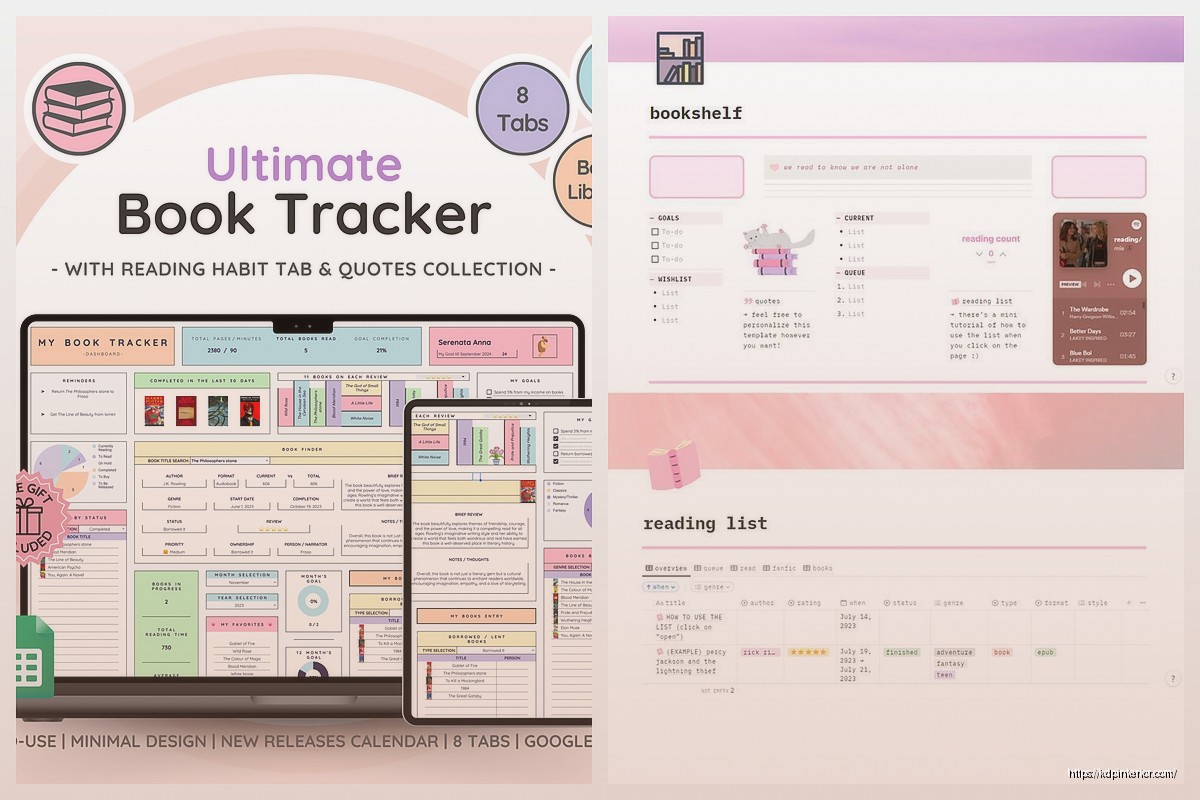
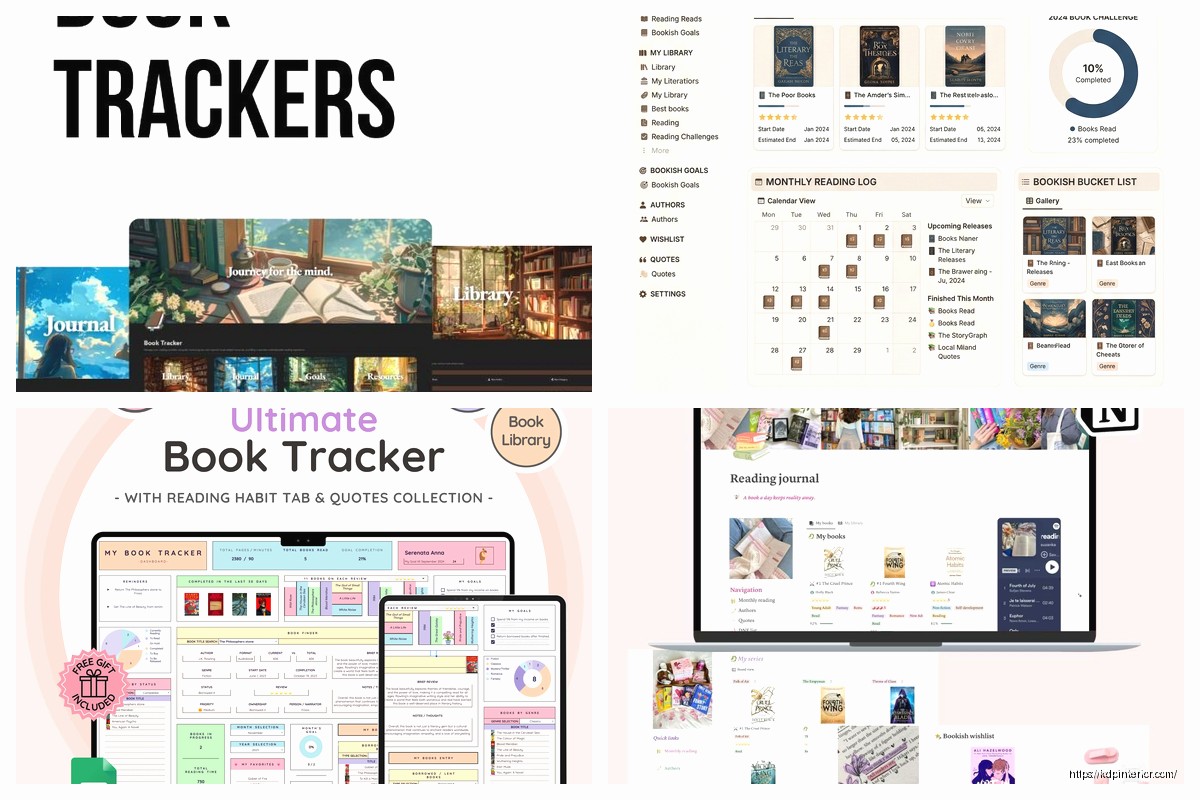
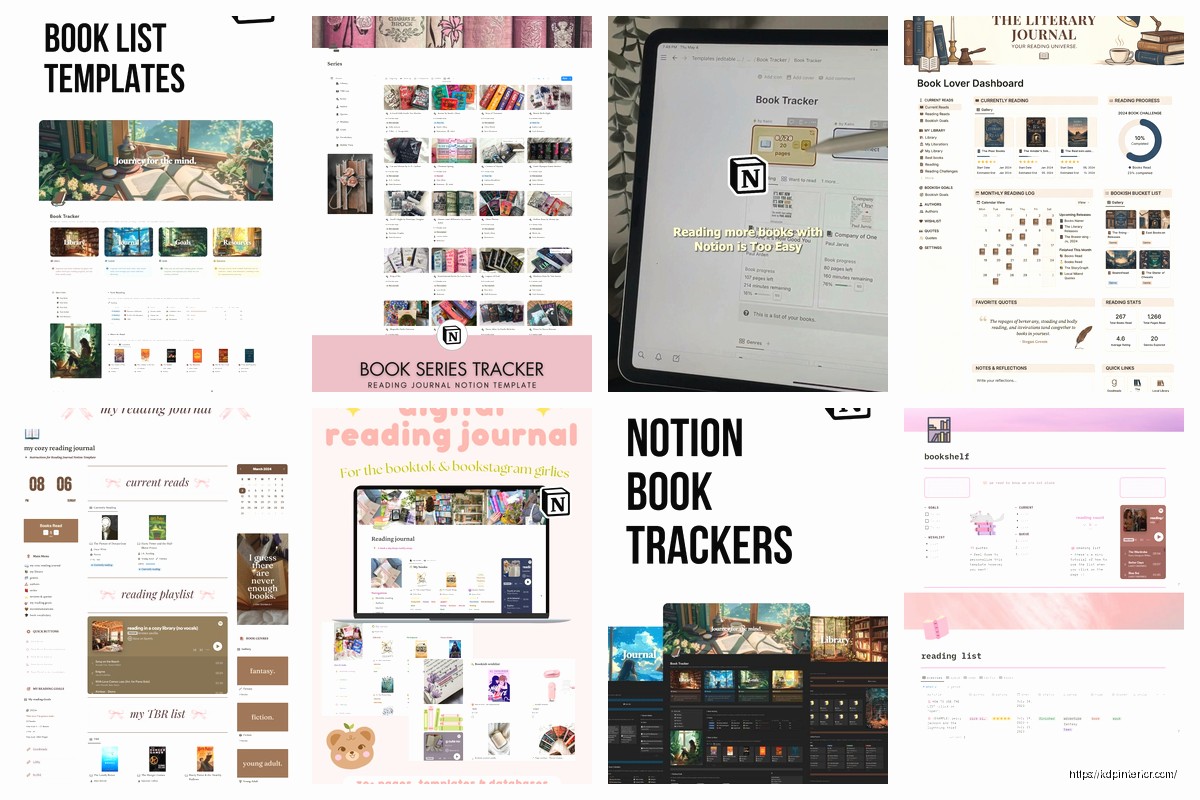
okay so I just spent like three hours last weekend rebuilding my entire Notion reading tracker because my old system was a complete mess and honestly? best decision ever. let me walk you through what actually works.
First thing – you need a database, not just a page with bullet points. I see people doing this all the time and then wondering why they can’t filter anything. Create a new database and call it whatever you want, I went with “Books” because I was watching some crime show at like 2am and couldn’t think straight.
Your properties are gonna make or break this whole thing. Here’s what I actually use after testing like fifteen different setups:
The format thing is super important if you’re like me and constantly switching between formats. sometimes I’m reading three versions of books at once which sounds insane but whatever works right?
This is where it gets good. The whole point of organizing your TBR is so you can actually FIND stuff when you’re standing there like “what do I read now??”
Create a view called “TBR Pile” and filter it to only show Status = TBR. Then I sort mine by a priority property (oh yeah add that – use select with High, Medium, Low). The high priority stuff is books I actually OWN already or ones people keep recommending.
I also have a Gallery view for my TBR that shows book covers. You gotta add a Files property for this and upload covers. sounds like extra work but trust me when you’re browsing it’s so much better to see the actual covers. I spent one Sunday just adding covers to like 80 books while binging some Netflix show and it was weirdly therapeutic.
wait I forgot to mention – you can grab covers from Goodreads or Amazon. just right click and save image. don’t overthink it.
Filter for Status = Reading and I like to show this as a board grouped by Format. That way I can see “oh I’m reading two physical books and one audiobook right now” and it keeps me from starting too many at once.
Though honestly I still start too many books. my partner keeps making fun of my eight bookmarks scattered around the house.
okay so this part gets a little extra but some people love it. You can add a progress bar using a formula property. The formula is basically:
Current Page / Total Pages
except you need another property called “Current Page” as a number. then the formula property set to show as a progress bar. I used this for like two weeks and then stopped updating it because who has time? but if you’re someone who likes that visual motivation thing it’s pretty satisfying to watch the bar fill up.
Add a “Month Read” property using formula to extract the month from your Date Finished. The formula is like month(prop(“Date Finished”)) but honestly just Google “Notion extract month formula” because I can never remember the exact syntax.
Then create a view grouped by Month Read and you can see how many books you finished each month. I also have a separate formula that calculates total pages read per month which makes me feel productive even when I’m only reading like graphic novels.
here’s where people go crazy and create like 47 genres. don’t do that. I keep it simple:
That’s it. You can add more later if you need them but start simple or you’ll spend 20 minutes deciding if something is “contemporary fiction” or “literary fiction” and honestly who cares.
oh and another thing – I added a “Mood” multi-select for things like Light, Heavy, Funny, Dark, Cozy. This helps when I’m like “I need something light after that depressing book” and I can filter my TBR for Light + TBR status.
Inside each book entry, I have a template that auto-populates with:
I’ll be honest I only fill this out for like 30% of books. Usually the ones that really hit me or ones I know I’ll want to remember details about. don’t feel pressure to write essays about every beach read you finish.
this is gonna sound extra but it’s actually useful – I created a separate “Authors” database and related it to my Books database. Now when I click on an author I can see all their books I’ve read or want to read.
Set it up by creating a new database called Authors, then in your Books database add a Relation property pointing to Authors. You can link each book to its author and boom, you’ve got author pages.
I also did this with “Series” because I read a lot of fantasy and was constantly forgetting which book I was on. my cat knocked over my water bottle right when I was setting this up and I almost lost everything, remember to let Notion sync before you close tabs like an idiot.
If you’re in any book clubs add a “Book Club” select property and tag books accordingly. then create a view filtered for your book club books. I’m in two book clubs and was constantly forgetting which book was for which group until I did this.
okay so within your database you can create templates for different scenarios. I have:
New TBR Entry Template – has Status pre-set to TBR, includes the “Why I’m adding this” prompt
Started Reading Template – changes Status to Reading, auto-fills today’s date in Date Started
Just Finished Template – Status to Finished, Date Finished to today, prompts for rating and quick review
You access these by clicking the little arrow next to “New” in your database. saves you from manually changing the same properties every single time.
Real talk most of the views I created in the beginning I never use. here’s what I actually check:
The rest is just noise honestly. start with a few views and add more only if you find yourself wishing you could filter something specific.
Notion doesn’t officially integrate with Goodreads which is annoying but there’s a workaround. Export your Goodreads library as CSV, then import it into Notion. You’ll need to map the columns to your properties but it beats manually entering 200 books.
After that I just add new books to both places. takes an extra 30 seconds but I like having Goodreads for the social aspect and Notion for actual organization.
The Notion mobile app is… fine. I mostly use it to mark books as finished or to check my TBR when I’m at the bookstore (dangerous, don’t recommend).
Set up a widget on your phone’s home screen that shows your Currently Reading view. then you can quick-add notes without opening the full app. I use this to jot down page numbers where interesting stuff happens or quotes I wanna remember.
If you’re into stats like me you can create a dashboard page that pulls in different views. I have:
The formulas get complicated but there are tons of templates out there you can duplicate and modify. I basically Frankensteined mine from like three different templates I found.
biggest mistake people make is creating this elaborate system and then abandoning it after two weeks. keep it simple enough that updating it doesn’t feel like homework.
I update mine whenever I start or finish a book, which takes maybe 2 minutes. once a month I’ll go through and clean up entries, add covers to new books, adjust my TBR priority based on what I’m actually excited about.
The priority thing is key – every few months I go through my entire TBR and honestly ask “will I ever actually read this?” and if the answer is no I delete it. your TBR should be inspiring not guilt-inducing.
also don’t stress about DNF books. I have a DNF status and use it liberally. life’s too short for books you’re not enjoying and having them tracked separately means they don’t clutter up your actual TBR.
this whole system has made me way more intentional about what I read and way less likely to stare at my bookshelf for 20 minutes unable to decide. plus it’s kinda cool to look back and see everything you’ve read over time, gives you that little dopamine hit of accomplishment.
anyway that’s basically my entire setup. start with the basics and add complexity only when you actually need it. you don’t need a perfect system on day one, just something functional that you’ll actually use consistently.
DISCOVER OUR FREE BEST SELLING PRODUCTS
Editable Canva Lined Journal: Express Your Thoughts – KDP Template
Lined Pages Journal 120 pages Ready to Upload PDF Commercial Use KDP Template 6×9 8.5×11 5×8 for Notebooks, Diaries, Low Content
Lined Pages Journal 120 pages Ready to Upload PDF Commercial Use KDP Template 6×9 8.5×11 5×8 for Notebooks, Diaries, Low Content
Cute Dogs Coloring Book for Kids | Activity Book | KDP Ready-To-Upload
Daily Planner Diary : Diary Planners for Everyday Productivity, 120 pages, 6×9 Size | Amazon KDP Interior
Wolf Coloring KDP interior For Adults, Used as Low Content Book, PDF Template Ready To Upload COMMERCIAL Use 8.5×11"
Coloring Animals Head Book for Kids, Perfect for ages 2-4, 4-8 | 8.5×11 PDF
Printable Blank Comic Book Pages PDF : Create Your Own Comics – 3 Available Sizes
Notes KDP interior Ready To Upload, Sizes 8.5×11 6×9 5×8 inch PDF FILE Used as Amazon KDP Paperback Low Content Book, journal, Notebook, Planner, COMMERCIAL Use
Black Lined Journal: 120 Pages of Black Lined Paper Perfect for Journaling, KDP Notebook Template – 6×9
Student Planner Journal 120 pages Ready to Upload PDF Commercial Use KDP Template 6×9" 8.5×11" for Low Content book
Recipe Journal Template – Editable Recipe Book Template, 120 Pages – Amazon KDP Interior