
Amazon KDP guide, KDP book publishing
Online Recipe Book Template: Digital Cookbook Design
Apr
Okay so I just spent like three weeks testing different online recipe book templates because one of my clients wanted to pivot from journals to cookbooks and honestly the whole digital cookbook space is kinda wild right now.
The Format Thing Nobody Talks About
First thing you gotta understand is that online recipe books aren’t just PDFs anymore. I mean they CAN be, but that’s like… the basic level. What actually sells right now is interactive stuff or at least templates that LOOK interactive even if they’re static files. I tested this with five different designs last month and the ones that had clickable table of contents and bookmark features got way more positive reviews.
The file format matters more than people think. ePub is gonna be your best friend for actual recipe books on Kindle because it reflows text, which means someone can adjust font size without breaking your layout. BUT and this is important, if you’re doing a lot of photos or specific layout stuff, you might wanna go with fixed-layout ePub or even just offer a PDF version separately.
I made this mistake with my first cookbook template where I spent hours getting the margins perfect in InDesign and then converted to ePub and everything shifted like two inches to the left. My dog knocked over my coffee during that discovery and honestly that matched my mood pretty well.
Design Elements That Actually Matter
So here’s what I’ve learned works for digital cookbook templates:
- White space is your friend – don’t cram everything together just because you can
- Font size minimum 11pt for body text, 14pt for ingredients lists
- High contrast ratios because people read these on phones while cooking
- Consistent heading hierarchy or people get lost fast
The ingredient list section needs to be scannable. I use bullet points or a simple table format, never just paragraph text. You want someone covered in flour to glance down and immediately see “2 cups sugar” without hunting through sentences.
Recipe titles should be in a font that’s readable but also has personality. I usually stick with sans-serif for body text and then maybe a nice serif or hand-written style font for titles. But test it on mobile first because what looks cute on your laptop might be illegible on a phone screen.
Template Structure That Makes Sense
Wait I forgot to mention the actual structure part. Your basic online recipe book template needs these sections:
Front matter: Title page, copyright info, maybe a quick intro or about the author page. Keep it short though, people want recipes not your life story.
Table of contents: This HAS to be clickable if you’re doing ePub. Non-negotiable. I use Adobe InDesign’s TOC feature and then make sure all the hyperlinks carry over during export.
Recipe sections: Group by category like appetizers, mains, desserts. Or by cuisine type. Or dietary restrictions. Whatever makes sense for your niche but be consistent.
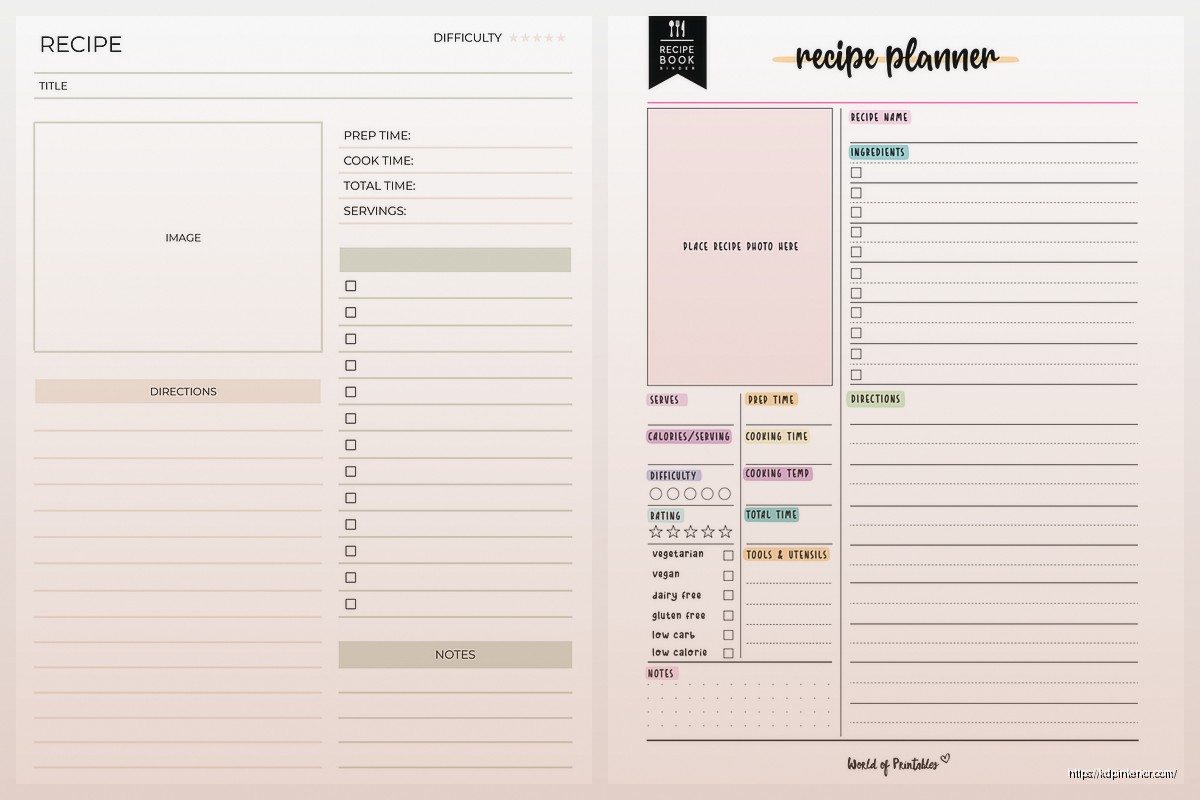
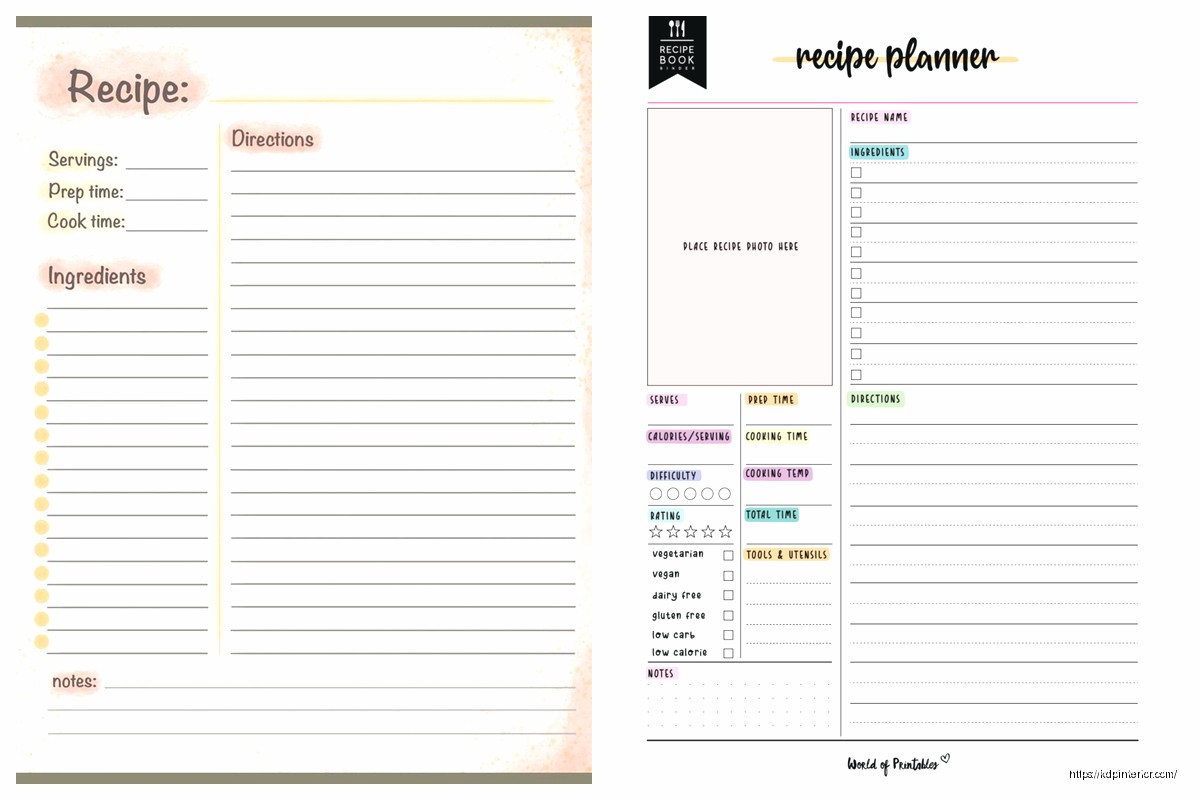
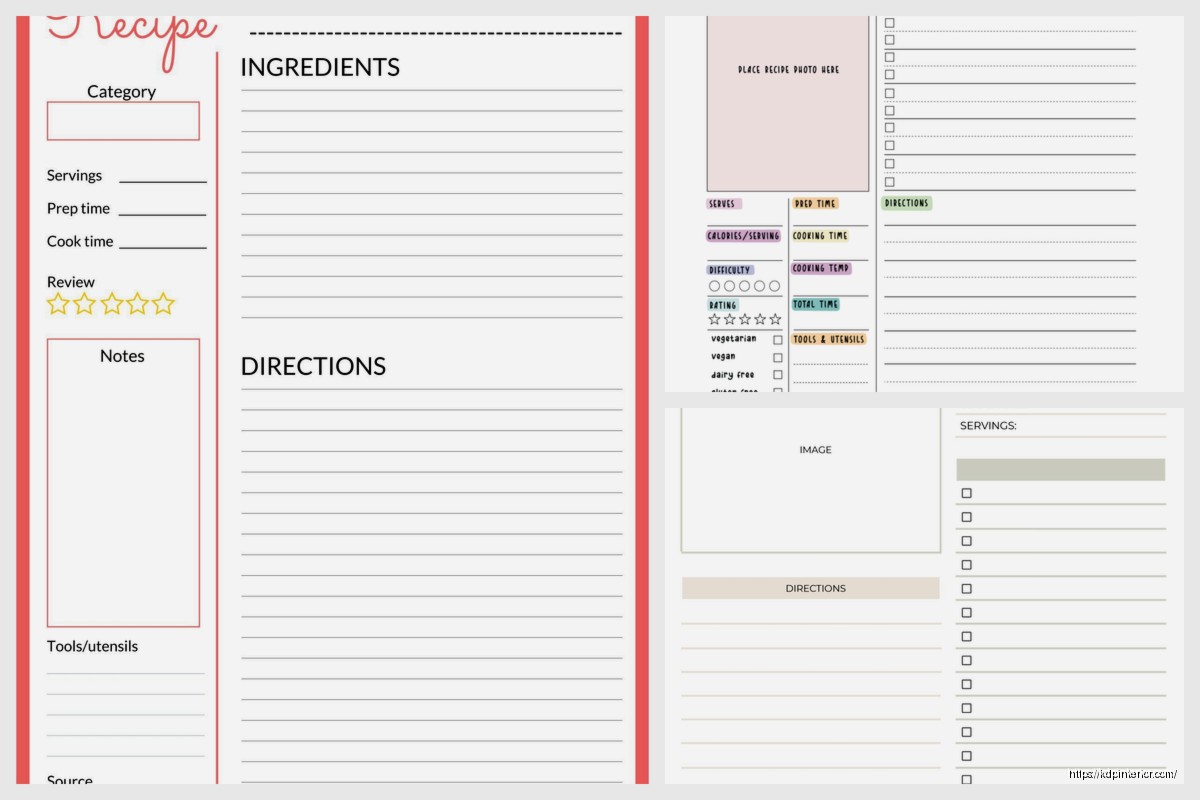
Each individual recipe page should follow the same template every time. Mine looks like this:
- Recipe title at top
- Prep time, cook time, servings info
- Brief description (2-3 sentences max)
- Ingredients list
- Step by step instructions
- Optional: tips, variations, or storage info
The photo situation is tricky. High-res photos make file sizes huge which affects download times and storage. I usually go with 300dpi for PDFs that people will print, but 150dpi for ePub files. Compress them in Photoshop before importing.
Software Options Because Everyone Asks
Okay so funny story, I started out trying to build templates in Microsoft Word and that was absolutely terrible. Word is fine for basic documents but for anything with images and specific layouts it’s gonna fight you the whole way.
Canva: Honestly great for beginners. They have cookbook templates built in and you can customize pretty easily. The downside is everything kinda looks like Canva after a while and the export options are limited. Good for PDFs, not ideal for ePub.
Adobe InDesign: This is what I use now for professional stuff. Learning curve is steep but once you get it, you can control everything. Built-in ePub export, preflight checking, master pages so you’re not reformatting every single recipe page manually. Worth the subscription if you’re serious about this.
Vellum: Mac only which sucks but it’s specifically designed for ebook formatting. Super clean output, handles recipes well with their custom formatting options. I borrowed my friend’s MacBook to test it and yeah it’s pretty solid.
Atticus: Newer software, works on PC and Mac. I’ve been testing this for the past two months and it’s actually really good for cookbook layouts. Not as robust as InDesign but way easier to learn.
The Mobile-First Thing
This is gonna sound weird but you need to design for phones first now. Like 70% of my cookbook sales are people reading on mobile devices. That fancy two-column layout you loved? Gonna look terrible on a 6-inch screen.
Test everything on your phone before finalizing. I literally AirDrop files to my iPhone and open them in Kindle or Apple Books to see how they actually look. You’ll catch so many issues this way.
Images should be centered and full-width usually. Side-by-side photos rarely work on mobile. Text wrapping around images is a nightmare in ePub format so just don’t even try.
Interactive Features Worth Adding
If you’re doing PDF versions, you can add actual form fields where people can type in substitutions or notes. I learned this from a client who wanted editable templates and it’s actually not that hard in Adobe Acrobat Pro.
Hyperlinked ingredients that jump to substitution guides or measurement conversions are clutch. Takes extra time to set up but adds real value.
For ePub, you can embed simple javascript for things like ingredient calculators or serving size adjusters. I don’t usually go that deep because it can cause compatibility issues with different reading apps, but it’s possible.
Common Mistakes I See All The Time
Oh and another thing, people always mess up the measurements formatting. Use proper fraction characters (½ not 1/2) and be consistent with abbreviations. Either use “tbsp” everywhere or “tablespoon” everywhere, don’t switch back and forth.
Image placement that breaks the reading flow is brutal. If someone’s in the middle of step 3 and suddenly there’s a full-page photo, they lose their place. Keep images at the start of recipes or clearly between sections.
Not including an index is a missed opportunity for PDFs. People want to search by ingredient sometimes, not just recipe name.
File naming conventions matter more than you think. I name mine like “RecipeBook_BeefRecipes_v3.epub” so I can keep track of versions and content without opening the file.
Pricing and Positioning Strategy
Wait this isn’t really about templates but since we’re talking cookbooks… pricing digital cookbooks is weird. People expect them to be cheaper than print but not TOO cheap or they assume low quality. I usually see sweet spots between $2.99 and $9.99 depending on recipe count.
Template bundles sell better than individual templates. Like offer a “Complete Cookbook Template Set” with different styles and people will buy that over a single template even if they only use one design.
Technical Specs You Can’t Ignore
Amazon KDP has specific requirements for cookbooks. Max file size is 650MB but realistically you want under 50MB or people on slow connections will bounce.
Image formats: JPG for photos, PNG for graphics or anything needing transparency. Don’t use GIFs or weird formats, they cause conversion issues.
Margins need to be at least 0.5 inches on all sides for PDFs that people might print. For ePub it matters less because it’s reflowable but still good practice.
Color profiles should be RGB for digital, not CMYK. I made this mistake early on and colors looked washed out on screens. CMYK is for print only.
Testing Before Launch
I cannot stress this enough, test your template with actual recipe content before selling it or using it for a real project. Lorem ipsum doesn’t show you if your ingredient list formatting breaks with longer items or if your instruction steps get cut off weird.
Use Kindle Previewer for ePub files. It shows you how your book looks on different devices. Takes like five minutes and saves you from embarrassing formatting fails.
For PDFs, open them in different PDF readers. Adobe Reader, browser built-in viewers, mobile apps. They all render slightly differently sometimes.
Print at least one page to see if your margins and sizing work in physical format. Some people still print recipe pages even from digital cookbooks.
Organization Systems That Scale
If you’re making multiple cookbook templates or planning to sell templates, you need a file organization system from day one. I learned this the hard way after creating like 30 different versions and having no idea which was the final one.
My current system is folders for each template project with subfolders for:
- Source files (InDesign, Canva, whatever)
- Exported finals (ePub, PDF, MOBI)
- Images (organized by recipe or section)
- References (inspiration, notes, client feedback)
Version control is crucial. I add dates to filenames and keep a simple text document with change logs. Sounds tedious but saves hours when you need to go back to a previous version.
Master templates are your foundation. Create one really solid recipe page layout and save it as a master, then duplicate and modify for variations. Don’t start from scratch every time.
The whole process gets faster once you have systems in place. My first cookbook template took me probably 40 hours to build. Now I can customize a new one in maybe 6-8 hours because I have the framework already figured out.
Anyway that’s basically everything I wish someone had told me when I started messing with digital cookbook templates. The market’s still growing and honestly there’s room for both simple templates and complex interactive ones depending on your audience.
DISCOVER OUR FREE BEST SELLING PRODUCTS
Editable Canva Lined Journal: Express Your Thoughts – KDP Template
Lined Pages Journal 120 pages Ready to Upload PDF Commercial Use KDP Template 6×9 8.5×11 5×8 for Notebooks, Diaries, Low Content
Lined Pages Journal 120 pages Ready to Upload PDF Commercial Use KDP Template 6×9 8.5×11 5×8 for Notebooks, Diaries, Low Content
Cute Dogs Coloring Book for Kids | Activity Book | KDP Ready-To-Upload
Daily Planner Diary : Diary Planners for Everyday Productivity, 120 pages, 6×9 Size | Amazon KDP Interior
Wolf Coloring KDP interior For Adults, Used as Low Content Book, PDF Template Ready To Upload COMMERCIAL Use 8.5×11"
Coloring Animals Head Book for Kids, Perfect for ages 2-4, 4-8 | 8.5×11 PDF
Printable Blank Comic Book Pages PDF : Create Your Own Comics – 3 Available Sizes
Notes KDP interior Ready To Upload, Sizes 8.5×11 6×9 5×8 inch PDF FILE Used as Amazon KDP Paperback Low Content Book, journal, Notebook, Planner, COMMERCIAL Use
Black Lined Journal: 120 Pages of Black Lined Paper Perfect for Journaling, KDP Notebook Template – 6×9
Student Planner Journal 120 pages Ready to Upload PDF Commercial Use KDP Template 6×9" 8.5×11" for Low Content book
Recipe Journal Template – Editable Recipe Book Template, 120 Pages – Amazon KDP Interior