Okay so I just tested like 15 different book log templates last month and here’s what actually works if you’re trying to create printable reading trackers that people will actually use.
The Basic Setup Nobody Tells You About
First thing – don’t overthink the page size. US Letter (8.5 x 11) is what 90% of people want because that’s what their printer takes. I wasted two weeks doing A4 versions and they barely sold. You can add A4 later but start with Letter.
The margins matter way more than you think. Set them at 0.5 inches minimum on all sides. I learned this the hard way when customers kept emailing saying the edges were cutting off. Most home printers can’t do borderless and people don’t know how to adjust their print settings, so you gotta account for that.
What Goes On A Reading Tracker Sheet
Here’s the core fields that actually get used:
- Book title (obvious but make the space BIG)
- Author name
- Date started / Date finished
- Rating (usually 5 stars or out of 10)
- Genre or category
- Notes section
The notes section is where people get picky. Some want lined space, some want blank, some want prompts like “favorite quote” or “would I recommend.” I usually do a hybrid – maybe 3-4 lines with a prompt and then blank space below.
Oh and another thing – page numbers. Some readers are OBSESSED with tracking page counts. Add a field for total pages and maybe even pages read per session if you’re doing a detailed tracker.
The Different Formats That Sell
You’ve got basically four types:
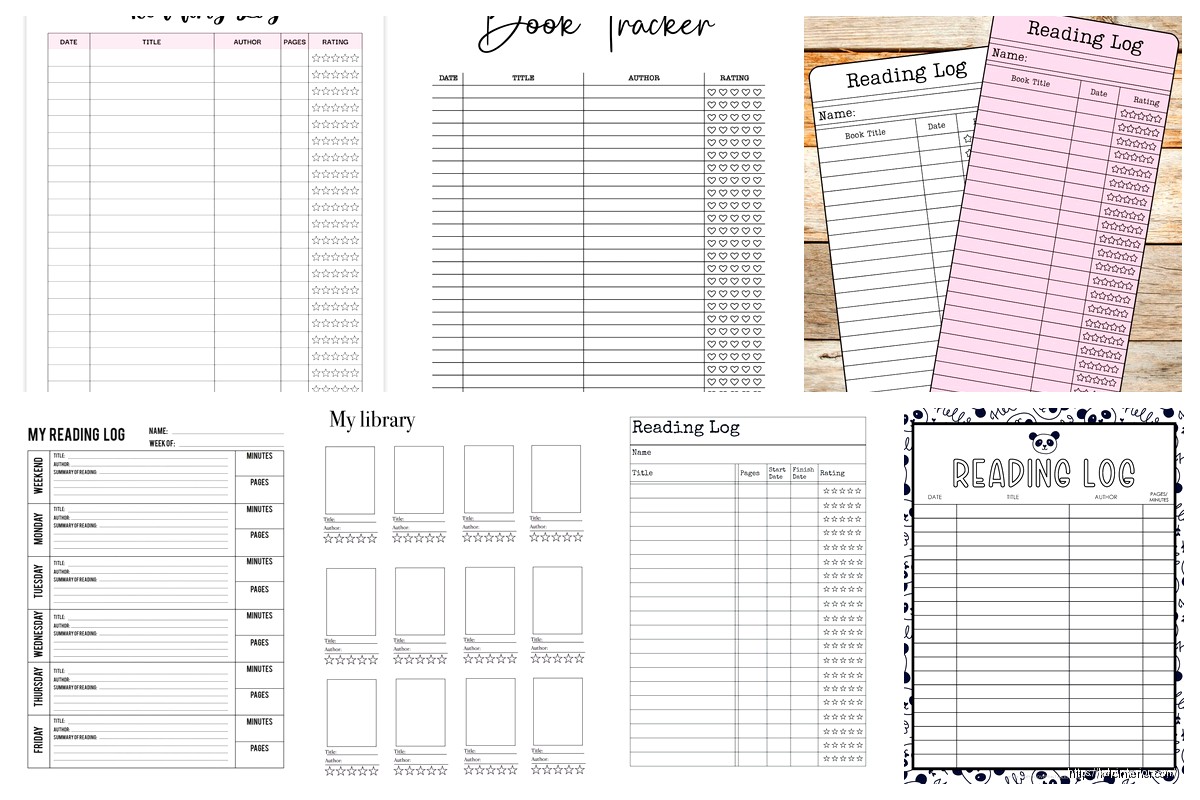
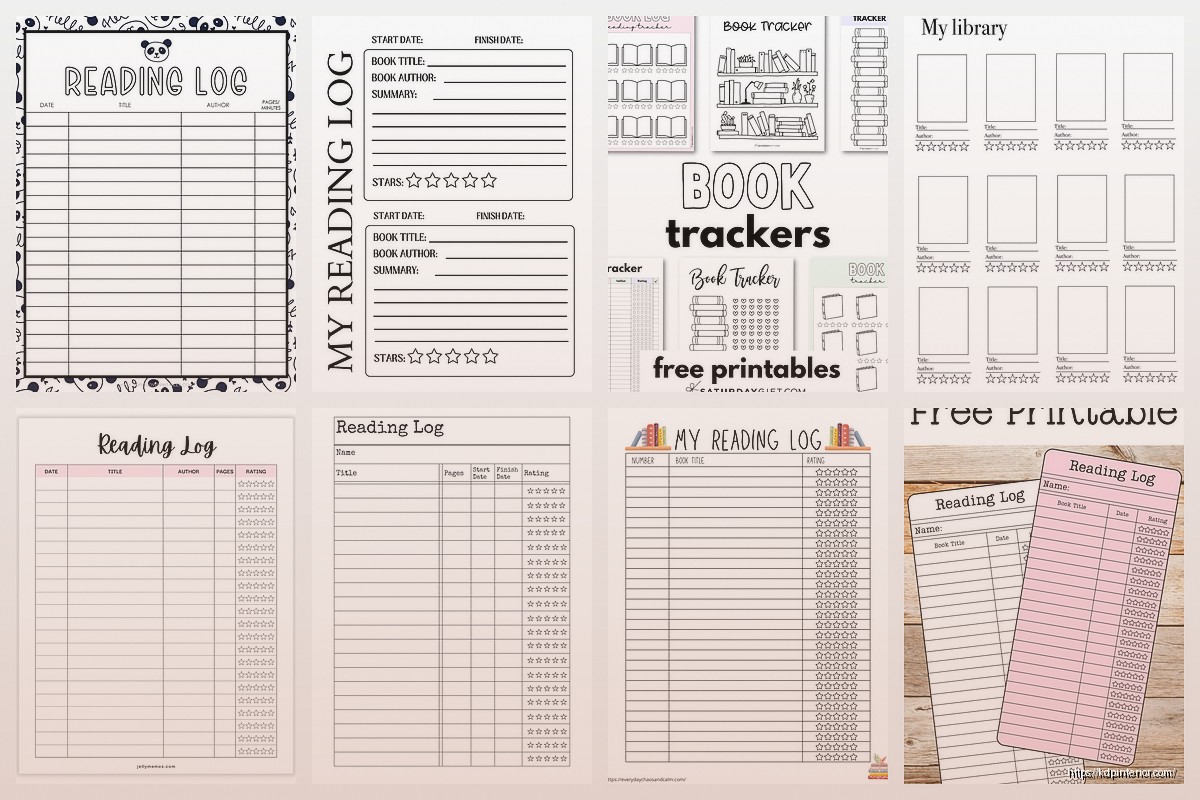
Simple list format – just rows of books, super minimal. This is your bread and butter. One book per row, fits like 20-25 books per page. People who read a ton prefer this because they can see everything at a glance.
One book per page – way more detail. Good for people who journal about their reading. You can add sections for character names, themes, quotes, all that. My dog literally stepped on my keyboard while I was designing one of these and somehow made the layout better by selecting random elements… anyway.
Monthly trackers – calendar style where you log books by month. These sell really well in December and January when people are setting reading goals. Put 12 months in one PDF.
Challenge trackers – like read 50 books in a year, or genre challenges, or reading bingo cards. These are fun but seasonal.
Design Stuff That Actually Matters
Keep it simple. I see so many people making these elaborate designs with flowers and swirls and honestly… book people just want functional. A clean sans-serif font, maybe one accent color, done.
I use Canva for most of mine which I know some designers hate but it works and it’s fast. The free version has everything you need. For fonts, something like Montserrat or Open Sans for headers, then a readable body font like Lora or Georgia.
Color psychology is real but don’t go crazy. Soft blues and greens test well for reading logs. Avoid bright red or orange – feels too aggressive for this niche. Neutral beige and cream backgrounds work great, easier on the eyes than pure white.
The Grid System Thing
Wait I forgot to mention – use a grid or table structure even if you’re hiding the borders. It keeps everything aligned when people print. Nothing worse than text boxes that shift around.
In Canva you can use tables or just manually align elements with the position tool. Either way, make sure your spacing is consistent. Like if the gap between row 1 and row 2 is 0.25 inches, keep that same spacing all the way down.
Making Different Versions
This is gonna sound weird but you should make at least 3-4 variations of the same tracker. Like:
- Basic black and white version
- Color version with some design elements
- Minimalist version (literally just lines and text)
- Detailed version with extra fields
Bundle them together in one PDF. People love options and it barely takes extra time once you’ve got the first template done. Just duplicate the page and modify.
I usually create a 20-30 page PDF with:
- Cover page with instructions
- 2-3 different tracker styles
- Multiple copies of each (so they can print what they need)
- Maybe a bonus page like reading goals or TBR list
The Technical Export Settings
Okay so this part is important. Export as PDF obviously but make sure it’s high quality. In Canva use the “Standard” PDF setting not “Presentation” – Standard preserves the layout better for printing.
Resolution should be 300 DPI minimum. Anything less looks pixelated when printed. File size will be bigger but that’s fine, people expect that for printables.
Embed your fonts if your software lets you. Prevents issues when the PDF opens on different devices.
Where People Actually Sell These
Etsy is the main one for printables. You create a digital product listing, upload your PDF, customer buys it and downloads immediately. Etsy takes like 6.5% plus listing fees but the traffic is worth it.
Your own website works if you’ve got an audience already. I use SendOwl for delivery – integrates with WordPress, handles the file delivery automatically.
Gumroad is super easy for beginners. Clean interface, simple setup, they handle everything. Fees are higher though.
Creative Market is more designer-focused but book logs do okay there. Better for template bundles.
Teachers Pay Teachers if you angle it as a classroom resource. Reading logs for students, book report templates, that kind of thing.
Pricing Strategy From Someone Who Tests This
Single reading tracker PDF: $3-6
Bundle of multiple trackers: $8-12
Ultimate reading journal bundle (30+ pages): $15-20
I know people say to charge more but honestly in the printables market, volume matters. I’d rather sell 100 copies at $5 than 20 copies at $15. The math works out better and you get more reviews which helps with ranking.
Oh and another thing – offer a freebie version. Like a simple one-page tracker as a lead magnet or free download. Gets people into your ecosystem and some will upgrade to paid versions.
The Keywords and SEO Part
For Etsy specifically (since that’s where most printable sales happen):
Use all 13 tags. Include variations like:
- reading log
- book tracker
- reading journal
- book log printable
- reading planner
- book journal
- reading tracker pdf
Your title should be descriptive and front-loaded with main keywords. Like “Reading Log Printable – Book Tracker Journal Pages – Reading Planner PDF”
In your description, mention printing multiple times. Talk about how it’s great for avid readers, book clubs, students, homeschool. Hit different customer segments.
Common Mistakes I See All The Time
Making the text too small. Remember people are printing this at home, maybe without their glasses on. 10pt font minimum, 12pt is better for body text.
Not including instructions. Add a simple page that says “Print on US Letter paper, single-sided recommended, use cardstock for durability” or whatever makes sense.
Forgetting about printer margins. Already mentioned this but seriously, test print your stuff before listing it.
Too many pages. Unless it’s specifically a massive bundle, keep it under 30 pages. File size gets huge and people don’t actually print 50-page documents.
Not showing mockups. Your listing photos should show the tracker in use – printed pages, someone writing on it, in a binder, whatever. Stock photos of people reading are fine but show the actual product.
Quick Production Tips
Create templates you can reuse. I’ve got a master Canva file with my standard layout, fonts, colors all set. When I want to make a new tracker variation I just duplicate and modify. Saves hours.
Batch create. If you’re gonna make book logs, make like 10 different versions in one sitting. You’re already in the zone, the design elements are fresh in your mind.
Watch TV while doing the repetitive stuff. I binged all of The Bear while duplicating pages and adjusting spacing… not relevant but that show is good.
Extra Features People Actually Want
Reading challenge checkboxes – like “read a book over 500 pages” or “read a book published this year”
TBR list pages – to be read lists are huge with the book community
Genre tracker – visual chart showing how many books they read per genre
Monthly/yearly stats page – total books read, average rating, favorite genre
Bookshelf tracker – for people who wanna track their physical collection
Quote collection pages – dedicated space for favorite quotes from books
Series tracker – for tracking multi-book series progress
Okay so the thing is, you can keep adding features forever but start simple. Get a basic version out there, see what customers ask for in reviews, then create v2 with those additions.
The reading tracker niche isn’t saturated yet compared to like meal planners or budget sheets, but it’s getting there. The key is making yours actually usable – not just pretty, but functional. Think about how someone would actually use this while sitting on their couch with a book.
Test print everything yourself. I cannot stress this enough. What looks perfect on screen might have issues when printed. The spacing might be off, the colors might be too light, text might be too close to margins.
And honestly? The people who buy these are genuinely passionate about reading and tracking their progress. Make something you’d actually use yourself and you’re probably on the right track.

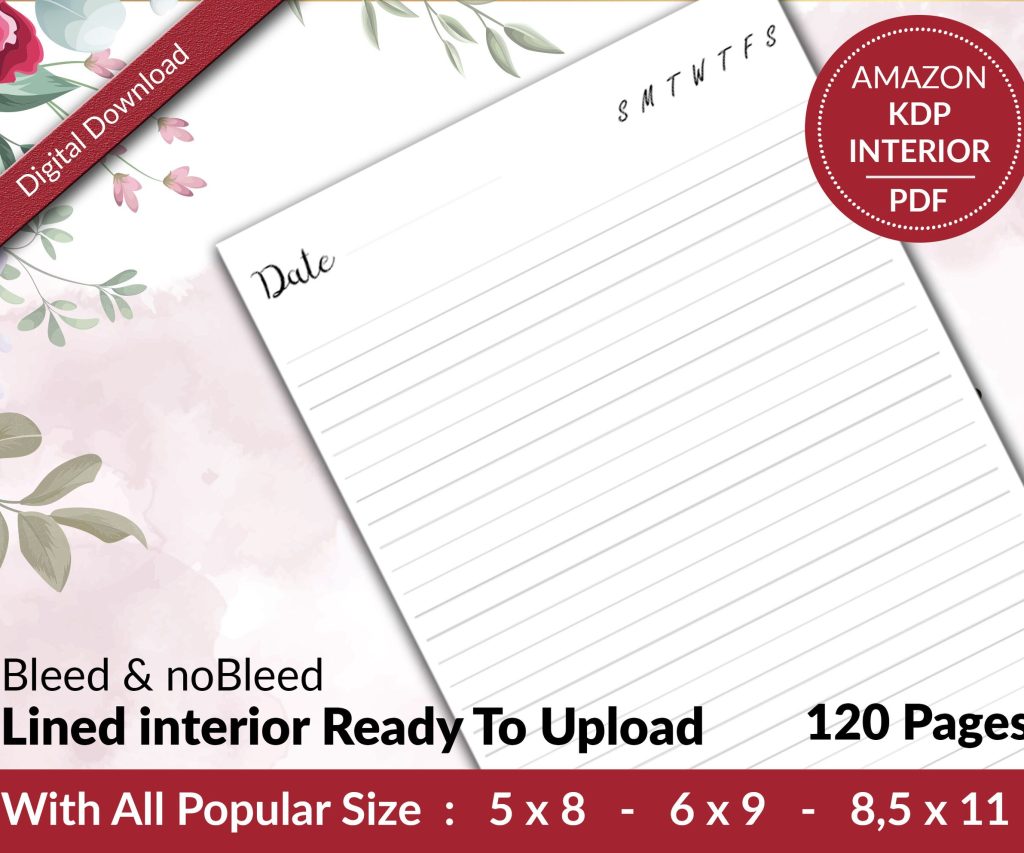 Lined Pages Journal 120 pages Ready to Upload PDF Commercial Use KDP Template 6x9 8.5x11 5x8 for Notebooks, Diaries, Low Content
1 × $0.00
Lined Pages Journal 120 pages Ready to Upload PDF Commercial Use KDP Template 6x9 8.5x11 5x8 for Notebooks, Diaries, Low Content
1 × $0.00  Cute Dogs Coloring Book for Kids | Activity Book | KDP Ready-To-Upload
1 × $0.00
Cute Dogs Coloring Book for Kids | Activity Book | KDP Ready-To-Upload
1 × $0.00 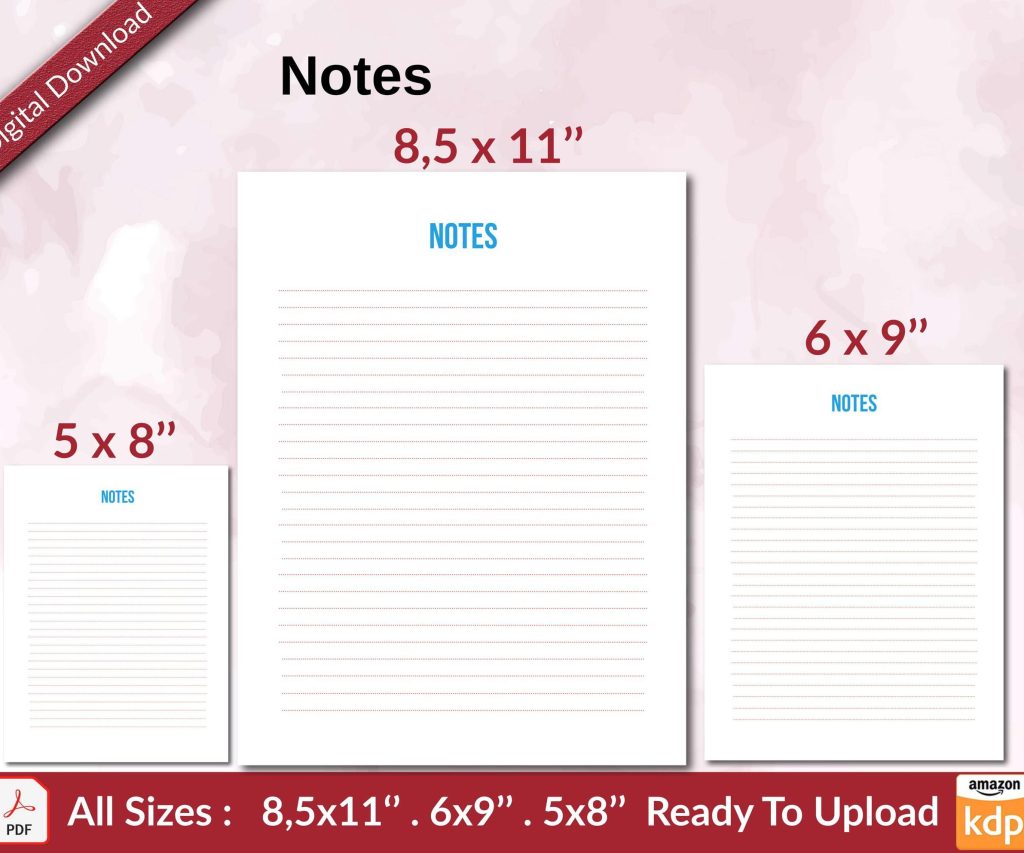 Notes KDP interior Ready To Upload, Sizes 8.5x11 6x9 5x8 inch PDF FILE Used as Amazon KDP Paperback Low Content Book, journal, Notebook, Planner, COMMERCIAL Use
1 × $0.00
Notes KDP interior Ready To Upload, Sizes 8.5x11 6x9 5x8 inch PDF FILE Used as Amazon KDP Paperback Low Content Book, journal, Notebook, Planner, COMMERCIAL Use
1 × $0.00 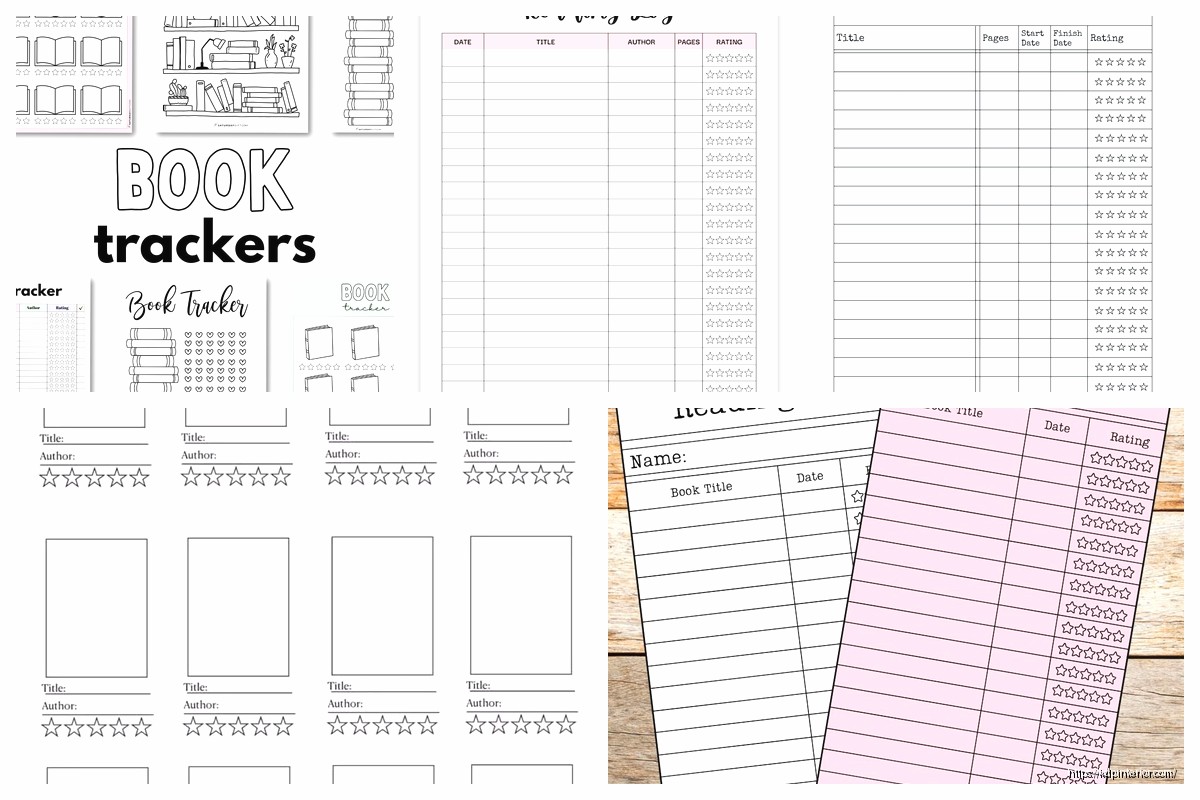
DISCOVER OUR FREE BEST SELLING PRODUCTS
Editable Canva Lined Journal: Express Your Thoughts – KDP Template
Lined Pages Journal 120 pages Ready to Upload PDF Commercial Use KDP Template 6×9 8.5×11 5×8 for Notebooks, Diaries, Low Content
Lined Pages Journal 120 pages Ready to Upload PDF Commercial Use KDP Template 6×9 8.5×11 5×8 for Notebooks, Diaries, Low Content
Cute Dogs Coloring Book for Kids | Activity Book | KDP Ready-To-Upload
Daily Planner Diary : Diary Planners for Everyday Productivity, 120 pages, 6×9 Size | Amazon KDP Interior
Wolf Coloring KDP interior For Adults, Used as Low Content Book, PDF Template Ready To Upload COMMERCIAL Use 8.5×11"
Coloring Animals Head Book for Kids, Perfect for ages 2-4, 4-8 | 8.5×11 PDF
Printable Blank Comic Book Pages PDF : Create Your Own Comics – 3 Available Sizes
Notes KDP interior Ready To Upload, Sizes 8.5×11 6×9 5×8 inch PDF FILE Used as Amazon KDP Paperback Low Content Book, journal, Notebook, Planner, COMMERCIAL Use
Black Lined Journal: 120 Pages of Black Lined Paper Perfect for Journaling, KDP Notebook Template – 6×9
Student Planner Journal 120 pages Ready to Upload PDF Commercial Use KDP Template 6×9" 8.5×11" for Low Content book
Recipe Journal Template – Editable Recipe Book Template, 120 Pages – Amazon KDP Interior