Okay so I’ve been creating these book review templates for like 3 years now and honestly they’re one of the easiest products to make that actually sell consistently. Last week I was watching The Last of Us and just cranking out a new set because my dog kept barking at literally nothing, and I realized I should probably share how I structure these things.
Why People Actually Buy These Things
So here’s the deal – teachers, book clubs, homeschool parents, and honestly just people who wanna remember what they read are always searching for these. They don’t want fancy, they want functional. I learned this the hard way after making this super aesthetic template with like watercolor borders and script fonts that nobody bought. Then I made a simple black and white version with clear sections and it sold 47 copies in the first month.
The key is understanding they’re gonna print these multiple times. So you can’t make them ink-heavy or people will hate you when their printer cartridge dies after 3 copies.
Basic Structure That Works Every Time
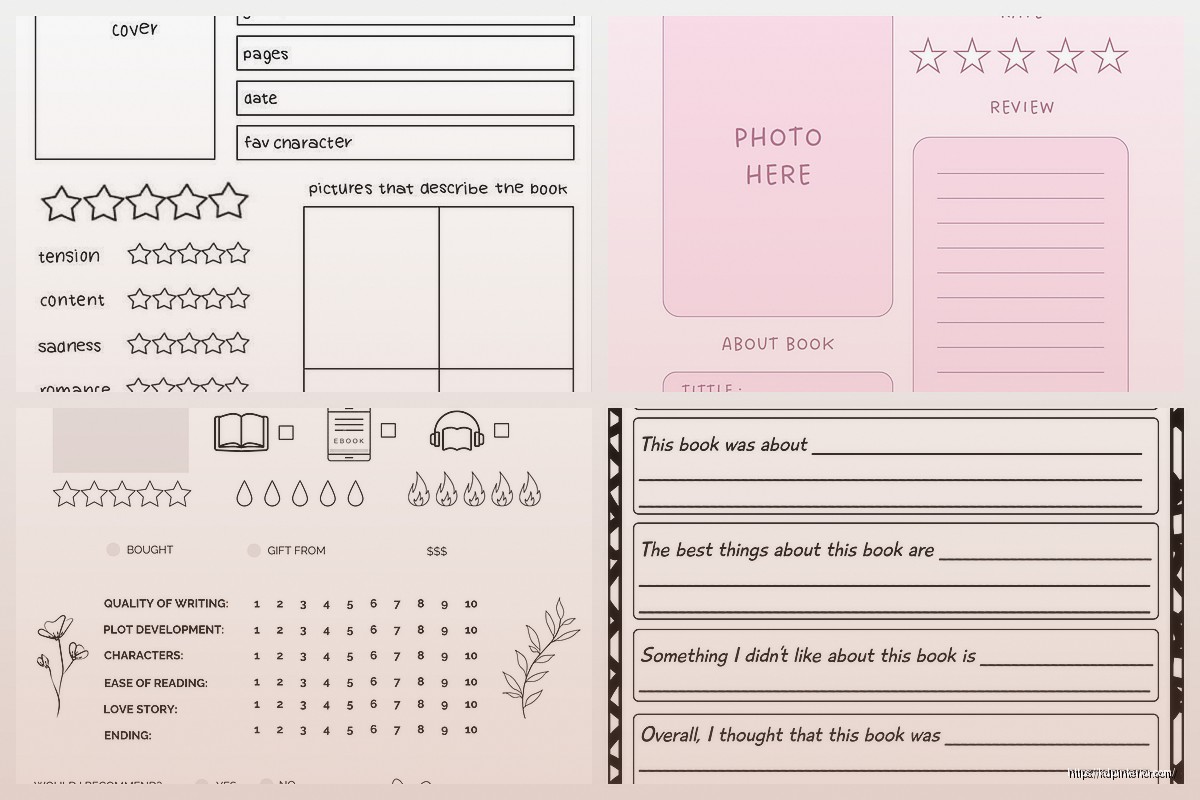
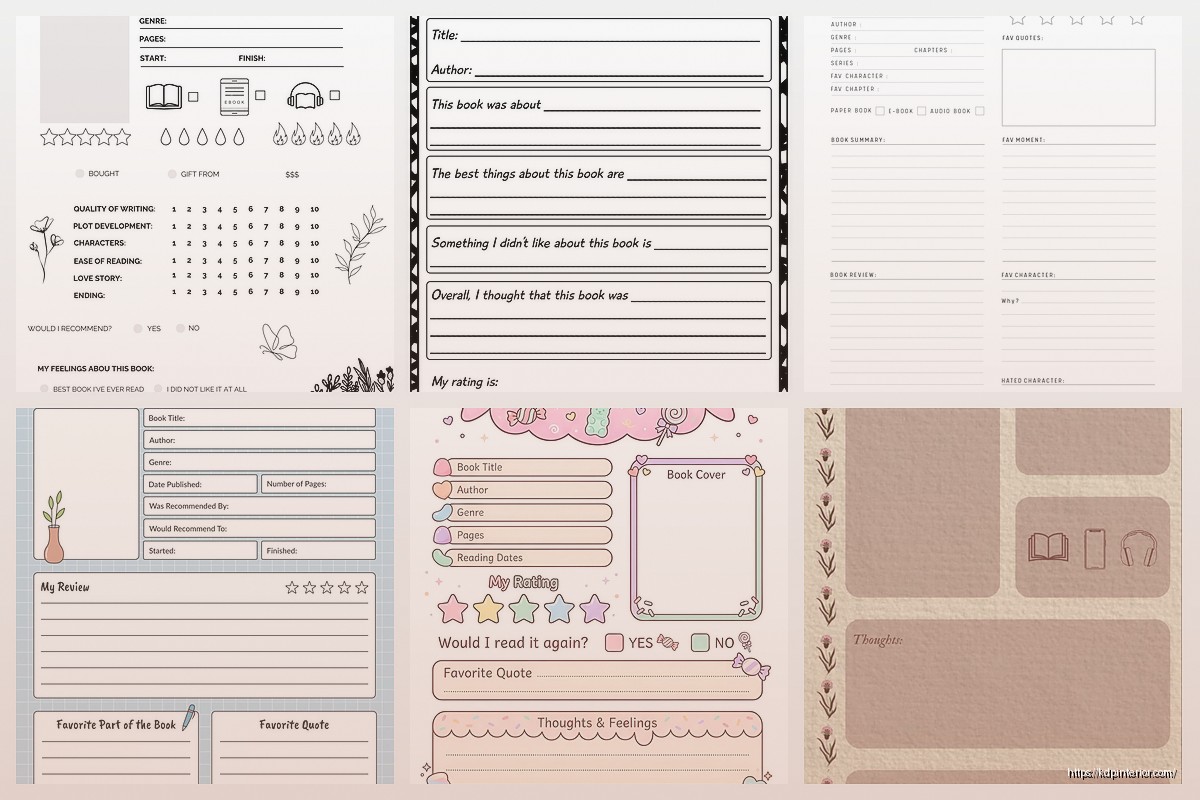
Start with the obvious stuff at the top. Book title, author, date finished reading. Seems basic but you’d be surprised how many templates skip the date field and then people leave reviews saying “would be better if it had space for dates.” Like yeah, obviously.
Then you want sections for:
- Genre or category
- Rating system (I usually do stars or numbers out of 10)
- Main characters section
- Plot summary area
- Favorite quotes space
- Themes identified
- Personal reaction or reflection
- Would you recommend section
Oh and another thing – make the writing spaces actual lined areas or boxes. Not just blank white space. People need that visual guide or they end up writing all crooked and then they feel like the template failed them even though it’s kinda their fault? But we’re selling solutions here so just add the lines.
Different Versions for Different Markets
This is where you can actually make multiple products from one basic concept. I’ve got like 8 different book review template sets in my catalog and they all sell to slightly different audiences.
For kids or elementary level, you wanna simplify everything. Bigger spaces, fewer questions, maybe add some small illustrations they can color. Questions like “What was your favorite part?” and “Draw your favorite character” work way better than asking them to analyze themes. I made one with a little book worm character in the corner and teachers ate that up.
Middle school and high school need more analytical sections. That’s when you add stuff like:
- Author’s purpose
- Literary devices identified
- Character development notes
- Conflict types
- Setting details and significance
- Comparison to other books
Wait I forgot to mention – for the high school ones, definitely include a section for page numbers or chapter references. English teachers LOVE when students cite where they found their evidence. Makes grading easier apparently.
Adult Book Club Versions
These are different vibes entirely. Adults don’t want it to feel like homework so you gotta reframe everything. Instead of “analyze the theme” you say “What deeper meanings did you notice?” Same thing basically but the wording matters.
Add sections like:
- Discussion questions that came up
- Personal connections to your life
- Books this reminded you of
- Who you’d recommend this to and why
- Memorable scenes
I also make versions specifically for different genres. Like a romance book review template has different sections than a mystery one. Romance readers wanna track tropes, heat levels, whether they liked the couple’s chemistry. Mystery readers want space for tracking clues, red herrings, whether they guessed the ending.
Design Stuff That Actually Matters
Okay so design is where people overthink things. You don’t need to be a graphic designer, you just need to be organized and clear.
I use Canva for everything because I’m not gonna learn InDesign just to make templates. The free version works fine but I pay for Pro because the magic resize feature saves me hours when I need to make different size versions.
Stick with simple fonts. Like Arial, Times New Roman, Calibri, that kind of thing. Maybe one slightly decorative font for headers if you really want but honestly plain fonts perform better because they print clearer.
Margins matter way more than you think. I do at least 0.5 inches on all sides, sometimes 0.75. People’s printers cut off edges differently and you don’t want text disappearing. Had someone leave a 3-star review once because their printer cut off the edge and I learned that lesson real quick.
The Layout Thing
Most of my templates are single page because that’s easiest for people to print and use. But I also sell 2-page versions for more detailed analysis. When you do 2 pages, make sure page 1 has all the basic info so if someone only prints that page they still get the essentials.
This is gonna sound weird but leave some breathing room in your design. Don’t cram every section super tight together. White space makes it feel less overwhelming and easier to focus on one section at a time. My best-selling template has like 7 sections but they’re spaced out nicely so it doesn’t look like a crowded mess.
Different Analysis Approaches You Can Template
So beyond basic reviews, you can create templates for specific analytical methods. This is where I make extra money because teachers especially search for these specific frameworks.
Character analysis sheets – focus entirely on one character with sections for traits, motivations, relationships, character arc, evidence from text. These sell really well during school year.
Plot diagram templates – you know the whole exposition, rising action, climax, falling action, resolution thing. Make it visual with an actual diagram shape where they can fill in details.
Compare and contrast templates – two columns or a venn diagram style layout for comparing two books or characters or themes.
Chapter-by-chapter trackers – this is more for students reading longer books who need to track what happens each chapter. Just a simple table with chapter number, summary space, important quotes, questions that arise.
Wait I forgot to mention earlier – some people want these in different sizes. Letter size is standard but A4 for international customers, and half-page versions that people can stick in smaller planners or journals. You can create one design and resize it pretty easily.
What Makes Them Sell Better on KDP
Okay so the actual selling part on Amazon. Your title needs to be super specific. Don’t just say “Book Review Template” because there’s a million of those. Say “Book Review Template for Middle School Students: Literary Analysis Worksheets for Grades 6-8” or whatever your specific angle is.
Keywords I use that work:
- reading log
- literature analysis
- book report worksheet
- reading comprehension
- book club discussion
- homeschool reading
- english class worksheet
Price these between $5.97 and $8.97 usually. I’ve tested higher and lower and that range seems to be the sweet spot where it feels valuable but not expensive. If you make a really comprehensive set with like 10+ different templates, you can go up to $12.97.
The cover image needs to show exactly what’s inside. I do a mockup showing 2-3 pages of the actual templates so people can see the layout before buying. Canva has mockup frames you can use or just screenshot your pages and arrange them nicely.
Interior Tips
Make it at least 50 pages if you can. Amazon’s printing costs don’t change much between like 30 and 60 pages but you can charge more for a thicker book. So I’ll include multiple versions of each template – one with more lines, one with less, different size text, etc. Gives people options and bulks up the page count.
Always include an instruction page at the beginning explaining how to use each template. And maybe a table of contents so people can find what they need quickly.
Oh and another thing – include both blank templates and ones with light prompts or question starters. Some people want totally blank, others want a little guidance. Having both options in one book makes it more valuable.
Seasonal and Trending Opportunities
Back to school season from July through September is huge for these. Like my sales literally triple during those months. Make sure your books are uploaded and ready by late June.
Summer reading programs are another spike – May and June sell well too. Parents and teachers preparing for summer.
I also create themed versions around popular books or book series when I can do it legally. Like “Fantasy Book Review Template” or “Mystery Novel Analysis Sheets” without mentioning specific titles. You can ride those search trends without trademark issues.
January is good too because of New Year’s reading goals. People want to track their reading better so they search for these tools.
Common Mistakes I Made That You Shouldn’t
Making them too pretty at the expense of functionality. Seriously, simple wins every time in this niche.
Not leaving enough writing space. People wanna actually write in these things, not write tiny in a small box.
Using fonts that don’t print well. Thin delicate fonts look nice on screen but disappear or look fuzzy when printed.
Forgetting to include a copyright page and proper book information. Amazon requires this stuff and customers expect it.
Not making the file high enough resolution. Use 300 DPI always for print books. I learned this when someone complained about blurry lines and I realized I’d exported at 150 DPI like an idiot.
Testing What Works
I always make a few versions with slight differences and see what sells better. Like I’ll test one with a star rating system versus a numerical rating system. Or different color schemes – all black and white versus black with one accent color.
You can see in your KDP dashboard what’s selling and what’s sitting there doing nothing. If something doesn’t sell any copies in 3 months, either update it or unpublish and try something different.
Also read your reviews obsessively. People will literally tell you what they wish was different or what they loved. That feedback is gold for making your next template better.
The whole printable template thing is honestly pretty forgiving once you understand what people actually need versus what looks cool on Pinterest. Function over form, every single time in this niche. And you can crank these out pretty fast once you have a system – I can make a new template set in like 4-6 hours now including design and formatting for KDP upload.

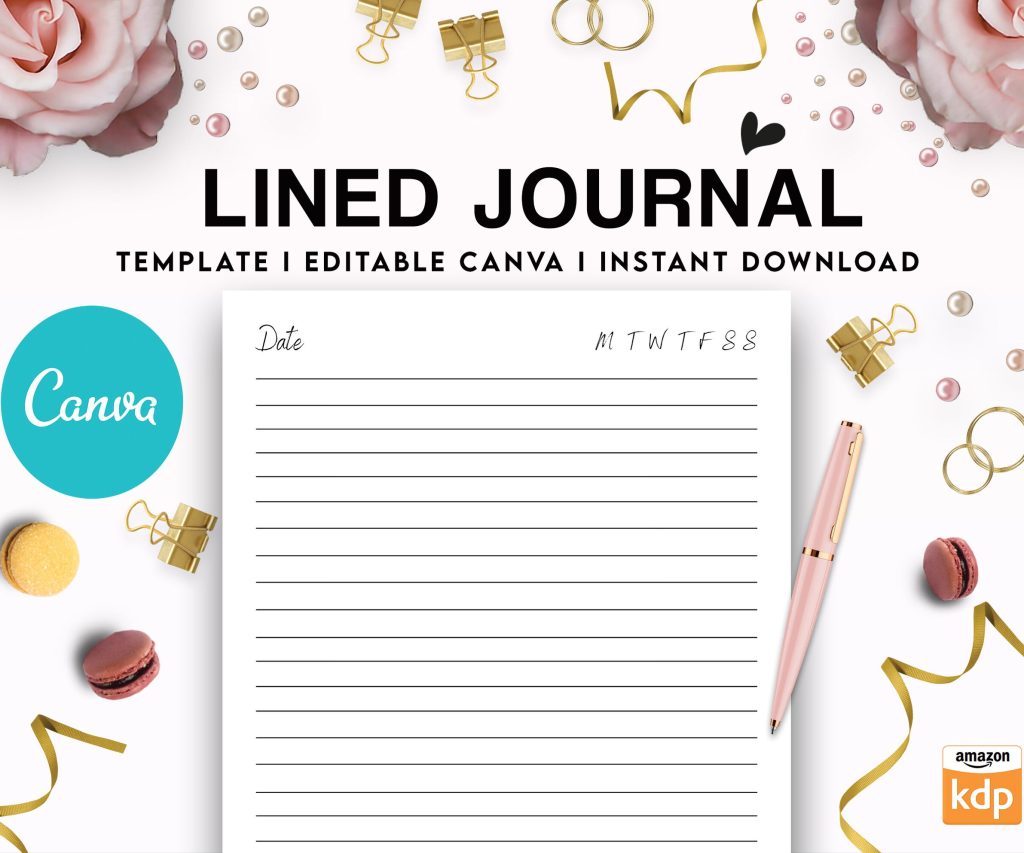 Editable Canva Lined Journal: Express Your Thoughts - KDP Template
1 × $0.00
Editable Canva Lined Journal: Express Your Thoughts - KDP Template
1 × $0.00 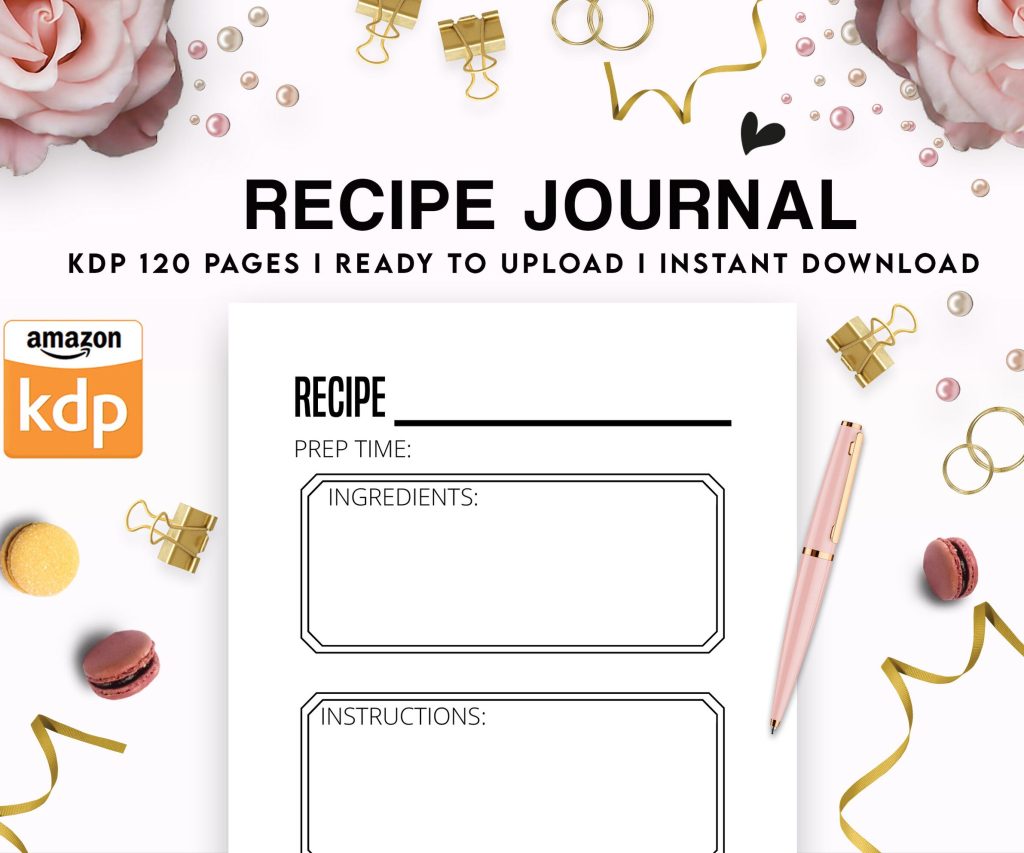 Recipe Journal Template - Editable Recipe Book Template, 120 Pages - Amazon KDP Interior
1 × $0.00
Recipe Journal Template - Editable Recipe Book Template, 120 Pages - Amazon KDP Interior
1 × $0.00 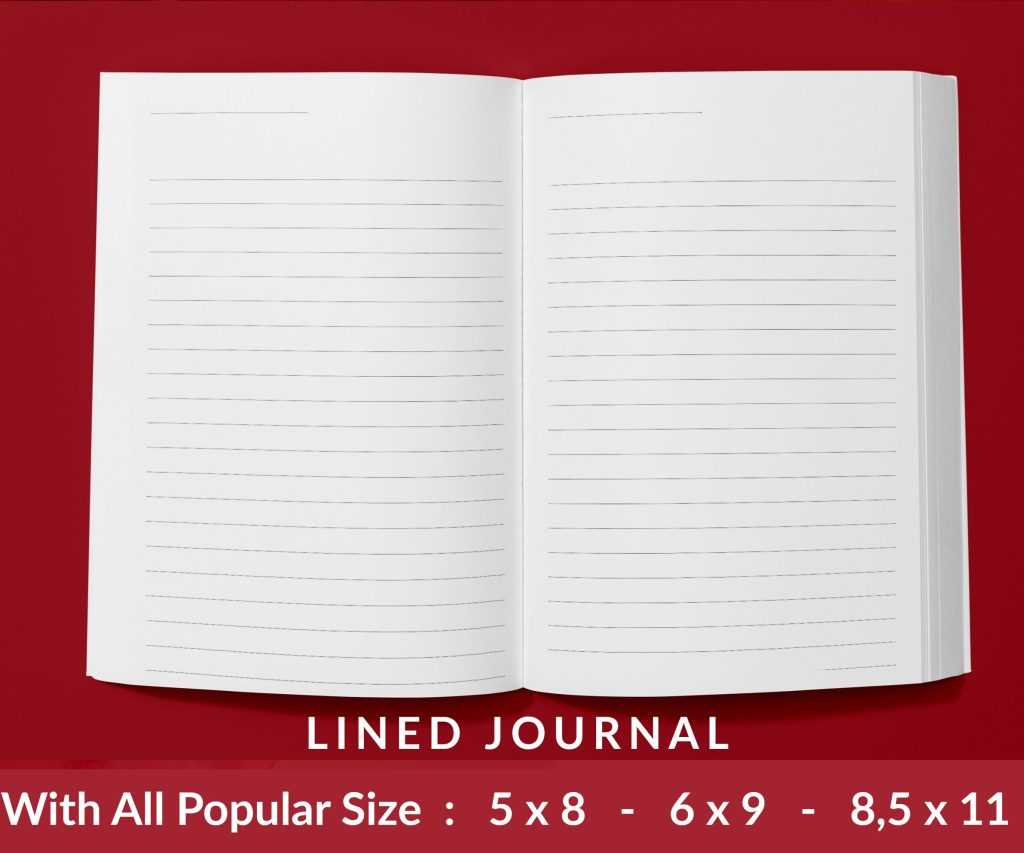 Lined Pages Journal 120 pages Ready to Upload PDF Commercial Use KDP Template 6x9 8.5x11 5x8 for Notebooks, Diaries, Low Content
1 × $0.00
Lined Pages Journal 120 pages Ready to Upload PDF Commercial Use KDP Template 6x9 8.5x11 5x8 for Notebooks, Diaries, Low Content
1 × $0.00 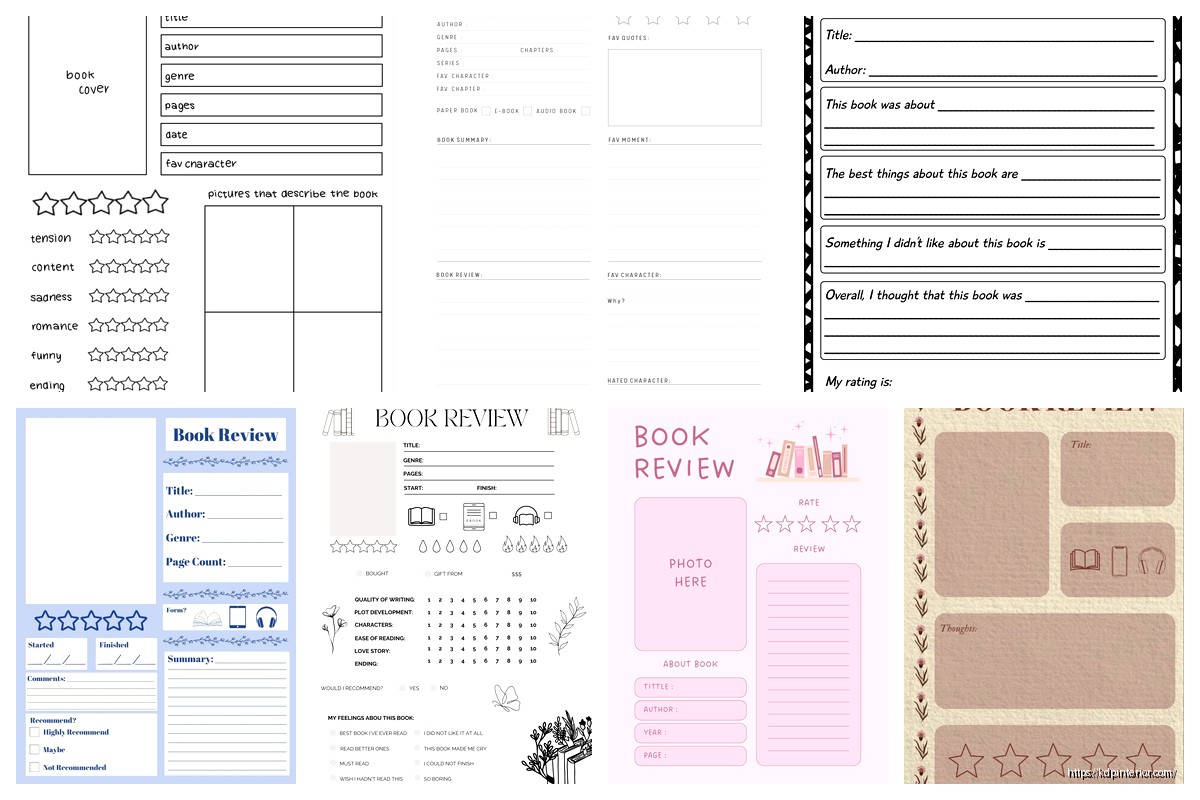
DISCOVER OUR FREE BEST SELLING PRODUCTS
Editable Canva Lined Journal: Express Your Thoughts – KDP Template
Lined Pages Journal 120 pages Ready to Upload PDF Commercial Use KDP Template 6×9 8.5×11 5×8 for Notebooks, Diaries, Low Content
Lined Pages Journal 120 pages Ready to Upload PDF Commercial Use KDP Template 6×9 8.5×11 5×8 for Notebooks, Diaries, Low Content
Cute Dogs Coloring Book for Kids | Activity Book | KDP Ready-To-Upload
Daily Planner Diary : Diary Planners for Everyday Productivity, 120 pages, 6×9 Size | Amazon KDP Interior
Wolf Coloring KDP interior For Adults, Used as Low Content Book, PDF Template Ready To Upload COMMERCIAL Use 8.5×11"
Coloring Animals Head Book for Kids, Perfect for ages 2-4, 4-8 | 8.5×11 PDF
Printable Blank Comic Book Pages PDF : Create Your Own Comics – 3 Available Sizes
Notes KDP interior Ready To Upload, Sizes 8.5×11 6×9 5×8 inch PDF FILE Used as Amazon KDP Paperback Low Content Book, journal, Notebook, Planner, COMMERCIAL Use
Black Lined Journal: 120 Pages of Black Lined Paper Perfect for Journaling, KDP Notebook Template – 6×9
Student Planner Journal 120 pages Ready to Upload PDF Commercial Use KDP Template 6×9" 8.5×11" for Low Content book
Recipe Journal Template – Editable Recipe Book Template, 120 Pages – Amazon KDP Interior