-
×
 Black Lined Journal: 120 Pages of Black Lined Paper Perfect for Journaling, KDP Notebook Template - 6×9
1 × $0.00
Black Lined Journal: 120 Pages of Black Lined Paper Perfect for Journaling, KDP Notebook Template - 6×9
1 × $0.00
Subtotal: $0.00
 Black Lined Journal: 120 Pages of Black Lined Paper Perfect for Journaling, KDP Notebook Template - 6×9
1 × $0.00
Black Lined Journal: 120 Pages of Black Lined Paper Perfect for Journaling, KDP Notebook Template - 6×9
1 × $0.00 Subtotal: $0.00
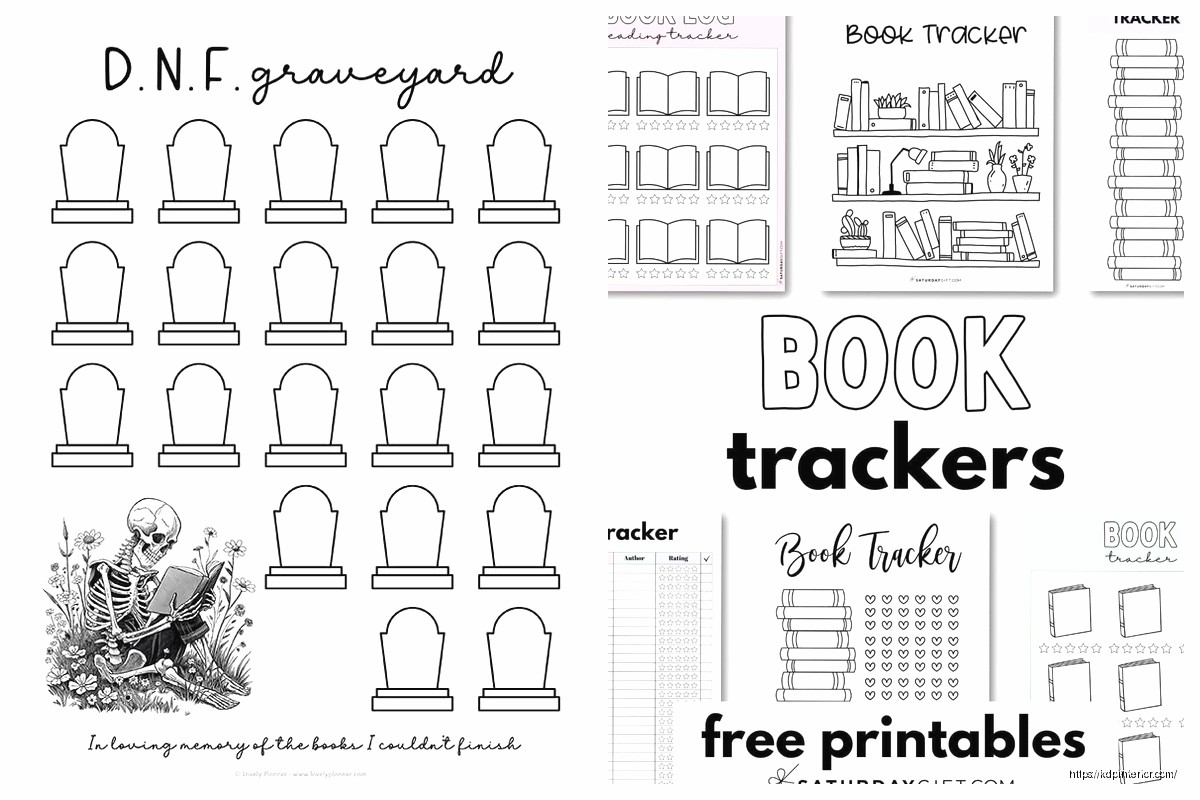
Okay so I’ve been making printable reading journals for like three years now and honestly they’re one of the easiest products to create but people overthink them constantly. Let me just dump everything I know here.
The basic book diary pages are your bread and butter. You need like 5-6 core page types and then you can mix them up. I’m talking book title, author, date started/finished, rating section, favorite quotes page, and notes. That’s it. Don’t go crazy with 50 different templates because readers want consistency, not a scrapbook project.
The mistake everyone makes is adding too much fluff. I tested this last month actually – made two versions of the same journal, one with decorative borders and fancy fonts, another super minimal. The minimal one sold 3x better. People who journal about books are usually doing it late at night or on lunch breaks, they don’t want to feel like they’re doing arts and crafts.
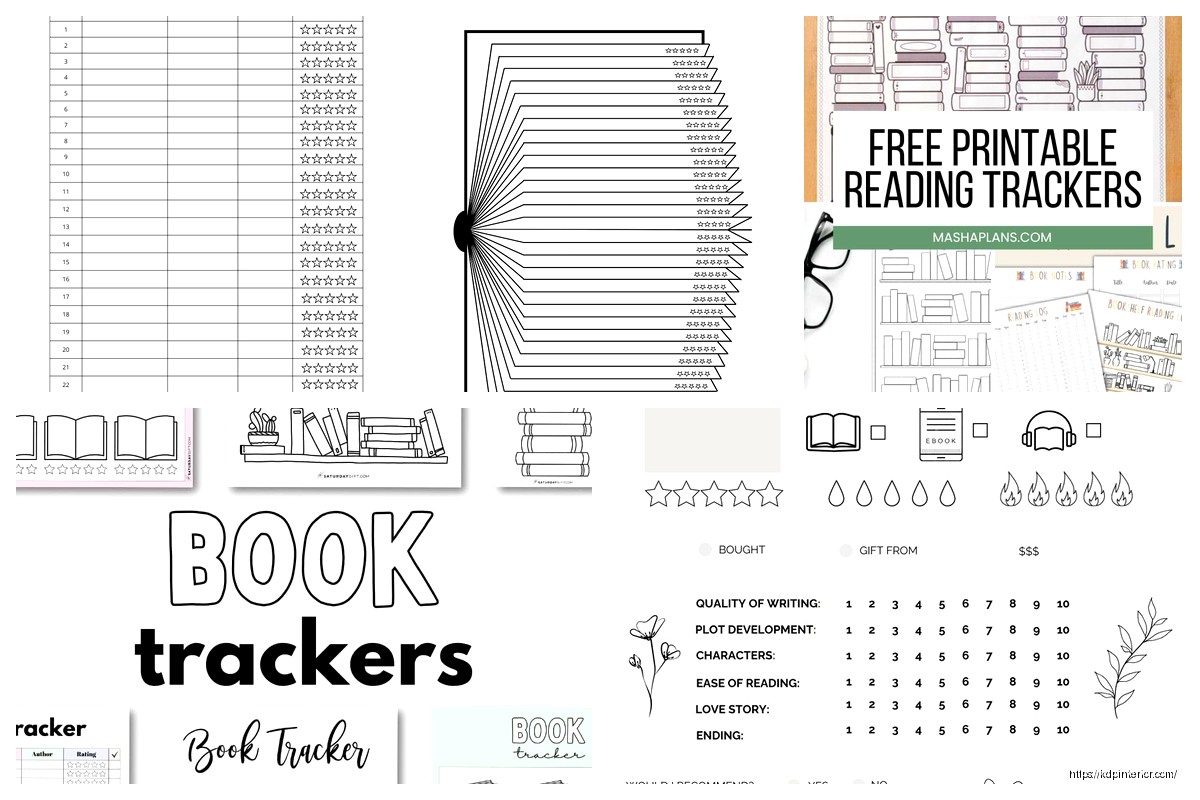
Your main book entry page should have these fields and honestly don’t skip any:
The notes section needs to be like half the page minimum. I learned this the hard way when customers left reviews saying there wasn’t enough writing space. Now I do 60% notes area, 40% info fields.
Oh and another thing – dedicated quote pages sell journals. Like seriously, add 20-30 quote collection pages throughout your journal. Simple layout: page number reference, the actual quote in a box or lines, and maybe a small spot for why it resonated.
My cat knocked over my coffee while I was designing these last week and honestly the splatter pattern gave me an idea for a coffee-stained aesthetic version but that’s a different tangent.
Readers LOVE collecting quotes. It’s the Instagram effect or whatever. They want to remember specific lines and having dedicated pages makes them feel organized. I put one quote page after every 3-4 book entry pages.
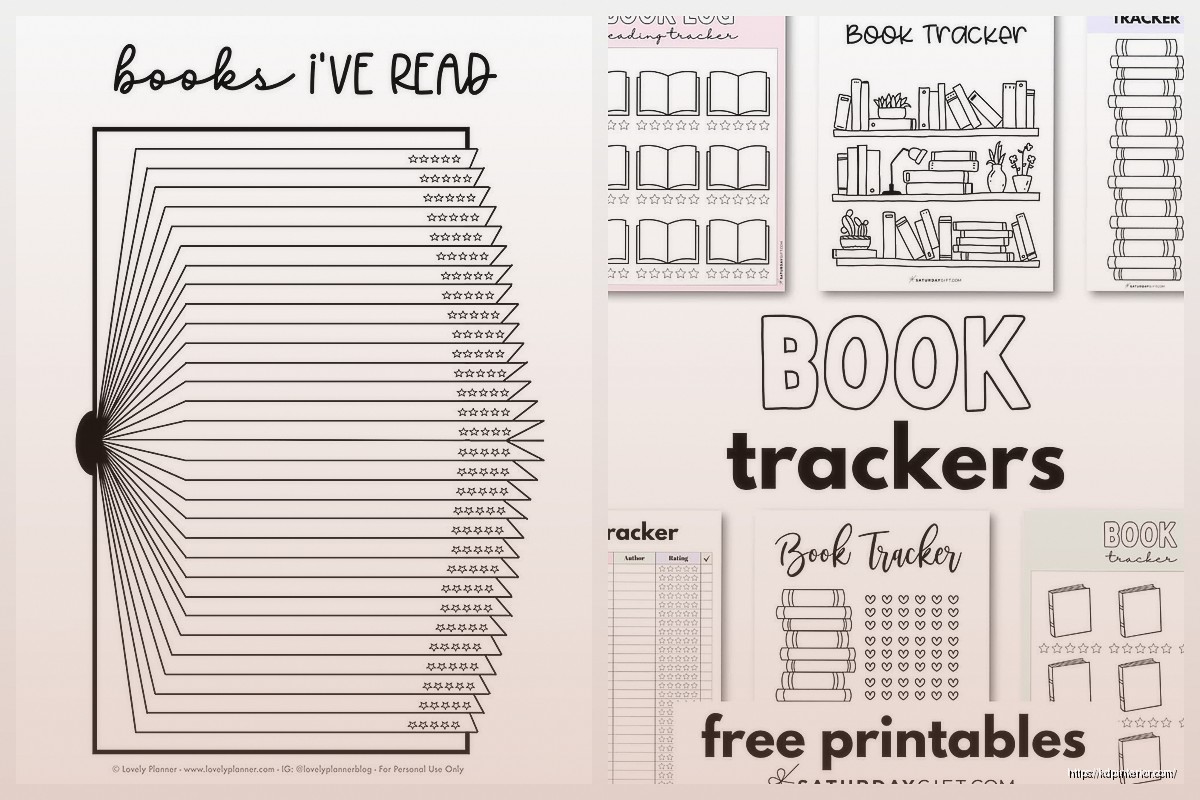
This is gonna sound weird but reading challenge pages are what get people to buy the whole journal instead of just using a notebook. Add an annual challenge tracker – you know, the classic “52 books in 52 weeks” thing but also make variations:
Make these visual. Checkboxes, progress bars, those little circles to color in. It sounds childish but trust me, book people are competitive with themselves.
So for printables, you’re looking at either 8.5×11 letter size or A4 depending on your market. I do both versions now because European customers were annoyed. Just resize in Canva or whatever you use, it takes like 10 minutes.
Margins matter way more than you think. Keep at least 0.5 inches on all sides, preferably 0.75 inches on the left if people might hole-punch these. I got roasted in reviews early on because my text was too close to edges and people couldn’t bind them without cutting off words.
I use Canva Pro for like 90% of my reading journals now. Yeah yeah, everyone uses Canva, but it works. The key is NOT using their pre-made journal templates because then your stuff looks like everyone else’s. Start with a blank page and build your own grid system.
My process is usually:
Font choices – stick with max two fonts. One for headers, one for body text. I use serif fonts for that “literary” feel but sans-serif works too if you’re going modern. Just make sure it’s readable at actual print size. Test print ONE page before you do all 100 pages, trust me.
Wait I forgot to mention the front matter stuff. People expect certain pages at the beginning:
Then your main book entry pages, quote pages mixed in, and at the back I always add:
The statistics page is simple – total books read, total pages, average rating, most-read genre, stuff like that. Make it fillable not automatic because this is a printable not an app.
Okay so funny story, I made a romance-specific reading journal as a test and it outsells my general ones 2 to 1. Niche down if you can. Other niches that work:
The romance one needed a “steam level” rating and a tropes checklist (enemies to lovers, forced proximity, all that). Took me an extra 30 minutes to add those fields but it made the product way more targeted.
For Amazon KDP, you can sell these as physical books using their paperback option OR as digital downloads if you have a website. The physical version needs to be formatted as an actual book with their specs. I do like 6×9 inch size, cream paper, 100-120 pages usually.
Digital printables you sell on Etsy mostly, or your own site. These are PDF files that people download and print themselves. Way higher profit margin but you need to market them yourself. I do both – physical on Amazon for passive income, digital on Etsy for higher margins.
Etsy listing tips real quick:
Physical books on Amazon I price between $6.99-$9.99 depending on page count. Your printing costs through KDP are gonna be like $2.50-$4.00 so factor that in. Don’t go too low or you make nothing per sale.
Digital printables on Etsy can be $5-$15 depending on how many pages and how niche it is. That romance one I mentioned? I charge $12 for it because it’s specialized. General reading journals I keep at $7-$8.
This trips people up but it’s not hard. Once your design is done in Canva or whatever, export as PDF. For printables make sure it’s:
I compress PDFs using free online tools if they’re too big. Just don’t compress so much that text gets blurry.
For KDP physical books, you need to format it differently – margins for binding, bleed if you have color to edges, proper page numbering. Their template generator helps with this. Download their template for your trim size and build your pages to fit that.
Real talk – don’t put copyrighted book quotes in your journal as examples. I see people do this all the time and it’s risky. Keep all your sample text generic or use public domain quotes if you must show examples.
Your page layouts and design can’t be copyrighted (ideas aren’t protected) but your specific design execution is. So yeah, people will copy your layout concept but whatever, that’s how this works. Just make yours better looking.
Include a copyright page in your journal saying it’s for personal use only, not for resale or distribution. Covers your butt a bit if someone tries to print copies and sell them.
I barely run ads for these honestly. The trick is:
Pinterest – mock up pretty images of your pages with books and coffee (yes that aesthetic works), link to your Etsy or website. Bookstagrammers and BookTokers eat this stuff up.
Amazon does its own thing if your keywords are right. I use stuff like “reading journal for book lovers,” “book diary notebook,” “reader’s log book,” all the variations in my seven keyword slots.
Oh and another thing – having good mockups matters SO much more than you’d think. Show your journal pages with a pen next to them, or partially filled out, or next to a stack of books. Lifestyle shots convert way better than just the blank page.
I was watching The Bear while doing mockups last month and honestly got inspired by their attention to detail, made me redo all my product photos to look more intentional.
Don’t make your journal too long. Like 100-120 pages is plenty for a year of reading for most people. I made a 200-page monster once and people complained it was overwhelming.
Don’t use weird sizes. Stick to standard printer paper dimensions or standard book trim sizes. Nobody wants to deal with custom cutting.
Don’t forget page numbers. Seems obvious but I’ve seen journals without them and it’s just annoying for users.
Test print before you publish. I can’t stress this enough. Print one page on your home printer to check margins, font size, how it actually looks. Screen and paper are different.
Once you have one solid reading journal, make variations. Different covers, different color schemes, niche versions like I mentioned. It’s mostly copy-paste work at that point.
I update mine yearly with minor tweaks based on reviews. Someone suggests a field I didn’t think of? Add it to next version. Takes maybe an hour to refresh a journal design.
Seasonal versions can work too – like “Summer Reading Journal” or “Cozy Fall Reading Log” – same interior, different cover vibes. It’s kinda gimmicky but people buy them.
The key is just getting that first one out there and seeing what people actually want versus what you think they want. My best-selling journal now looks nothing like my first attempt because I learned what fields people actually use versus what looks cute but goes ignored.
Anyway that’s basically everything I know about making these things work. Start simple, test with one product, then expand based on what sells.
DISCOVER OUR FREE BEST SELLING PRODUCTS
Editable Canva Lined Journal: Express Your Thoughts – KDP Template
Lined Pages Journal 120 pages Ready to Upload PDF Commercial Use KDP Template 6×9 8.5×11 5×8 for Notebooks, Diaries, Low Content
Lined Pages Journal 120 pages Ready to Upload PDF Commercial Use KDP Template 6×9 8.5×11 5×8 for Notebooks, Diaries, Low Content
Cute Dogs Coloring Book for Kids | Activity Book | KDP Ready-To-Upload
Daily Planner Diary : Diary Planners for Everyday Productivity, 120 pages, 6×9 Size | Amazon KDP Interior
Wolf Coloring KDP interior For Adults, Used as Low Content Book, PDF Template Ready To Upload COMMERCIAL Use 8.5×11"
Coloring Animals Head Book for Kids, Perfect for ages 2-4, 4-8 | 8.5×11 PDF
Printable Blank Comic Book Pages PDF : Create Your Own Comics – 3 Available Sizes
Notes KDP interior Ready To Upload, Sizes 8.5×11 6×9 5×8 inch PDF FILE Used as Amazon KDP Paperback Low Content Book, journal, Notebook, Planner, COMMERCIAL Use
Black Lined Journal: 120 Pages of Black Lined Paper Perfect for Journaling, KDP Notebook Template – 6×9
Student Planner Journal 120 pages Ready to Upload PDF Commercial Use KDP Template 6×9" 8.5×11" for Low Content book
Recipe Journal Template – Editable Recipe Book Template, 120 Pages – Amazon KDP Interior