-
×
 Student Planner Journal 120 pages Ready to Upload PDF Commercial Use KDP Template 6x9" 8.5x11" for Low Content book
1 × $0.00
Student Planner Journal 120 pages Ready to Upload PDF Commercial Use KDP Template 6x9" 8.5x11" for Low Content book
1 × $0.00
Subtotal: $0.00

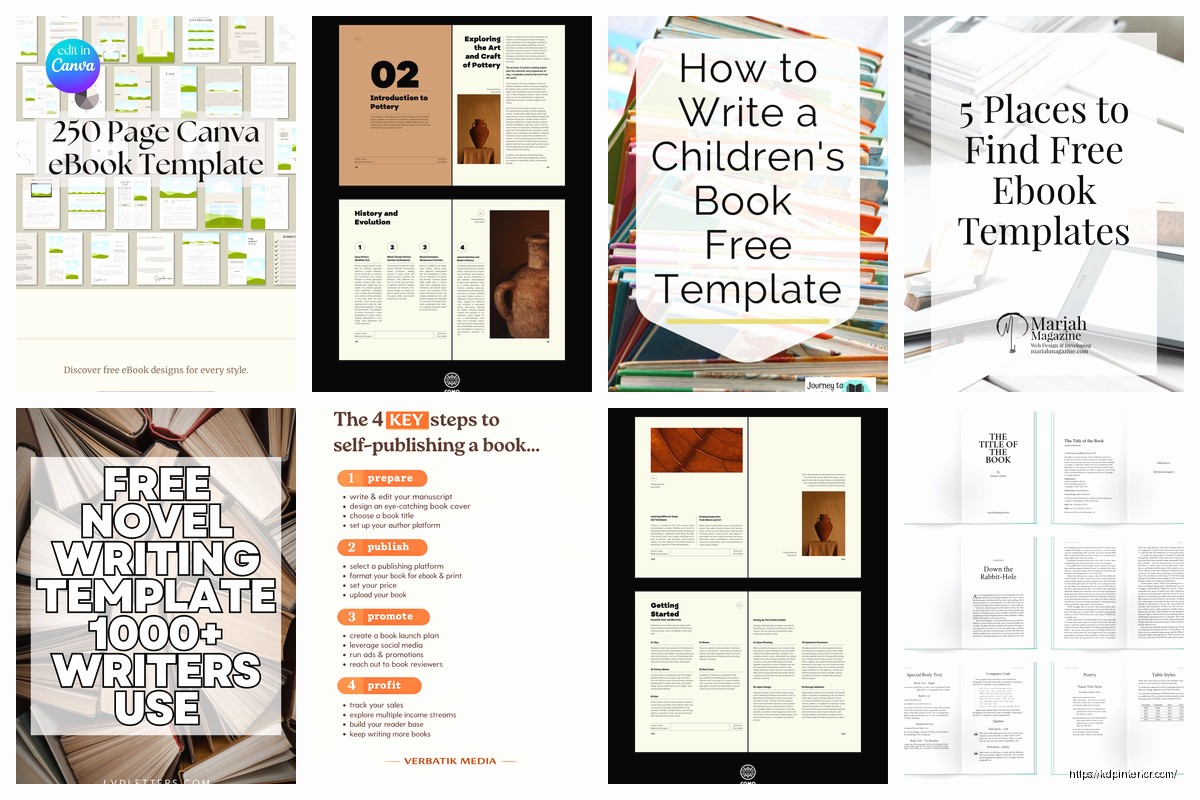
Okay so I’ve been organizing my template library for the past three years and honestly it’s become this massive thing that I probably should’ve systematized way earlier but here’s what actually works.
First thing – don’t overthink this. When I started I had like maybe 12 templates total and thought I was gonna need hundreds. You really need maybe 30-40 solid templates max, and even that’s if you’re publishing across multiple niches.
Start with your manuscript templates. This is your Word doc setup – margins, fonts, page numbering, all that stuff. I keep three versions: one for fiction (6×9 standard), one for non-fiction (also 6×9 but different header style), and one for workbooks (8.5×11 because people actually write in these). The margins thing trips everyone up but KDP’s requirements are pretty straightforward once you get it – 0.5″ on top/bottom/outside, then your inside margin depends on page count. Under 150 pages I do 0.625″, anything over that I bump to 0.75″ or even 1″ for thick books.
My fiction template has chapter headings centered, page numbers bottom center, and I removed headers entirely because they look cluttered in novels. Non-fiction gets headers with the book title on left pages and chapter name on right pages – readers actually use these for navigation and it looks more professional.
This is where I wasted so much time initially. I was recreating covers from scratch every single time until my friend Sarah was like “dude why don’t you just save your Canva files” and I felt like an idiot.
Now I have template covers for each niche I publish in. Romance gets specific fonts and color schemes – those deep reds, purples, script fonts that readers expect. My non-fiction business books all use sans-serif fonts, lots of white space, maybe one accent color. Workbooks need clear titles, subtitle that explains exactly what it is, and I always include “Pages to Write In” or something similar because conversion rates are noticeably better when people know it’s not just another ebook.
Save your Canva files obviously, but also and this is gonna sound weird but also save a screenshot of successful covers in each category. I have a whole folder of “covers that worked” with their sales numbers attached. When I’m designing something new I’ll look at those and be like okay this layout sold 200 copies first month, let’s use similar composition.
The inside of your book matters more than people think. I’ve got templates for:
For low-content stuff I use a mix of Canva and Book Bolt. Book Bolt is honestly faster for repetitive pages – if you need 100 identical lined pages, their template system cranks it out in like two minutes. But Canva gives you more design flexibility for the unique pages like your title page, maybe some decorative divider pages.
Oh and another thing – always have your copyright page template ready. Same legal text every time, just swap out the title and year. Mine includes the standard copyright notice, disclaimer, ISBN spot, and a line about no reproduction without permission. Takes 30 seconds to customize instead of rewriting it each time.
I keep swipe files of descriptions that converted well. Not to copy them exactly but to see what structure worked. Most of my non-fiction descriptions follow this pattern:
Hook paragraph (one sentence about the problem), benefit bullets (4-5 things they’ll learn), social proof if I have it (even just “readers love this” kinda stuff), guarantee statement (backed by Amazon‘s return policy anyway), and call to action (scroll up and click buy).
Fiction is different – I do a two paragraph setup with genre keywords naturally included, then a “what readers are saying” section even if it’s just from my ARC team initially. The template has placeholders like [CHARACTER NAME] and [CENTRAL CONFLICT] so I’m just filling in blanks basically.
This isn’t really a template in the traditional sense but I have a spreadsheet setup that I copy for every new book. Columns for: keyword phrase, search volume estimate, competition level, already used it (yes/no), and ranking position if I’m tracking an existing book.
I fill this out during research phase and it prevents me from using the same seven keywords on every book like I did when I started. My cat knocked over my coffee on this spreadsheet once and I lost like three hours of research so now I also keep it in Google Sheets as backup which sounds paranoid but whatever.
Email swipe files are huge. When I launch a book I have templates for:
The review request one is probably my most-used template. I wait like 2-3 weeks after someone probably finished the book (gotta estimate based on length) then send a super casual email. “Hey, hope you enjoyed [BOOK TITLE]. If you have 60 seconds, a review helps other readers find it. Here’s the link: [AMAZON LINK]. Thanks either way!” Short, not pushy, gets like 8-10% response rate which is pretty solid.
Social media templates too. I have Canva templates for Instagram posts, Pinterest pins, Facebook graphics. Each one has the right dimensions already set, brand colors saved, fonts consistent. I can pump out a week of social content in maybe 30 minutes because I’m not starting from zero each time.
Wait I forgot to mention – if you’re doing any kind of series, have a “series bible” template. This is especially important for fiction but even works for non-fiction series. I track character details, timeline stuff, locations, plot points already used. Saves you from continuity errors and you look way more professional when book 3 doesn’t contradict something from book 1.
My series bible template has sections for main characters (physical description, personality traits, background), supporting characters, world-building notes, timeline of events, and unresolved plot threads to address in future books. I update it as I write and it’s saved me so many times from stupid mistakes.
Boring but necessary. I have a monthly income tracker spreadsheet with tabs for each book. Tracks: units sold, royalties earned, ad spend, net profit, and ROI. Takes maybe 10 minutes a month to update but gives you clear data on what’s actually making money versus what’s just sitting there.
I also track expenses in a separate template – ISBNs if you buy them, cover design costs, editing, proofreading, ads, software subscriptions. Everything. Tax time is way less painful when you’ve been tracking all year. My accountant actually complimented my organization last year which felt weirdly validating.
This keeps me from publishing randomly whenever I feel like it. I plan out quarters now – Q1 I’m launching these three books, Q2 these four, whatever. The template has columns for: book title, niche, planned launch date, manuscript due date, cover due date, upload date, and marketing tasks.
Color coding helps – green for on track, yellow for might be delayed, red for definitely delayed. I’m looking at a red one right now for a planner I meant to launch in January but here we are in… well it’s late.
When I test different covers or descriptions, I track everything in a simple doc. Book title, variation A details, variation B details, time period tested, results. I ran a cover test last month where the “worse” design (in my opinion) outsold the “better” one by like 40% so clearly my taste doesn’t matter as much as I thought.
Keep notes on what you test because you’ll forget. I tested pricing once – $2.99 versus $4.99 on the same workbook – and forgot to write down which two-week period was which price point. Completely useless data because I couldn’t remember what I did.
If you’re doing KDP Select versus wide distribution, you need different marketing templates. Select books I can use Kindle Countdown Deals and Free Book Promos, so I have templates for promoting those. Wide distribution books get different promo strategies – focusing on newsletter swaps, cross-promotion with other authors, BookBub ads.
I keep separate description templates for each platform too because what works on Amazon doesn’t always work on Apple Books or Kobo. Apple Books readers seem to respond better to shorter, punchier descriptions. Amazon readers want more detail and social proof.
Customer service email templates for when things go wrong. Someone gets a messed up file, or they’re confused about something, or they want a refund. Having polite, professional responses ready means you’re not writing angry emails at 11pm when someone leaves a one-star review because they didn’t understand what low-content means.
My standard response is empathetic, offers to help, and stays professional even when I wanna be sarcastic. “I’m sorry the book didn’t meet your expectations. Amazon handles all refunds directly – here’s how to request one. I’d love any feedback on how I could improve future editions.” Most people don’t even respond but occasionally you get useful feedback.
Folder structure matters. I have a main Templates folder with subfolders:
Each subfolder has the actual templates plus a README doc explaining when to use each one. Future me always forgets why past me created something, so documentation helps. Name your files clearly – “Fiction_Manuscript_6x9_Template_2024” is way better than “book_template_final_FINAL_v3”.
Cloud storage is non-negotiable. I use Dropbox but Google Drive or OneDrive work fine. The one time my laptop died I would’ve lost everything if it wasn’t backed up. Learned that lesson the expensive way with a previous business years ago.
Actually update your templates when you find better methods. I cringe looking at my 2018 templates because they’re so inefficient compared to what I use now. Every few months I’ll review and improve them based on what I’ve learned. That fiction manuscript template has been updated probably eight times as I figured out better formatting.
The biggest thing is just starting your library now even if it’s basic. You’ll refine as you go but having something is infinitely better than recreating everything from scratch each time. I probably wasted 500+ hours in my first year doing repetitive work that templates would’ve handled in minutes.
DISCOVER OUR FREE BEST SELLING PRODUCTS
Editable Canva Lined Journal: Express Your Thoughts – KDP Template
Lined Pages Journal 120 pages Ready to Upload PDF Commercial Use KDP Template 6×9 8.5×11 5×8 for Notebooks, Diaries, Low Content
Lined Pages Journal 120 pages Ready to Upload PDF Commercial Use KDP Template 6×9 8.5×11 5×8 for Notebooks, Diaries, Low Content
Cute Dogs Coloring Book for Kids | Activity Book | KDP Ready-To-Upload
Daily Planner Diary : Diary Planners for Everyday Productivity, 120 pages, 6×9 Size | Amazon KDP Interior
Wolf Coloring KDP interior For Adults, Used as Low Content Book, PDF Template Ready To Upload COMMERCIAL Use 8.5×11"
Coloring Animals Head Book for Kids, Perfect for ages 2-4, 4-8 | 8.5×11 PDF
Printable Blank Comic Book Pages PDF : Create Your Own Comics – 3 Available Sizes
Notes KDP interior Ready To Upload, Sizes 8.5×11 6×9 5×8 inch PDF FILE Used as Amazon KDP Paperback Low Content Book, journal, Notebook, Planner, COMMERCIAL Use
Black Lined Journal: 120 Pages of Black Lined Paper Perfect for Journaling, KDP Notebook Template – 6×9
Student Planner Journal 120 pages Ready to Upload PDF Commercial Use KDP Template 6×9" 8.5×11" for Low Content book
Recipe Journal Template – Editable Recipe Book Template, 120 Pages – Amazon KDP Interior