
 Editable Canva Lined Journal: Express Your Thoughts - KDP Template
 Subtotal: $0.00
Amazon KDP guide, KDP book publishing
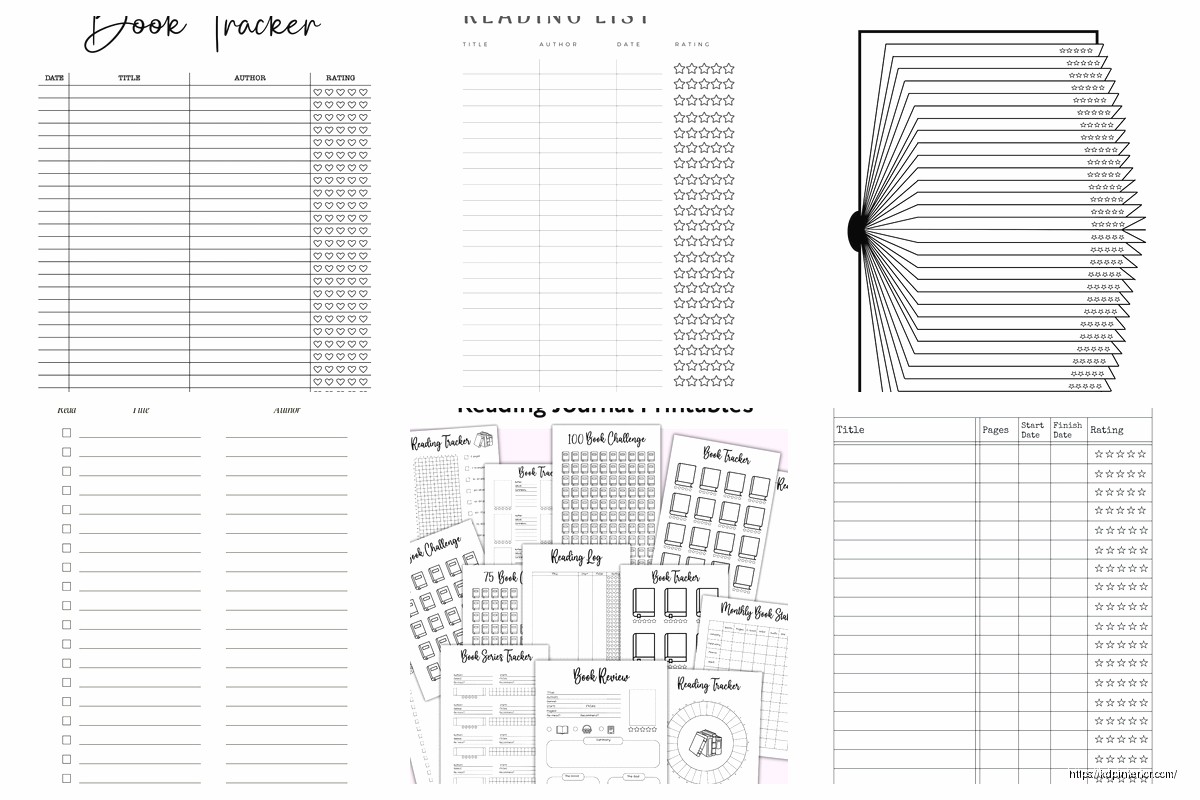
Reading List Template: TBR Organization Format
02
May
May
Okay so I’ve been organizing reading lists for like three years now and honestly the TBR thing gets messy fast if you don’t have a system. Let me show you what actually works because I tested probably fifteen different formats before landing on something I could stick with.
The Basic Structure That Doesn’t Suck
First thing – you need columns that make sense for how you actually pick books. I’m talking title, author, genre, page count, and status. That’s bare minimum. Most people skip page count but trust me, when you’ve got 30 minutes before bed you’re not reaching for that 800-page fantasy epic. You’re grabbing the 250-page thriller.
Status column is where people get weird. Don’t overcomplicate it. I use: Want to Read, Reading Now, Finished, DNF (did not finish). That’s it. I see people with like “On Hold” and “Paused” and “Maybe Someday” and it just becomes decision paralysis.
Oh and another thing – add a “Date Added” column. Sounds boring but you’ll see books sitting there for two years and realize you don’t actually wanna read them anymore. I purge anything over 18 months that I haven’t touched. If I really wanted it, I would’ve read it by now.
Priority Ranking System
This changed everything for me last year. Add a priority column with just three levels: High, Medium, Low.
High priority is stuff you’re genuinely excited about or books people lent you (gotta return those). Medium is the “yeah I’ll get to it” pile. Low is books that sounded interesting at 2am when you added them but realistically you’re never reading.
I use a simple 1-2-3 numbering system sometimes instead because you can sort spreadsheets by number easier than by text. Just depends on if you’re doing this in Excel, Google Sheets, or Notion or whatever.
Source Tracking
Wait I forgot to mention – add where you heard about the book. Sounds extra but it helps you figure out which recommendation sources actually match your taste. I’ve got columns like “recommended by Sarah,” “BookTok,” “NPR review,” “author’s other work.”
Turns out like 90% of books my friend Marcus recommends are hits for me but BookTok is maybe 40%. That info is gold when you’re deciding what to bump up the priority list.
Genre Tags That Work
Don’t just write “fiction” or “nonfiction” because that tells you nothing. Get specific but not ridiculous. My categories:
- Literary Fiction
- Thriller/Mystery
- Sci-Fi/Fantasy
- Romance
- Biography/Memoir
- History
- Business/Self-Help
- Science/Nature
You can add subgenres if you want but I found it gets too granular. Like do you really need to distinguish between “cozy mystery” and “thriller” when you’re just trying to pick something to read?
Sometimes I’ll add mood tags too in a separate column – “light,” “heavy,” “beach read,” “requires focus.” My cat knocked over my coffee on the keyboard while I was setting this up the first time and I almost scrapped the whole thing but honestly it’s worth the extra column.
The Format Options
Okay so funny story – I started with a bullet journal thing because it looked pretty on Instagram. Lasted exactly two weeks. Here’s what actually works:
Spreadsheet Method
Google Sheets or Excel. Boring but functional. You can sort, filter, add conditional formatting to highlight high priority stuff. I color-code mine – red for high priority, yellow for medium, green for low.
Set up filters so you can view by genre or priority or whatever. The search function is clutch when you’re trying to remember that book someone mentioned three months ago.
Template columns I use:
- Title
- Author
- Genre
- Subgenre/Tags
- Page Count
- Format (physical, ebook, audiobook)
- Priority (1-3)
- Status
- Date Added
- Source/Recommendation
- Notes
The notes column is for stuff like “second in series” or “need to read X first” or “only if I’m in the mood for depressing stuff.”
Notion Template
If you’re into Notion this works pretty well. You can create a database with all those same fields but it looks cleaner and you can add covers and stuff. I personally think it’s overkill but some people love it.
The gallery view in Notion is nice for visual people – you see book covers instead of just titles. But it’s slower to update than a spreadsheet and if you’re adding books regularly that gets annoying.
Reading Apps
Goodreads has the built-in TBR shelf. It’s fine. The problem is you can’t customize the organization much and it becomes this endless scroll of doom. I’ve got 300+ books on my Goodreads TBR and it’s basically useless at this point.
StoryGraph is better for organization – you can tag books, set reading goals, and the recommendations are actually good. But I still export my list to a spreadsheet every few months because I need that priority ranking system.
Monthly Organization Routine
This is gonna sound weird but I review my TBR on the first Sunday of every month. Takes like 15 minutes. I was watching that show Succession when I started doing this last year and now I can’t do it without thinking about that theme song, totally unrelated but whatever.
What I do:
- Move finished books to a separate “Read” tab
- Delete anything in the Low priority that’s been there 6+ months
- Adjust priorities based on what I’m actually interested in NOW
- Add any books I’ve collected throughout the month
- Check if I own the high-priority books or need to library/buy them
That last point matters – I flag books I already own because those should get priority. You already spent money, might as well read them.
Seasonal Reading Planning
I batch my TBR by season now and it’s way less overwhelming. Winter is for big chunky books and serious stuff. Summer is lighter. Fall is spooky or atmospheric. Spring is whatever, honestly spring is my wildcard season.
In my spreadsheet I added a “Best Season” column. Sounds extra but when November hits and I want something atmospheric, I just filter for fall vibes and boom – curated list.
The Five-Book Queue
Here’s the thing that actually gets me reading instead of just collecting titles – I maintain a “Next Five” section at the top of my spreadsheet. These are the ONLY books I’m allowed to choose from next.
When I finish one, I promote something from the main TBR to the Next Five. Usually I pick one from each priority level and a couple based on mood or length. This stops me from adding a book on Monday and trying to read it Tuesday when I’ve got 47 other books waiting.
Format-Specific Organization
Track whether you own it as physical, ebook, or audiobook. I color-code this too – blue for physical books I own, purple for ebooks, orange for audiobooks, no color if I need to acquire it.
Audiobooks get priority during my commute weeks. Ebooks are for travel. Physical books are for weekend reading when I can actually focus. Knowing the format helps you match the right book to the right situation.
Series Management
Add a column for series info if you read a lot of series. Nothing worse than accidentally reading book three before book one. I write it like “Broken Earth #1” or “Standalone.”
For series I’m in the middle of, I bump the next book to High priority automatically. The momentum thing is real – if you wait six months between series books you gotta relearn all the characters and it’s annoying.
Library Hold Tracking
If you use the library (and you should, it’s free), add a “Library Status” column. I use:
- Available
- On Hold – X weeks wait
- Need to Request
- Not Available
When a hold comes in, that book automatically becomes high priority because you only get it for 2-3 weeks. I’ve definitely let holds expire because I didn’t have them organized and that’s just wasteful.
Rating and Review Space
Once you finish books, move them to a “Read” tab but keep the same format. Add columns for:
- Date Finished
- Rating (I use 1-5 stars)
- Quick Review/Thoughts
- Would Recommend? (Yes/No)
This creates a reading history you can actually reference. Someone asks for a thriller recommendation? Search your Read tab for thrillers you rated 4+ stars. Done.
The Purge Process
Every six months I do a brutal purge. If it’s been sitting at Low priority for over a year, it goes. I don’t care if it won a Pulitzer. If I haven’t read it by now with all the time I’ve had, I’m never gonna read it.
This is hard the first time but liberating. Your TBR should excite you, not guilt you. Cut anything that feels like homework unless it’s actually for work or school.
Backup Your List
Last thing – export or backup your spreadsheet regularly. I lost an entire year of tracking once when Google Sheets glitched and I wanted to throw my laptop out the window. Now I download a CSV backup monthly.
The whole point of organizing your TBR is to actually read more books you enjoy, not to create the perfect system. If tracking gets tedious, simplify. The best template is the one you’ll actually use consistently, even if it’s just a basic spreadsheet with five columns.
Mine’s evolved a ton over the years and it’ll probably change again. Start simple, add complexity only when you need it. You don’t need fifteen columns on day one. Just track enough info to make better reading choices and go from there.
DISCOVER OUR FREE BEST SELLING PRODUCTS
Editable Canva Lined Journal: Express Your Thoughts – KDP Template
Lined Pages Journal 120 pages Ready to Upload PDF Commercial Use KDP Template 6×9 8.5×11 5×8 for Notebooks, Diaries, Low Content
Lined Pages Journal 120 pages Ready to Upload PDF Commercial Use KDP Template 6×9 8.5×11 5×8 for Notebooks, Diaries, Low Content
Cute Dogs Coloring Book for Kids | Activity Book | KDP Ready-To-Upload
Daily Planner Diary : Diary Planners for Everyday Productivity, 120 pages, 6×9 Size | Amazon KDP Interior
Wolf Coloring KDP interior For Adults, Used as Low Content Book, PDF Template Ready To Upload COMMERCIAL Use 8.5×11"
Coloring Animals Head Book for Kids, Perfect for ages 2-4, 4-8 | 8.5×11 PDF
Printable Blank Comic Book Pages PDF : Create Your Own Comics – 3 Available Sizes
Notes KDP interior Ready To Upload, Sizes 8.5×11 6×9 5×8 inch PDF FILE Used as Amazon KDP Paperback Low Content Book, journal, Notebook, Planner, COMMERCIAL Use
Black Lined Journal: 120 Pages of Black Lined Paper Perfect for Journaling, KDP Notebook Template – 6×9
Student Planner Journal 120 pages Ready to Upload PDF Commercial Use KDP Template 6×9" 8.5×11" for Low Content book
Recipe Journal Template – Editable Recipe Book Template, 120 Pages – Amazon KDP Interior