-
×
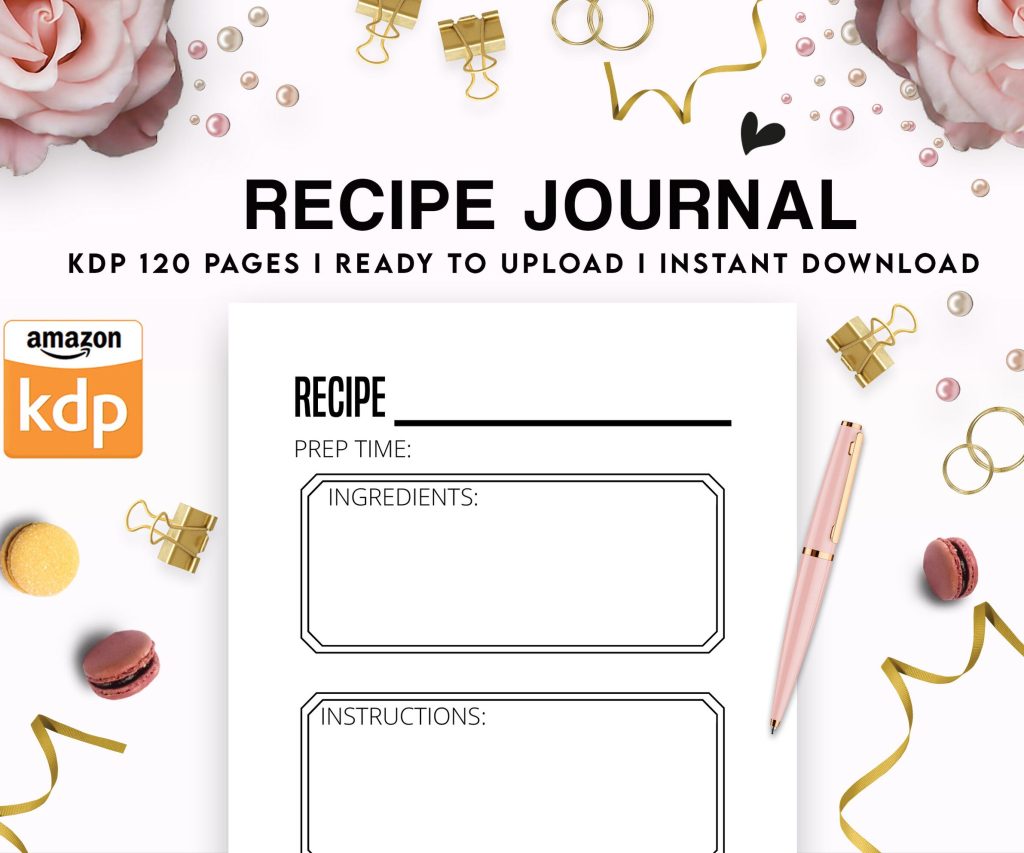 Recipe Journal Template - Editable Recipe Book Template, 120 Pages - Amazon KDP Interior
1 × $0.00
Recipe Journal Template - Editable Recipe Book Template, 120 Pages - Amazon KDP Interior
1 × $0.00
Subtotal: $0.00
 Recipe Journal Template - Editable Recipe Book Template, 120 Pages - Amazon KDP Interior
1 × $0.00
Recipe Journal Template - Editable Recipe Book Template, 120 Pages - Amazon KDP Interior
1 × $0.00 Subtotal: $0.00
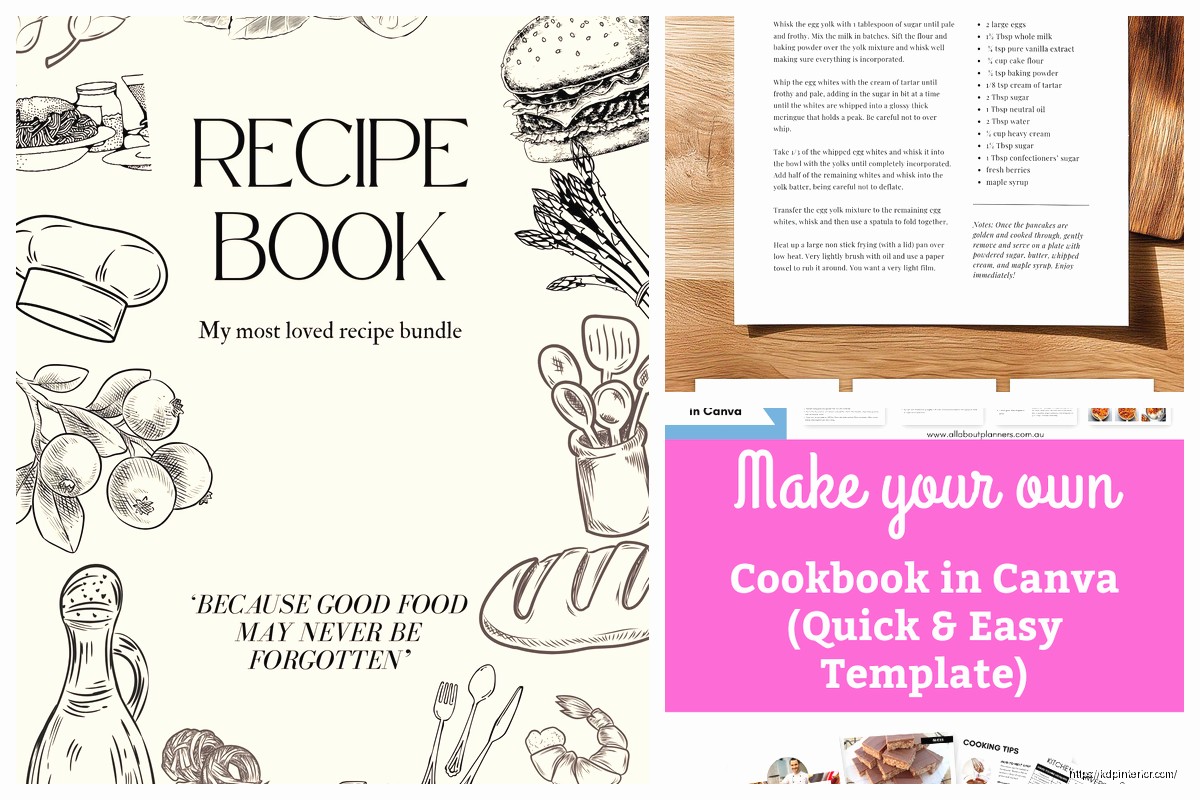
okay so I just tested like five different cookbook creators last month because honestly my dog-walking recipe book was getting zero traction with my DIY layout and here’s what actually works
Book Bolt has this cookbook feature that most people don’t even know exists. You go into their Studio tool and there’s literally a recipe template section. I spent like three hours one night (was supposed to be watching that new Netflix show but whatever) just playing with their layouts and the drag-and-drop is actually smooth. Not clunky like some tools where you’re fighting the interface.
The thing with Book Bolt is you get these pre-made recipe page layouts – ingredient boxes, step sections, that little notes area at the bottom. You can customize colors which is huge because you don’t want every cookbook looking identical on Amazon. I usually change the header fonts and swap the accent colors to match whatever niche I’m targeting.
Price is like $9.99/month for the basic plan but honestly if you’re doing more than one cookbook it pays for itself. They have this bulk upload thing too where you can create multiple pages at once instead of doing each recipe individually like a psycho.
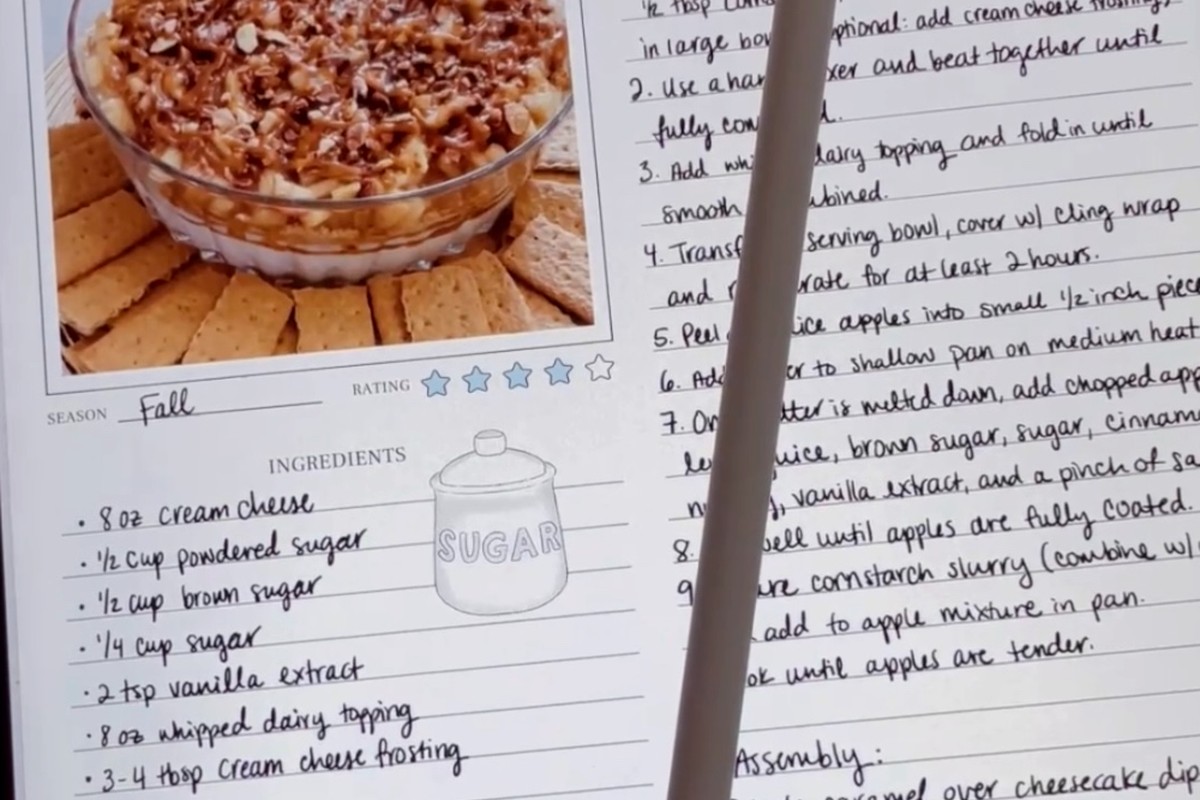
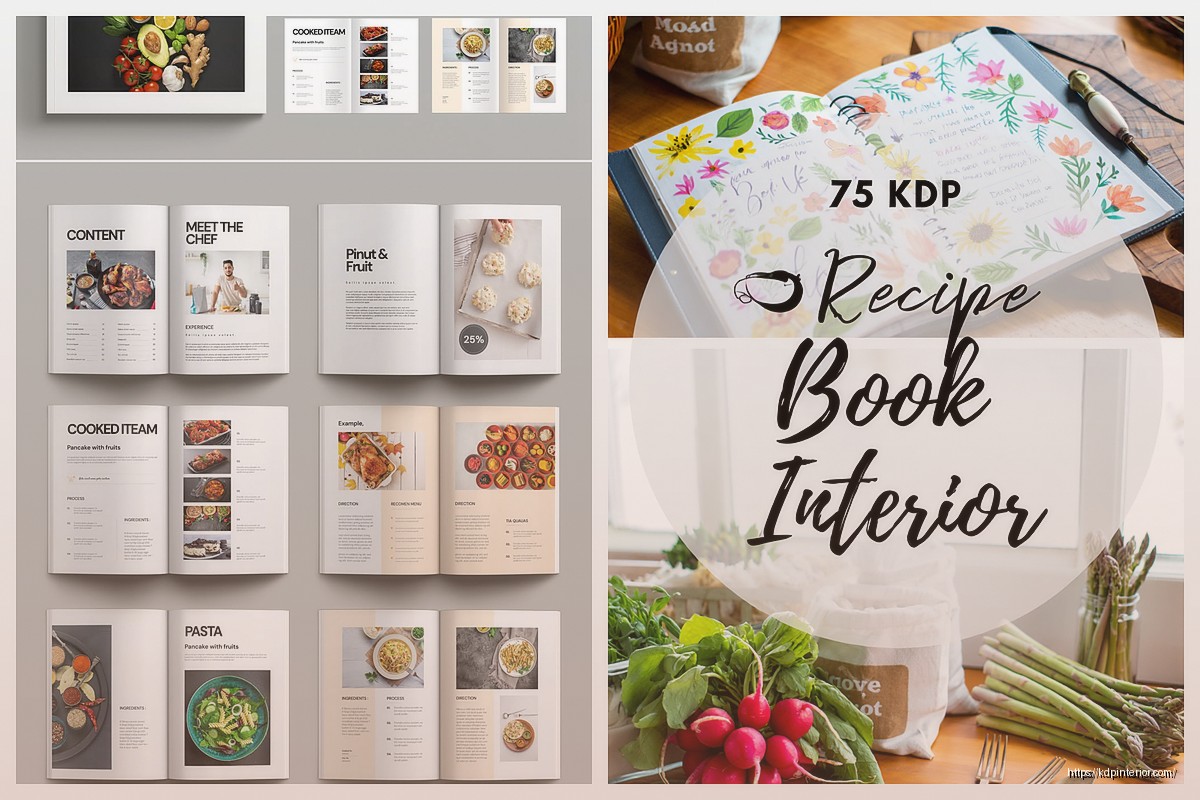
Two-page spreads work best from what I’ve tested. Left page has your ingredients list and maybe a photo placeholder, right page has numbered steps. People flip through the preview on Amazon and that layout just looks more professional than cramming everything on one page.
Book Bolt gives you options for 1-page, 2-page, and even those fancy full-bleed photo layouts. I stay away from full-bleed for recipes though because the printing can get wonky and customers complain about text being too close to edges.
Wait I forgot to mention – if you want more creative control than Book Bolt’s templates, Canva Pro is where it’s at. They added a bunch of cookbook templates last year and the quality is way better than their old stuff.
You search “cookbook” in their template section and there’s probably 200+ options now. The key is finding one that matches your niche vibe. Like I did a keto cookbook and used their minimalist template with lots of white space. Looked clean, professional, didn’t scream “made in Canva” which is important.
Canva lets you duplicate pages super fast so once you set up your master recipe template you just duplicate and swap out the text. Takes maybe 5 minutes per recipe once you get in a rhythm. I usually do batches of 10 recipes in one sitting with coffee and just zone out.
okay so this is gonna sound weird but stock photos actually work fine for cookbooks if you pick them right. Canva Pro gives you access to their whole stock library – Pexels, Pixabay, some others. The trick is consistency. All your food photos need similar lighting and style or it looks thrown together.
I spent one weekend going through Unsplash (free) and saving like 50 dessert photos that all had that same bright natural lighting look. Then used those across my baking cookbook. Nobody complained, sales were solid.
If you wanna use AI-generated food images that’s a whole other thing. Midjourney does decent food pics now but you gotta be careful with the prompts or you get weird extra fingers on the hands holding the fork or whatever. I tested this for like two books and honestly the stock photos performed just as well.
Atticus is more expensive ($147 one-time but they sometimes do sales) and it’s technically for formatting novels but here’s the thing – their layout tools are actually perfect for cookbooks. You get way more control over spacing, fonts, headers, all that technical stuff.
I use Atticus when I’m doing a bigger cookbook project, like 100+ recipes where I need consistent formatting throughout. Their styles feature means you set up your recipe title style once and it applies everywhere. Saves so much time vs manually formatting each page.
The learning curve is steeper though. Took me probably a full day of messing around to figure out their system. But once you get it you can pump out professional-looking interiors fast.
Atticus exports to PDF which is what you need for KDP anyway. Make sure you’re exporting at 300 DPI minimum. I screwed this up on my first cookbook and the preview images looked blurry as hell. Had to redo the whole thing.
Also check your margins – KDP has specific requirements depending on page count. Atticus has KDP presets built in which is clutch. Just select “KDP 8.5×11” or whatever trim size you’re using and it auto-adjusts.
I don’t use Vellum personally because I’m on PC but everyone I know with a Mac swears by it for cookbook formatting. It’s $249 for the version that does print books but apparently the templates are gorgeous and it handles images really well.
They have recipe-specific templates with all the spacing already figured out. My friend Sarah used it for her Instant Pot cookbook and said it took her like 3 hours total to format 60 recipes. That’s insane compared to doing it manually.
The only downside is it’s Mac-only and kinda pricey if you’re just starting out. But if you’re already in the Apple ecosystem and doing multiple books it’s probably worth it.
oh and another thing – Creative Fabrica has tons of cookbook graphics and elements you can use. Like those little ingredient icons, section dividers, decorative borders. I have the $9/month subscription and use their stuff constantly.
You download the PNG or SVG files and just drop them into whatever tool you’re using. Adds that professional touch without having to design everything from scratch. Their license lets you use stuff in books for sale which is key.
I usually grab a set of icons that match my cookbook theme – like herb illustrations for an Italian cookbook or BBQ graphics for a grilling book. Sprinkle them throughout the pages as decorative elements.
This trips people up but it’s actually simple. Use one font for headers (something bold and readable) and one for body text (something clean and simple). That’s it. Don’t go crazy with five different fonts.
Google Fonts is free and has tons of options. I usually pair something like Playfair Display for titles with Open Sans for the recipe text. Looks professional, prints clearly, doesn’t cost anything.
Creative Fabrica also has font bundles if you want something more unique but honestly the free options work fine for most cookbooks.
So here’s my process start to finish – I plan out my recipe list first in a Google Doc. Just titles and categories. Then I write out all the actual recipes with ingredients and steps. Get that content done before you touch any design tool.
Then I open Book Bolt or Canva depending on the project and set up my master template. Spend time getting this right because you’ll use it for every recipe. Colors, fonts, layout, spacing, all that.
Once the template is locked in I just copy-paste recipes and format as I go. Usually takes me 2-3 days to do a 50-recipe cookbook working a few hours each day. Not gonna lie it gets tedious but you can binge podcasts or whatever while you work.
After all pages are done I export to PDF, check it on my phone and tablet to see how it looks at different sizes, then upload to KDP. Always order a proof copy before going live. Always. I’ve caught so many little errors in the proof that I missed on screen.
If you’re really on a budget KDP has their own cover creator and you can upload a basic Word doc for the interior. I don’t recommend this for cookbooks though because the formatting options are too limited. You can’t get that polished look people expect from recipe books.
But I’ve seen people make it work for like journal-style recipe notebooks where it’s mostly blank pages with some prompts. For actual recipe collections with photos and formatted layouts you need better tools.
You don’t need fancy 3D mockups for your listings. Just a clean cover image works fine. I wasted money on Placeit subscriptions making elaborate cookbook mockups and they didn’t increase sales at all.
You also don’t need to hire a designer unless you’re really struggling. These tools are designed for non-designers. I have zero graphic design background and I’ve made cookbooks that sell consistently.
And you definitely don’t need expensive recipe software or database tools. Google Docs or even a simple spreadsheet works perfect for organizing your content before you start designing.
I always create my interior first, then design the cover based on what the inside looks like. Keeps everything cohesive. And I test different preview pages on Amazon – the Look Inside feature shows the first 10% of your book so make sure those opening pages look really good.
My best-selling cookbook has this simple two-column layout, basic sans-serif font, and ingredient boxes with a light gray background. Nothing fancy. But it’s clean and readable and people can tell immediately what they’re getting.
Price point matters more than design honestly. I sell most cookbooks at $12.99-$16.99 depending on page count. Below $12 and people think it’s low quality, above $17 and you’re competing with traditional publishers.
Anyway that’s basically the whole toolkit I use for cranking out recipe books. Book Bolt for templates, Canva for custom design, Atticus when I need more control, Creative Fabrica for graphics. Pick one and just start making pages, you’ll figure out what works for your style pretty quick.
DISCOVER OUR FREE BEST SELLING PRODUCTS
Editable Canva Lined Journal: Express Your Thoughts – KDP Template
Lined Pages Journal 120 pages Ready to Upload PDF Commercial Use KDP Template 6×9 8.5×11 5×8 for Notebooks, Diaries, Low Content
Lined Pages Journal 120 pages Ready to Upload PDF Commercial Use KDP Template 6×9 8.5×11 5×8 for Notebooks, Diaries, Low Content
Cute Dogs Coloring Book for Kids | Activity Book | KDP Ready-To-Upload
Daily Planner Diary : Diary Planners for Everyday Productivity, 120 pages, 6×9 Size | Amazon KDP Interior
Wolf Coloring KDP interior For Adults, Used as Low Content Book, PDF Template Ready To Upload COMMERCIAL Use 8.5×11"
Coloring Animals Head Book for Kids, Perfect for ages 2-4, 4-8 | 8.5×11 PDF
Printable Blank Comic Book Pages PDF : Create Your Own Comics – 3 Available Sizes
Notes KDP interior Ready To Upload, Sizes 8.5×11 6×9 5×8 inch PDF FILE Used as Amazon KDP Paperback Low Content Book, journal, Notebook, Planner, COMMERCIAL Use
Black Lined Journal: 120 Pages of Black Lined Paper Perfect for Journaling, KDP Notebook Template – 6×9
Student Planner Journal 120 pages Ready to Upload PDF Commercial Use KDP Template 6×9" 8.5×11" for Low Content book
Recipe Journal Template – Editable Recipe Book Template, 120 Pages – Amazon KDP Interior