Okay so I just spent like three hours last Tuesday digging through free recipe book templates because honestly my cat knocked over my coffee and I needed something to distract me from that mess, and here’s what actually works if you’re trying to get cookbook downloads without spending money.
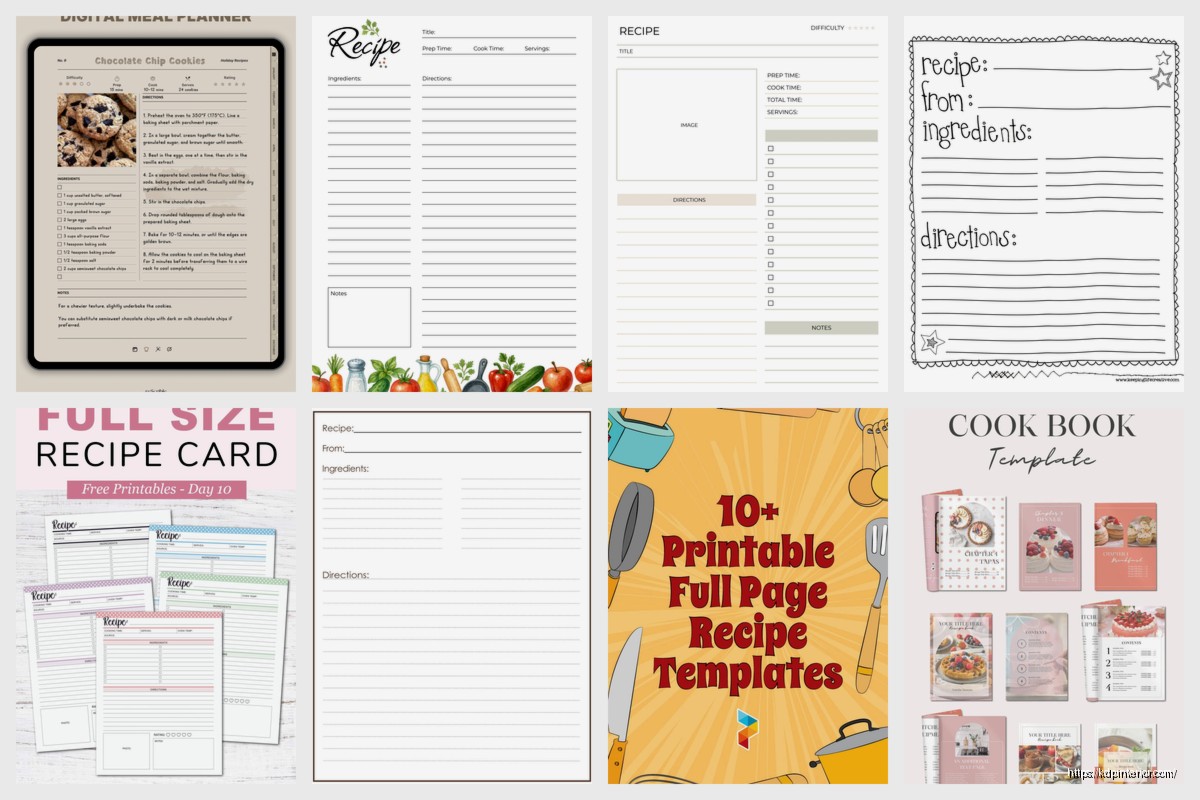
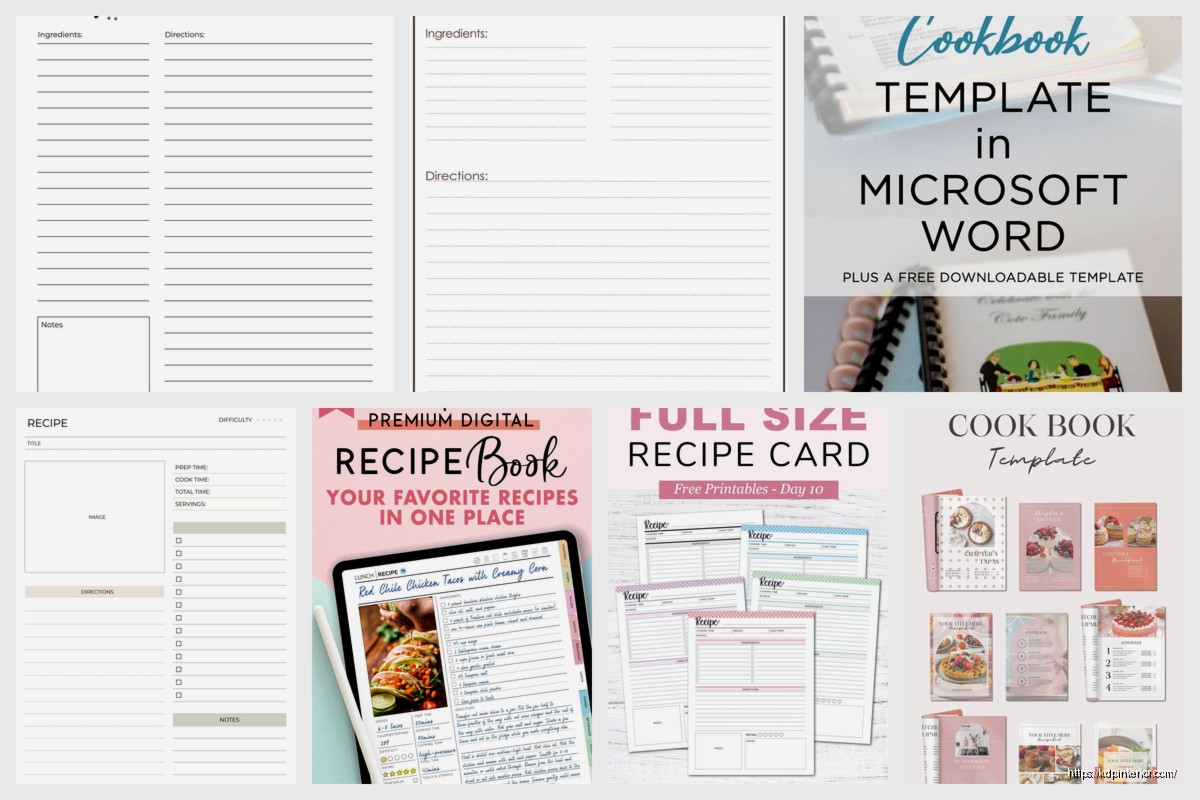
The biggest thing nobody tells you is that “free” recipe book templates come in basically three flavors and you gotta know which one you need before you start downloading random stuff. There’s the Canva templates which are honestly pretty solid, the Microsoft Word/Google Docs ones that look kinda basic but are super functional, and then these PDF fillables that some food bloggers put out.
Canva Templates Are Your Best Starting Point
So Canva has this whole section of free cookbook templates and I tested like fifteen of them last month. The catch is they’re only “free” if you’re cool with the limited image library and fonts. Which honestly for a recipe book works fine because you’re gonna replace most of the stock photos with your own food pics anyway.
What I do is search “recipe book” in Canva and filter by free only. You’ll get probably 50+ options. The ones that worked best for me were the minimalist designs because they’re easier to customize without everything looking weird. There’s this one template called “Modern Recipe Book” that’s like 20 pages and has spots for ingredient lists, instructions, prep time, all that stuff.
Oh and another thing, you can duplicate pages in Canva which is huge. So you find one recipe page layout you like, just duplicate it 30 times and fill in different recipes. Takes maybe an hour to get a full cookbook done if you already have your recipes written out.
The export is where it gets tricky though. Free Canva accounts let you download as PDF but the file sizes are sometimes massive. I had one cookbook that was like 45MB which is ridiculous for a digital download. You gotta compress it afterward using one of those free PDF compressor sites. I use ilovepdf.com usually.
Microsoft Word Templates Nobody Talks About
Wait I forgot to mention that Microsoft actually has built-in recipe book templates that are completely free if you have Word. Go to File > New and search “cookbook” or “recipe book” and there’s probably a dozen options.
These look more corporate-ish honestly but they’re super functional. The advantage here is you can edit everything directly in Word which most people already know how to use. No learning curve like with design software.
The one I used for a client project last year was called “Family Recipe Book” and it had this nice table of contents that auto-updates when you add recipes. That feature alone saved me probably two hours of manual work. You just type your recipe title in the designated spot and it shows up in the TOC automatically.
Google Docs also has templates but they’re weaker honestly. I tried their cookbook template and it was just one page with basic formatting. You’d have to build out the whole structure yourself which kinda defeats the purpose of using a template.
Formatting Tips That Actually Matter
This is gonna sound weird but the biggest mistake I see people make with free templates is not adjusting the margins. Most templates have these huge margins that waste space. For a digital cookbook nobody’s printing this stuff out anymore so you can shrink margins to like 0.5 inches and fit way more content per page.
Also use page breaks between recipes. Sounds obvious but I’ve downloaded “cookbooks” where recipes just flow into each other and it’s super annoying to read. Each recipe should start on its own page or at minimum have clear visual separation.
Where to Actually Find Free Recipe Templates
Besides Canva and Word, there’s a bunch of random sites that offer free downloads. Template.net has some decent ones but you gotta give them your email which means spam forever. Worth it if you need variety though.
Etsy weirdly has free templates sometimes. Sellers will offer a free basic version to upsell you to their premium pack. Just search “free recipe book template” on Etsy and filter by price low to high. The $0 ones are actually legit downloads not scams.
Pinterest is honestly hit or miss. Lots of pins claim “free template” but then link to some blog post where you gotta sign up for a newsletter and maybe get a template maybe get nothing. I’ve wasted so much time on those.
Oh and another thing, check out Creative Market on their free goods section. Every Monday they release free design assets and sometimes there’s cookbook templates. I grabbed one probably six months ago that had this really nice vintage design. Still use it occasionally.
Google Sheets for Recipe Organization
Okay so funny story, I was watching The Bear on Hulu and they had all these recipe cards organized in the restaurant and it made me think about using Google Sheets for recipe templates. Sounds random but hear me out.
You can create a Google Sheet with columns for recipe name, ingredients, instructions, cook time, servings, whatever. Then use it as your master list and copy-paste into whatever design template you’re using. This way all your recipes are in one searchable database.
There’s actually free Google Sheets recipe templates out there too. Search “recipe template” in the Google Sheets template gallery. I found one that even had a meal planning tab built in which was extra.
The advantage here is collaboration if you’re working with someone else or collecting family recipes. Multiple people can add to the same sheet and then you compile it into the final cookbook design.
PDF Fillable Templates
These are kinda niche but super useful if you want something print-ready. Basically it’s a PDF with form fields where you can type directly into the document. No design software needed.
I found a good one on a site called AllFreePrintable or something like that. It had spaces for recipe title, ingredients list, directions, and notes. You just open it in Adobe Reader, type in your content, and save. Done.
The limitation is you’re stuck with whatever design they created. Can’t change colors or fonts or layout. But if you need something fast and functional it works.
Building Your Own Template From Scratch
If you’ve got time and wanna make something totally custom, Google Docs or Word work fine for building from zero. Start with a blank document and just set up your page structure.
Here’s what I typically include in a recipe page layout:
- Recipe title at the top in large font
- Small section for prep time, cook time, total time, servings
- Ingredients list in a box or with bullet points
- Instructions numbered clearly
- Optional notes section at bottom
- Small image space if you want photos
You can save this as your template and just duplicate it for each recipe. Takes maybe 30 minutes to set up initially but then you have complete control over everything.
Images and Food Photography
Wait I should mention that most free templates don’t include food photos obviously. You’ll need your own images or stock photos.
For free stock photos check Unsplash or Pexels. Both have tons of high-quality food photography. Just search for whatever dish you’re making and there’s usually something close enough. Make sure you check the license but most are free for commercial use.
If you’re using your own photos just make sure they’re high enough resolution. At least 1000 pixels wide for digital cookbooks. Blurry food photos make even the best recipe look unappetizing.
File Formats and Downloads
Your final cookbook should be exported as PDF for digital distribution. That’s the most universal format. Everyone can open PDFs on any device.
Some people ask about ePub format for cookbooks but honestly it’s not great for recipe books because the formatting gets wonky on different e-readers. Recipes need consistent layout and PDF maintains that.
If you’re putting this on Amazon KDP or another platform they usually want PDF anyway for the interior. Just make sure it’s high enough quality, at least 300 DPI if anyone might print it.
Free Tools for Enhancing Your Template
After you’ve got your basic template there’s free tools that can make it better. Photopea is basically free Photoshop in your browser if you need to edit images or create custom graphics.
Remove.bg is great for removing backgrounds from food photos. Makes them look more professional. You get a few free uses per month without signing up.
For fonts, Google Fonts has thousands of free options. The ones I use most for cookbooks are Playfair Display for elegant titles and Open Sans or Lato for body text. Super readable and free for commercial use.
Organizing Multiple Recipes
One thing that’s annoying with templates is managing like 50+ recipes in one document. It gets laggy and hard to navigate.
What I do is create each recipe in its own file first, then combine them at the end using a PDF merger tool. There’s free ones online like PDF Merge or you can use Adobe’s free online tool.
This way you can work on recipes individually without your computer freezing up. Plus if you need to update one recipe later you just swap out that single page instead of editing the whole book.
Also create a table of contents manually if your template doesn’t have one. Just a page at the front listing all recipe names and page numbers. Makes the cookbook way more usable.
The other option is categorizing recipes by type like appetizers, main courses, desserts. That’s cleaner than just alphabetical order. Most free templates have section divider pages you can use between categories.
Common Problems with Free Templates
Okay so the main issues I’ve run into are fonts not embedding properly when you export, images getting compressed too much and looking pixelated, and page sizes being wrong for print.
For fonts, always embed them in your PDF export settings. There’s usually a checkbox for this. Otherwise whoever opens your PDF might see different fonts if they don’t have yours installed.
For image quality, export at the highest settings your software allows. File size might be bigger but you can compress it afterward without losing quality.
Page size matters if anyone might print your cookbook. Standard is 8.5×11 inches in the US. Some templates default to A4 which is slightly different and causes problems at print shops.
Actually gotta run but that’s basically everything I know about free recipe templates. Just pick one, customize it with your recipes, and export as PDF. Don’t overthink it honestly.

 Wolf Coloring KDP interior For Adults, Used as Low Content Book, PDF Template Ready To Upload COMMERCIAL Use 8.5x11"
1 × $0.00
Wolf Coloring KDP interior For Adults, Used as Low Content Book, PDF Template Ready To Upload COMMERCIAL Use 8.5x11"
1 × $0.00 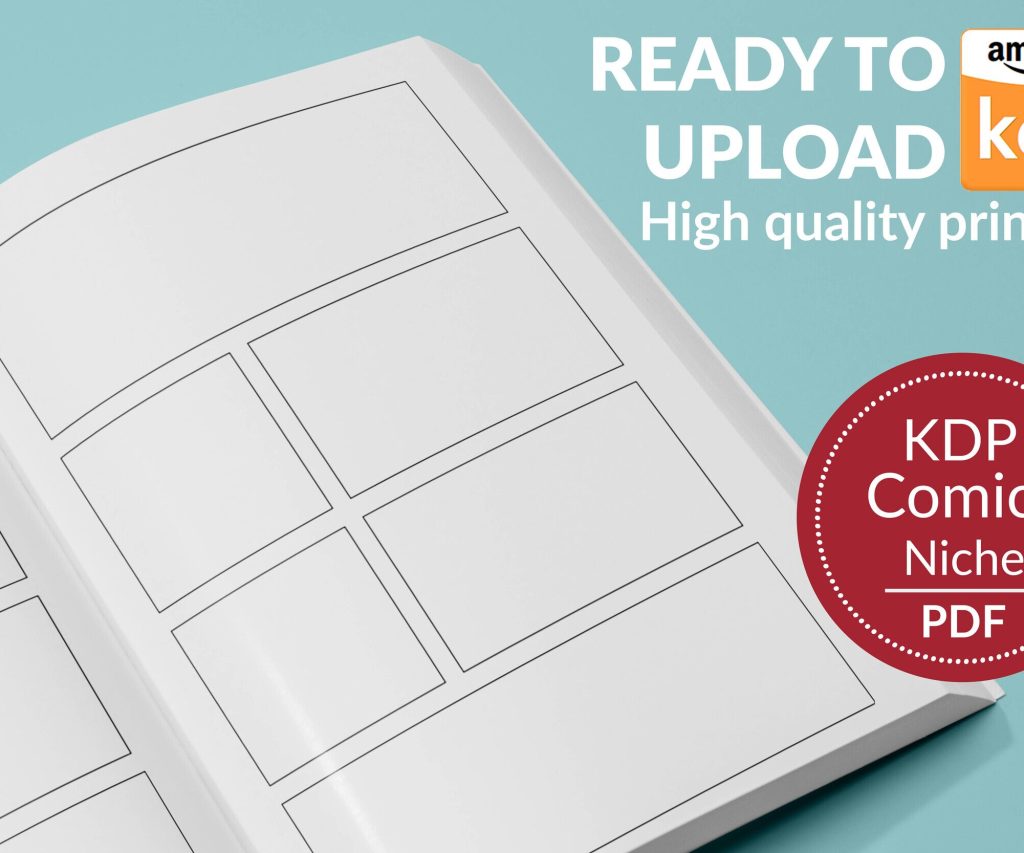 Printable Blank Comic Book Pages PDF : Create Your Own Comics - 3 Available Sizes
1 × $0.00
Printable Blank Comic Book Pages PDF : Create Your Own Comics - 3 Available Sizes
1 × $0.00 
DISCOVER OUR FREE BEST SELLING PRODUCTS
Editable Canva Lined Journal: Express Your Thoughts – KDP Template
Lined Pages Journal 120 pages Ready to Upload PDF Commercial Use KDP Template 6×9 8.5×11 5×8 for Notebooks, Diaries, Low Content
Lined Pages Journal 120 pages Ready to Upload PDF Commercial Use KDP Template 6×9 8.5×11 5×8 for Notebooks, Diaries, Low Content
Cute Dogs Coloring Book for Kids | Activity Book | KDP Ready-To-Upload
Daily Planner Diary : Diary Planners for Everyday Productivity, 120 pages, 6×9 Size | Amazon KDP Interior
Wolf Coloring KDP interior For Adults, Used as Low Content Book, PDF Template Ready To Upload COMMERCIAL Use 8.5×11"
Coloring Animals Head Book for Kids, Perfect for ages 2-4, 4-8 | 8.5×11 PDF
Printable Blank Comic Book Pages PDF : Create Your Own Comics – 3 Available Sizes
Notes KDP interior Ready To Upload, Sizes 8.5×11 6×9 5×8 inch PDF FILE Used as Amazon KDP Paperback Low Content Book, journal, Notebook, Planner, COMMERCIAL Use
Black Lined Journal: 120 Pages of Black Lined Paper Perfect for Journaling, KDP Notebook Template – 6×9
Student Planner Journal 120 pages Ready to Upload PDF Commercial Use KDP Template 6×9" 8.5×11" for Low Content book
Recipe Journal Template – Editable Recipe Book Template, 120 Pages – Amazon KDP Interior