Okay so last month I was putting together a reference folder for cover designs and realized I’ve been hoarding like 600+ sample covers over the years, so lemme break down what actually works when you’re looking for design inspiration and how to build your own gallery without losing your mind.
Where I Actually Pull Sample Covers From
Amazon’s bestseller lists are obvious but here’s the thing – you gotta look at the top 100 in your specific niche, not just the main category. Like if you’re doing guided journals, don’t just browse “Self-Help” browse the guided journals subcategory because that’s where you’ll see what’s actually converting right now. I usually screenshot about 20-30 covers from the top spots and dump them in a folder labeled by niche and date.
BookBub’s featured deals emails are underrated for this. They curate covers daily and those books are already vetted for design quality. I’ve got a separate email folder where I just save these and go through them once a week. Takes maybe 15 minutes.
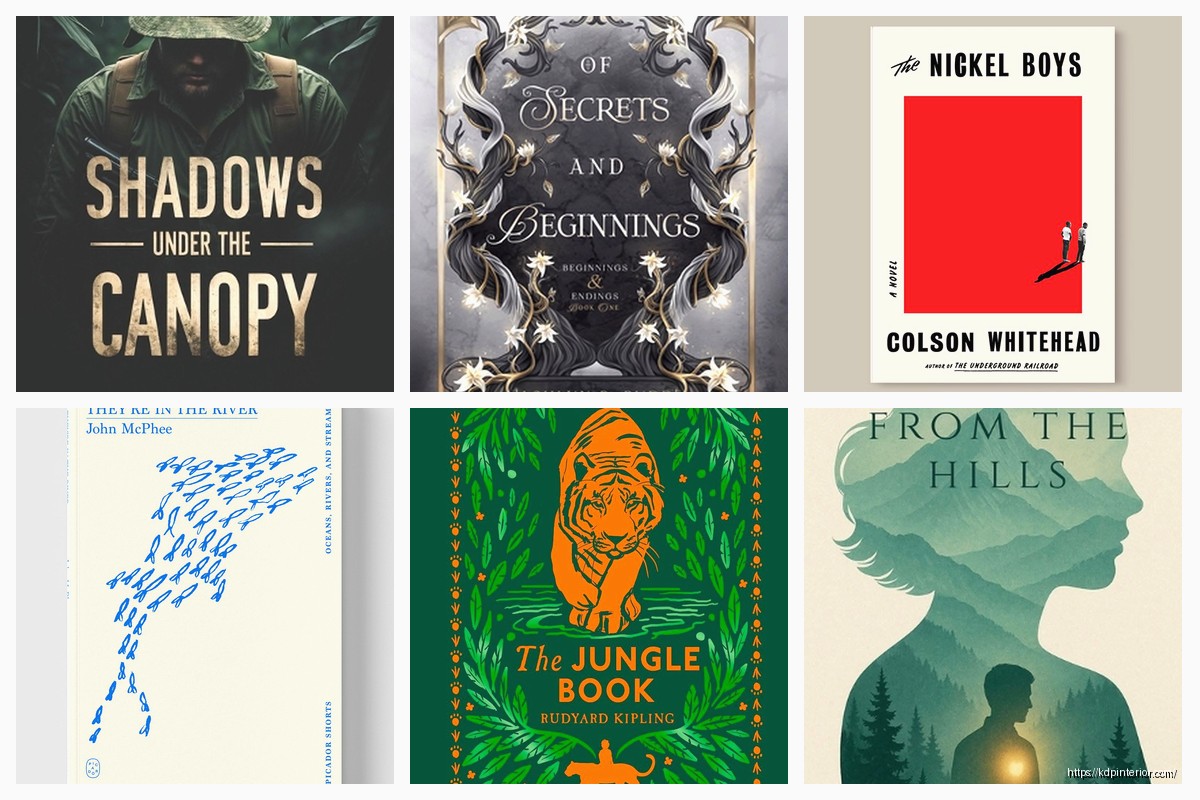
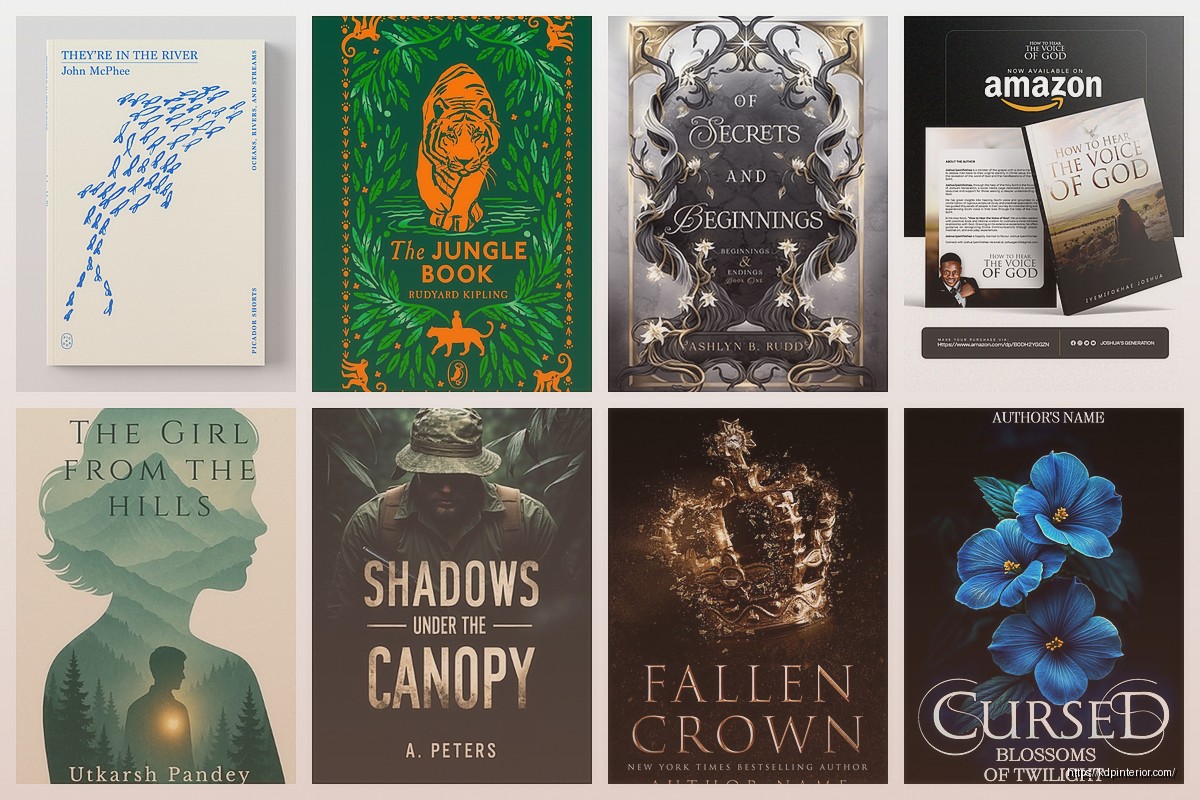
Pinterest boards but you gotta be careful here because a lot of “book cover inspiration” pins are just concept art that would never work on a tiny thumbnail. I learned this the hard way when I tried to recreate this gorgeous illustrated cover I found and it looked like a blurry mess at Amazon’s thumbnail size.
Organizing Your Swipe File
I use a super basic folder structure on my desktop – nothing fancy. Main folder called “Cover Swipes” then subfolders by genre or format. So I’ve got:
- Planners – Floral
- Planners – Minimalist
- Journals – Dark/Moody
- Journals – Bright/Motivational
- Coloring Books – Intricate
- Workbooks – Professional
- Kids Activity – Bold Colors
You could use Canva’s collections feature too but honestly I find that slower when I’m actually designing because I gotta open Canva, wait for it to load, find the right collection… with desktop folders I just drag and drop into a second monitor.
Oh and another thing – I name the files with the key elements. So instead of “IMG_4782.jpg” it’s something like “blue-gold-geometric-planner.jpg” because three months later you won’t remember what that random screenshot was.
What to Actually Look For
Color combinations are probably the most valuable thing to steal inspiration from. Not the exact design but like “oh that teal and coral combo works really well” or “didn’t think of pairing navy with that particular gold tone.” I’ve got a whole subfolder that’s just color palette screenshots.
Typography hierarchy matters more than people think. When you’re looking at covers that work, notice how they balance the title size versus subtitle versus author name. The bestselling planners almost always have the main word HUGE and everything else way smaller. Meanwhile fiction covers often make the author name massive if they’re established.
Texture and patterns – this is where I spent way too much time initially. You see a marble background or a watercolor wash and think “I need to learn how to make that” but honestly you can find stock textures for like $1 or free on Creative Fabrica if you have the subscription. Save examples of textures you like but don’t stress about recreating them from scratch.
Building Category-Specific Collections
For low-content books you really need separate galleries by format because what works for a planner is totally different from a coloring book.
Planners and organizers – I notice the trend right now is either super minimal (think one or two colors, clean sans-serif fonts, lots of white space) or maximalist floral (like every inch covered in flowers or leaves). There’s not much middle ground that’s selling well. I’ve got probably 80 examples of each style saved.
Journals are all over the place honestly. The guided journal/prompt journal market loves that hand-lettered look with watercolor backgrounds. Regular lined journals can go minimal or decorative. Gratitude journals specifically seem to do well with sunrise/sunset imagery or that whole “boho” vibe with moons and stars.
Coloring books – the cover needs to showcase the interior style obviously. I save examples where the cover art matches the complexity level inside. Like if it’s intricate mandala patterns, the cover better show that level of detail. Kids coloring books need bold outlines and bright colors that pop on mobile screens.
The Thumbnail Test Nobody Talks About
Okay so funny story – I designed what I thought was a gorgeous cover for a productivity planner, spent like 3 hours on it, uploaded it and then looked at it on my phone in the search results and couldn’t even read the title. Complete waste.
Now every cover I save as inspiration, I also save a thumbnail version. I literally resize them to 500px wide or whatever and keep both versions. Because a cover that looks amazing full-size might be completely ineffective as a thumbnail and that’s all that matters on Amazon.
When I’m browsing for samples I actually do this test – I zoom out or step back from my screen and see if I can still tell what the book is about and read the main text. If not, it doesn’t go in my inspiration folder even if it’s beautiful.
Analyzing What’s Working Right Now
The market shifts faster than people realize. Like two years ago everything in the planner space was pastels and “soft” vibes. Now I’m seeing way more bold contrasts and saturated colors doing well.
I try to update my main inspiration folders every quarter. I’ll go through and delete stuff that feels dated and add new screenshots from current bestsellers. You can usually tell when a design trend is fading because you’ll see it on page 2-3 of results instead of page 1.
Wait I forgot to mention – Amazon’s “customers also bought” section is gold for this. You find one cover you like, check what else people are buying, screenshot those too. They’re already proven to appeal to the same audience.
Design Elements That Keep Showing Up
Geometric patterns are still everywhere in the planner/journal space. Hexagons, triangles, that whole abstract minimalist thing. I’ve got a folder just for geometric layouts because there’s so many variations.
Hand-drawn elements versus clean vector graphics – this really depends on your niche. Wellness and self-care stuff leans heavy into hand-drawn, organic shapes. Business planners and productivity stuff is almost all clean vectors and structured layouts.
Foil effects and how to fake them – you can’t actually do foil on KDP obviously but you can make it look like gold foil or rose gold using the right colors and maybe a subtle texture overlay. I save examples where people pulled this off well digitally.
Tools for Managing Your Gallery
I mostly just use desktop folders like I mentioned but sometimes I’ll throw stuff into Eagle app when I’m feeling organized. It’s like $30 one-time and lets you tag images with multiple categories which is helpful. So one cover might be tagged “minimalist” “blue” “planner” “sans-serif” and then you can filter by any combo of those.
Google Photos works too if you’re on a budget. Upload all your samples, add descriptions, use the search feature. Not as precise but it’s free.
Canva’s built-in template browser is actually decent for initial browsing but their book cover templates are hit or miss. Some are way too busy or don’t follow current market trends. I still screenshot ones I like though.
Learning From Failed Designs
This is gonna sound weird but I also save examples of covers that DON’T work. Like books ranked 500,000+ with covers that are obviously hurting their sales. It’s helpful to see what to avoid – weird font choices, muddy colors, too much text, whatever.
My dog just knocked over my water bottle so brb… okay back.
You can learn as much from bad examples as good ones. I’ve got a folder literally called “Don’t Do This” with covers that have common mistakes. Helps remind me when I’m designing at 11pm and second-guessing myself.
Niche-Specific Galleries You Need
If you’re doing kids activity books you need samples from different age ranges. A coloring book for 3-year-olds looks completely different from one for 8-year-olds. Same with workbooks and activity books. I break mine down by age: toddler, preschool, elementary, tween.
Wedding planners are their own whole category with very specific design expectations. Lots of florals, script fonts, soft romantic colors. I’ve got maybe 40 examples of these because the market is pretty specific about what works.
Fitness and health journals – interesting niche because it can go either super feminine (florals, script fonts, pastels) or gender-neutral (bold colors, modern fonts, geometric shapes). Worth having examples of both approaches.
Seasonal and Trend Awareness
I keep a separate folder for seasonal covers because the design approach changes. Christmas planners obviously have specific color schemes and imagery. Academic year planners (July-June) have a different vibe than calendar year ones.
Current design trends I’m seeing pop up more: abstract organic shapes (like those blob/amoeba looking things), earthy terracotta and sage green combos, maximalist patterns making a comeback, really bold typography that takes up most of the cover.
Actually Using Your Gallery
When I start a new cover design I’ll open the relevant folder and just look through 15-20 examples to get my brain in the right space. Not to copy anything directly but to absorb what’s working in that niche right now.
I’ll usually pull color codes from 2-3 covers I like using a color picker tool. Then I’ll note what typography styles are common – are people using serif or sans-serif, script or hand-lettered, all caps or mixed case.
The point isn’t to recreate someone else’s cover, it’s to understand the visual language that customers in that niche are already responding to. You’re still making something unique but you’re working within a framework that’s proven.
Sometimes I’ll do this thing where I print out like 9 bestselling covers in a grid and just stare at it to see patterns. Usually something clicks like “oh they all have the main element in the top third” or “they’re all using maximum 3 colors.”
Keeping It Fresh
My routine is pretty simple – every Sunday morning with coffee I’ll browse the bestseller lists in my main niches for maybe 30 minutes and screenshot anything new or interesting. Doesn’t take long and keeps my galleries current.
I also follow a few KDP creators on Instagram who share their covers and I’ll save those if they’re good examples. Not gonna name names but you know the ones.
The biggest mistake I see people make is building a gallery once and never updating it. Market trends shift, color preferences change, what worked last year might look dated now. Gotta treat it like a living resource not a one-time thing.
Anyway that’s basically my whole system for cover inspiration galleries. Nothing revolutionary just consistent collecting and organizing so when you need ideas you’re not starting from zero every time.

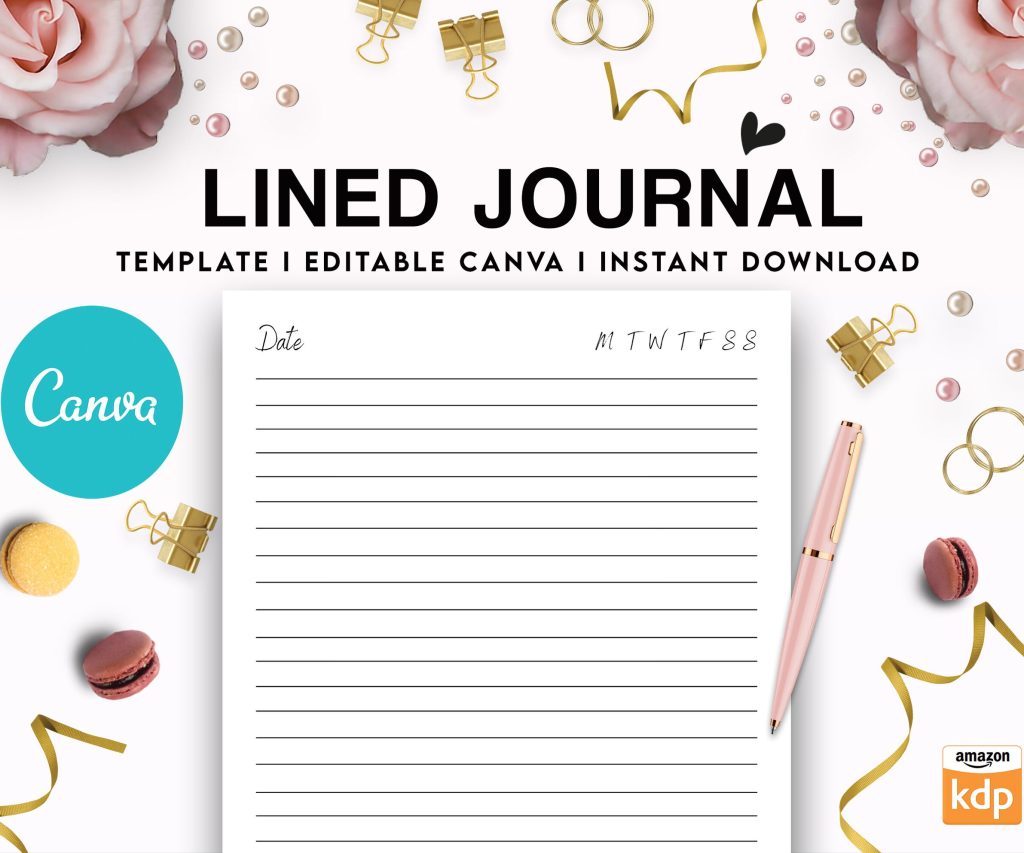 Editable Canva Lined Journal: Express Your Thoughts - KDP Template
1 × $0.00
Editable Canva Lined Journal: Express Your Thoughts - KDP Template
1 × $0.00 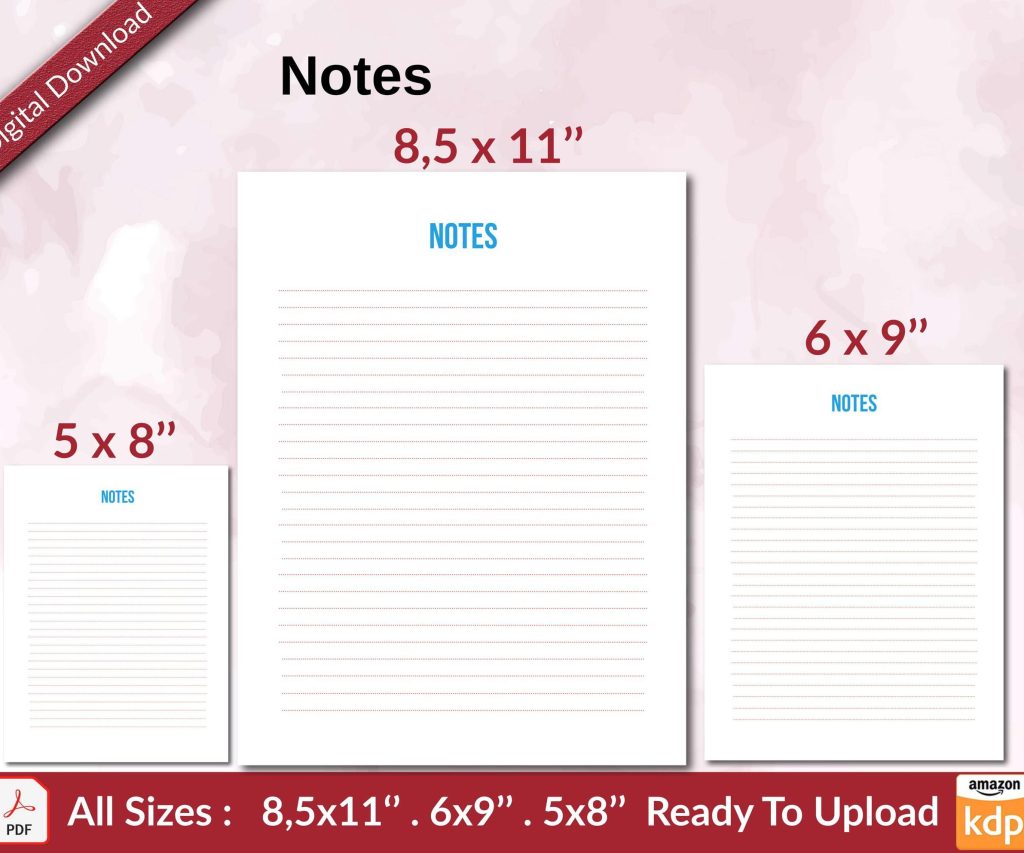 Notes KDP interior Ready To Upload, Sizes 8.5x11 6x9 5x8 inch PDF FILE Used as Amazon KDP Paperback Low Content Book, journal, Notebook, Planner, COMMERCIAL Use
1 × $0.00
Notes KDP interior Ready To Upload, Sizes 8.5x11 6x9 5x8 inch PDF FILE Used as Amazon KDP Paperback Low Content Book, journal, Notebook, Planner, COMMERCIAL Use
1 × $0.00 
DISCOVER OUR FREE BEST SELLING PRODUCTS
Editable Canva Lined Journal: Express Your Thoughts – KDP Template
Lined Pages Journal 120 pages Ready to Upload PDF Commercial Use KDP Template 6×9 8.5×11 5×8 for Notebooks, Diaries, Low Content
Lined Pages Journal 120 pages Ready to Upload PDF Commercial Use KDP Template 6×9 8.5×11 5×8 for Notebooks, Diaries, Low Content
Cute Dogs Coloring Book for Kids | Activity Book | KDP Ready-To-Upload
Daily Planner Diary : Diary Planners for Everyday Productivity, 120 pages, 6×9 Size | Amazon KDP Interior
Wolf Coloring KDP interior For Adults, Used as Low Content Book, PDF Template Ready To Upload COMMERCIAL Use 8.5×11"
Coloring Animals Head Book for Kids, Perfect for ages 2-4, 4-8 | 8.5×11 PDF
Printable Blank Comic Book Pages PDF : Create Your Own Comics – 3 Available Sizes
Notes KDP interior Ready To Upload, Sizes 8.5×11 6×9 5×8 inch PDF FILE Used as Amazon KDP Paperback Low Content Book, journal, Notebook, Planner, COMMERCIAL Use
Black Lined Journal: 120 Pages of Black Lined Paper Perfect for Journaling, KDP Notebook Template – 6×9
Student Planner Journal 120 pages Ready to Upload PDF Commercial Use KDP Template 6×9" 8.5×11" for Low Content book
Recipe Journal Template – Editable Recipe Book Template, 120 Pages – Amazon KDP Interior