
Amazon KDP guide, KDP book publishing
Textbook Layout Design: Academic Publishing Guide
May
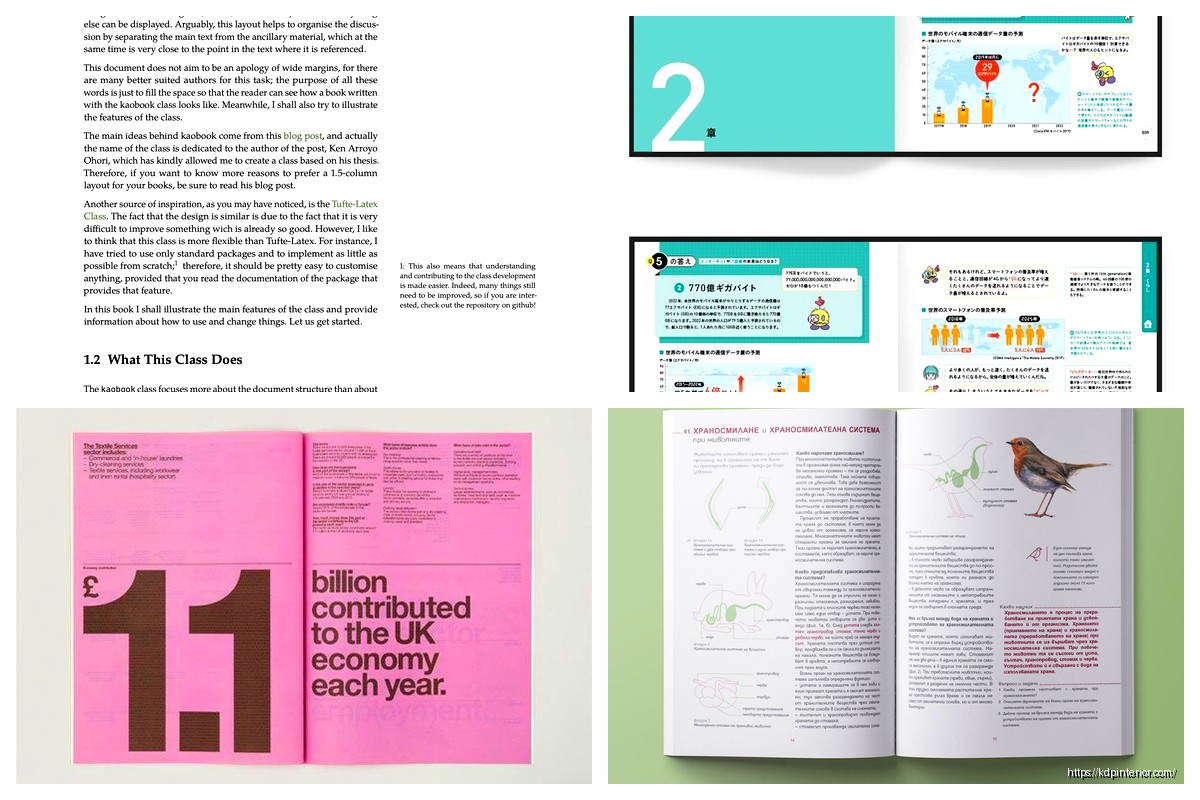
Okay so I just finished laying out three textbooks last month and honestly the spacing thing is what kills most people right out of the gate. Like you’ll see these academic books that look totally cramped and students just… they hate reading them. First thing – margins matter way more than you think. I’m talking 1 inch minimum on all sides, but for textbooks I actually go 1.25 inches on the inside (gutter) because these books are thick and they need to lay flat without losing text in the spine crease.
The baseline grid is gonna be your best friend here. Set it to 12pt or 14pt depending on your body text size, and then make everything – captions, headings, images – snap to that grid. Sounds obsessive but it makes the whole book feel professional when text lines up across facing pages. I learned this the hard way when a professor client pointed out that my pages looked “drunk” because nothing aligned.
For body text you want 10-11pt for most academic stuff. I usually go with 10.5pt because it splits the difference nicely. Line spacing should be 1.15 to 1.3 times your font size – so if you’re at 10.5pt text, you want about 13-14pt leading. Don’t just use “double spacing” like in Word, that’s way too much for print.
Oh and another thing – column width is critical. Your text block should be 60-70 characters per line max. Any wider and readers lose their place when jumping to the next line, any narrower and you get too many hyphens. For an 8.5×11 textbook with those margins I mentioned, you’re looking at about 5 inches of text width which works perfectly.
Fonts… okay this is where people get weird. Everyone wants to use something fancy but please just stick with serif fonts for body text. Minion Pro, Garamond, Baskerville, even good old Times New Roman works fine. The goal isn’t to be creative, it’s to be readable for 6 hours straight during exam prep. I use sans-serif only for headings and captions – something like Helvetica or Myriad Pro.
Heading hierarchy needs to be super clear. I do:
– Chapter titles: 24-28pt, bold, extra space before (like 36pt)
– H2 sections: 16-18pt, bold, 24pt space before
– H3 subsections: 12-14pt, bold or bold italic, 18pt space before
– H4 if you need it: same size as body but bold, 12pt space before
The space BEFORE headings should always be more than the space after. This groups the heading with the content it introduces. Sounds obvious but I see this messed up constantly.
Wait I forgot to mention – paragraph formatting. You’ve got two choices: either indent first lines (0.25 inches) with no space between paragraphs, OR no indent with space between paragraphs (like 6pt). Never both. For textbooks I prefer the indent method because it saves space and looks more traditional. But don’t indent the first paragraph after a heading, that looks weird.
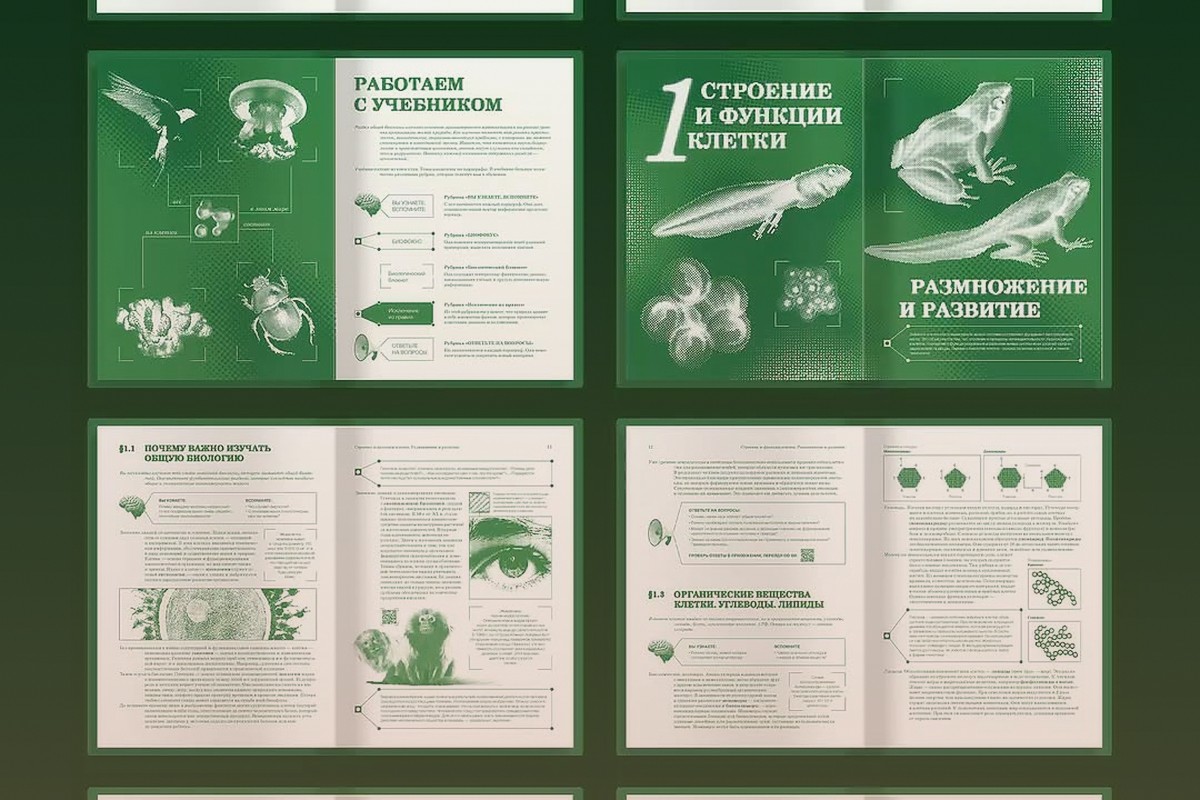
Images and figures are where this gets tricky. You need consistent placement – I put all figures either at the top or bottom of pages, never floating in the middle of text unless it’s a small diagram. Use a slightly smaller font for captions (maybe 9pt if body is 10.5pt) and make them italic or a different color to differentiate.
The caption should go below images but above tables – that’s the academic standard and don’t ask me why, it just is. Number everything consistently: “Figure 3.2” means chapter 3, second figure. Tables get their own numbering sequence.
This is gonna sound weird but white space is content. Don’t cram everything together trying to save pages. A little breathing room around images, generous spacing before chapter starts, even blank pages at chapter ends – it all makes the book feel less overwhelming. I had a biology textbook last year where the client wanted to cut 50 pages and it just made the whole thing feel suffocating.
Okay so funny story – I was watching The Bear while doing page layouts one night and realized textbook organization is like a restaurant kitchen. Everything needs its place and consistency matters more than creativity. Headers and footers should be clean: page numbers on outside corners (right on recto, left on verso), maybe chapter title on verso and section title on recto. Keep it small, like 9pt, and use that space to help readers navigate.
For math-heavy textbooks you gotta use a font that has proper mathematical symbols. Latin Modern Math or STIX are free options. And equation spacing – give them room. I put 6pt space above and below inline equations, more for display equations (like 12pt). Number important equations on the right margin.
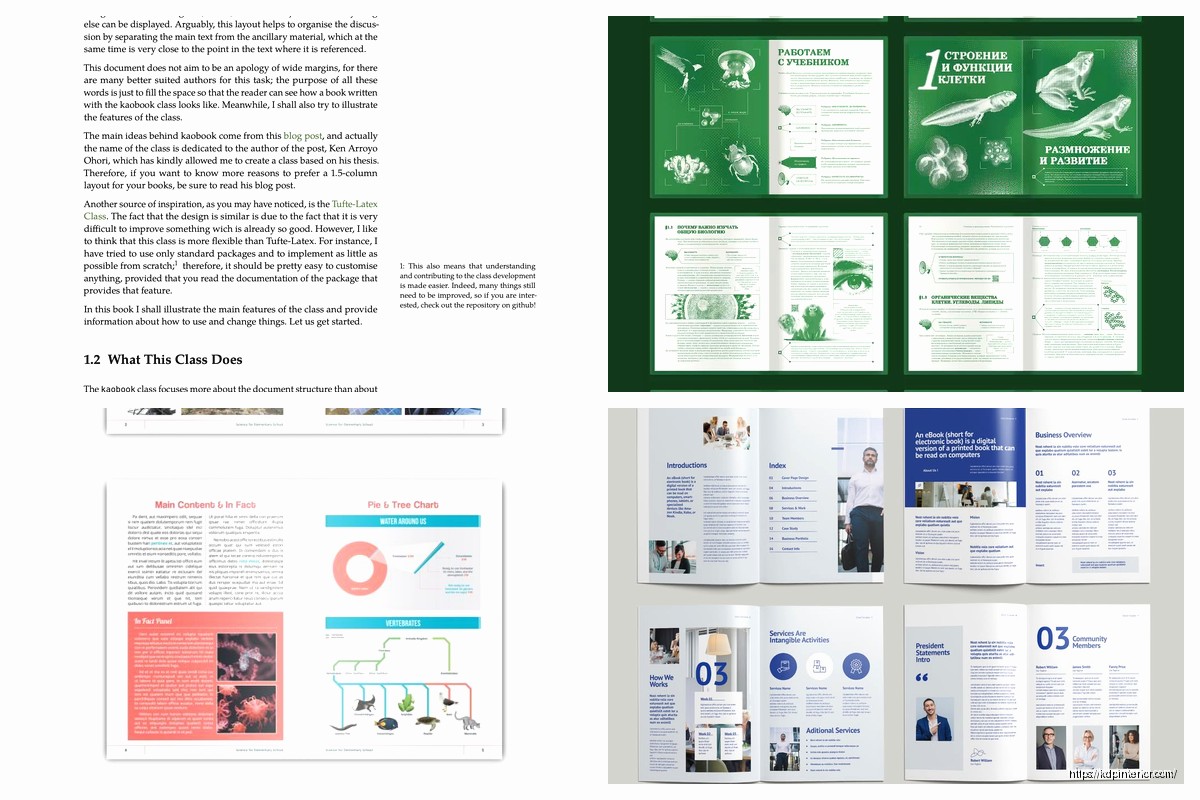
Boxes and callouts for key concepts should have clear visual hierarchy. I use light background colors (like 10% gray or a very pale blue) with maybe 0.5pt borders. The text inside should maintain the same baseline grid as everything else. These are great for examples, case studies, definitions – but don’t overuse them or the page becomes a patchwork.
Bibliography formatting… ugh this deserves its own section. Use hanging indents (0.3 inches), slightly smaller font than body (9.5pt if body is 10.5pt), and single spacing within entries with 6pt between entries. Make sure URLs break properly – you might need to manually insert soft breaks so they don’t run into margins.
Tables need to be readable which means sometimes you use 9pt text, sometimes 8pt depending on how many columns. Horizontal lines are okay (top, bottom, below headers) but minimize vertical lines – they create visual clutter. Alternate row shading (like 5% gray every other row) helps readers track across wide tables.
Index design is actually harder than it looks. Two or three columns depending on page size, small font (8-9pt), hanging indents for sub-entries. The index needs to be dense but readable, which is a weird balance. I usually tighten the leading a bit here compared to body text.
Oh and paper color matters if you’re doing print. Cream or off-white is way easier on the eyes for long reading sessions than bright white. The paper weight should be at least 50-60# offset to prevent show-through from the other side. Nothing worse than seeing ghosted text when you’re trying to read.
Color in textbooks is expensive but if you’re doing it, use it functionally not decoratively. Like color-code different types of information: blue boxes for definitions, green for examples, orange for warnings or common mistakes. Keep it consistent throughout the entire book.
Running headers can include: chapter number, chapter title, section title, or topic. Don’t put too much info up there or it becomes noise. I typically do just chapter title on verso pages and section title on recto pages.
Front matter order: title page, copyright page, dedication (optional), table of contents, preface, acknowledgments, about the author. Back matter: appendices, glossary, bibliography, index. This order is pretty standard and messing with it confuses people.
The TOC should list chapters and major sections (H2 level) with page numbers that align nicely on the right. Use dot leaders but make them subtle (like light gray dots). If you’ve got a long TOC spanning multiple pages, repeat the “Contents” heading at the top of each page.
Footnotes vs endnotes – for academic stuff I prefer footnotes because students don’t have to flip around. Use a smaller font (8pt), single spacing, and a 1-inch separator line above them. Number them per page or per chapter depending on how many you have.
My cat just knocked over my coffee but whatever – pull quotes or key takeaways should be visually distinct. Larger font, maybe bold or a color, with extra space around them. These help students skim and review, which is literally how everyone studies anyway.
Accessibility stuff you gotta think about: good contrast ratios, alt text for images if doing digital versions, proper heading tags in PDFs, and logical reading order. This isn’t just nice to have anymore, a lot of institutions require it.
For problem sets and exercises, use consistent formatting. Maybe a light background box, clear numbering, and enough space for students to write answers if it’s a workbook style. Group related problems together visually.
Margins for binding – if you’re doing perfect binding you need that wider inside margin I mentioned. For spiral binding you can be more symmetrical. For hardcover you might go even wider on the gutter, like 1.5 inches.
One thing that really elevates textbook design is consistent use of rules (lines). Like a thin line under chapter titles, or above footnotes, or to separate sidebar content. But keep the line weight consistent – I use 0.5pt for most things.
Page count should ideally be divisible by 4 (better yet, by 8 or 16) because of how signatures work in printing. If you’re at 203 pages, either cut content to get to 200 or add something to reach 208. Those blank pages at the end aren’t wasted, they’re necessary for binding.
Test print everything before going to full production. What looks good on screen often feels different on paper. I always print at least three chapters with different types of content – text-heavy, image-heavy, and equation-heavy – to make sure everything works.
DISCOVER OUR FREE BEST SELLING PRODUCTS
Editable Canva Lined Journal: Express Your Thoughts – KDP Template
Lined Pages Journal 120 pages Ready to Upload PDF Commercial Use KDP Template 6×9 8.5×11 5×8 for Notebooks, Diaries, Low Content
Lined Pages Journal 120 pages Ready to Upload PDF Commercial Use KDP Template 6×9 8.5×11 5×8 for Notebooks, Diaries, Low Content
Cute Dogs Coloring Book for Kids | Activity Book | KDP Ready-To-Upload
Daily Planner Diary : Diary Planners for Everyday Productivity, 120 pages, 6×9 Size | Amazon KDP Interior
Wolf Coloring KDP interior For Adults, Used as Low Content Book, PDF Template Ready To Upload COMMERCIAL Use 8.5×11"
Coloring Animals Head Book for Kids, Perfect for ages 2-4, 4-8 | 8.5×11 PDF
Printable Blank Comic Book Pages PDF : Create Your Own Comics – 3 Available Sizes
Notes KDP interior Ready To Upload, Sizes 8.5×11 6×9 5×8 inch PDF FILE Used as Amazon KDP Paperback Low Content Book, journal, Notebook, Planner, COMMERCIAL Use
Black Lined Journal: 120 Pages of Black Lined Paper Perfect for Journaling, KDP Notebook Template – 6×9
Student Planner Journal 120 pages Ready to Upload PDF Commercial Use KDP Template 6×9" 8.5×11" for Low Content book
Recipe Journal Template – Editable Recipe Book Template, 120 Pages – Amazon KDP Interior