-
×
 Student Planner Journal 120 pages Ready to Upload PDF Commercial Use KDP Template 6x9" 8.5x11" for Low Content book
1 × $0.00
Student Planner Journal 120 pages Ready to Upload PDF Commercial Use KDP Template 6x9" 8.5x11" for Low Content book
1 × $0.00
Subtotal: $0.00

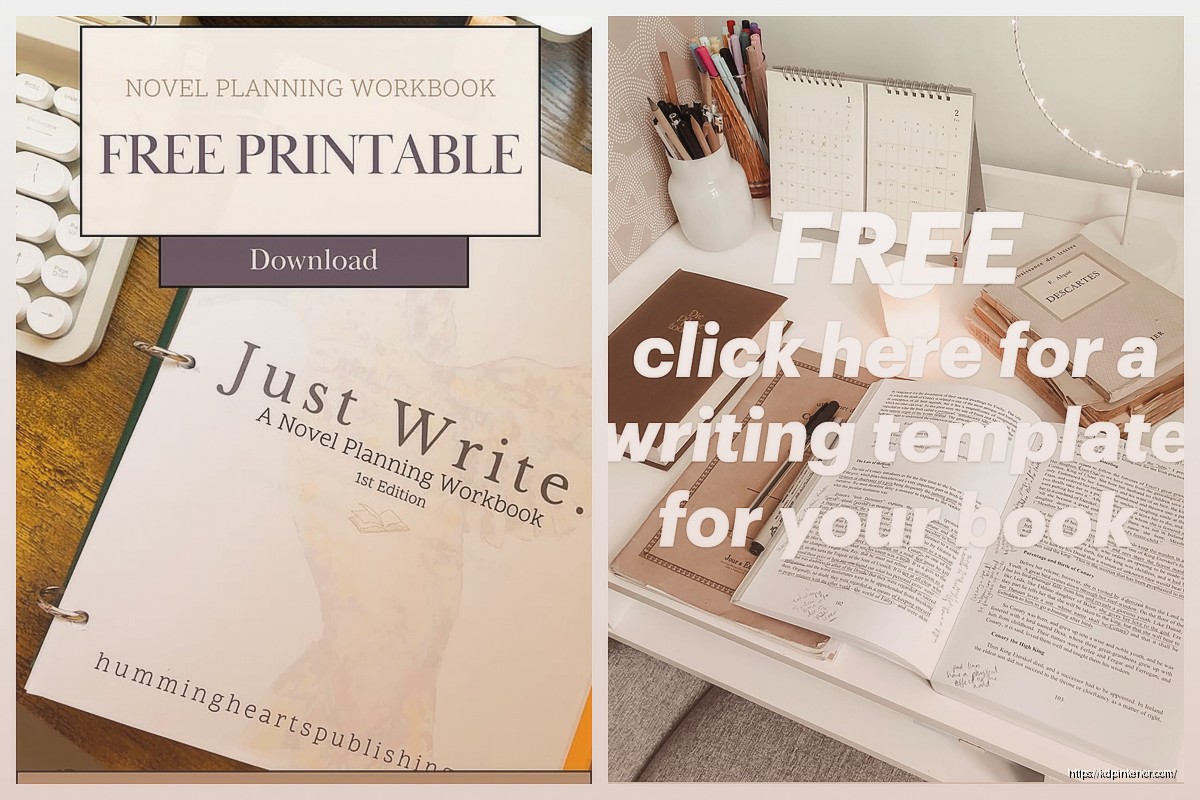
Okay so I just went through like 15 different free book template sites last week because someone in my KDP Facebook group was asking about this and honestly, there’s way more good stuff out there than when I started seven years ago.
First thing—Google Docs has built-in book templates that most people don’t even know exist. You go to the template gallery and there’s a whole section for manuscripts. The novel template is super basic but it’s got proper formatting already set up with chapter headings, page numbers, all that. I used it for a quick cookbook project last month and it saved me probably two hours of fiddling with margins.
The thing is, you gotta adjust the margins yourself if you’re planning to actually publish on KDP. Google’s default is like standard letter size but KDP trim sizes are different. 6×9 is the most common for paperbacks so you’ll want to manually set that. It’s under File > Page Setup if you’ve never done it.
Wait I forgot to mention Canva because honestly that’s where I send most beginners now. They’ve got free templates for basically everything—ebooks, workbooks, journals, even children’s books. The free version has limitations but for a basic book interior? Totally usable.
I made a gratitude journal template there in like 20 minutes. You can duplicate pages which is huge for low-content books. The only annoying part is exporting—the free version limits you to PNG or standard PDF but for most KDP stuff that works fine. You just gotta make sure your resolution is set to 300 DPI before downloading or it’ll look fuzzy when printed.
Oh and another thing, Canva’s got this mobile app that’s actually decent for working on templates when you’re just sitting around. I edited an entire planner template while my cat was at the vet because the wait was like two hours. Not ideal but it works.
Okay so Reedsy has this completely free online book editor and it’s kinda ridiculous how good it is for zero dollars. You write your manuscript directly in their interface and it formats everything automatically. Fiction, non-fiction, whatever. When you’re done you can export to PDF, EPUB, or even print-ready files.
The interface is super clean, way better than Word honestly. It’s designed specifically for books so you’re not fighting with random formatting issues. Chapter breaks are automatic, table of contents generates itself, and the typography actually looks professional.
I tested it with a short story collection a few months back and the export quality was better than some paid software I’ve used. The catch is you need an internet connection since it’s all browser-based. So if you’re someone who writes on planes or whatever, that’s gonna be a problem.
This is gonna sound weird but Atticus offers a 14-day free trial and if you’re fast you can totally format a whole book in that time. I know it’s not technically “free” but like… if you just need to format one book and you’re organized about it, you can knock it out in a weekend.
They’ve got templates for every genre—romance, thriller, non-fiction, memoirs. The formatting tools are honestly the best I’ve used. You can do print and ebook simultaneously which saves so much time. Just don’t forget to cancel if you don’t wanna pay because it auto-renews and it’s like $150 or something.
If you want something that works offline and is actually free forever, LibreOffice is basically free Microsoft Word. They have book templates in their template library and you can download extras from their extensions site.
The manuscript template is pretty bare-bones but functional. You get proper paragraph spacing, chapter formatting, and it exports to PDF without any weird conversion issues. I use it sometimes when I’m formatting client books because it handles large documents better than Google Docs.
One thing though—the interface is kinda ugly and dated. Like it looks like software from 2005. But it works and that’s what matters. You can also find community-made templates on sites like Template.net that are designed specifically for LibreOffice.
Okay this is obvious but a lot of people don’t realize Amazon literally gives you free templates for every trim size they offer. You download them directly from your KDP dashboard under the resources section.
They come in Word and PowerPoint formats which is… interesting. I’ve never understood why they offer PowerPoint for book interiors but whatever. The Word ones are solid. They have the margins, bleed, and gutter already calculated for each trim size.
I always start with these when I’m doing a print book because then I know for sure the formatting will pass KDP’s review. Nothing worse than uploading a file and getting rejected for margin issues. Been there, done that, wanted to throw my laptop across the room.
The templates are super plain though. Like Times New Roman, basic chapter headings, no style at all. You’re gonna want to customize fonts and spacing to make it look less… generic. But the structural stuff is all there.
Wait I should mention Draft2Digital because their ebook formatter is free even if you don’t distribute through them. You upload your Word doc and it converts it to EPUB with proper formatting. Takes like two minutes.
It’s not perfect for complex layouts but for standard text-based books it’s great. I used it for a short guide about KDP keywords and it handled everything fine. The conversion keeps your chapter breaks, images if you have them, and even does a clickable table of contents.
The only limitation is it’s really designed for ebooks not print. So if you need a print-ready PDF this won’t help. But for getting an EPUB file to upload to KDP or other platforms, super convenient.
Scrivener gives you 30 days of actual use—not 30 consecutive days but 30 days you open the program. So if you only work on your book a few times a week, that trial can last months.
They have manuscript templates for fiction and non-fiction built in. The compile feature is where it shines—you can export your manuscript formatted for ebook or print with like three clicks. I wrote my first two ebooks in Scrivener during the trial period before I actually bought it.
It’s got a learning curve though. Like the first time I opened it I was completely lost. There’s corkboards and binders and index cards and I was just trying to write a simple how-to book. But once you figure it out, it’s powerful.
This is kinda unconventional but Notion has free book writing templates that people have created and shared. You can duplicate them into your own workspace and customize however you want.
I found one that had sections for outlining, character development, chapter drafts, and even a publishing checklist. It’s not gonna give you a print-ready file but for organizing your book before you write it? Really useful.
The export options are limited—you can download as PDF or Word but the formatting gets weird sometimes. So I use Notion for planning and organizing, then copy the actual text into a proper book template when I’m ready to format.
Okay so Bookbolt is mainly a paid tool for low-content book creators but they have a free section with templates and tutorials. You gotta create an account but it’s free. They’ve got interior templates for journals, planners, notebooks, all that stuff.
The quality varies but I’ve found some good ones. Downloaded a lined journal template that I tweaked for a client project. Saved me from creating 120 pages of lines from scratch which would’ve been mind-numbing.
They also have sizing guides and margin calculators which are helpful when you’re setting up custom templates. The community forum has people sharing templates too, though you gotta sort through some low-quality stuff to find the good ones.
If you’re working on something longer or more complex, Pressbooks has a free tier that’s actually pretty generous. It’s designed for textbooks and educational content but works for any non-fiction book.
The templates are professional-looking and it handles multi-chapter books really well. You can export to PDF, EPUB, and a few other formats. The free version has some branding on it but it’s small and not super intrusive.
I tested it for a 200-page guide I was writing and it handled all the images and formatting without breaking. The only downside is there’s a file size limit on the free tier, so if you’ve got a ton of high-res images you might run into problems.
Creative Fabrica is mostly a paid stock site but they have a free section that includes some book templates. You need to create an account and they’ll try to upsell you on a subscription but you can ignore that.
I grabbed a couple planner templates from there that were actually really well-designed. Better than some templates I’ve paid for honestly. The selection changes so it’s worth checking back every few weeks.
The license terms are important to read—some of the free stuff is for personal use only, others allow commercial use. Make sure you’re checking that if you’re planning to sell your book.
If you already have Word, there are built-in book templates under the “New Document” templates. They’re pretty basic but functional. The manuscript template has proper spacing and chapter formatting.
You can also search Office’s online template library directly from Word. There’s more variety there—different genres, styles, even some with decorative elements for chapter headings.
The main advantage is if you’re already familiar with Word you don’t gotta learn new software. The disadvantage is Word can be finicky with formatting, especially when you start getting into headers, footers, and page numbers. I’ve spent way too many hours fighting with section breaks.
Amazon’s Kindle Create is free and specifically designed for making Kindle ebooks. You import your manuscript and it formats it for KDP. It’s got templates for different book types—fiction, non-fiction, comics, textbooks.
The ebook files it creates are optimized for Kindle devices which is nice. And it’s way easier than trying to hand-code an EPUB file or whatever. I use it for all my ebooks now because it just works.
The print functionality is newer and honestly not as good. Stick with it for ebooks and use the KDP templates or something else for print books.
One annoying thing—it’s desktop software so you gotta download and install it. And the Mac version has been buggy for me. My laptop fan goes crazy whenever I’m using it for some reason. But the Windows version seems fine.
Okay so that’s like… most of the actually useful free resources I know about. There’s probably more out there but these are the ones I’ve personally used or tested. Some are better for certain types of books than others, so it kinda depends on what you’re writing.
DISCOVER OUR FREE BEST SELLING PRODUCTS
Editable Canva Lined Journal: Express Your Thoughts – KDP Template
Lined Pages Journal 120 pages Ready to Upload PDF Commercial Use KDP Template 6×9 8.5×11 5×8 for Notebooks, Diaries, Low Content
Lined Pages Journal 120 pages Ready to Upload PDF Commercial Use KDP Template 6×9 8.5×11 5×8 for Notebooks, Diaries, Low Content
Cute Dogs Coloring Book for Kids | Activity Book | KDP Ready-To-Upload
Daily Planner Diary : Diary Planners for Everyday Productivity, 120 pages, 6×9 Size | Amazon KDP Interior
Wolf Coloring KDP interior For Adults, Used as Low Content Book, PDF Template Ready To Upload COMMERCIAL Use 8.5×11"
Coloring Animals Head Book for Kids, Perfect for ages 2-4, 4-8 | 8.5×11 PDF
Printable Blank Comic Book Pages PDF : Create Your Own Comics – 3 Available Sizes
Notes KDP interior Ready To Upload, Sizes 8.5×11 6×9 5×8 inch PDF FILE Used as Amazon KDP Paperback Low Content Book, journal, Notebook, Planner, COMMERCIAL Use
Black Lined Journal: 120 Pages of Black Lined Paper Perfect for Journaling, KDP Notebook Template – 6×9
Student Planner Journal 120 pages Ready to Upload PDF Commercial Use KDP Template 6×9" 8.5×11" for Low Content book
Recipe Journal Template – Editable Recipe Book Template, 120 Pages – Amazon KDP Interior