okay so here’s what KDP actually looks like in 2026
I was literally uploading a new planner last night at like 2am and realized how much has changed even from last year, so lemme break down what you actually need to know about Kindle Direct Publishing right now.
First thing – KDP is still Amazon’s self-publishing platform but they’ve added some features that honestly make life easier and some that are just… there. You can publish ebooks, paperbacks, and hardcovers all from the same dashboard. The interface got a redesign in late 2025 and it’s actually not terrible anymore, though I still catch myself looking for buttons in the old spots.
the basic setup stuff nobody tells you properly
You need a KDP account obviously. Sounds simple but here’s where people mess up – you gotta have your tax info ready. Like actually ready. W-9 if you’re in the US, W-8BEN if you’re international. Amazon won’t let you publish without completing the tax interview and it takes about 10 minutes if you have everything in front of you.
Bank account details too. They deposit royalties directly now, no more checks unless you specifically request them. Direct deposit hits around the 29th of each month for earnings from two months prior. So January sales pay out end of March, yeah it’s annoying.
Oh and another thing – if you’re publishing under a pen name or publishing company name, decide that NOW before you upload anything. Changing it later is possible but it’s a whole support ticket thing and your books might show inconsistent author names during the transition.
what you can actually publish
Ebooks are the obvious one. EPUB or DOC files work fine, though I usually convert everything to EPUB first using Calibre because it gives you more control. Amazon‘s converter has gotten better but it still does weird things with formatting sometimes. Had a poetry book last month where all the line breaks got messed up because I trusted the auto-converter – don’t be like me.
Paperbacks are printed through their POD system. You upload a PDF, they print when someone orders. Margins are tricky here – you need at least 0.25 inches on all sides but I always do 0.5 inches minimum because some printers cut slightly off. Found that out the hard way when my first book had text running into the binding.
Hardcovers launched wide in 2024 and they’re actually decent quality now. Dust jackets or case laminate covers. The setup is identical to paperbacks but you pay a bit more in printing costs. Royalty calculations get weird with hardcovers though, which brings me to…
royalty rates and pricing that actually makes sense
This is gonna sound complicated but stay with me. Ebooks have two royalty options – 35% and 70%. Most people want 70% obviously, but there are strings attached. Your book has to be priced between $2.99 and $9.99 in the US. Price it at $2.98 or $10.00 and you’re stuck at 35%.
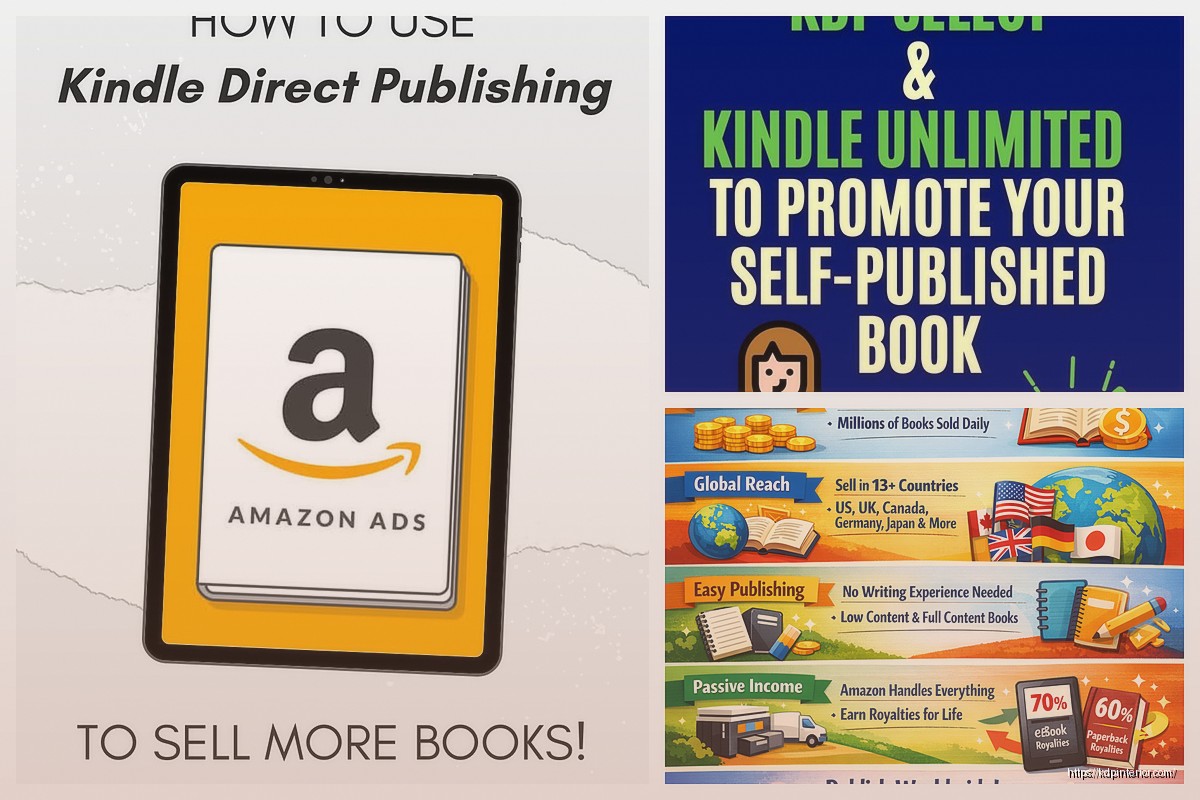
Also 70% royalty has delivery costs. Amazon charges based on file size – roughly $0.15 per MB in the US. So a 5MB ebook costs you about $0.75 in delivery fees per sale. Your actual royalty is 70% of list price minus delivery costs. A $4.99 ebook with 3MB file size nets you around $3.04 per sale. Not bad.
The 35% option has no delivery fees and no price restrictions. Good for books under $2.99 or over $9.99, or if you want to enroll in libraries through OverDrive without exclusivity requirements.
Wait I forgot to mention – paperback and hardcover royalties are different. Amazon takes their cut based on printing costs plus a flat 40% of list price for distribution. So a paperback that costs $4.12 to print and sells for $12.99 gives you about $3.67 per sale. You can use KDP’s pricing calculator before you publish, it’s actually accurate now.
KDP Select vs going wide
Okay so this is the big decision everyone agonizes over. KDP Select means your ebook is exclusive to Amazon for 90 days at a time. In exchange you get access to Kindle Unlimited, where readers pay a subscription and can read your book “free” – you get paid per page read. Currently hovering around $0.004 per page in the US.
You also get promotional tools – 5 free promotion days and 7 countdown deal days per 90-day period. The free days actually work for getting downloads and reviews if you promote them right. I ran a free promo on a cookbook in January and got 847 downloads, which bumped it up the rankings enough to get organic sales after.
Going wide means not enrolling in Select – you can publish on Apple Books, Kobo, Google Play, wherever. You keep all your options open but you lose KU page reads. For me personally, about 60% of my ebook income comes from KU page reads on books in Select. But I also have 40 books out, so diversification matters less.
If you’re just starting, honestly try Select for your first book. The page reads add up and the promo tools help with visibility. You can always opt out after 90 days.
the actual upload process that trips people up
You log into KDP, click create new title, choose ebook or paperback or hardcover. The form is split into three sections – content details, content manuscript, and pricing.
Content details is where you enter title, author name, description, keywords, and categories. This stuff matters way more than you think for discoverability. Your seven keyword slots? Use all of them. Use phrases people actually search for. Like instead of “recipes” try “quick weeknight dinner recipes for beginners” – be specific.
Categories are limited to two but you can email KDP support after publishing to get added to more. I usually pick the two most relevant during upload then request 5-7 additional categories through support. They usually add them within 48 hours.
Your book description is HTML now which freaked me out at first but it’s actually just basic formatting. Use for bold, for italics,
and
- for bullet points. Keep it under 4000 characters. Front-load the good stuff because Amazon truncates the description in search results.
Content manuscript is where you upload your actual file. For ebooks, EPUB works best in my experience. Amazon has a preview tool that shows how it’ll look on different devices – actually use this. I’ve caught formatting errors here that would’ve looked terrible on Kindle Fire tablets.
For paperbacks you upload interior PDF and cover PDF separately. Make sure your interior is the right trim size – 6×9 is most common for books, 8.5×11 for workbooks and planners. Your cover needs to be exact dimensions including spine width, which KDP calculates based on your page count and paper type. They have a cover calculator and template generator that gives you the right dimensions.
this is gonna sound weird but paper type matters
You get two options for paperbacks – white or cream paper. White is brighter, cream has a more traditional book feel. Cream costs slightly more to print. I use cream for fiction and memoirs, white for workbooks and anything with images. The contrast is better on white paper for graphics.
Paper weight is standard 60# or premium 70#. The 70# feels more substantial but costs more. Only worth it for premium-priced books honestly. My dog knocked over my coffee right as I was deciding this for a journal last week and I just picked standard because I was frustrated – it turned out fine.
pricing strategy that actually works
Don’t just pick random numbers. Look at competing books in your category. Most ebooks in nonfiction sit between $4.99 and $9.99. Fiction is often $2.99 to $5.99. Your paperback should be at least 3x your printing cost to make decent royalties – so if it costs $4 to print, price it at $12.99 minimum.
I use psychological pricing – $4.99 instead of $5.00, $12.97 instead of $13.00. Does it actually matter? No clue but it feels right and my sales are fine so I keep doing it.
You can change prices anytime which is actually useful. I’ll launch at $0.99 for the first week to get some sales velocity, then bump to $4.99. Or run temporary discounts through Kindle Countdown Deals if you’re in Select.
wait I forgot to mention the review situation
Reviews matter a lot for Amazon’s algorithm. Books with 50+ reviews sell way better than identical books with 10 reviews. But you can’t just ask everyone you know to review it – Amazon’s been cracking down on that since like 2023.
Best legitimate strategy is using Amazon’s “Request a Review” button in your KDP dashboard. You can click it for each order 5-30 days after delivery. Amazon sends the buyer an automated review request. Conversion rate is maybe 2-3% but it’s something.
Also consider advance review copies through services like BookSirens or LibraryThing Early Reviewers. You give away free copies, readers agree to leave honest reviews. Works better for fiction than nonfiction in my experience but worth trying.
the stuff that’s changed in 2026 specifically
Amazon added AI content disclosure requirements in late 2025. If you used AI to write or generate significant portions of your book, you gotta disclose it during upload. There’s a checkbox now. Text written by AI needs disclosure, AI-generated images need disclosure. If you just used AI for editing or outlining, that doesn’t count.
Do people actually disclose? I mean… probably not everyone. But Amazon’s been removing books that clearly used AI without disclosure, so don’t risk your account.
The expanded distribution option for paperbacks got better. Used to be pretty useless but now it actually gets your book into library catalogs and academic bookstores. Takes 6-8 weeks to propagate through their systems but I’ve gotten random sales from universities through this. No extra cost, just check the box.
Hardcover distribution expanded too – your hardcovers can now go to bookstores through Ingram if you enable expanded distribution. The catch is your royalties drop because of wholesale discounts but for prestige it might be worth it.
oh and another thing about ISBNs
Amazon gives you free ISBNs for paperbacks and hardcovers. They work fine. The limitation is the ISBN is tied to Amazon – if you later want to sell the same edition through IngramSpark or your own website, you’d need a different ISBN.
You can buy your own ISBNs from Bowker ($125 for one, $295 for ten). I bought ten back in 2021 and still have like three left. Only necessary if you’re planning true wide distribution beyond Amazon.
Ebooks don’t need ISBNs technically but Amazon assigns them an ASIN which serves the same purpose in their system.
marketing and visibility hacks
Amazon Ads through KDP became way more important. You can run sponsored product ads directly from your KDP dashboard now. Start with automatic targeting, $5 daily budget, see what works. I usually let auto campaigns run for two weeks then pull the search term report and create manual campaigns targeting the phrases that converted.
Your book’s “also bought” associations matter more than most people realize. If customers frequently buy your book alongside popular books, Amazon shows your book on those product pages. You can influence this by running promos that attract buyers who also buy complementary books.
The “Look Inside” feature is mandatory for ebooks and optional for print – enable it. People actually use it. Make sure your first pages are strong because that’s what they’ll see in the preview.
Amazon Author Central is separate from KDP but link them. You get an author page, can add a bio, link your social media, track sales across all your books in one place. The sales dashboard updates daily and shows you more detail than KDP’s reports.
common mistakes I still see people make
Forgetting to proofread after formatting. Your manuscript might be clean but weird stuff happens during conversion – extra spaces, missing punctuation, font changes. Always check the preview.
Using low-quality cover images. Your thumbnail needs to be readable at like 100 pixels wide. Busy covers with small text don’t work. I learned this after my first cover got zero clicks – the title was completely unreadable in search results.
Not filling out all seven keyword slots. Like seriously use all of them.
Pricing print books too low. Remember you need at least 3x printing cost to make it worthwhile. A $7.99 paperback that costs $4.50 to print only nets you $1.50 – barely worth the effort.
Ignoring the sales reports. KDP has decent analytics now showing you traffic sources, conversion rates, page reads. Actually look at this stuff monthly to figure out what’s working.
Publishing one book and expecting magic. Volume matters on KDP. My income didn’t get consistent until I had about 15 books out. Each book is another lottery ticket basically.
The platform’s honestly pretty solid in 2026. Yeah Amazon takes their cut but the infrastructure is there – printing, distribution, payment processing, customer service. You just gotta show up with a decent book and smart positioning. And patience because it takes a few months for Amazon’s algorithm to figure out where your book fits and who to show it to. My new releases usually hit their stride around month three when the algorithm has enough data to work with.

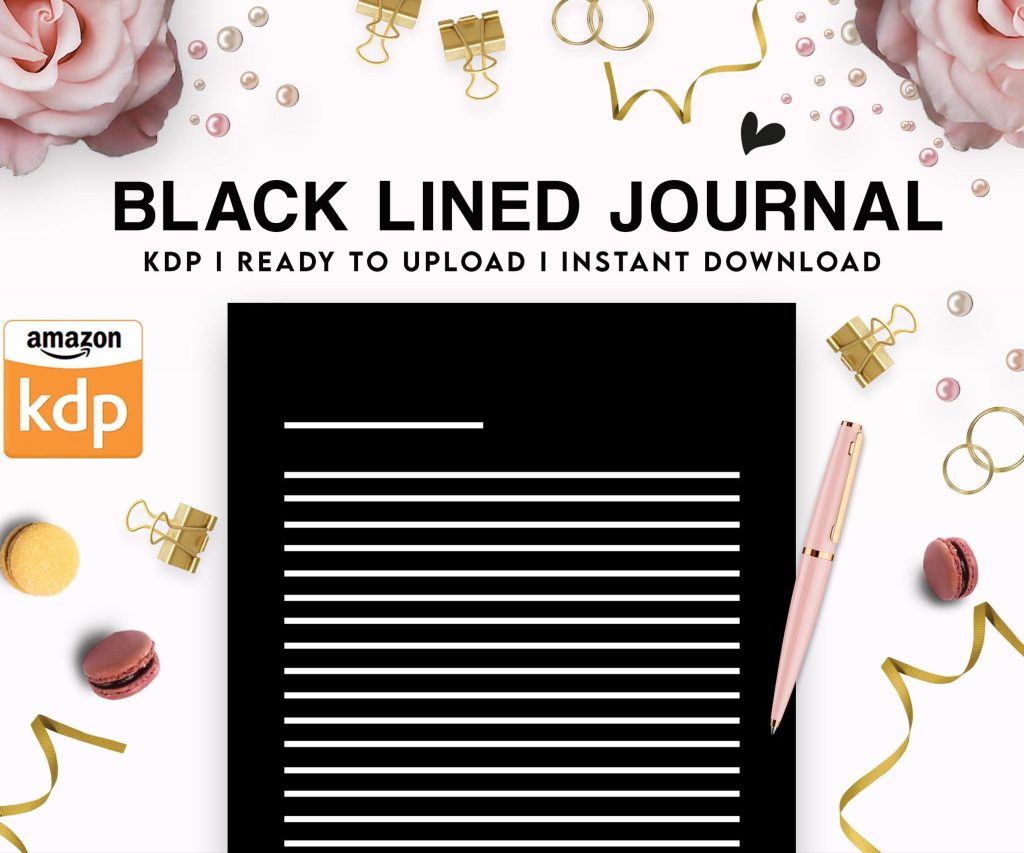 Black Lined Journal: 120 Pages of Black Lined Paper Perfect for Journaling, KDP Notebook Template - 6×9
1 × $0.00
Black Lined Journal: 120 Pages of Black Lined Paper Perfect for Journaling, KDP Notebook Template - 6×9
1 × $0.00  Daily Planner Diary : Diary Planners for Everyday Productivity, 120 pages, 6×9 Size | Amazon KDP Interior
1 × $0.00
Daily Planner Diary : Diary Planners for Everyday Productivity, 120 pages, 6×9 Size | Amazon KDP Interior
1 × $0.00 
DISCOVER OUR FREE BEST SELLING PRODUCTS
Editable Canva Lined Journal: Express Your Thoughts – KDP Template
Lined Pages Journal 120 pages Ready to Upload PDF Commercial Use KDP Template 6×9 8.5×11 5×8 for Notebooks, Diaries, Low Content
Lined Pages Journal 120 pages Ready to Upload PDF Commercial Use KDP Template 6×9 8.5×11 5×8 for Notebooks, Diaries, Low Content
Cute Dogs Coloring Book for Kids | Activity Book | KDP Ready-To-Upload
Daily Planner Diary : Diary Planners for Everyday Productivity, 120 pages, 6×9 Size | Amazon KDP Interior
Wolf Coloring KDP interior For Adults, Used as Low Content Book, PDF Template Ready To Upload COMMERCIAL Use 8.5×11"
Coloring Animals Head Book for Kids, Perfect for ages 2-4, 4-8 | 8.5×11 PDF
Printable Blank Comic Book Pages PDF : Create Your Own Comics – 3 Available Sizes
Notes KDP interior Ready To Upload, Sizes 8.5×11 6×9 5×8 inch PDF FILE Used as Amazon KDP Paperback Low Content Book, journal, Notebook, Planner, COMMERCIAL Use
Black Lined Journal: 120 Pages of Black Lined Paper Perfect for Journaling, KDP Notebook Template – 6×9
Student Planner Journal 120 pages Ready to Upload PDF Commercial Use KDP Template 6×9" 8.5×11" for Low Content book
Recipe Journal Template – Editable Recipe Book Template, 120 Pages – Amazon KDP Interior